
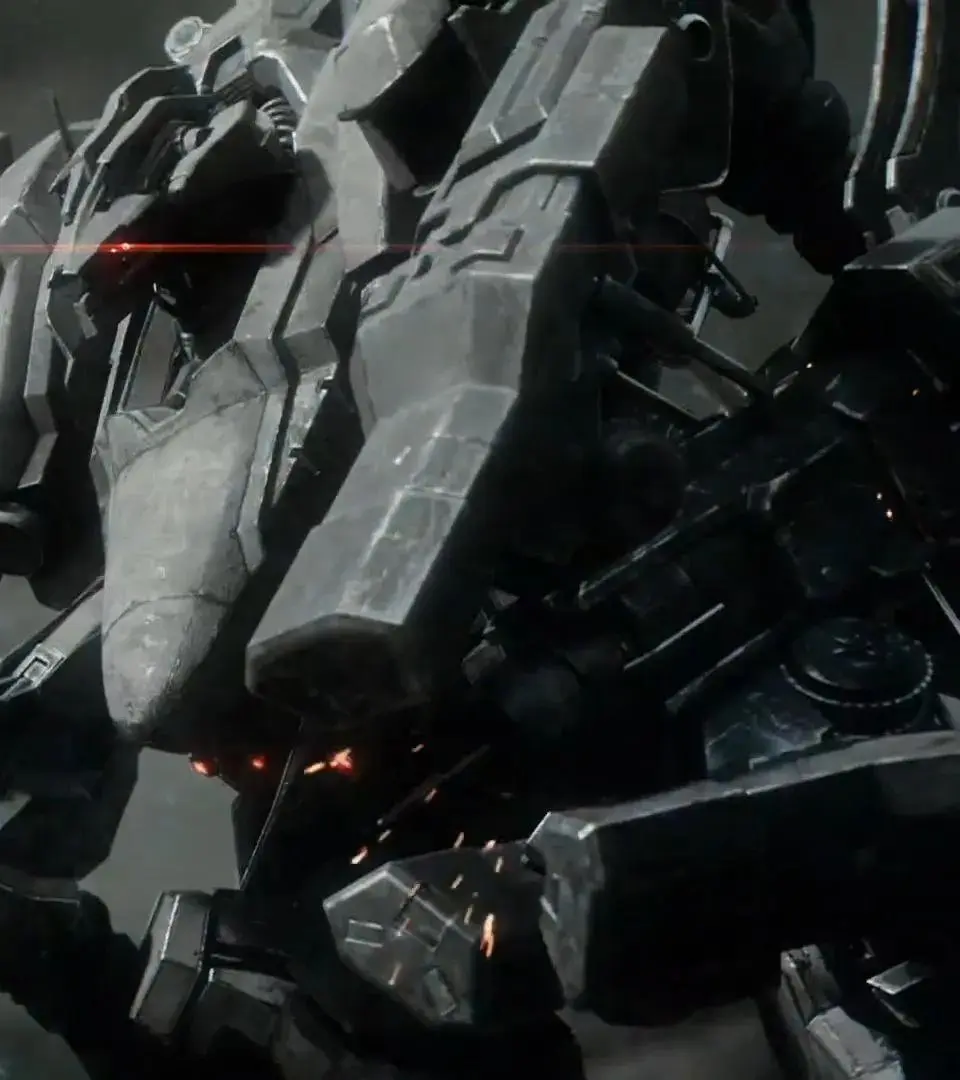
Understand Armored Core VI's weapon categories and usage. Grasp the HUD’s ACS Gauge, missile lock readiness, and the impact of your FCS on targeting.
Armored Core VI features a dynamic combat system where players utilize four main weapons, each assigned to a shoulder button. Understanding the HUD's information, such as target health, ACS Gauge (stagger meter), and weapon status, is vital for effective weapon usage and strategic combat.
- Weapon Controls: The four main weapons are mapped to the top four shoulder buttons.
- Ammo: Each weapon has a finite number of shots. Running out of ammo for an arm weapon results in a punch attack.
- HUD Information: The targeting reticle provides critical data:
- Target AP (health): Located at the top of the reticle.
- Target ACS Gauge (stagger meter): Above the target's health.
- Missile Lock readiness: Indicates when missiles are ready to lock.
- Target tracking reticle: A red reticle signifies that your shots will automatically track and hit the target. The effectiveness and range of this tracking depend on your AC's FCS (Fire Control System).
- Weapon Status: Lower left and right of the reticle show current ammo, reloading status, and overheating for your four weapons.
- OS Upgrade: Unlock the Weapon Bay OS upgrade early in Chapter 1 after accessing the Arena.
100% Human-Written. AI Fact-Checked. Community Verified. Learn how AntMag verifies content