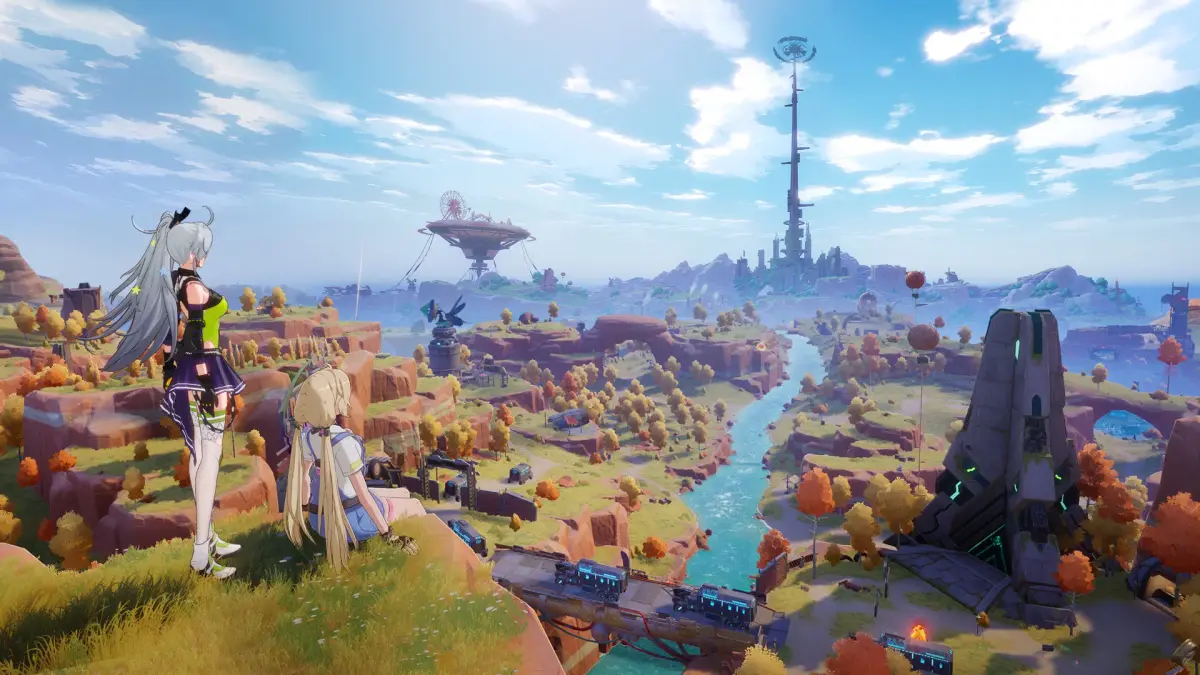
Learn how to reach Cetus Island in tower of fantasy, a floating island in the Navia region. Find methods via story or by climbing.
Cetus Island is a large floating island in the Navia region towards the north-west of Aesperia. It is shaped like a spinning top and has metal cables connected to the ground.
How to Reach Cetus Island
There are two primary methods to reach Cetus Island:
Via the Main Story
You will naturally visit Cetus Island as part of the main story, near the start of Chapter 3. After shutting down the Banges Omnium Tower at the end of Chapter 2, the story guides you north to the Navia region. There, you will meet Melo, who will lead you to a Dirigible to attempt to fly to Cetus Island. Further story events will lead you to another way to reach the island.
Before the Main Story
For players skipping the main story, it is possible to climb the metal cables that connect to Cetus Island. Not all cables are suitable; you must choose one that connects to the halfway point of the island, not the bottom.
A recommended cable is located a short distance north of the Navia Omnium Tower. If you fall, you can fast-travel back to the tower. Another good cable is found further south, near the radio tower south from the Omnium Tower and near Ruin C-02. This cable may offer better footing but lacks nearby Spacerifts.
Walkthrough:
- Begin by reaching your chosen cable. If it's high up, glide down from a high point like a mountain or the Omnium Tower.
- Start walking or running across the cable on the gentler slopes.
- When you reach a point where the cable seems unclimbable, look for a thicker cable link resembling a sausage. If you have sufficient stamina, perform a double jump and try to climb from the bottom of this link. Keep climbing until you reach a small ring to rest on.
- Warning: If your stamina is low, you can use the Omnium Hand Cannon to create pillars as rest spots, or use the Jetpack for extra height. When using the Jetpack, aim for the side of the
100% Human-Written. AI Fact-Checked. Community Verified. Learn how AntMag verifies content