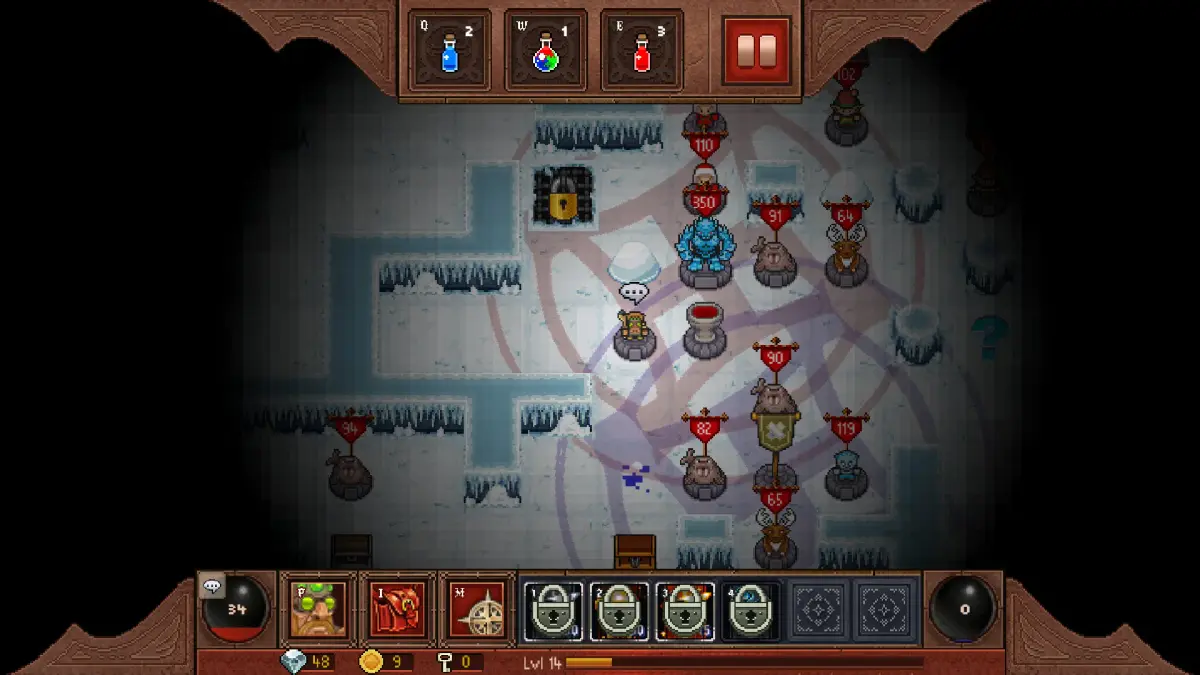
Welcome to Dungeons & Dragons Online, a sprawling cooperative RPG set in the classic fantasy world of Eberron. You'll embark on quests, battle monsters, and explore vast open-world environments across PC, macOS, and Linux. Master weapon properties, optimize your character builds, and learn how to maximize your experience as you journey from the snowy shores of Korthos Island all the way to the climactic Lord of the Blades raid.
This guide is your companion to navigating the many challenges DDO throws your way. We'll cover everything you need to know, from understanding core mechanics like leveling and attributes to tackling specific in-game hurdles. Whether you're aiming for that elusive Gold Medal in a tough mission or just trying to figure out the best way to build your character, this guide has the insights you need to succeed.
1.) HOW DO I USE THE PYRAMID?
Learn how to use the pyramid in Dungeons & Dragons Online to control building, training, and recruitment speed for specific areas and characters.
The pyramid is used to control how fast or how much effort you want something to be done for a particular area.
Pyramid Colors and Effects:
- If you have all RED, then you would be BUILDING things faster than normal.
- If you have all ORANGE, you would be TRAINING and getting experience for your characters faster.
- If you have it all YELLOW, then you would be recruiting so you can have people join each character in the game.
Keep in mind that whatever pyramid you use, it will only affect the area you used the pyramid on, not just for ALL characters. Remember, you have to click on the proper characters pyramid for that character you want to affect. (Example = click on the elves pyramid to adjust the elves efforts for that area.)
2.) OKAY, BUT WHAT ABOUT MOVING PEOPLE AROUND?
Learn how to effectively move your characters around your stronghold in Dungeons & Dragons Online. This guide explains the Magnet bar, Ready/Unassigned statuses, and race pyramids.
Alright, let's talk about getting your people where you want them in Dungeons & Dragons Online. It can seem a bit confusing at first, but once you get the hang of it, it's pretty straightforward. Think of it like directing your workers in a busy city – you need to tell them where to go and what to do!
See that PINK bar just below the pyramid icon? That's your 'Magnet bar,' and it's the key to moving your characters around. Before you can move anyone, they need to be either 'READY' or 'UNASSIGNED.' This just means they're not currently busy with a specific task and are available to be relocated.
Once you have a character ready to move, you'll want to go to the area where you want them to end up. Then, you'll interact with the PYRAMID part of their race. Clicking on their race pyramid is how you'll select them. After that, you’ll use the PINK Magnet bar to set it so you're only moving the character you have marked as READY or UNASSIGNED. Keep in mind that characters marked as READY will always be prioritized and move before those who are UNASSIGNED.
Still scratching your head? Let's walk through an example of how to move an elf character to a specific area:
- First, find an elf character you want to move.
- Click on that elf character and set their status to READY.
- Next, choose the area you want that elf to go to.
- Now, look on the side of your screen for the Elf race pyramid.
- Click on the Elf's pyramid so it's the active one on top.
- Click the PINK Magnet bar until it indicates you're moving a character to that specific area.
- Just wait a bit, and your elf will arrive at their new location.
- Once they've arrived, click on the elf again and set their status to HOME so they stay put.
- Repeat this process for any other characters you want to move until your stronghold is organized just the way you like it!
A super important thing to remember is that each race has its own pyramid. So, if you want to move a Dwarf, you *must* click on the Dwarf race pyramid. The example used '(ELF)' for a reason – you need to select the correct race's pyramid to move that specific race or character.
You can also move more than one unit to an area. To do this, simply set multiple characters to READY and then adjust the Magnet bar to accommodate the number of characters you've made ready. Just be aware that if you don't have enough READY units, or if you set the bar to move more characters than you have ready, any UNASSIGNED units will start moving to that area automatically.
You'll know which pyramid belongs to which race thanks to the capital letters that appear after the names of the leaders. Here's the key:
- C = Cleric race
- D = Dwarf race
- E = Elf race
- F = Fighter race
- H = Hobit or Halfling race
- M = Mage race
- T = Thief race
3.) IS IT POSSIBLE TO BUILD THINGS FASTER?
Learn how to build faster in Dungeons & Dragons Online by setting the pyramid to 100% build and assigning 5-7 characters per area.
To build faster, move characters to the area where you want to build and ensure the pyramid for that race is set to 100% build. Having more characters in a specific area increases the building speed. It is best to have each race building its own structures in a dedicated area. The optimal number of characters for building is 5-7 people, which allows for a fair building speed even for large structures. Always set the pyramid to 100% build and ensure there are no red sections visible on the pyramid once building is complete. After finishing construction, you can adjust the pyramid settings as needed.
- Assign 5-7 characters to a building project for optimal speed.
- Ensure each race builds within its designated area.
- Verify the pyramid has no red sections after construction is finished.
4.) HOW COME THE ENEMIES DON'T ATTACK ME?
Understand Dungeons & Dragons Online enemy aggression: attack them first to initiate combat, defend your stronghold, and exploit weaknesses.
Enemies in Dungeons & Dragons Online typically remain passive until you initiate combat by attacking them first. Once engaged, they will pursue you. If you are actively trying to destroy their stronghold, they will persistently attack you. However, if you succeed in destroying the enemy stronghold and some enemies remain, they will all become aggressive towards you. Be prepared, as these remaining enemies will then attack YOUR STRONGHOLD, not your party directly.
- To provoke an attack, you must attack an enemy first.
- If you are attempting to destroy the enemy stronghold, expect continuous enemy aggression.
- After destroying the enemy stronghold, remaining enemies will attack your stronghold. Ensure you are ready to defend it.
- When facing a large group of enemies (around 10-15), strategically move your characters to the area where they are attacking.
- Pay close attention to individual enemy strengths and weaknesses to determine how quickly they can be defeated.
- Consider enemies similar to bees: if you do not bother them, they will not bother you.
- Always ensure more than one character is attacking a single creature to maintain effectiveness.
Similar guides you might like


100% Human-Written. AI Fact-Checked. Community Verified. Learn how AntMag verifies content