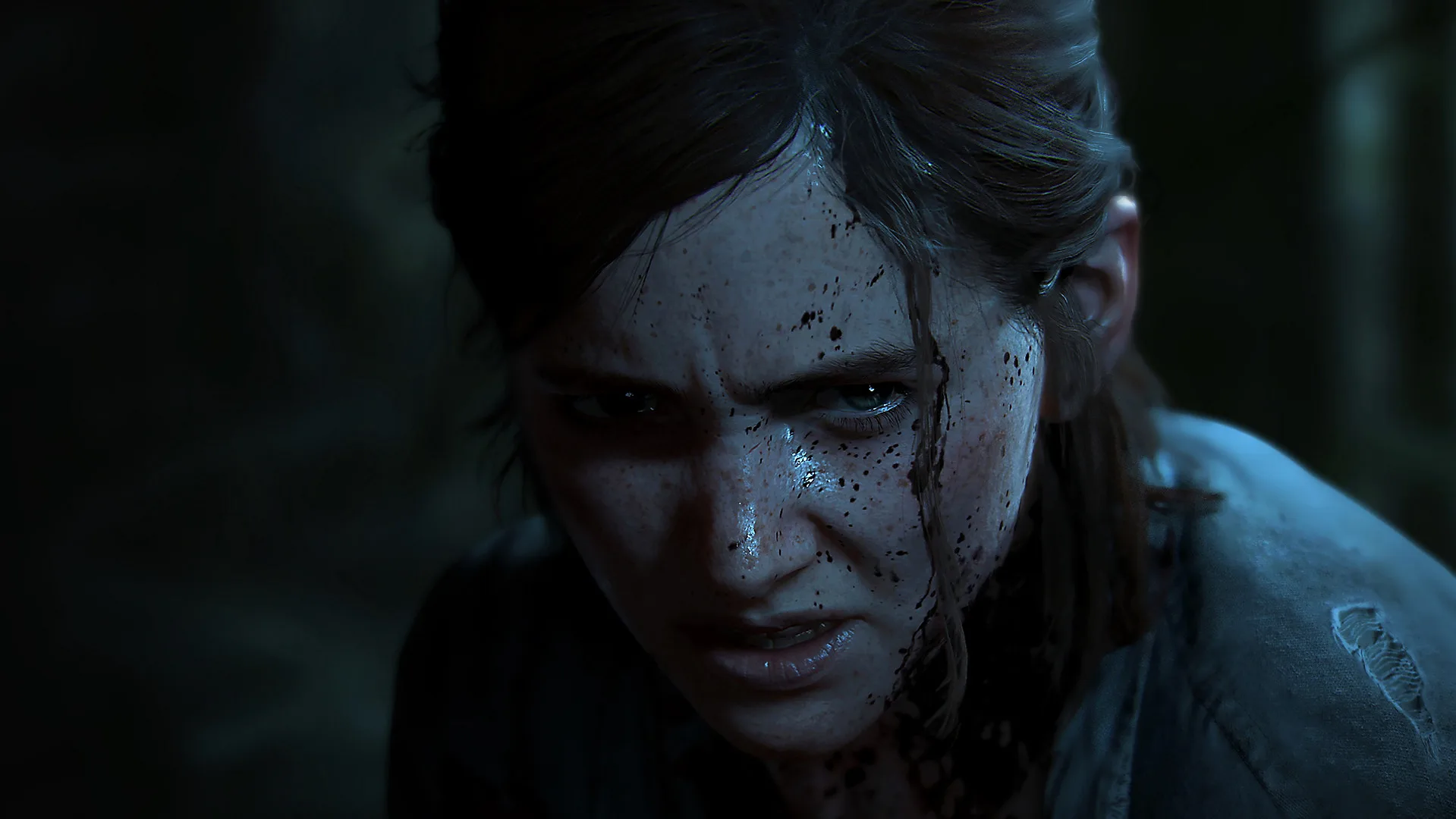
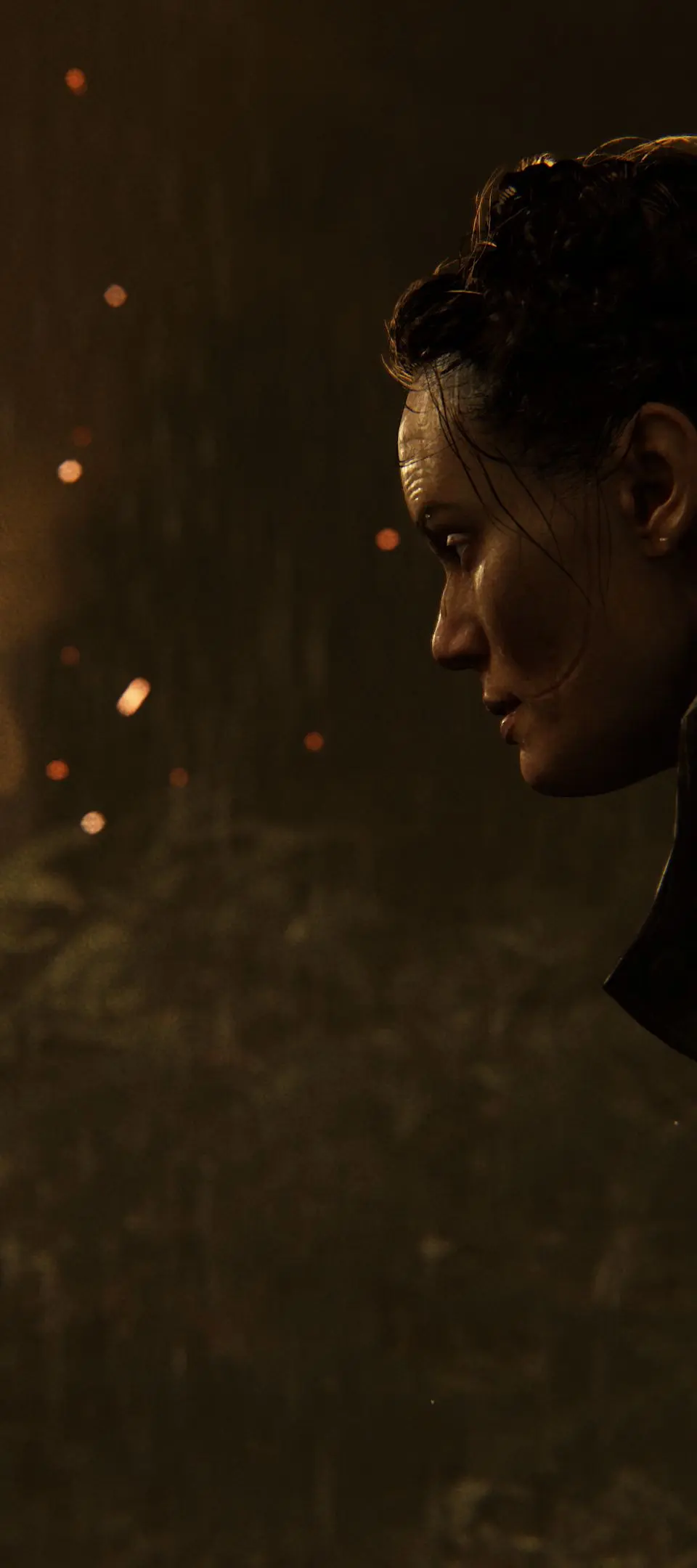
Master Photo Mode in The Last of Us Part II! Learn how to freeze action, adjust cameras, apply filters, and capture stunning shots of Ellie and Joel.
Alright, so you're looking to capture some epic moments in The Last of Us Part II, huh? Photo Mode is your best friend for that. It's a super cool feature that lets you pause the game and really get creative with your screenshots. Think of it like having your own professional camera set up right in the game world. To get started, just pause the game – you can do this anytime except during cutscenes. Then, toggle the Photo Mode option to 'on'. Once it's on, you'll activate it by pressing L3. If you ever want to go back to the default settings on any menu, just hit R3. Need to hide the UI to get a clean shot? Press X. To get out of Photo Mode, simply press the left stick. Now, let's dive into what you can actually do in there: * Camera: This is where you'll spend a lot of time. You can move the camera around freely using the left stick and orbit around your character with the right stick. Want to get closer or further away? Use L1 and R1 to dolly the camera. You can even tilt the camera's roll axis using the left and right buttons on the D-pad. * Field of View: This lets you zoom in and out, so you can get a wide landscape shot or a tight close-up. * Depth of Field: This is crucial for making your subject pop. You can turn it on or off with the D-pad, set where the focus is with the left stick, and adjust how much is in focus using L1 and R1. It's great for blurring out the background and really highlighting Ellie or Joel. * Color Filter: Feeling a certain mood? Pick a filter to set the tone and use L1 and R1 to adjust how strong the effect is. * Frame: Want to give your shot a classic look? Choose from a bunch of different borders. * Vignette: This darkens the edges of your photo, drawing more attention to the center. Use the D-pad to toggle it, the left stick to adjust its size, and L1/R1 for intensity. * Film Grain: If you're going for a grittier, more realistic feel, you can add film grain and adjust its intensity with L1 and R1. * Brightness: Simple, but effective. Tweak the overall brightness with L1 and R2. * Hide Characters: This one's a bit of a hidden gem. If you want a shot without certain characters in it, you can make them invisible using the D-pad. It's not mentioned in the original tutorials, but it's super handy! Naughty Dog even used to hold contests for photos taken in Photo Mode, so don't be afraid to get creative and share your best shots. Have fun capturing those unforgettable moments!100% Human-Written. AI Fact-Checked. Community Verified. Learn how AntMag verifies content