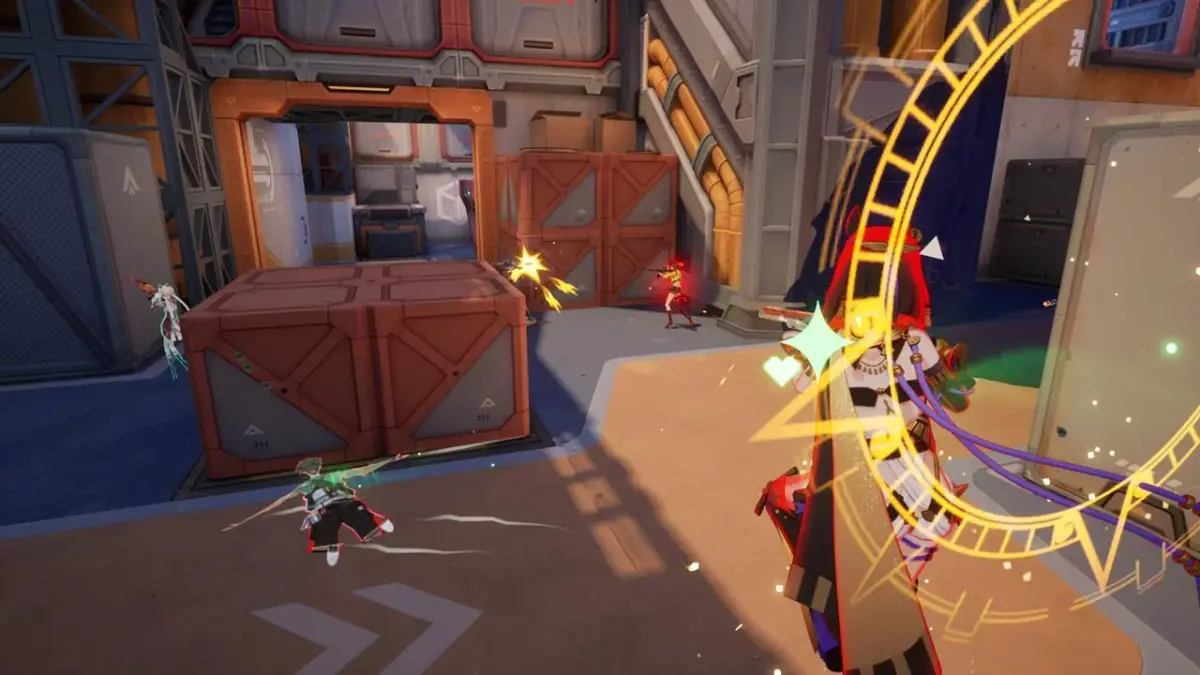
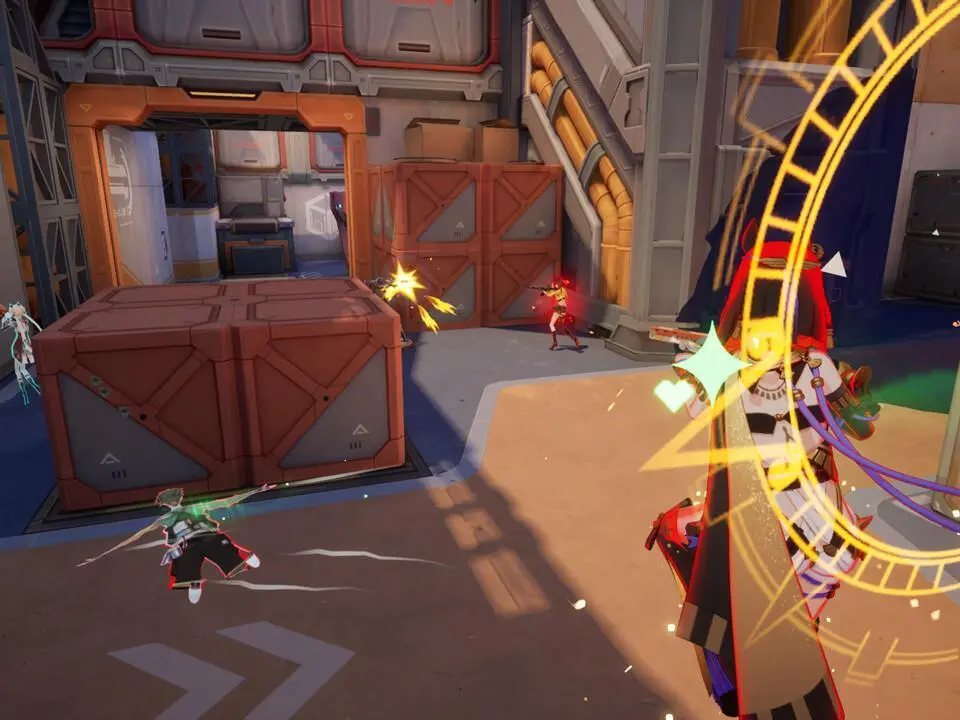
Master Strinova's basic controls and movement, including the essential 'Stringify' mechanic for switching between 3D and 2D forms.
Strinova's controls are intuitive but require practice to master the dimensional shift. Standard movement (WASD on PC, Left Stick on console) allows for 3D navigation. The key/button for 'Stringify' (typically 'F' on PC, 'L1'/'LB' on console) will toggle between 3D and 2D forms. In 2D, movement is restricted to a plane, often allowing traversal across surfaces like walls or ceilings. Aiming (Right Mouse Button on PC, Left Trigger on console) and Firing (Left Mouse Button on PC, Right Trigger on console) are standard. Utilize the 'Dash' or 'Evade' ability (often 'Shift' on PC, 'B'/'Circle' on console) for quick repositioning. Practice these controls in the training arena to build muscle memory.
100% Human-Written. AI Fact-Checked. Community Verified. Learn how AntMag verifies content