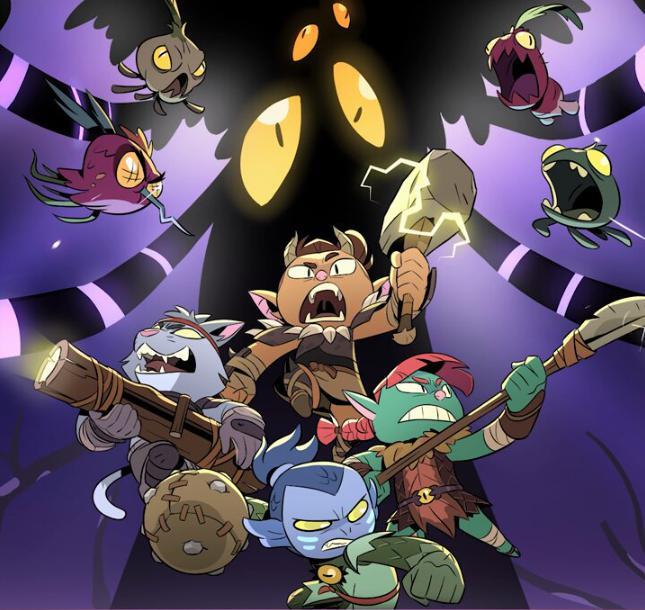
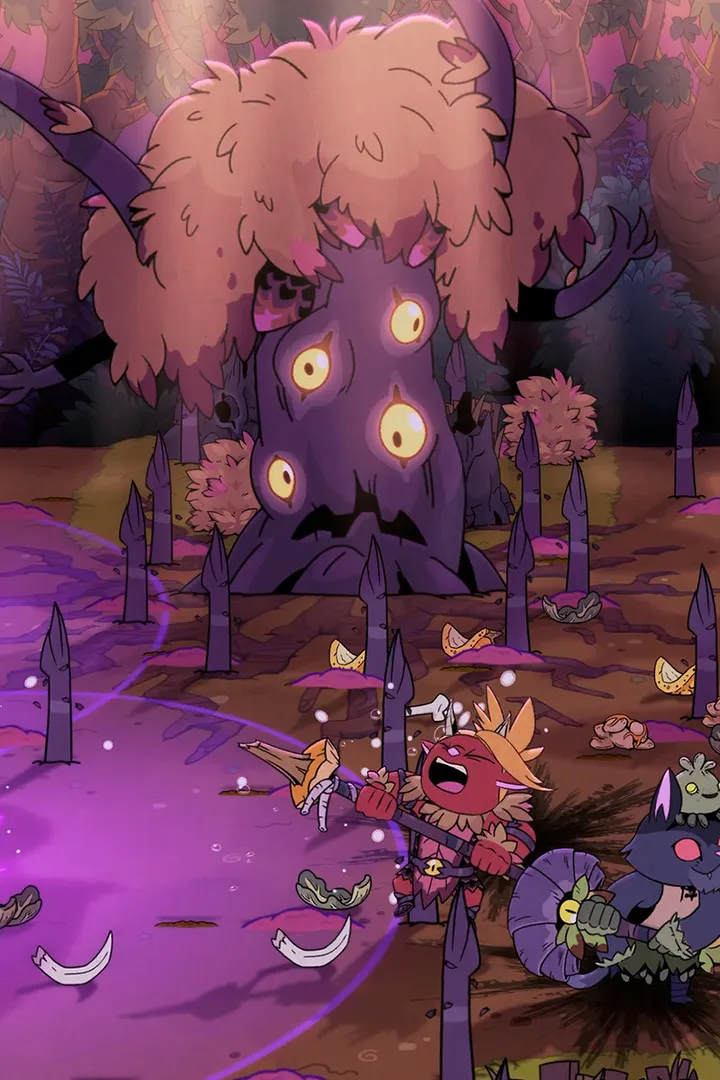
New to Rotwood? Learn how to join friends in games or host your own sessions. This guide covers everything you need to know to get playing with your pals in no time!
Joining & Hosting Games in Rotwood
Jumping into Rotwood with friends is a blast! Whether you're looking to join a game someone else is hosting or want to be the one to invite everyone, here's the lowdown.
Joining a Game
Usually, joining a game is as simple as checking your friends list or a lobby browser. If a friend is already playing, you might see an option to "Join Game" or "Join Session" right from their profile or the main menu. Keep an eye out for any prompts that let you jump right in!
Hosting Your Own Game
Want to be the host? Great! This usually involves selecting a "Host Game," "Create Lobby," or "Start New Session" option from the main menu. You'll often get to set some parameters, like game mode, map, or privacy settings (public or private). Make sure to set it to private if you only want specific friends to join!
Important Tip:
Always double-check your network settings and firewall. Sometimes, these can prevent others from connecting to your hosted game, or you from joining theirs. A quick look through the game's network options can save you a lot of frustration!
Getting into a game with your pals is one of the best parts of Rotwood. Don't hesitate to experiment with the hosting options to find what works best for you and your group!
100% Human-Written. AI Fact-Checked. Community Verified. Learn how AntMag verifies content