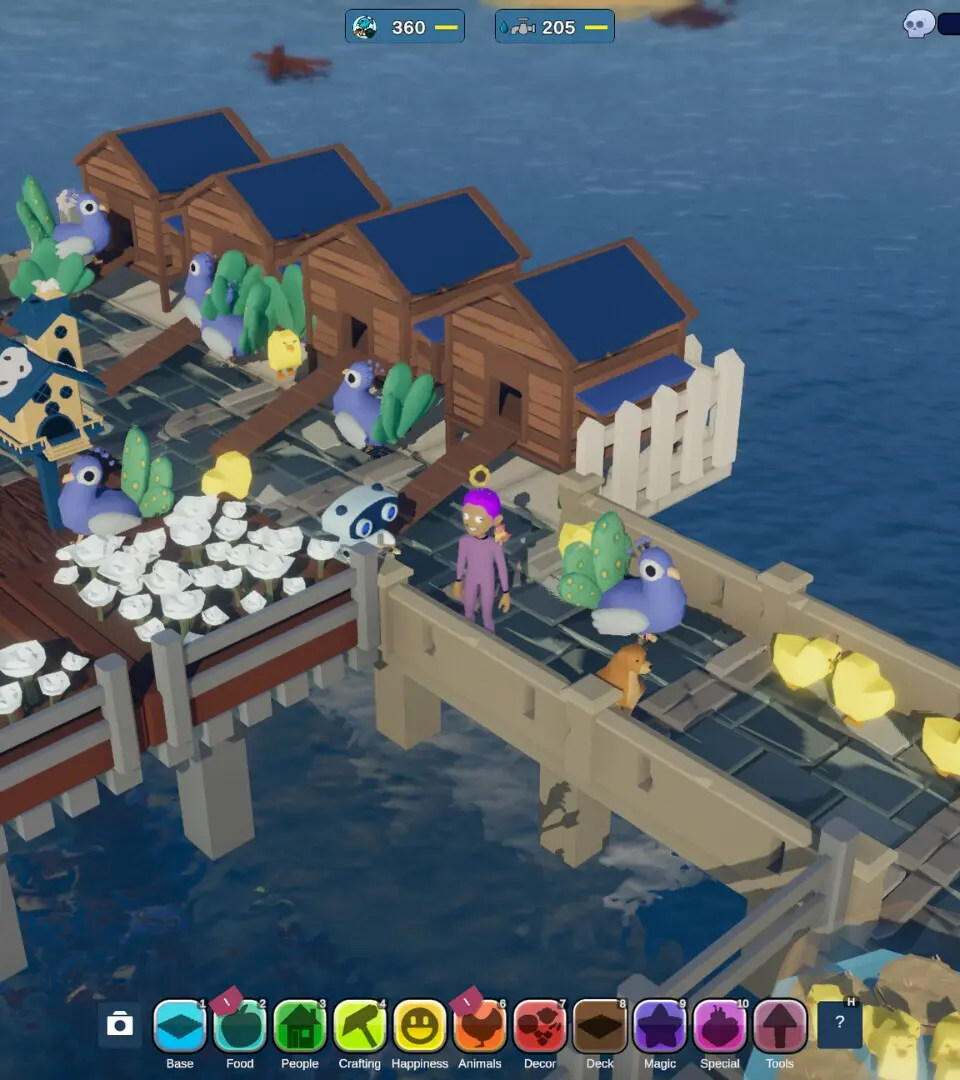
Decipher Havendock's HUD and understand critical status effects like hunger, thirst, and health to ensure your character's survival.
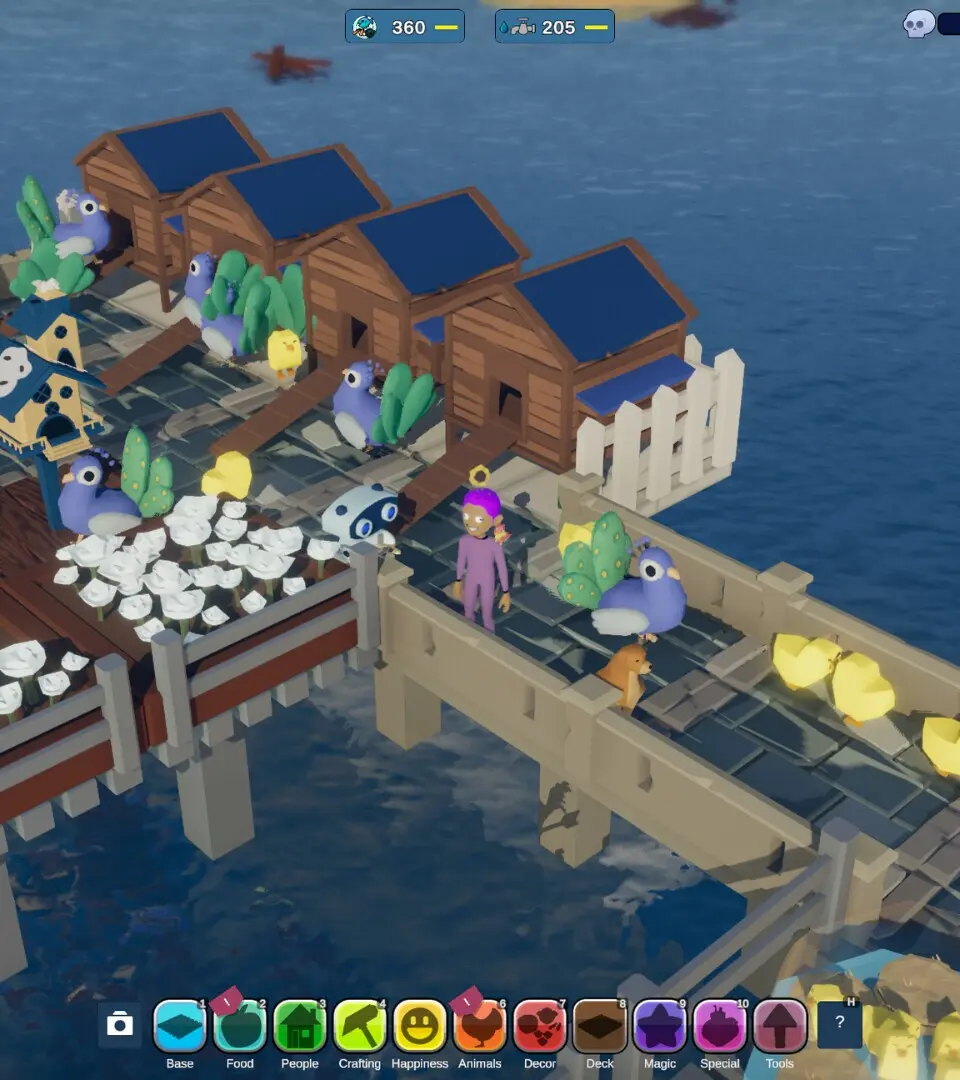
The Heads-Up Display (HUD) provides vital information for your survival. In the top-left corner, you'll find your Health Bar (red), Hunger Meter (yellow), and Thirst Meter (blue). Allowing any of these to drop to zero will result in negative status effects and eventually death. Below these, you might see icons indicating various status effects, both positive (e.g., 'Well Fed', 'Hydrated') and negative (e.g., 'Dehydrated', 'Starving', 'Injured'). Hovering over these icons will provide a brief description. Always prioritize keeping your hunger and thirst meters full to maintain optimal health and avoid debilitating debuffs that can hinder your progress and make survival much harder.
100% Human-Written. AI Fact-Checked. Community Verified. Learn how AntMag verifies content