
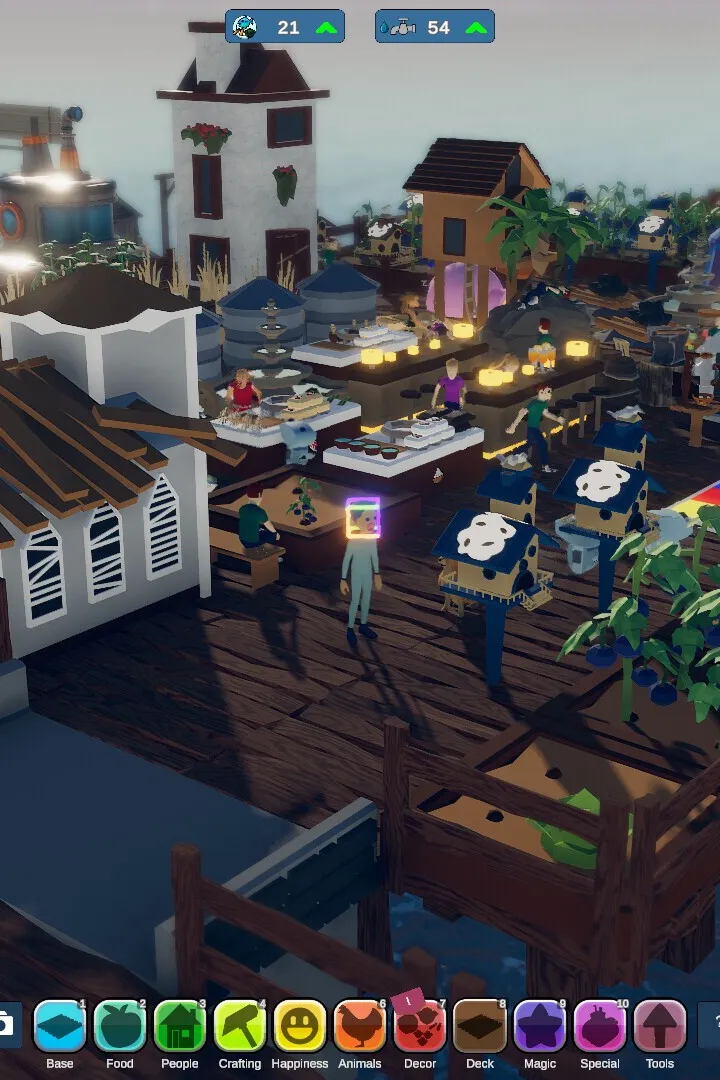
Learn the essential controls and UI elements in Havendock. This guide covers keybinds and interface tips to help you navigate and manage your settlement efficiently.
Alright, let's get you familiar with how to actually play Havendock. It's pretty straightforward once you know what you're doing, but there are a couple of neat tricks to make things smoother.
Here's a quick rundown of some handy controls:
- Shift + Right-Click: This is your go-to for putting items into buildings. Need to stock up a farm or a cookhouse? Just hold Shift and right-click on the building with the items you want to deposit.
- Ctrl + Right-Click: This is the opposite – it's how you pull items out of buildings. Want to grab the milk from your barns or the finished goods from your crafting stations? Hold Ctrl and right-click to extract them.
These two shortcuts will save you a ton of time by letting you manage your building inventories without having to open their full GUI every single time. Super useful!
100% Human-Written. AI Fact-Checked. Community Verified. Learn how AntMag verifies content