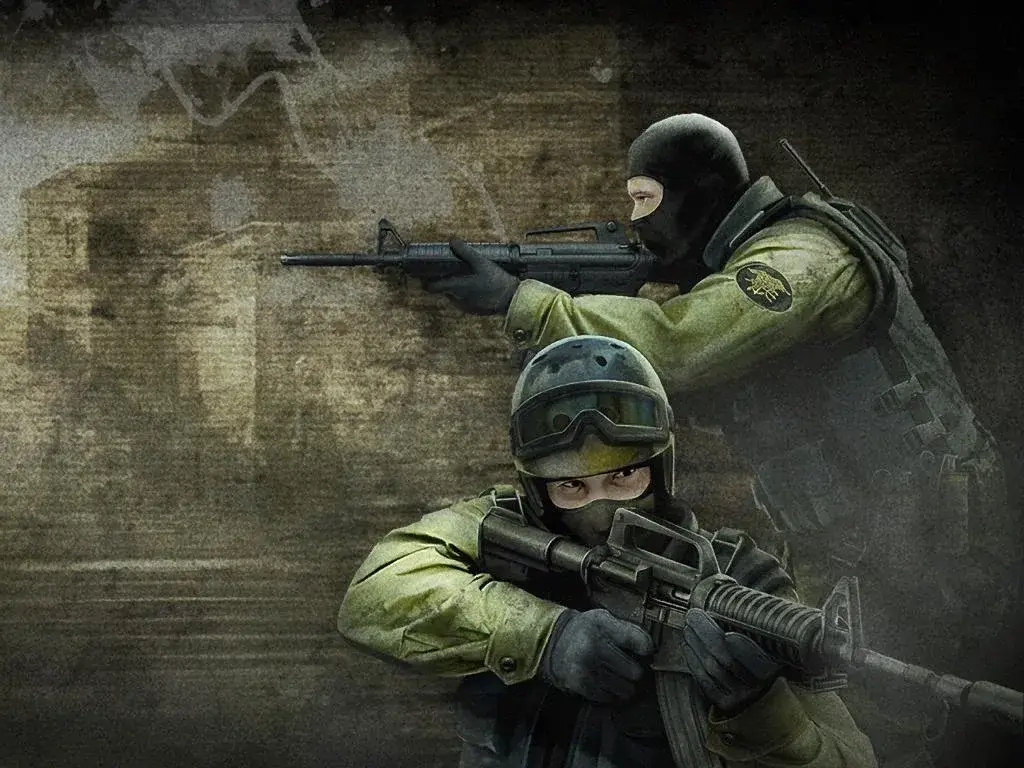
Learn how to use the sv_showimpacts 1 command in Counter-Strike: Source to visualize bullet impacts and improve your aim. This guide explains the command and its uses.
The sv_showimpacts 1 command in Counter-Strike: Source is a console command that allows you to visualize bullet impacts on surfaces. When enabled, it draws a small marker at the exact location where bullets hit, helping players understand bullet spread and recoil patterns.
How to Use:
- Open the developer console in Counter-Strike: Source by pressing the tilde key (
~). - Type
sv_showimpacts 1and press Enter to enable the visualization. - Type
sv_showimpacts 0and press Enter to disable it.
Uses:
- Aim Training: Helps players practice and refine their aim by showing where their shots are actually landing.
- Recoil Control: Demonstrates the recoil pattern of weapons, allowing players to learn how to compensate for it.
- Bullet Spread: Visualizes the spread of bullets, especially useful for automatic weapons at different ranges.
- Server Administration: Can be used by server administrators to demonstrate weapon mechanics or troubleshoot issues.
100% Human-Written. AI Fact-Checked. Community Verified. Learn how AntMag verifies content