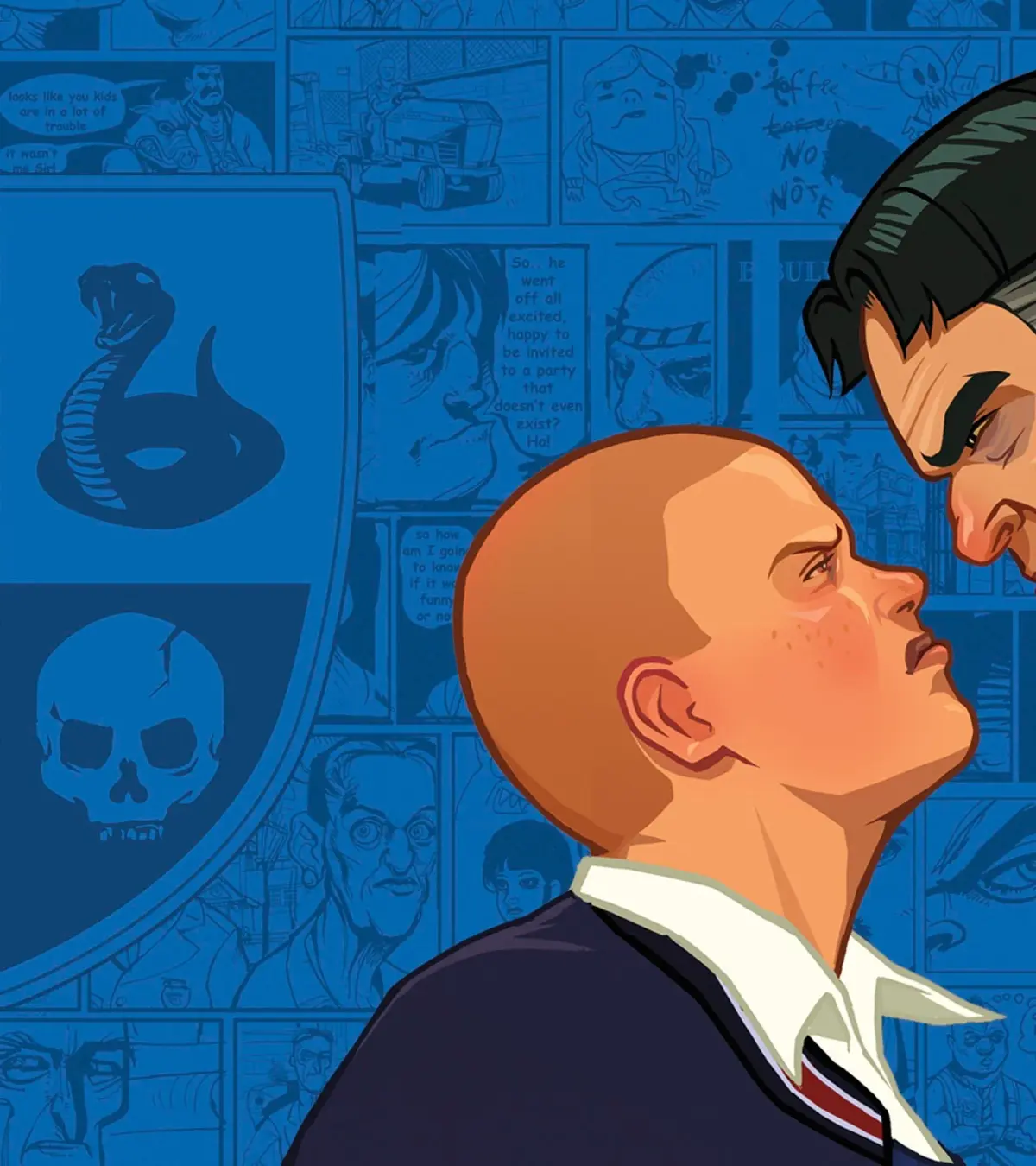
Navigate Part 7 of Bully: Scholarship Edition! Discover new clothing, room trophies, and master the controls for on-foot and bicycle gameplay.
Alright, let's dive into Part 7 of Bully: Scholarship Edition. This section is all about the cool new stuff you can unlock and a refresher on how to control Jimmy, both on foot and when he's cruisin' on a bike. It's not a super long part, but it adds some neat extras to your game.
First off, you'll get access to a bunch of new threads to deck Jimmy out in. We're talking twenty-two extra clothing items! You've got everything from a Muscle Shirt and Hazmat Headgear to some pretty wild stuff like the Alien Outfit, Pig Head Mask, and even Reindeer Antlers and an Elf Costume for those festive moments. There are also some fun themed shirts like the 'Shut Your Pi Hole' and 'Hip 2 B Squared' tees, plus a whole Nerd Outfit. So, plenty of options to change up Jimmy's look.
Beyond the wardrobe upgrades, you'll also snag four additional Room Trophies to decorate your dorm. These include a Human Skeleton, a Cowbell, a Globe, and an Abacus. They're just little things to make your space feel more personalized.
There are a couple of other handy additions mentioned. Completing Geography Classes will now show you where all the Collectibles are on your Main Map, which is a huge help if you're going for 100%. Also, if you're aiming to unlock the Running Shorts, the distance requirement has been significantly increased from 41km to a hefty 100km of running. So, get those steps in!
The rest of this part is dedicated to controls. Even if you've played before, it's always good to double-check, especially since some button functions can be context-sensitive. Remember, you can swim, but you can't dive underwater.
On Foot (or in Water) Controls:
| Command | Joypad Control |
| Move Around | Left Analog Stick |
| Look Around | Right Analog Stick |
| Look Behind | Left Analog Stick Button |
| Run [1] | A Button |
| Jump | B Button |
| Crouch [2] | Right Analog Stick Button |
| Grapple/Interact [3] | Y Button |
| Lock On | Left Trigger |
| Attack [4] | X Button |
| Fire Weapon | Right Trigger |
| Previous Weapon | Left Bumper |
| Next Weapon | Right Bumper |
| Zoom In [5] | D-Pad Up |
| Zoom Out [6] | D-Pad Down |
| Show Secondary Tasks | D-Pad Left |
| Show Primary Tasks/Objectives | D-Pad Right |
| Pause/Show Map Screen | Back Button |
| Pause/Show Option Screen | Start Button |
A Button [1]: Holding the Run button keeps you going without tiring, but tapping it repeatedly lets you sprint even faster. This is also how you swim forward.
A Button [2]: Tapping the A Button while crouching makes you move faster. Handy for sneaking around!
Y Button [3]: When you're dealing with people, this is your grapple button for fights. For objects, it's how you interact, like opening doors or pulling fire alarms.
X Button [4]: If you've got someone locked on and you're behind them, this button is also used to apply those classic 'Kick Me' signs.
D-Pad Up [5]: This is primarily for your Super Slingshot, used to zoom in. It also puts the standard Slingshot into a free-aim mode.
D-Pad Down [6]: Used for the Super Slingshot to zoom out.
On Bicycles Controls:
| Command | Joypad Control |
| Move Around | Left Analog Stick |
| Look Around | Right Analog Stick |
| Look Behind | Left Analog Stick Button |
| Accelerate | A Button |
| Jump | B Button |
| Brake/Reverse | X Button |
| Dismount | Y Button |
| Lock On/Punch Left | Left Trigger |
| Fire Weapon/Punch Right | Right Trigger |
| Previous Weapon | Left Bumper |
| Next Weapon | Right Bumper |
When you're on a bike, the controls are pretty similar, but focused on riding. Use the Left Analog Stick to steer, the A Button to accelerate, and the X Button to brake or reverse. The B Button lets you jump, and the Y Button is for dismounting. You can also use the triggers to punch left or right while riding, or to fire weapons if you have them equipped.
100% Human-Written. AI Fact-Checked. Community Verified. Learn how AntMag verifies content