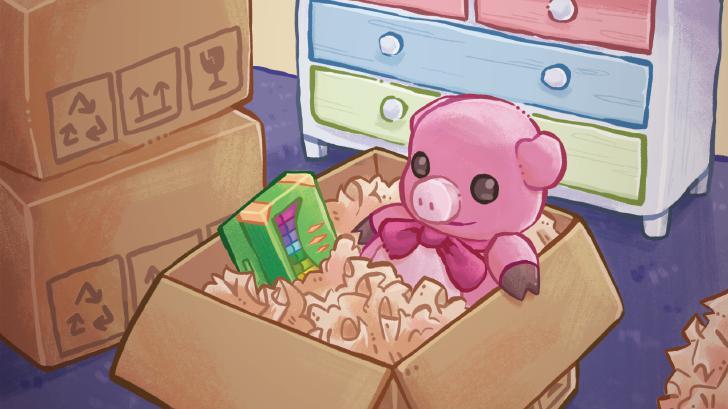
Learn how to effectively re-organize your childhood room in Unpacking. This guide helps you navigate the game's levels and achieve your goals.
Hey there! Ready to tackle the childhood room in Unpacking? It's a classic level where you'll really start to see how the game tells a story through the items you unpack. Don't worry, it's pretty straightforward, but there are a couple of things to keep an eye on.
Walkthrough
- 1You'll start in the 1997 level. Your main goal here is to unpack all the boxes. Just click on a box to open it, then click on an item to pick it up. You can place the item anywhere in the room, thanks to the accessibility option we'll turn on later.
- 2While unpacking, you'll find a Rubik's Cube. Pick it up and press the 'B' button repeatedly. Keep going until all sides are the same color – that's your cue to stop pressing 'B' to solve it. This will unlock the 'Solve a puzzle' achievement.
- 3Continue unpacking. You'll find an old Polaroid camera in one of the boxes. Place it down, and you'll unlock the 'Make some memories' achievement.
- 4Once all the boxes in the 1997 level are empty, a star will appear in the bottom-right corner. Click it to finish the level and earn the 'Beginning' achievement.
Tips
- Before you start, make sure to turn on the 'Allow items anywhere' accessibility option from the main menu (Settings > Accessibility). This makes placing items super easy and doesn't affect achievements.
- Don't stress too much about perfect placement in this level. The accessibility option lets you put things wherever you want, so just focus on getting everything out of the boxes.
- Remember to press 'A' to open boxes, 'A' again to pick up items, and 'A' again to place them. Use 'B' to rotate items or interact with specific ones like the Rubik's Cube.
100% Human-Written. AI Fact-Checked. Community Verified. Learn how AntMag verifies content