Learn how to strategically place items in Unpacking to optimize your space and achieve a perfect score. This guide covers item placement tips and tricks.
Hey there! So, you've been unpacking and maybe you're wondering about the best way to arrange all your stuff. It's not just about getting things out of boxes; it's about making the space feel right. Let's dive into how you can experiment with item layouts to make your Unpacking experience even better.
General Tips for Placing Items:
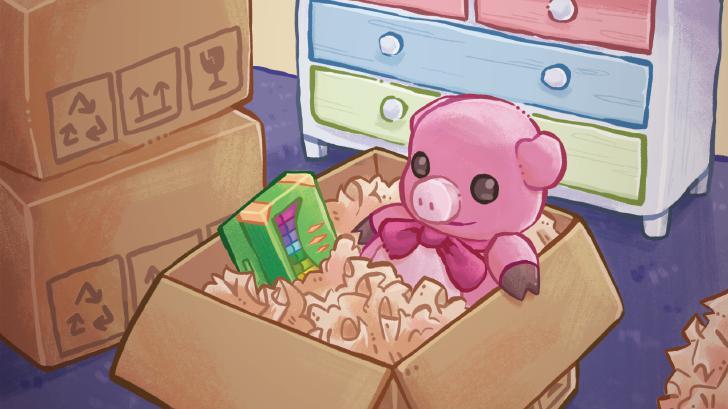
- The game's goal is to empty all the boxes. You use point-and-click controls. Clicking a box opens it, and clicking an item inside lets you pick it up to place it.
- Don't stress too much about finding the 'perfect' spot for everything right away, especially if you've turned on the accessibility option that lets you place items anywhere. Aesthetics aren't the main focus, but if you like things neat, you might find it a bit challenging!
- Items usually auto-rotate to fit where you're placing them, but you can manually rotate them by pressing [B] (or the equivalent button on your controller).
- Sometimes, you'll need to interact with an item by pressing [B] while holding it or hovering over it. This is key for certain achievements!
- If you're running out of space, you can pick up an item and move to a different room using [LB] or [RB]. Remember, most rooms scroll up and down too, so check for extra space there.
- Clothes hangers can be tricky! In later levels, they take up a lot of room. Try to hang them up on the provided racks in wardrobes to keep them tidy and out of the way.
Experimenting with Layouts:
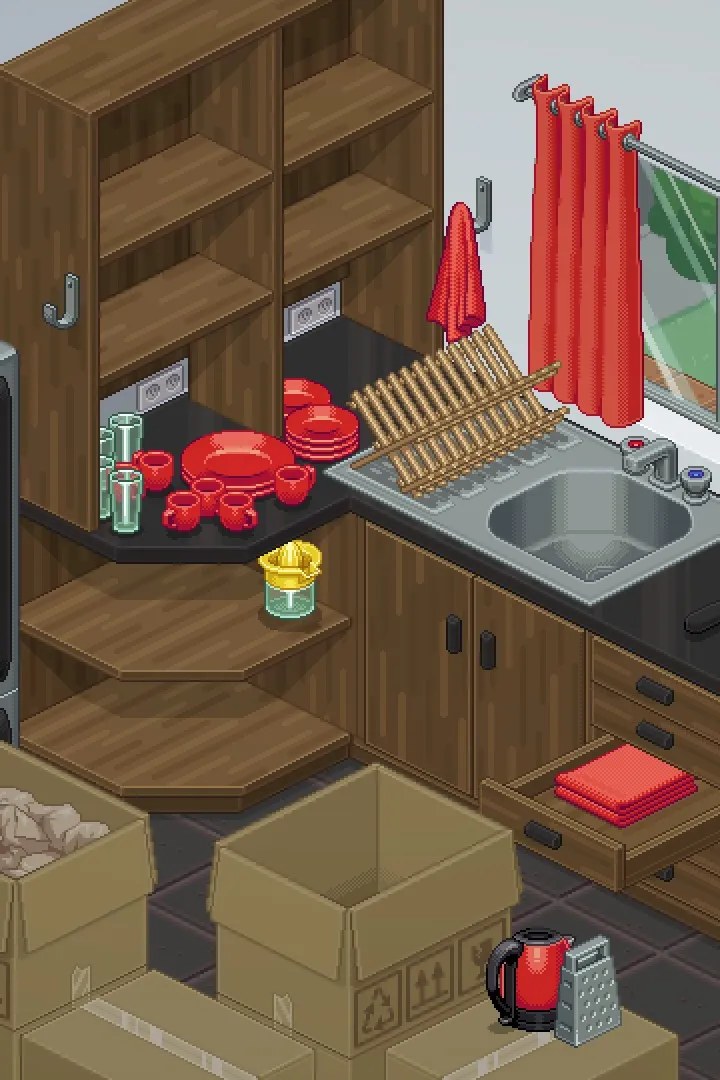
While the game lets you place items almost anywhere, especially with the accessibility option, think about how things would logically fit. For instance, books usually go on shelves, kitchenware in the kitchen, and clothes in wardrobes. Sometimes, the game might give you a hint by highlighting a spot when you hover over it.
Don't be afraid to try different placements. If an item doesn't look right, just pick it up and move it. The game is forgiving, and you can always rearrange things until you're happy with how the room looks and functions.
Specific Item Interactions:
- Rubik's Cube: In the 1997 level, you'll find a Rubik's Cube. While holding it, keep pressing [B] to cycle through colours. Stop when all sides are the same colour to solve it and unlock the 'Solve a puzzle' achievement.
- Wooden Mannequin: In the 2004 level, when you find the wooden artist's mannequin, press [B] repeatedly while holding it until it performs a 'dab' dance. This unlocks the 'Strike a pose' achievement.
- Camera: In the 1997 level, placing the Polaroid camera will unlock the 'Make some memories' achievement.
Remember, the main goal is to unpack everything. The 'accessibility' option, 'Allow items anywhere,' is a great tool to make this process smoother and faster, and it doesn't affect achievements. Just click on the boxes, pull out the items, place them down, and when a box is empty, give it a final click to make it disappear. Once all boxes are gone, look for a star in the bottom-right corner to finish the level!
100% Human-Written. AI Fact-Checked. Community Verified. Learn how AntMag verifies content