Learn the best logic for placing items in Unpacking! This guide helps you navigate the game's unique challenges and master your unpacking skills.
Hey there! So, you're diving into Unpacking and want to get the hang of where everything goes? It can seem a bit tricky at first, but don't worry, I've got your back. This guide is all about making sure you place your items logically, so you can breeze through the game and maybe even snag some achievements along the way.
The Basics of Unpacking:
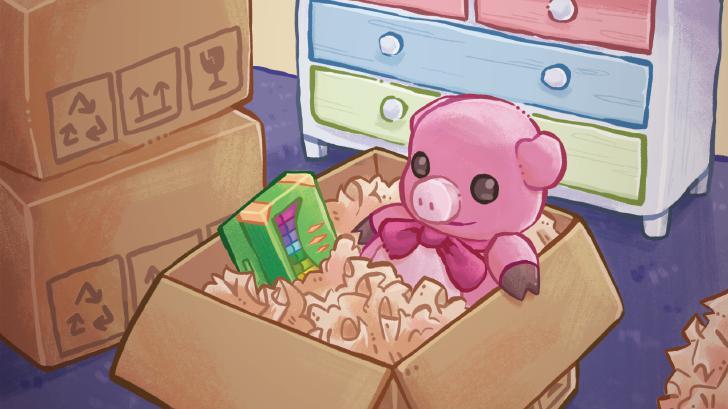
Your main goal in each level is pretty straightforward: empty all the boxes. You've got simple point-and-click controls. Click a box to open it, then click an item inside to pick it up. You'll then need to place that item somewhere in the room. As you take items out, the paper lining the box will disappear. Once a box is completely empty, one last click will make it vanish.
Most levels have multiple rooms, and each one will have boxes waiting for you. Don't stress too much about finding the 'perfect' spot for everything right away, especially if you're aiming for achievements. The game's accessibility options can really help here.
Using the 'Allow Items Anywhere' Option:
This is a game-changer! If you turn on the 'Allow items anywhere' option in the settings (Settings > Accessibility), you can literally place items wherever you want in a room. Seriously, you can just spill them out onto the floor if you want. The game doesn't judge your interior decorating skills, so aesthetics are totally optional. This makes placing items much faster and less of a puzzle, especially when you're just trying to get through the game.
Item Placement and Rotation:
When you pick up an item, it'll usually auto-rotate to fit where you're pointing your cursor. But sometimes, you'll need to rotate it yourself. Just press the !cn_B button while holding an item or hovering over it to spin it around. This is super important for fitting things into tight spots or onto shelves.
Dealing with Limited Space:
If a room is getting cluttered, remember you can move between rooms! Pick up an item, then use !cn_LB or !cn_RB to switch to another area and place it there. Also, most rooms scroll up and down, so don't forget to check those higher or lower spots for extra space.
Special Items: Clothes Hangers
Later in the game, you'll encounter a lot of clothes hangers. They can take up a surprising amount of space if you just leave them lying around. It's a good idea to take a moment to hang them up on the provided racks in wardrobes. It's not strictly necessary for progression, but it really helps keep things tidy and makes finding other items easier.
Putting it all Together:
Honestly, for most of the game, just focus on getting items out of the boxes and into the rooms. The 'Allow items anywhere' option means you don't have to overthink placement unless an achievement specifically requires it. Just keep emptying those boxes, and you'll be progressing through the story in no time!
100% Human-Written. AI Fact-Checked. Community Verified. Learn how AntMag verifies content