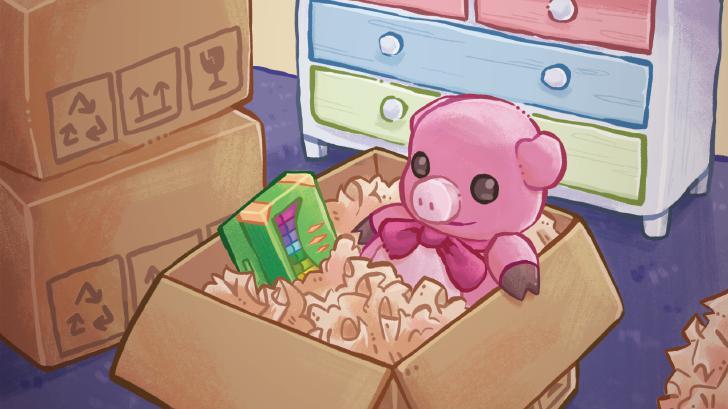
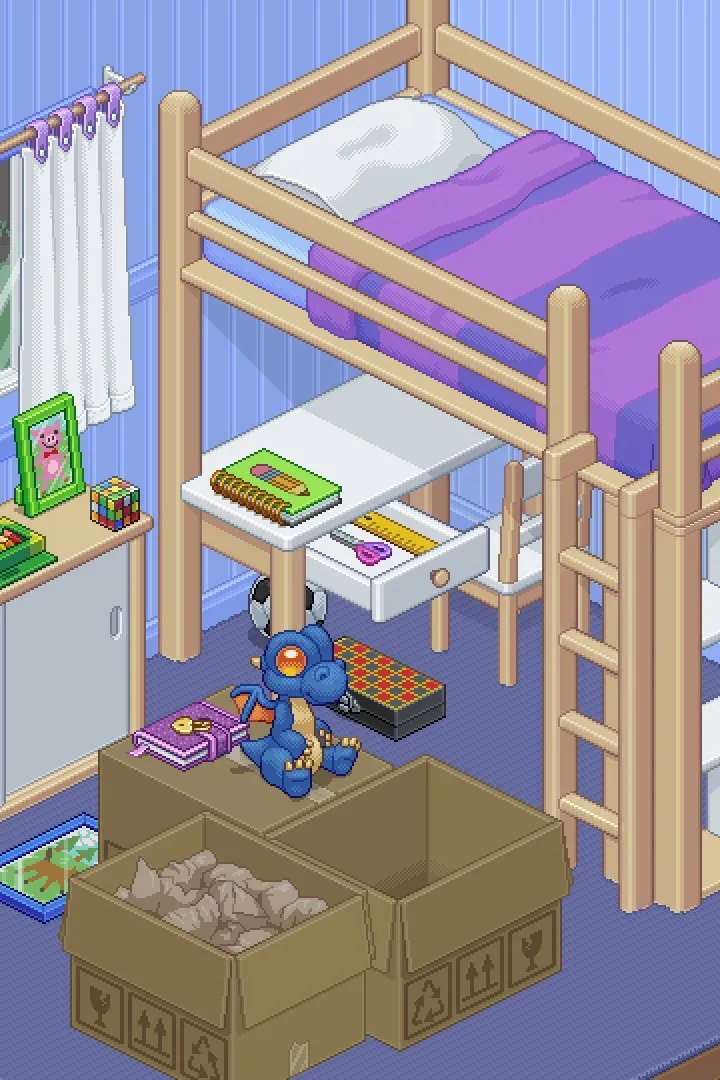
Unpacking can get overwhelming! Learn how to manage your growing collection of items with our friendly guide. We'll help you sort, place, and organize everything like a pro.
Hey there! So, you've been unpacking for a while now, and things are starting to pile up, huh? It's totally normal to feel a bit swamped when you've got more stuff than you know what to do with. Don't worry, we've all been there! This section is all about making sure you can handle all those extra bits and bobs without losing your cool.
The main thing to remember is that Unpacking gives you a lot of freedom, especially with the 'Allow items anywhere' accessibility option turned on. Seriously, you can just dump stuff on the floor if you need to clear a box out quickly. Aesthetics? Nah, not important here. The game's all about getting things unpacked, not making it look like a magazine spread (unless you want to, of course!).
When you grab an item, it'll usually snap into place if there's a spot for it. But if you need to tweak the rotation, just give the [cn_B] button a press. This button is also your go-to for interacting with certain items, like solving that Rubik's Cube or making that artist's mannequin do a little dab. Keep an eye out for those specific interactions – they're usually tied to achievements!
Space can get tight, and that's where a bit of cleverness comes in. If a room feels too full, you can always pick up an item and then switch rooms using [cn_LB] or [cn_RB]. Think of it like moving boxes around in real life – sometimes you just need to shuffle things to make room. Also, remember that most rooms scroll up and down, so don't forget to check the edges of the screen for hidden space.
Clothes hangers are a bit of a special case. They can take up a surprising amount of room, so if you find yourself with a bunch of them, take a moment to hang them up in the wardrobes. It's a small thing, but it really helps keep things tidy and makes finding other items much easier later on.
Ultimately, the goal is to empty those boxes. Don't stress too much about where everything goes perfectly right away. Just get it out of the box, and if you need to move it later, you can. You've got this!
100% Human-Written. AI Fact-Checked. Community Verified. Learn how AntMag verifies content