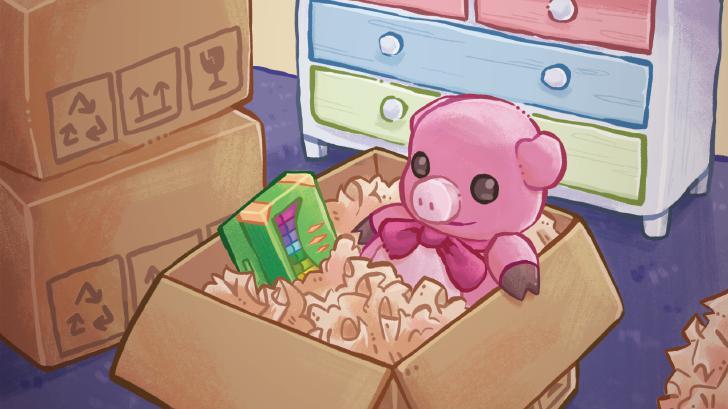
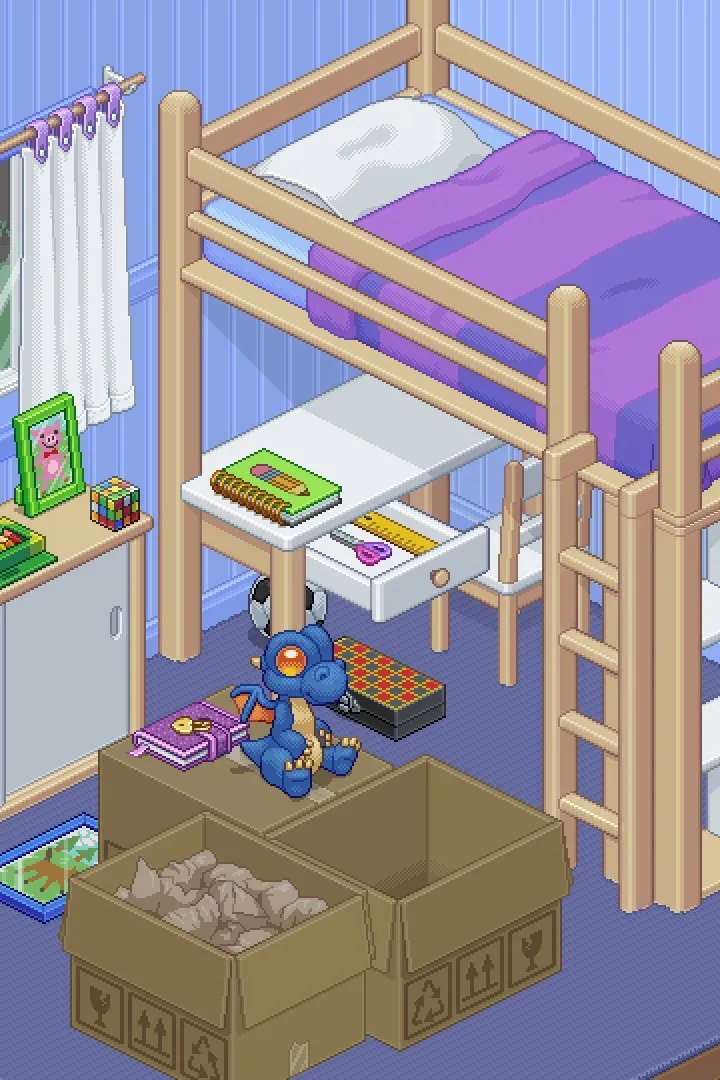
Struggling with where to put things in Unpacking? This guide helps you understand and overcome incorrect placement feedback, ensuring a smooth and satisfying unpacking experience.
Hey there! So, you're playing Unpacking and finding yourself a bit stuck on where things are supposed to go? Don't sweat it, that's totally normal! This game is all about finding the right spot for everything, and sometimes the game gives you a little nudge when you don't quite nail it. Let's figure out how to handle that 'Incorrect Placement Feedback' so you can get back to the satisfying feeling of a perfectly unpacked room.
Basically, when the game tells you something's in the 'wrong place,' it means you've put an item somewhere it doesn't quite fit the narrative or the intended use for that item in that specific room. Think of it like trying to put a toaster in the bathroom – it just doesn't make sense, right? The game wants you to place items in their logical homes.
What to do when you get feedback:
- Don't Panic! It's not a failure, just a hint.
- Look Around: See where the item *should* go. Is there a shelf nearby? A designated spot on a desk? A hook on the wall? The game often highlights these spots subtly.
- Pick It Up and Try Again: Grab the offending item and move it. Try placing it in a more logical spot. Sometimes, just moving it a little bit will make the game accept it.
- Check Your Surroundings: Are you trying to place something in a box that's still full? Or on a surface that's already overloaded? Sometimes the issue isn't the item's 'home,' but the immediate space around it.
- Consider the Room's Purpose: Items usually belong in rooms that make sense for them. Books go on shelves, clothes go in wardrobes, kitchenware goes in the kitchen.
A few tips to avoid the feedback in the first place:
- Pay Attention to the 'Right Place' Glow: When you pick up an item, the game will often highlight valid spots with a subtle glow or outline. Aim for those!
- Use the Environment: Look for shelves, drawers, tables, and wall hooks. These are almost always the intended spots.
- Don't Force It: If an item isn't fitting easily, it's probably not the right spot. Try a different location.
- Think Like You're Actually Moving: Where would *you* put a toothbrush? Probably the bathroom counter or holder. Where would you put a lamp? On a bedside table or desk.
The 'Incorrect Placement Feedback' is really just the game's way of guiding you to create a more realistic and satisfying scene. It's all part of the fun of Unpacking! Keep at it, and you'll be a pro at finding the perfect spot for everything in no time.
100% Human-Written. AI Fact-Checked. Community Verified. Learn how AntMag verifies content