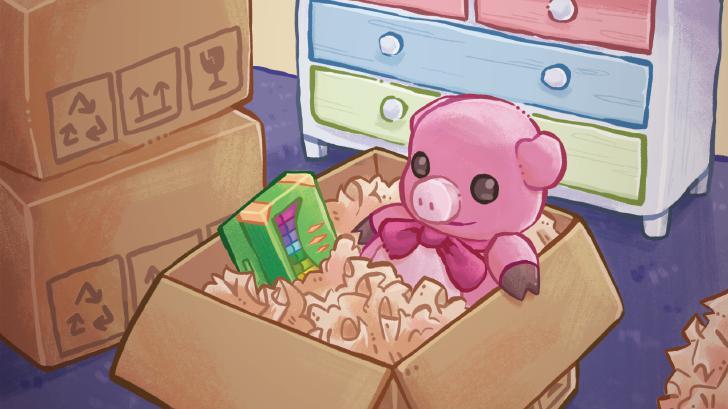
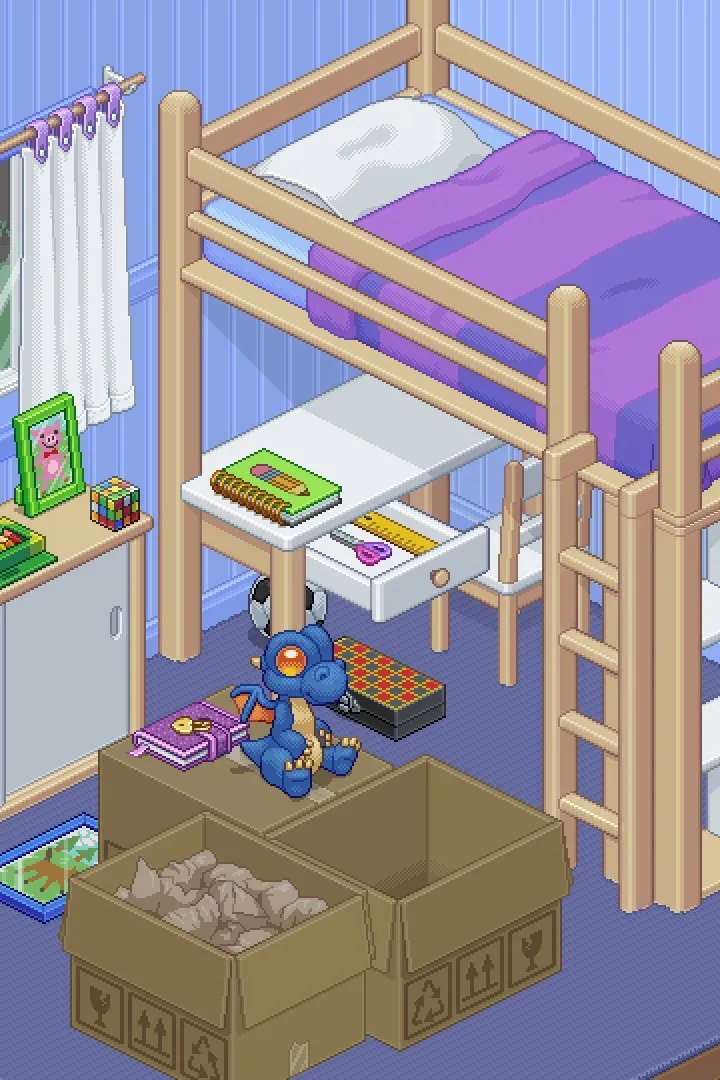
Need help with the 'A Little Help' sticker in Unpacking? This guide breaks down exactly what you need to do to get this sticker and progress through the game.
Hey there! Ready to tackle the 'A Little Help' sticker in Unpacking? It's one of those little things that can trip you up if you're not sure what the game's looking for. Don't worry, I've got your back. Let's get this sticker sorted so you can keep enjoying the game!
Walkthrough
- 1Where to find the setting: From the main menu, navigate to Settings.
- 2Enable Accessibility: Look for the Accessibility tab.
- 3Turn on 'Allow items anywhere': Select this option and confirm. This is the key step!
- 4Start a new game or load a save: Once the setting is enabled, start a new game or load your current save file.
- 5Sticker Awarded: You should receive the 'A Little Help' sticker almost immediately after the game loads, usually as you start unpacking the first box in the very first level (1997).
Tips
- This setting is purely for convenience and doesn't affect achievements or gameplay in any other way. It just lets you place items wherever you want without needing to find their 'correct' spot.
- If you're playing through for the first time and want the 'intended' experience, you can always turn this setting off later.
- Don't stress if you don't get it right away; sometimes it takes a moment for the game to register. Just make sure the setting is definitely on and saved.
Receiving the 'A Little Help' sticker means you've successfully enabled the accessibility feature!
100% Human-Written. AI Fact-Checked. Community Verified. Learn how AntMag verifies content