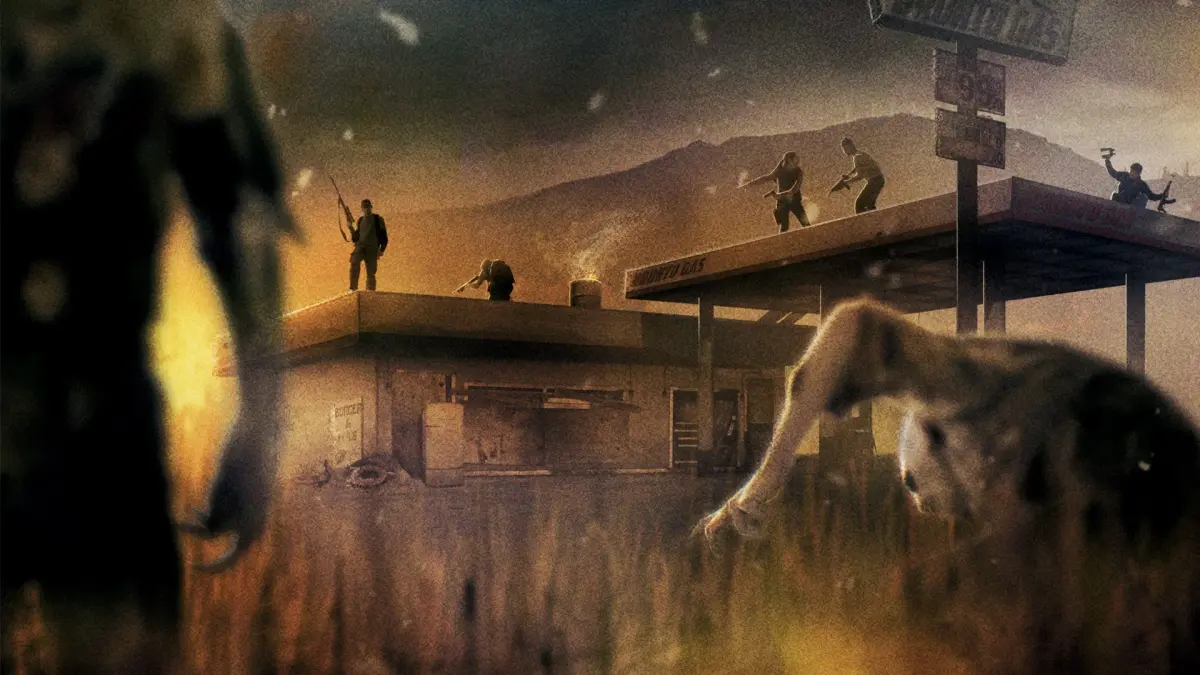
Welcome to State of Decay, a game where you and your fellow survivors must band together to rebuild society amidst a zombie apocalypse. You'll be scavenging for essential resources like food and medicine, fortifying your base against the undead hordes, and making tough decisions that impact your community's survival. It's an open-world RPG experience that demands constant attention, as the world keeps moving even when you're not playing – fail to manage your supplies, and your survivors can perish.
This guide is here to help you master survival on PC and Xbox 360. We'll cover everything from essential controls and base management to the best strategies for scavenging and resource gathering. Whether you're aiming to complete all the short missions, progress the story, or simply overcome the constant challenges of the zombie apocalypse, this guide equips you with the knowledge to thrive.
-------------------------------[STATE OF DECAY]------------------------------
Comprehensive State of Decay walkthrough and FAQ covering original game, DLC Breakdown, and YOSE changes. Includes missions, strategies, and features.
This FAQ is compatible with Xbox and PC versions of State of Decay. The author primarily uses Xbox controls but includes a section detailing all controls for traditional keyboard and mouse players at [PCCONTROLS].
The guide is organized primarily by location and game progress, followed by detailed sections on specific topics such as the simulation, outposts, and traits. A separate walkthrough and guide for the DLC: Breakdown is also included.
Updates:
- July 20th, 2015 (version 2.1): New sections detail changes with YOSE (Year One Edition). Players of the original State of Decay can skip these; YOSE players should see [YOSECHANGES] and [YOSECLEO].
- April 24th, 2015 (version 2.0): Updates include changes from post-FAQ patches, specifically the function of outposts and the creation of the Bonus Report. Returning players should see [Outposts123]. Inventory system in vehicles and fixes for snack & ammo bugs are also noted.
- Use Control + F to quickly find specific sections. For example, search [DLCBREAKDOWN123] to access the DLC: Breakdown section.
- The author can be contacted via email (ex_kolobian@yahoo.com), GameFAQs, Reddit, or the Undead Labs forum using the screen name "Kolobian".
This is compatible with the Year One Survival Edition (YOSE).
Learn about the Year-One Survival Edition (YOSE) of State of Decay. We cover its release, graphical improvements, and performance considerations for your playthrough.
State of Decay: Year-One Survival Edition (YOSE)
Hey there! So, you've probably seen mentions of the Year-One Survival Edition, or YOSE for short. It's basically a remastered version of the original State of Decay that came out on April 28, 2015, for both Windows and Xbox One. Think of it as the same game you love, but with a fresh coat of paint.
The YOSE version definitely looks better graphically, which is nice. However, keep this in mind: while everything else is the same, YOSE can actually run about 34% slower than the original version if you're running it on the lowest specs. So, if you're trying to squeeze every bit of performance out of your system, that's something to be aware of.
T a b l e o f C o n t e n t s
Complete State of Decay walkthrough covering missions in Mt. Tanner, Spencer's Mill, Marshall, and Fairfield, plus quick tips.
- 1Mt. Tanner Location
- Mission: Find Help
- 2Mission: Lay of the Land
- 3Mission: Search the cabins
- 4Mission: Distant gun shots
- 5Mission: Escape Mt. Tanners
- 6Mission: Voice on the radio
- 7Spencer’s Mill Location
- Mission: Home Sweet Home
- 8Mission: Lay of the land
- 9Mission: Vet clinic
- 10Side Mission: Eager survivors
- 11Mission: Help Jacob
- 12Mission: Get Doc from the Wilkersons
- 13Side Mission: Sam Hoffman
- 14Mission: Army Sighting
- 15Mission: Army Activity
- 16Side Mission: Eyes in the Skye
- 17Mission: Insubordination
- 18Grange Mission: Stranger in Trouble
- 19Wilkerson Missions: Accusations, A helping hand, Nervous survivor, Unwelcomed guest, Neutral Observer
- 20Mission: Home Sweet Home (Jacob Move)
- 21Marshall Location
- Mission: Scene of the Crime
- 22Mission: Mercy Shot
- 23Side Mission: Save Doc Hanson
- 24Side Mission: Memento
- 25Ray Santos Missions: An elevated perspective, Sweet Ride, Deliver Goods
- 26Marshall Courthouse Missions: The Law, Civic Duty, Trouble at the Courthouse, Eager Survivors
- 27The Grange Missions: Indefensible, A Discrete Request/Help Sheriff, Bad Tidings
- 28Fairfield Location
- Mission: Sergeant Erik Tan
- 29Mission: Lone Soldier
- 30Mission: Exit Strategy
- 31Mission: The Armory
- 32Mission: The Wall
- Learn the fighting controls.
- Scavenge & level up Marcus.
- Learn about your base, your group, etc.
- Set up outposts.
- Build up your base & level up group.
- Scavenge full supplies/call runners.
- Trick to pull out an extra resource.
- Tips on how to level up skills quickly.
- Clear infestations.
- Side missions/objectives/tasks include: “Too many hordes�, Morale missions, Distractions, Search and Rescue, Escort, Lay of the land/survey the area, Train other survivors, Trade goods, Clear infestations, Zed hunts.
- How to Kill Freaks: Army/SWAT zeds, Bloaters, Ferals, Juggernauts.
- Interact with enclaves/recruit enclaves: Scavenger?, Stranger in danger, Missing Survivor, Trade Goods, Clear out infestations, Zed hunts, Besieged survivors, Eager survivors.
- Get ready to move.
- Move to Marshall and set up base.
- Loot military tents & helicopter.
- Warning about 2 last missions!!!
- 10 quick tips for the game overall.
State of Decay Achievements
Detailed components/Strategies/More info
- Controls: Xbox controls, PC Controls.
- Important Traits.
Ten tips for State of Decay: [10TIPS]
Boost your State of Decay survival! Learn essential combat moves, weapon specialization, survivor mood management, resource strategy, and more with these 10 expert tips.
Alright, let's dive into some crucial tips for State of Decay that'll make your survival a whole lot smoother. Think of these as your personal cheat sheet from someone who's been through the zombie apocalypse a time or two.
The 10 Essential Tips:
- 1. Master the Finisher & Combat Roll: These are your bread and butter for efficient zombie takedowns and survival.
- 2. Specialize in Weapons: Picking a weapon type and sticking with it makes you a zombie-slaying machine.
- 3. Level Up on Mt. Tanner: Use that early, safe zone to max out Marcus's skills.
- 4. Pay Attention to Survivor Moods: Happy survivors mean a stable base.
- 5. Use 'Help' Missions for Free Backup: Turn survivor requests into an advantage.
- 6. Watch Your Storage Locker Limit: 255 slots isn't a lot – be mindful!
- 7. Bring Rucksacks Home First: Usually, it's better to store them than open them on the spot.
- 8. Set Outposts & Mines: Expand your safe zone and protection.
- 9. Stock Up, Clear Infestations, Keep Morale High: The core pillars of a thriving community.
- 10. Understand the Simulation: It can work for or against you.
Let's break these down:
Master the Finisher & Combat Roll: Seriously, these are game-changers. The finisher (on PC, it's LShift + E) instantly kills any zombie that's down on the ground. Don't waste ammo or durability hacking at a downed zombie; just finish it off. If you're unarmed, learn the drop kick (LShift + Space on PC) to knock 'em down, then follow up with the finisher. But the real MVP is the combat roll (LShift + LCtrl on PC). A zombie lunging at you? Roll. A Juggernaut about to grab you? Roll. Ferals pouncing? Roll! It dodges attacks, breaks you free from crowds, and generally keeps you from becoming zombie chow. It's your panic button and your escape route all in one.
Specialize in Weapons: Once your survivors hit level 4 in either Fighting or Shooting, you can pick a weapon specialization. This makes a HUGE difference. For melee, specializing in edged weapons means you'll be decapitating zombies left and right, often in just 1-3 hits. Powerhouses with edged weapons can one-shot most zombies – it's incredibly satisfying. Specialized melee types also unlock unique moves; blunt specialists get an uppercut that knocks zombies down, setting them up perfectly for a finisher. I'd recommend new players lean into melee specializations first. Once you're comfortable and have more ammo, then explore gun specializations.
Level Up on Mt. Tanner: The very beginning of the game on Mt. Tanner is basically a safe zone. You can't get tired, injured, or die. This is your golden opportunity to max out Marcus. Sprint everywhere to boost his Cardio, fight as many zombies as you can to level Fighting and Powerhouse (try to unlock that wrestling slam!), and scavenge everything. Get a feel for all the combat moves. I'd suggest specializing Marcus in edged weapons since you'll find a couple there. But remember, once you cross that bridge, the real danger begins!
Pay Attention to Survivor Moods: This is HUGE for keeping your base running smoothly. Survivors can be in good, neutral, or bad moods, and it affects everything. A survivor in a bad mood might start fights (injuring others and lowering their mood further), waste supplies, run away, demand a morale mission, or even commit suicide. They're also less likely to fight back against zombies. On the flip side, happy survivors are more productive, fight harder, and might even bring in extra supplies during the simulation. Neutral is just... neutral. To improve moods, have survivors accomplish things: complete missions (story or for other survivors), clear infestations, bring in rucksacks, or help during events like
Similar guides you might like






100% Human-Written. AI Fact-Checked. Community Verified. Learn how AntMag verifies content