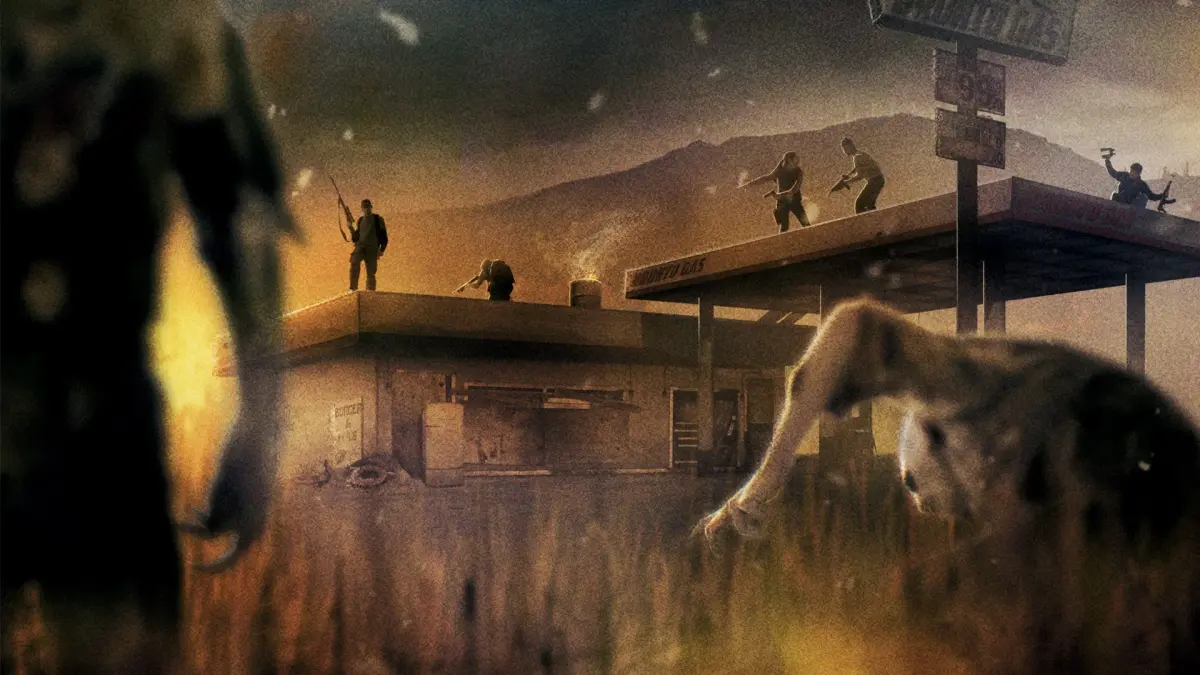
New to State of Decay 2? Learn about all the facilities you can build in your base, from crafting stations to defenses. We'll guide you through what each one does and how to best utilize them.
Alright, let's talk about the backbone of your survivor community: Facilities. Think of these as the rooms and stations you build within your home site. They're crucial for pretty much everything you'll do in State of Decay 2, from crafting essential gear to keeping your survivors happy and healthy. Every base you establish comes with some built-in facilities, and you'll also find empty slots where you can construct more. These slots have specific types – Large, Small, Indoor, or Outdoor – which dictate what you can build there. Sometimes, you might even want to clear out an existing built-in facility to make room for something new. Most facilities can be upgraded, which unlocks more actions and passive benefits. Keep an eye out, though, as some upgrades might require specific knowledge before you can even start them. Plus, you can often slot in Facility Mods to give your facilities even more oomph or unique perks. Just remember, some mods can only be installed after you've upgraded the facility first. One thing to be aware of: the cost of building and upgrading facilities, especially in terms of Materials, will go up the harder the difficulty you're playing on. The game uses a 'Community' slider to determine this, so expect costs to be higher on Dread, Nightmare, or Lethal zones compared to Green or Standard. Basic Facilities These are the ones you can't get rid of, no matter what: * Command Center: This is where you'll spend influence to find resources or other survivors. It also determines how many outposts you can have. Upgrading it increases your outpost limit and lets you use facility mods. * Storage: Pretty straightforward – it's where you stash all your stuff. You can upgrade it to hold more. * Parking: Useful for upgrading your vehicles with specific items and for quickly grabbing vehicle supplies from your stockpile. Crafting & Building Facilities These are key for keeping your community equipped and your base running: * Workshop: This is your go-to for crafting explosives, fixing weapons, salvaging weapons for parts, and producing ammo. You can even make your own crossbow bolts here. * Kitchen: Craft stamina items and produce food. You can also ration food, and if you have survivors with cooking skills, they can prepare feasts. * Staging Area: This facility helps speed up construction times and, importantly, can reduce facility maintenance costs to zero. * Forge: Craft melee weapons, materials, and parts. If you have Metalworking skills, you can craft powerful weapons and convert materials to parts efficiently. Construction skills let you do the reverse, turning parts into materials. * Auto Shop: Craft vehicle upgrades to turn your rides into apocalypse-ready machines. It also lets you craft toolkits (and advanced toolkits) at a discount – you can even craft three for the price of two! It improves fuel efficiency and lets you spend parts to temporarily boost vehicle durability or reduce driving noise to attract fewer zombies.100% Human-Written. AI Fact-Checked. Community Verified. Learn how AntMag verifies content