
Starfield throws you into an expansive galaxy as a newly minted member of Constellation, tasked with uncovering humanity’s greatest mystery. Bethesda Game Studios’ latest RPG blends deep character customization, a branching skill tree, and outpost building with a vast open galaxy to explore at your own pace. You’ll navigate intricate questlines, from the main story to faction missions and miscellaneous encounters, all while managing resources and potentially forging your own path through New Game Plus.
This guide is your co-pilot for that journey. We'll cover a complete walkthrough from start to finish, detailing every Faction Mission, all Miscellaneous Missions, and a comprehensive list of all Powers and Skill Magazines. If you’re looking to master crafting, efficiently gather resources, or simply ensure you don’t miss a single collectible, this guide has you covered.
Getting Started
Begin your journey in Starfield with our comprehensive Getting Started guide. Learn essential controls, understand the game's structure, and prepare for your galactic adventure.
Getting Started
Begin your journey in Starfield with our comprehensive Getting Started guide. Learn essential controls, understand the game's structure, and prepare for your galactic adventure.
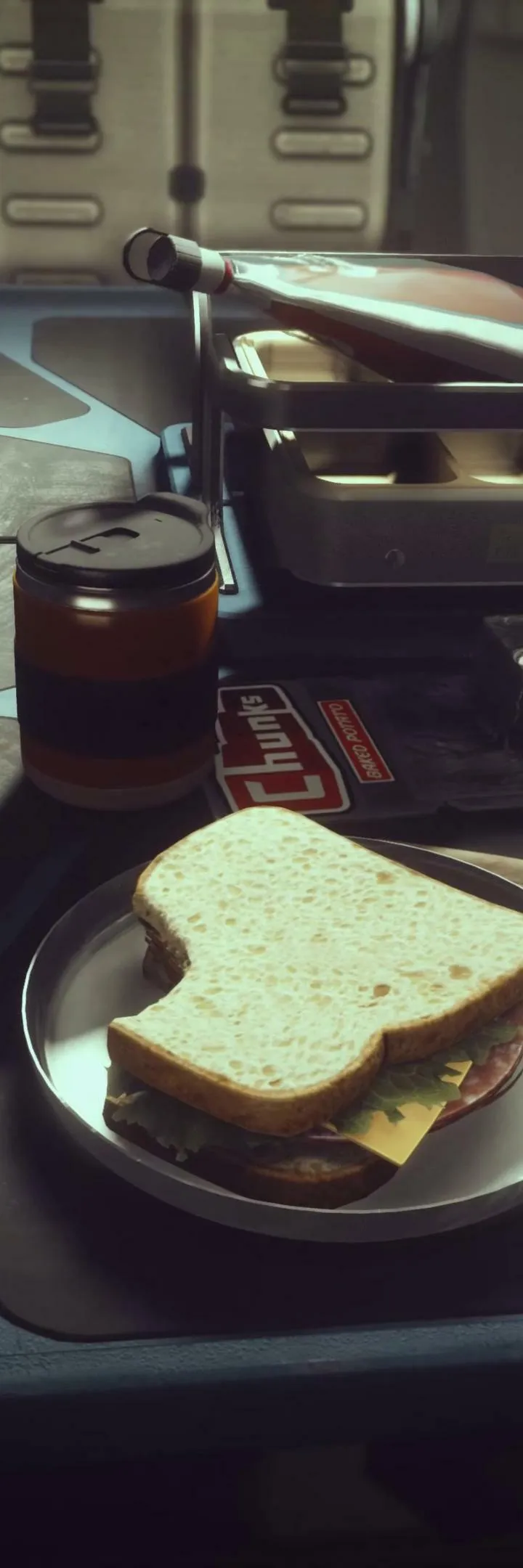
Character Creation & Backgrounds
Craft your ideal Starfield character: customize appearance, choose impactful backgrounds, and select unique traits.
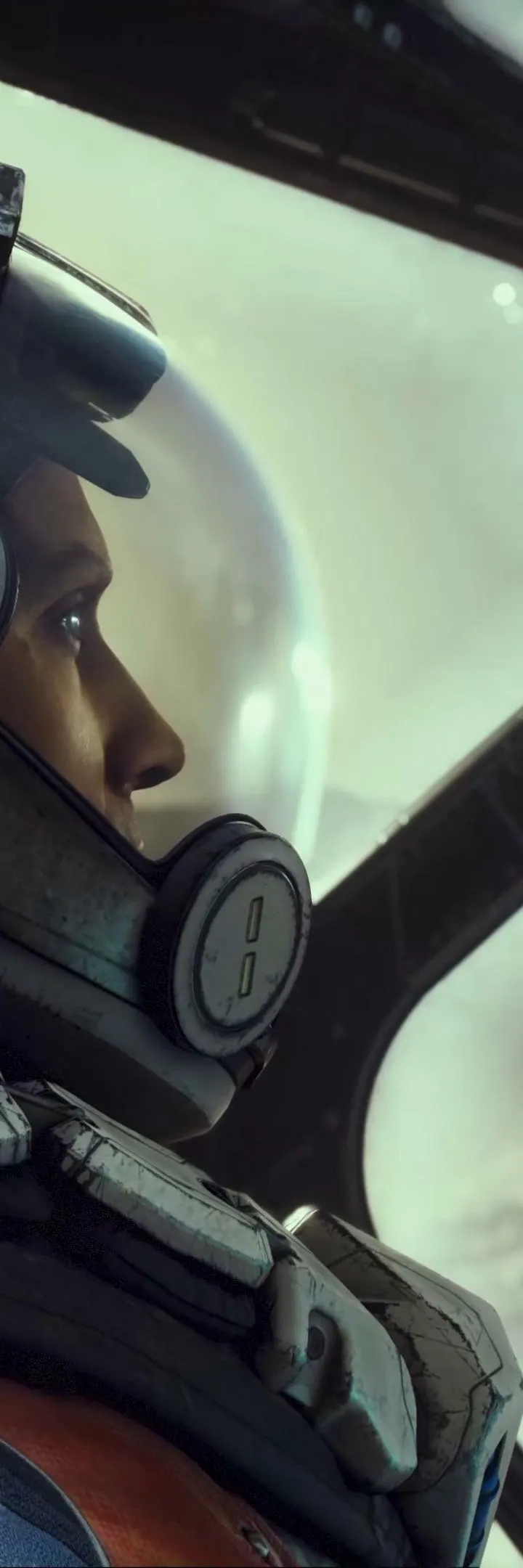
Your journey begins with creating your unique character. Starfield offers extensive customization options, from physical appearance to your character's background and starting traits. These choices significantly impact your early game experience and role-playing opportunities.
Physical Customization:
The character creator is incredibly detailed, allowing you to adjust facial features, body type, hair, scars, and more. Spend time here to craft a character you'll enjoy looking at for hundreds of hours. Remember, you can alter your appearance later at Enhance! clinics found in major cities like New Atlantis.
Choosing a Background:
Backgrounds provide three starting skills, giving you an immediate advantage in certain areas. Choose one that aligns with your preferred playstyle. For example:
- Bounty Hunter: Starts with Piloting, Targeting Control Systems, and Boost Pack Training. Great for combat-focused players.
- Explorer: Starts with Lasers, Astrodynamics, and Surveying. Ideal for those who love exploration and resource gathering.
- Industrialist: Starts with Persuasion, Security, and Research Methods. Excellent for social characters and crafters.
- Long Hauler: Starts with Weight Lifting, Piloting, and Ballistic Weapon Systems. Good for traders and those who carry a lot of loot.
There's no 'wrong' choice, as all skills can be learned eventually. However, a well-chosen background can smooth out the early game.
Selecting Traits:
Traits are optional modifiers that provide both a positive and a negative effect. You can choose up to three. Consider these carefully, as some traits can be removed later through specific quests, while others are permanent.
- Alien DNA: Increased health and oxygen, but healing items are less effective.
- Dream Home: You own a luxurious, customizable house on a peaceful planet, but you have a 125,000 credit mortgage to pay off weekly.
- Hero Worshipped: You gain a unique companion, the Adoring Fan, who idolizes you but can be annoying.
- Kid Stuff: Your parents are alive and you can visit them, but 10% of your credits are automatically deducted to support them.
Traits add depth to your character and can lead to unique interactions and quests. Think about the kind of story you want to tell.
Installation & System Requirements — Starfield Guide
Discover the essential system requirements for Starfield. Learn what PC hardware you need to run the game smoothly and prepare for your journey into the Settled Systems.
This guide covers the installation and system requirements for Starfield. Ensure your PC meets the necessary specifications to enjoy the game without issues.
Minimum System Requirements:
- OS: Windows 10 64-bit
- Processor: AMD Ryzen 5 2600 / Intel Core i7-4700
- Memory: 16 GB RAM
- Graphics: AMD Radeon RX 5700 / NVIDIA GeForce GTX 1070
- DirectX: Version 12
- Storage: 125 GB available space
Recommended System Requirements:
- OS: Windows 11 64-bit
- Processor: AMD Ryzen 5 3600X / Intel Core i5-10600k
- Memory: 16 GB RAM
- Graphics: AMD Radeon RX 6800 / NVIDIA GeForce RTX 2080
- DirectX: Version 12
- Storage: 125 GB available space
Note: SSD is recommended for optimal performance.
Controls & User Interface (UI) — Starfield Guide
Navigate Starfield's complex controls and UI with ease. Learn about movement, combat, menus, and more to become a spacefaring pro.
Hey there! Starfield's got a lot going on, and figuring out all the buttons and menus can feel like a whole quest in itself. Don't worry, I've got your back. Let's break down how to move around, fight, and manage your inventory so you can focus on exploring the galaxy.
First off, getting around is pretty standard for a space game. You'll use the left stick to move and the right stick to look around. Want to move faster? Just hold down the sprint button. If you need to be a bit stealthier, there's a dedicated sneak button, and you can even slide if you've got the Gymnastics skill unlocked. Jumping is your boostpack button, and to interact with things, you'll usually just press the activate button, but holding it down is key for picking up objects. Oh, and don't forget you can toggle between first and third-person views, which is super handy depending on what you're doing.
When it comes to combat, readying your weapon is usually the 'Ready Weapon' button. Holding down the 'Aim' button will slow you down for more precise shots, and if you've got a scope, you can steady your aim even further with specific buttons, though this will eat into your Oxygen Supply. Need to throw a grenade? There's a button for that, and reloading is pretty straightforward. If you want to put your weapon away, just hold down the holster button.
Navigating the game's menus is also pretty important. Your main 'Data Menu' is your hub for almost everything. You'll use the accept and cancel buttons to confirm or back out of choices, and the directional buttons (Up, Down, Left, Right) are your go-to for scrolling through lists and options. This is how you'll manage your inventory, check your skills, and so much more.
There are a few other things to keep in mind. When you're bartering with vendors, you can use the shoulder buttons and triggers to switch between your inventory and theirs, and use the directional buttons to navigate. Selling items is easy, but remember that anything you sell can be bought back from a 'Buy Back' section, but if you leave the transaction, those items get mixed back into the vendor's regular stock. Also, keep an eye on your 'Status Effects' screen – afflictions can really mess you up, but thankfully, aid items or doctors can help clear them up. Just make sure the aid item's icon matches the affliction's icon!
Your 'Compass' is your best friend for navigation. It shows you objective markers and points of interest. Line them up with the gray bar at the top of your watch, and you'll head in the right direction. Red dots on the compass mean enemies are nearby, so keep an eye on that!
Finally, remember that containers can hold all sorts of goodies. You can open a quick menu to grab items or a transfer menu for more detailed management. Just be careful where you store your stuff – if you don't own the container, your items might not be safe!
- Holding the 'Activate' button is key for picking up objects.
- Steadying your aim with a scope uses Oxygen, so be mindful of that.
- Check the icons on aid items to make sure they treat the affliction you have.
- Line up objective markers on your compass to navigate efficiently.
- Be cautious about storing items in containers you don't own.
Similar guides you might like





100% Human-Written. AI Fact-Checked. Community Verified. Learn how AntMag verifies content