
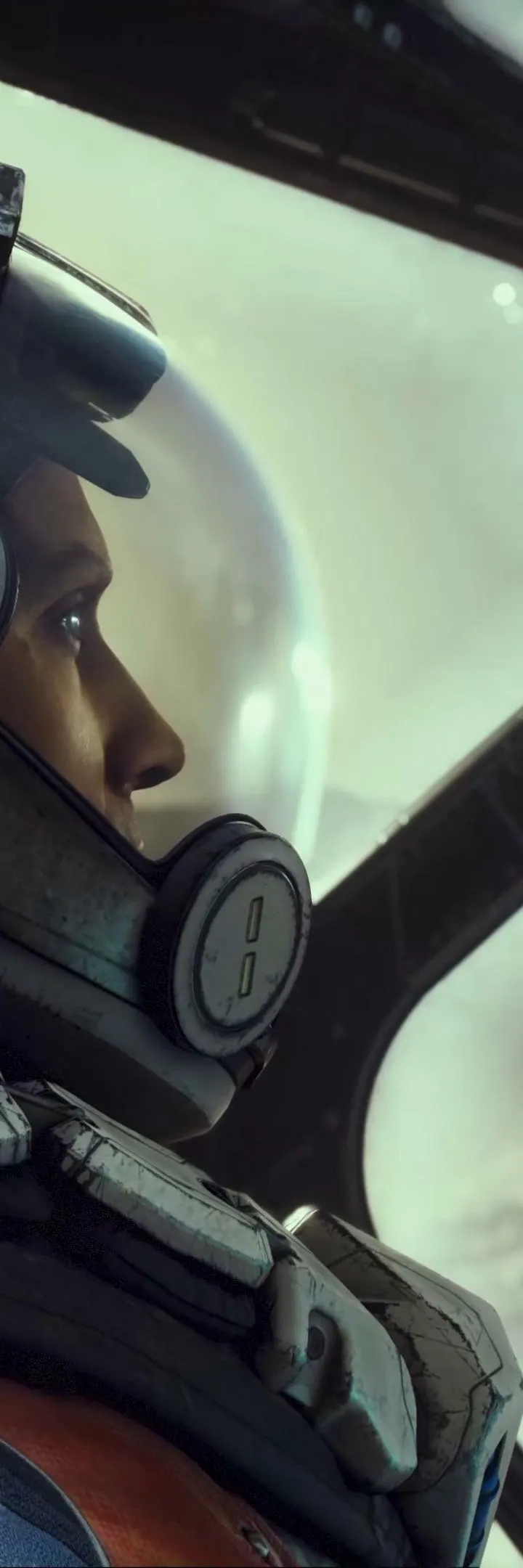
Navigate Starfield's complex controls and UI with ease. Learn about movement, combat, menus, and more to become a spacefaring pro.
Hey there! Starfield's got a lot going on, and figuring out all the buttons and menus can feel like a whole quest in itself. Don't worry, I've got your back. Let's break down how to move around, fight, and manage your inventory so you can focus on exploring the galaxy.
First off, getting around is pretty standard for a space game. You'll use the left stick to move and the right stick to look around. Want to move faster? Just hold down the sprint button. If you need to be a bit stealthier, there's a dedicated sneak button, and you can even slide if you've got the Gymnastics skill unlocked. Jumping is your boostpack button, and to interact with things, you'll usually just press the activate button, but holding it down is key for picking up objects. Oh, and don't forget you can toggle between first and third-person views, which is super handy depending on what you're doing.
When it comes to combat, readying your weapon is usually the 'Ready Weapon' button. Holding down the 'Aim' button will slow you down for more precise shots, and if you've got a scope, you can steady your aim even further with specific buttons, though this will eat into your Oxygen Supply. Need to throw a grenade? There's a button for that, and reloading is pretty straightforward. If you want to put your weapon away, just hold down the holster button.
Navigating the game's menus is also pretty important. Your main 'Data Menu' is your hub for almost everything. You'll use the accept and cancel buttons to confirm or back out of choices, and the directional buttons (Up, Down, Left, Right) are your go-to for scrolling through lists and options. This is how you'll manage your inventory, check your skills, and so much more.
There are a few other things to keep in mind. When you're bartering with vendors, you can use the shoulder buttons and triggers to switch between your inventory and theirs, and use the directional buttons to navigate. Selling items is easy, but remember that anything you sell can be bought back from a 'Buy Back' section, but if you leave the transaction, those items get mixed back into the vendor's regular stock. Also, keep an eye on your 'Status Effects' screen – afflictions can really mess you up, but thankfully, aid items or doctors can help clear them up. Just make sure the aid item's icon matches the affliction's icon!
Your 'Compass' is your best friend for navigation. It shows you objective markers and points of interest. Line them up with the gray bar at the top of your watch, and you'll head in the right direction. Red dots on the compass mean enemies are nearby, so keep an eye on that!
Finally, remember that containers can hold all sorts of goodies. You can open a quick menu to grab items or a transfer menu for more detailed management. Just be careful where you store your stuff – if you don't own the container, your items might not be safe!
- Holding the 'Activate' button is key for picking up objects.
- Steadying your aim with a scope uses Oxygen, so be mindful of that.
- Check the icons on aid items to make sure they treat the affliction you have.
- Line up objective markers on your compass to navigate efficiently.
- Be cautious about storing items in containers you don't own.
100% Human-Written. AI Fact-Checked. Community Verified. Learn how AntMag verifies content