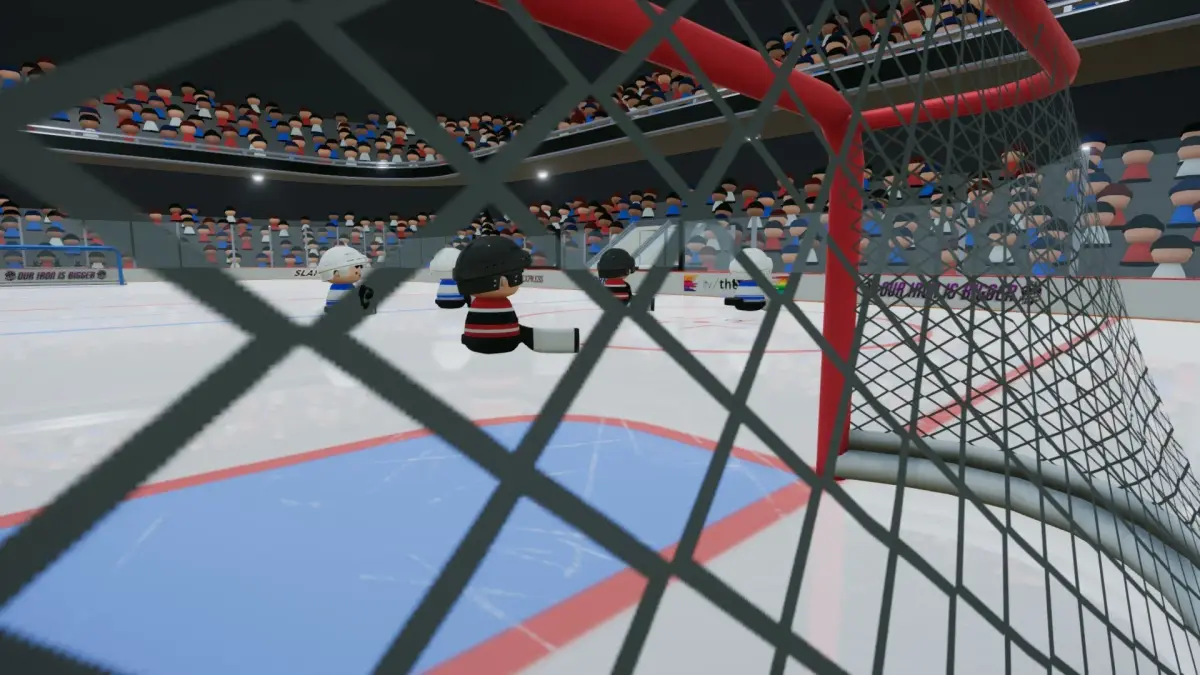
Navigate the Pro Shop in SLAPSHOT Rebound with our comprehensive walkthrough. Learn about available items, how to acquire them, and tips to optimize your gear.
The Pro Shop in SLAPSHOT Rebound is your go-to place for customizing your player with various cosmetic items. This guide will walk you through what the Pro Shop offers and how to make the most of it.
Walkthrough
- 1Access the Pro Shop from the main menu.
- 2Browse the available categories, which typically include Hats, Jerseys, and potentially other accessories.
- 3Each item will display its name, a preview, and its cost in the game's currency.
- 4Select an item to view more details or to purchase it.
- 5Items purchased are immediately equipped or added to your inventory.
Tips
- Check the Pro Shop regularly as featured items may change.
- Save up your in-game currency for items you really want.
- Consider how different cosmetic items might look together.
100% Human-Written. AI Fact-Checked. Community Verified. Learn how AntMag verifies content