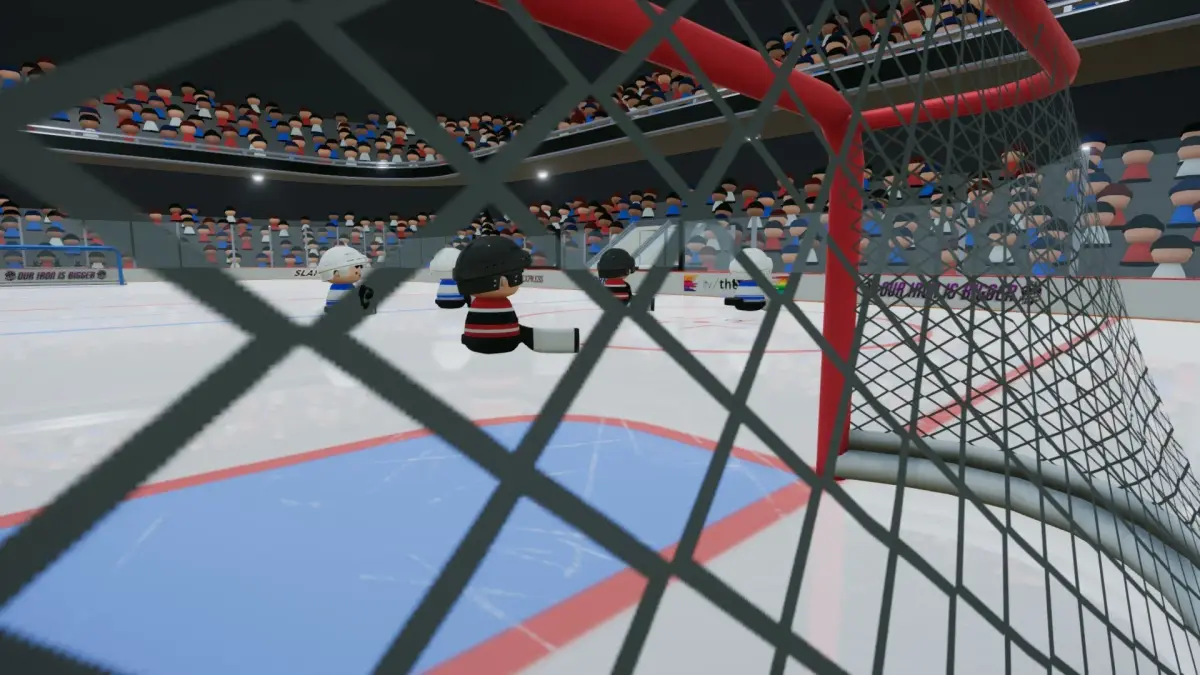
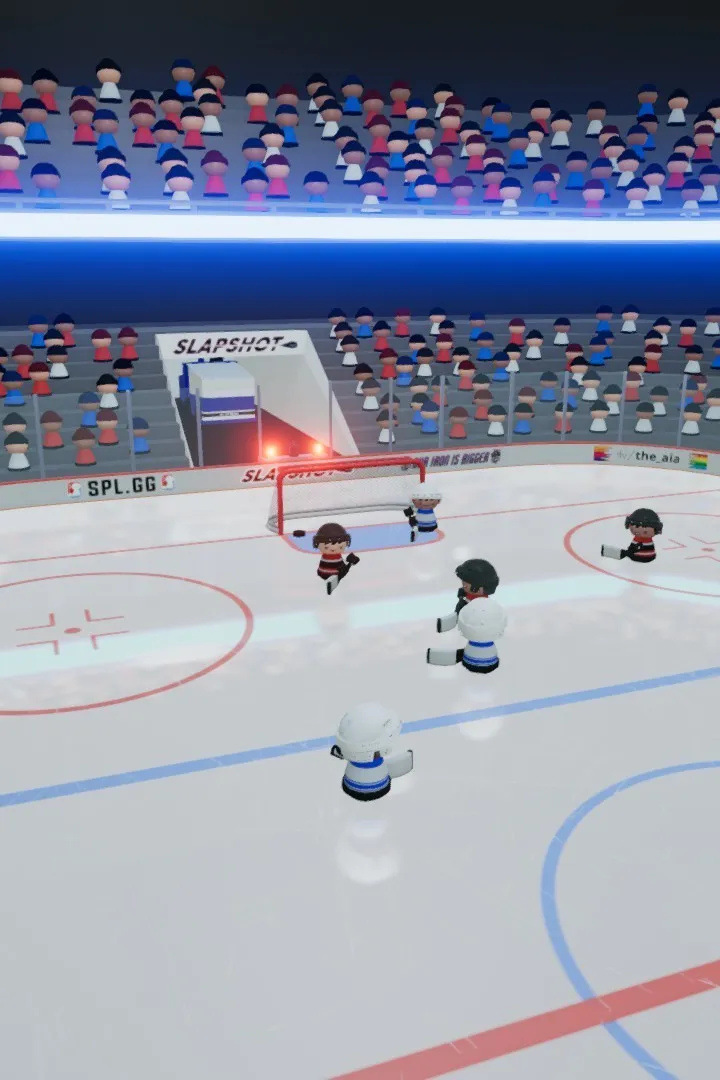
Master SLAPSHOT Rebound controls and UI. Learn essential inputs for movement, shooting, checking, and special abilities for peak gameplay performance.
Navigating the fast-paced world of SLAPSHOT Rebound requires a solid understanding of its controls and user interface. This guide will break down the essential inputs and on-screen elements, ensuring you can react quickly and make informed decisions during intense gameplay.
The user interface (UI) in SLAPSHOT Rebound is designed to provide crucial information at a glance without cluttering the screen. During gameplay, you'll typically see a mini-map in one corner, showing player positions and the puck's location. Your stamina bar is vital, indicating how fatigued your character is and affecting their performance. The score clock and period indicator are also prominently displayed. For your character, you'll see their health or energy, and any active buffs or debuffs. The player indicator above your head clearly shows who you are controlling.
Mastering the controls is key to executing complex plays and reacting to dynamic situations. Here's a breakdown of common controls (may vary slightly based on platform):
| Action | Default PC Controls | Default Controller |
|---|---|---|
| Movement | WASD | Left Analog Stick |
| Shoot/Pass | Left Click | Right Trigger (RT/R2) |
| Slap Shot | Hold Left Click + Right Click | Hold RT/R2 + B/Circle |
| Deke/Fake Shot | Spacebar | A/X |
| Check | Shift | B/Circle |
| Sprint/Power Skate | Ctrl | Left Trigger (LT/L2) |
| Switch Player (Defense) | Q | LB/L1 |
| Special Ability/Item Use | E | Y/Triangle |
Beyond basic controls, remember to utilize the contextual actions. For example, holding down the shoot button longer might charge a slap shot, while a quick tap could be a wrist shot or pass. Pay attention to prompts that appear during gameplay, such as when a teammate is open for a pass or when an opponent is vulnerable for a check. The UI also provides feedback on your character's current state – if your stamina is low, you'll move slower, so managing your energy is crucial. Familiarize yourself with these elements to gain a significant advantage on the ice.
100% Human-Written. AI Fact-Checked. Community Verified. Learn how AntMag verifies content