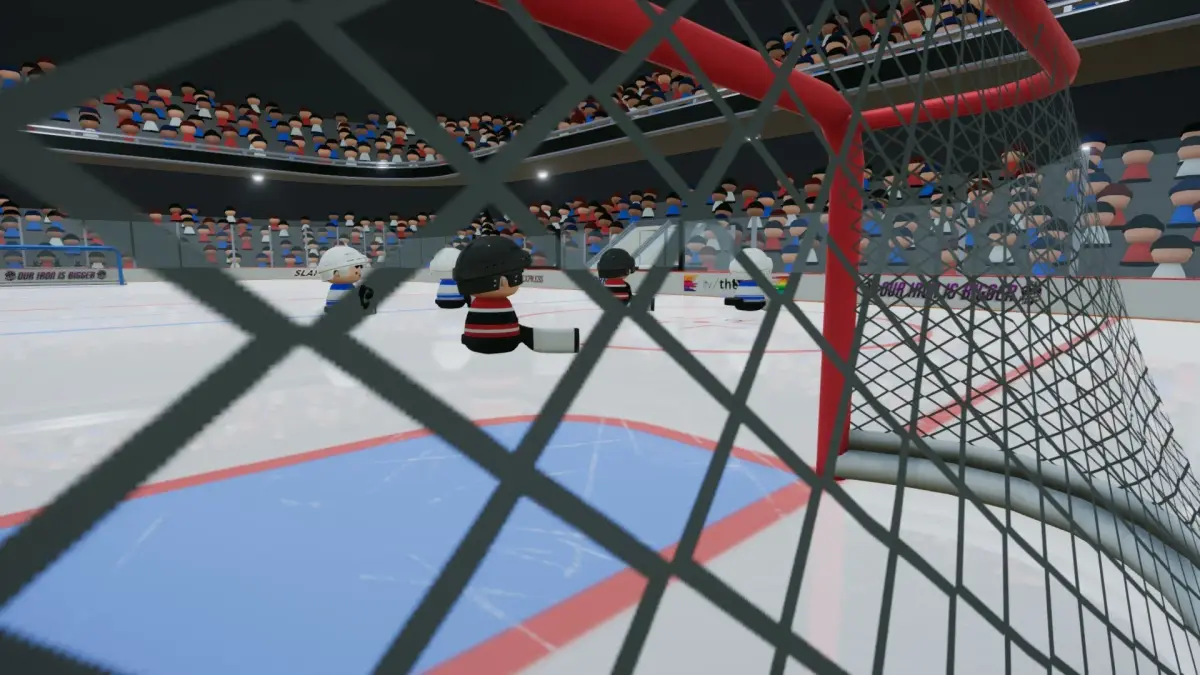
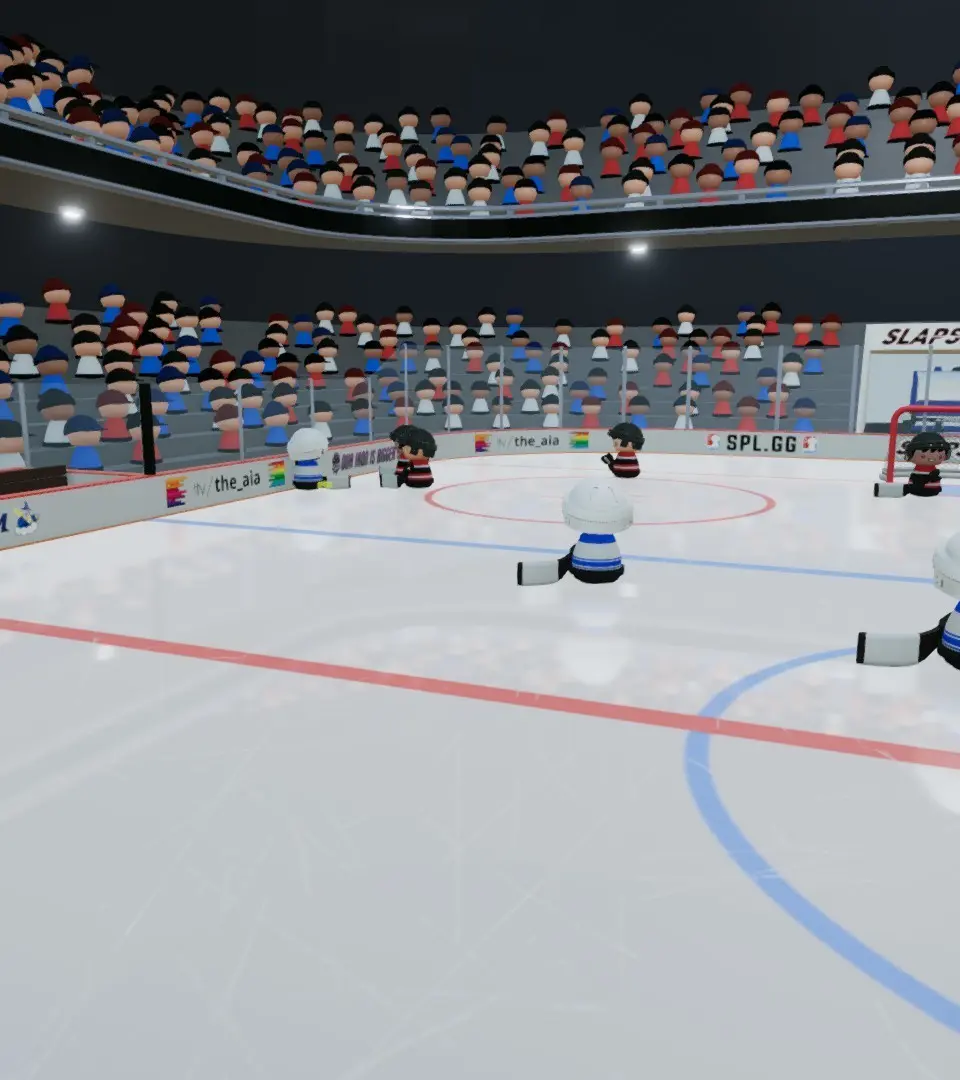
Hone your skills in SLAPSHOT Rebound's practice modes, offering a dedicated environment to refine techniques away from live match pressure.
Welcome to the ultimate guide for honing your skills in SLAPSHOT Rebound! Whether you're a fresh-faced rookie looking to grasp the basics or a seasoned veteran aiming to refine advanced techniques, our comprehensive practice modes offer the perfect environment. Forget the pressure of live matches and dive into these dedicated training grounds to elevate your game.
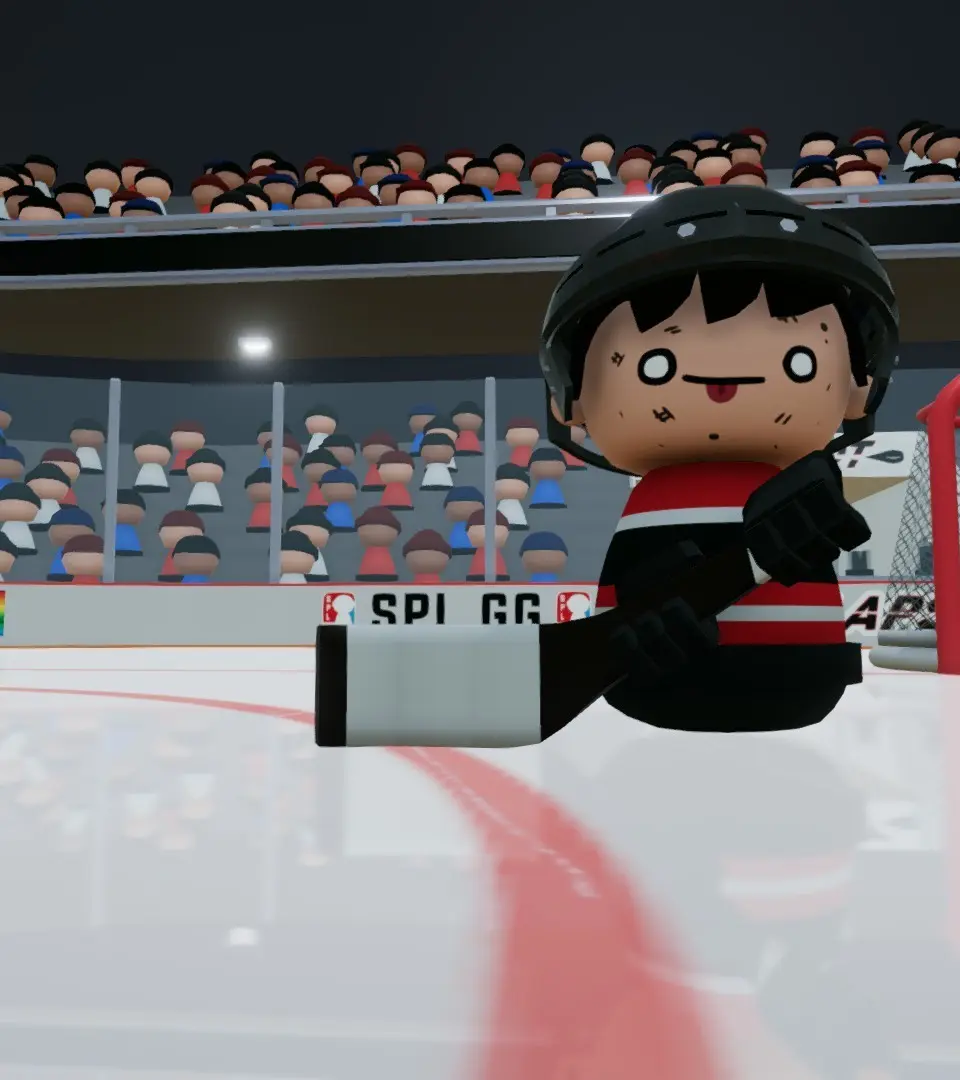
Free Skate Arena (The Rink)
The Free Skate Arena, affectionately known as "The Rink," is your personal playground. This mode is ideal for getting a feel for movement, puck control, and basic shooting without any AI opponents or time constraints. Think of it as your blank canvas for hockey mastery.
- Accessing The Rink: From the Main Menu, navigate to "Practice" and select "Free Skate Arena." You'll be immediately dropped onto a pristine ice surface with a single puck.
- Movement Drills:
- Basic Skating: Practice forward and backward skating, tight turns, and quick stops. Focus on smooth transitions between movements. Try to skate in figure-eights around the net to improve agility.
- Puck Handling: Use the left stick to control your player and the right stick for puck movement. Experiment with stickhandling in tight spaces, weaving through imaginary cones, and protecting the puck from phantom defenders. Try to keep the puck glued to your stick while skating at full speed.
- Shooting Practice:
- Wrist Shots: Position yourself in the high slot (the area between the face-off circles and the blue line). Aim for the corners of the net. Practice quick releases to catch the goalie off guard.
- Slap Shots: From further out, wind up your shot by holding down the shoot button (usually
Xon PlayStation-style controllers orAon Xbox-style controllers) and release for maximum power. Focus on timing your release for accuracy. Try to hit the crossbar or posts. - One-Timers: While this requires a second player or a bit of imagination in Free Skate, you can simulate passing to yourself. Skate towards the net, drop the puck, and then quickly skate to another position to take a one-timer. This helps with shot timing.
- Goaltending Practice (Simulated): While you can't control a goalie in Free Skate, you can practice shooting from various angles and distances to understand what makes a shot difficult to save. Try shooting from behind the net for wrap-arounds, or from the blue line for long-range blasts.
Shooting Gallery (Target Practice)
For those looking to refine their aim and shot power, the Shooting Gallery, or "Target Practice," is your go-to destination. This mode presents you with various targets and scenarios to test your precision.
- Accessing Target Practice: From the Main Menu, select "Practice" and then "Shooting Gallery." You'll be presented with several challenge options.
- Challenge Types:
- Static Targets: These challenges feature stationary targets placed in different areas of the net (e.g., top-left corner, five-hole). Your goal is to hit as many targets as possible within a time limit or with a limited number of pucks. Focus on precise aiming with the right stick and consistent shot power.
- Moving Targets: More advanced challenges introduce moving targets that slide across the net or pop up and down. This tests your ability to lead your shots and react quickly. Pay attention to the target's speed and trajectory.
- Obstacle Course: Some challenges might include obstacles (e.g., simulated defenders, pylons) that require you to shoot around or through them. This helps develop your ability to find shooting lanes.
- Scoring and Feedback: The Shooting Gallery provides immediate feedback on your shots, often displaying points for hitting targets and indicating shot power. Use this information to adjust your technique. Aim for high scores and try to beat your personal bests.
- Strategy for Success:
- Vary Your Shots: Don't just stick to slap shots. Practice wrist shots, snap shots, and even backhand shots to hit different targets effectively.
- Understand Shot Angles: Experiment with shooting from different positions on the ice. A shot from the hash marks will have a different angle and trajectory than one from the blue line.
- Focus on Consistency: The key to high scores is consistent accuracy. Don't rush your shots; take a moment to aim properly.
Puck Control Drills (Agility Course)
Mastering puck control is paramount in SLAPSHOT Rebound. The Puck Control Drills, often referred to as the "Agility Course," are designed to improve your stickhandling, deking, and overall puck retention.
- Accessing Agility Course: From the Main Menu, select "Practice" and then "Puck Control Drills." You'll find various courses set up with cones and obstacles.
- Drill Types:
- Cone Weaving: Navigate through a series of cones, keeping the puck close to your stick. Focus on smooth, continuous puck movement and tight turns. Try to complete the course without touching any cones.
- Puck Protection: Some drills might simulate a defender by having a stationary object or a designated area where you need to keep the puck away from. Practice shielding the puck with your body.
- Dekes and Dangles: Learn to execute various dekes (e.g., forehand-backhand deke, toe drag) by practicing them repeatedly. The Agility Course provides a safe space to experiment with these moves without the pressure of losing the puck to an opponent.
- Tips for Improvement:
- Look Up: While it's tempting to stare at the puck, try to keep your head up as much as possible to scan the ice. This translates directly to better awareness in live games.
- Soft Hands: Don't grip the controller too tightly. Relax your hands to allow for more fluid puck movement.
- Repetition is Key: These drills are all about muscle memory. The more you practice, the more natural puck control will feel.
Goalie Training (Net Minder)
For those who prefer to guard the net, the Goalie Training mode, or "Net Minder," offers dedicated drills to improve your reflexes, positioning, and save techniques.
- Accessing Net Minder: From the Main Menu, select "Practice" and then "Goalie Training." You'll be placed in the net facing a series of shots.
- Drill Types:
- Shot Barrage: Face a continuous stream of shots from various angles and distances. Focus on quick reactions and proper positioning. Try to anticipate where the shot is going.
- Rebound Control: Drills designed to help you direct rebounds to safe areas (e.g., corners) rather than directly back into the slot. Practice smothering the puck when possible.
- Breakaway Scenarios: Face one-on-one situations against an AI skater. This helps you practice challenging shooters, poke checks, and staying patient.
- Key Goalie Principles:
- Angle Play: Always try to cut down the shooter's angle by positioning yourself directly in line with the puck and the center of the net.
- Square to the Shooter: Keep your shoulders and body facing the shooter at all times.
- Track the Puck: Never lose sight of the puck. Follow its movement with your eyes and body.
- Patience: Don't commit too early on dekes or breakaways. Wait for the shooter to make their move.
100% Human-Written. AI Fact-Checked. Community Verified. Learn how AntMag verifies content