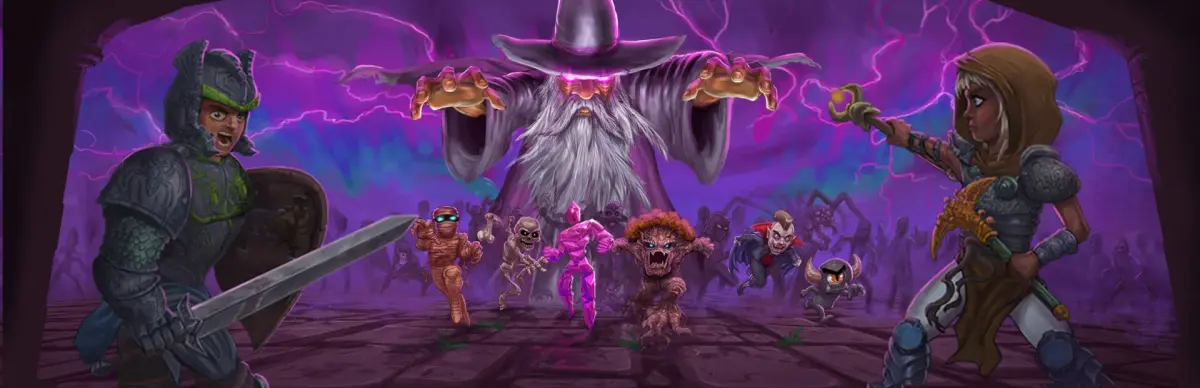
Welcome to Necesse, a charming indie adventure where you'll carve out your own destiny in a procedurally generated world. You'll start with nothing but your wits and a few basic tools, tasked with surviving, building a thriving settlement, and exploring the vast unknown. Gather resources, craft gear, and prepare for adventure as you'll face challenging enemies and formidable bosses.
This guide is your companion to mastering Necesse. We'll walk you through everything from establishing your first outpost and managing your settlers to taking down iconic threats like the Queen Spider and the Ancient Vulture. Learn the best strategies for efficient exploration, combat, and building, ensuring you can conquer every challenge the game throws your way and achieve those coveted Steam Achievements.
Getting Started
New to Necesse? This guide breaks down the basics of survival, crafting, and exploration in this procedural sandbox adventure. Get started on your settlement today!
Getting Started
New to Necesse? This guide breaks down the basics of survival, crafting, and exploration in this procedural sandbox adventure. Get started on your settlement today!
Character Creation
Create your unique character in Necesse. Learn about the cosmetic options available for gender, hair, skin, and eye color in the character creator.
Upon launching Necesse for the first time, you'll be prompted to create your character. While character customization is somewhat limited, you can choose your character's gender, hair style, hair color, skin color, and eye color. These choices are purely cosmetic and do not affect gameplay or stats.
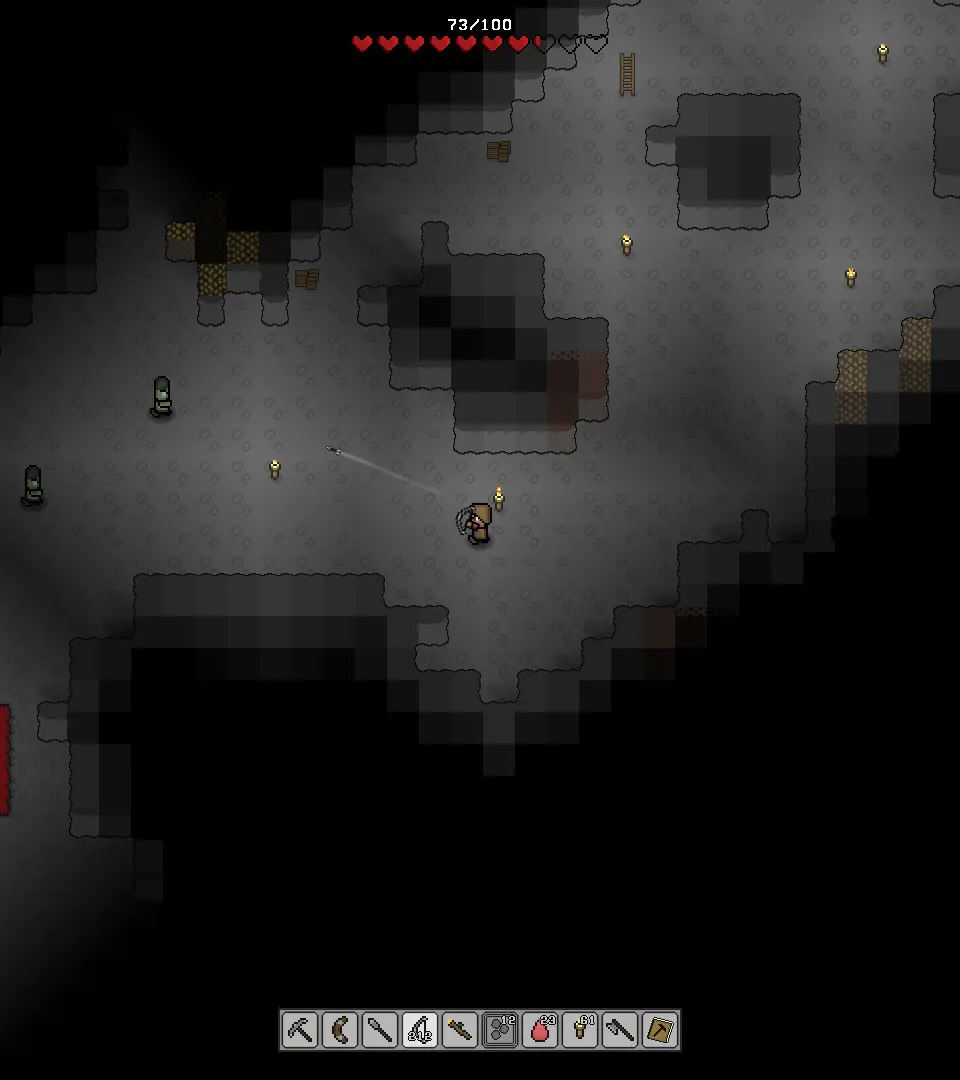
You'll also need to name your character. Choose wisely, as this name will be displayed to other players if you engage in multiplayer. After finalizing your appearance and name, you'll be ready to generate your first world.
Controls & UI — Necesse Guide
Learn the essential controls and user interface elements of Necesse. This guide covers movement, combat, crafting, and UI navigation to help you master the game.
This guide provides an overview of the controls and user interface (UI) for Necesse, helping players navigate and interact with the game world effectively. Understanding these elements is crucial for progression, combat, crafting, and settlement management.
| Action | Key/Button |
|---|---|
| Move Up | W / Up Arrow |
| Move Down | S / Down Arrow |
| Move Left | A / Left Arrow |
| Move Right | D / Right Arrow |
| Jump | Spacebar |
| Interact / Use Item | Left Mouse Button / E |
| Attack | Left Mouse Button |
| Open Inventory | I |
| Open Crafting Menu | C |
| Open Building Menu | B |
| Open Map | M |
| Open Journal / Quests | J |
| Open Settings | Esc |
| Quick Slot 1-4 | 1, 2, 3, 4 |
| Drop Item | G |
| Toggle Sprint | Shift |
World Generation
Learn how to generate worlds in Necesse. Choose your world size, seed for specific layouts, and starting difficulty like Casual for optimal play.
After creating your character, you'll be asked to generate a new world. You can choose a world name, a seed (for specific world layouts), and the world size (Small, Medium, Large). For your first playthrough, a 'Small' or 'Medium' world is recommended as it's easier to explore and manage. The seed can be left blank for a random world.
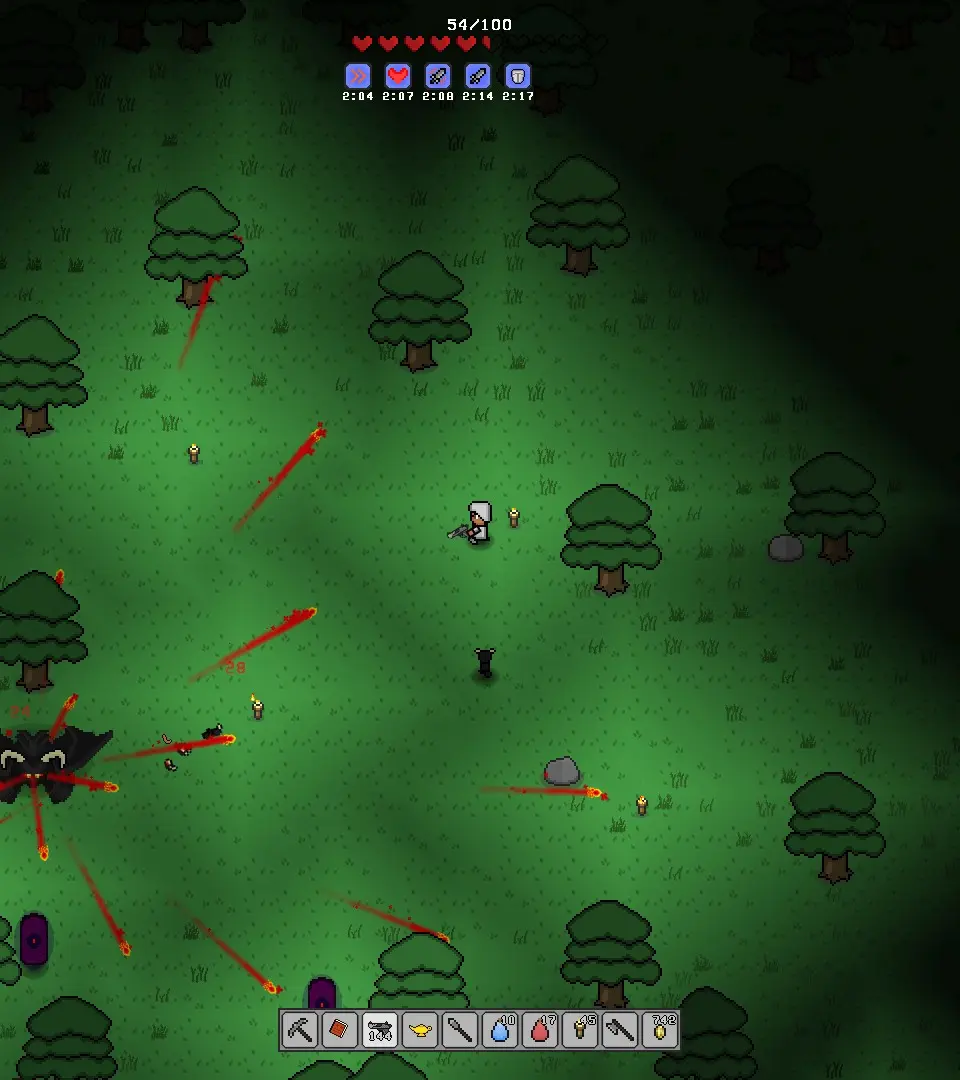
You can also select the difficulty: 'Casual', 'Normal', 'Hard', and 'Insane'. 'Normal' is a good starting point for most players. 'Casual' reduces enemy damage and increases player health, while 'Hard' and 'Insane' significantly increase the challenge. Once you've made your selections, click 'Create World' to begin your journey.
Similar guides you might like


100% Human-Written. AI Fact-Checked. Community Verified. Learn how AntMag verifies content