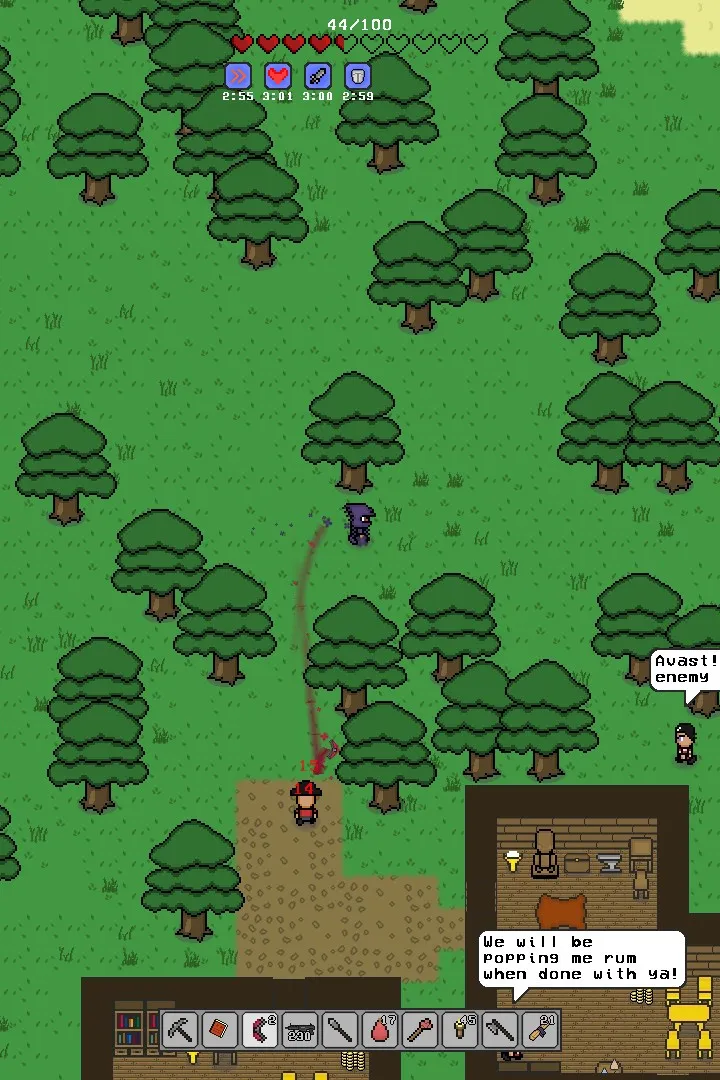
Master the Necesse User Interface. Understand the health bar, hotbar, mini-map, and buffs to manage your character and interactions efficiently.
The Necesse UI provides all the information you need to manage your character and interact with the world. Here's a breakdown of key elements:
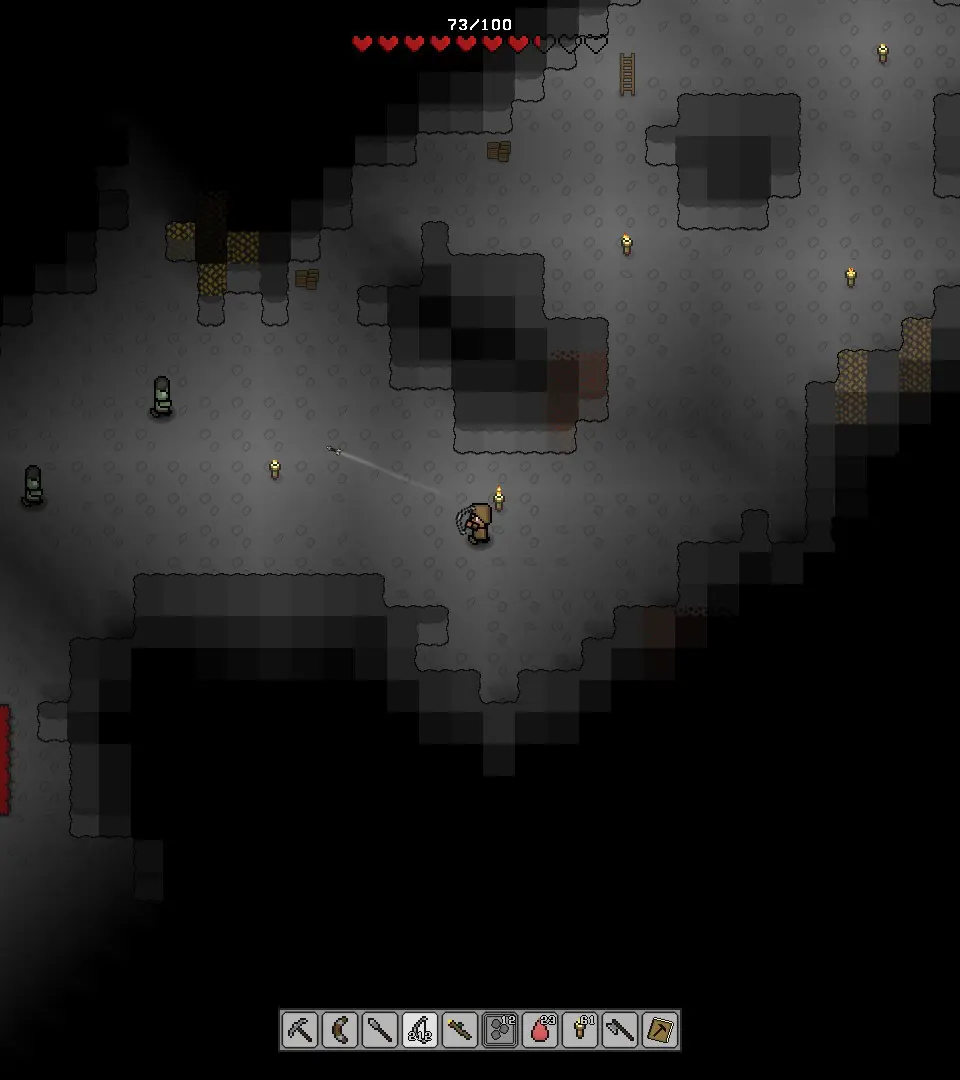
- Top Left: Health bar (red), Mana bar (blue), Stamina bar (green).
- Bottom Left: Hotbar for quick access to items and tools.
- Bottom Right: Mini-map, showing your immediate surroundings and important markers.
- Top Right: Buff/Debuff icons, indicating active effects on your character.
- Center Screen (when interacting): Contextual prompts for crafting, trading, or other interactions.
- Inventory (E key): Displays your character's equipment slots, inventory grid, crafting grid, and storage options.
Familiarize yourself with these elements to efficiently manage your resources and combat situations. The inventory screen is particularly important for crafting and equipping gear.
100% Human-Written. AI Fact-Checked. Community Verified. Learn how AntMag verifies content