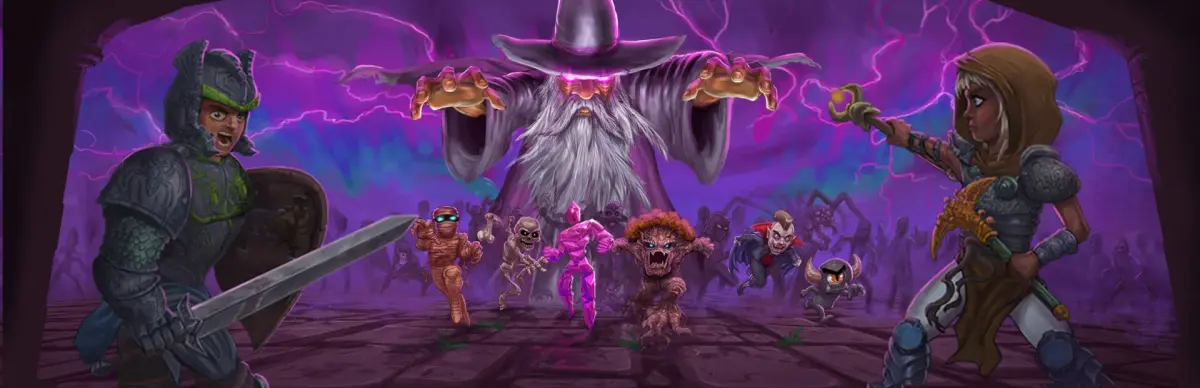
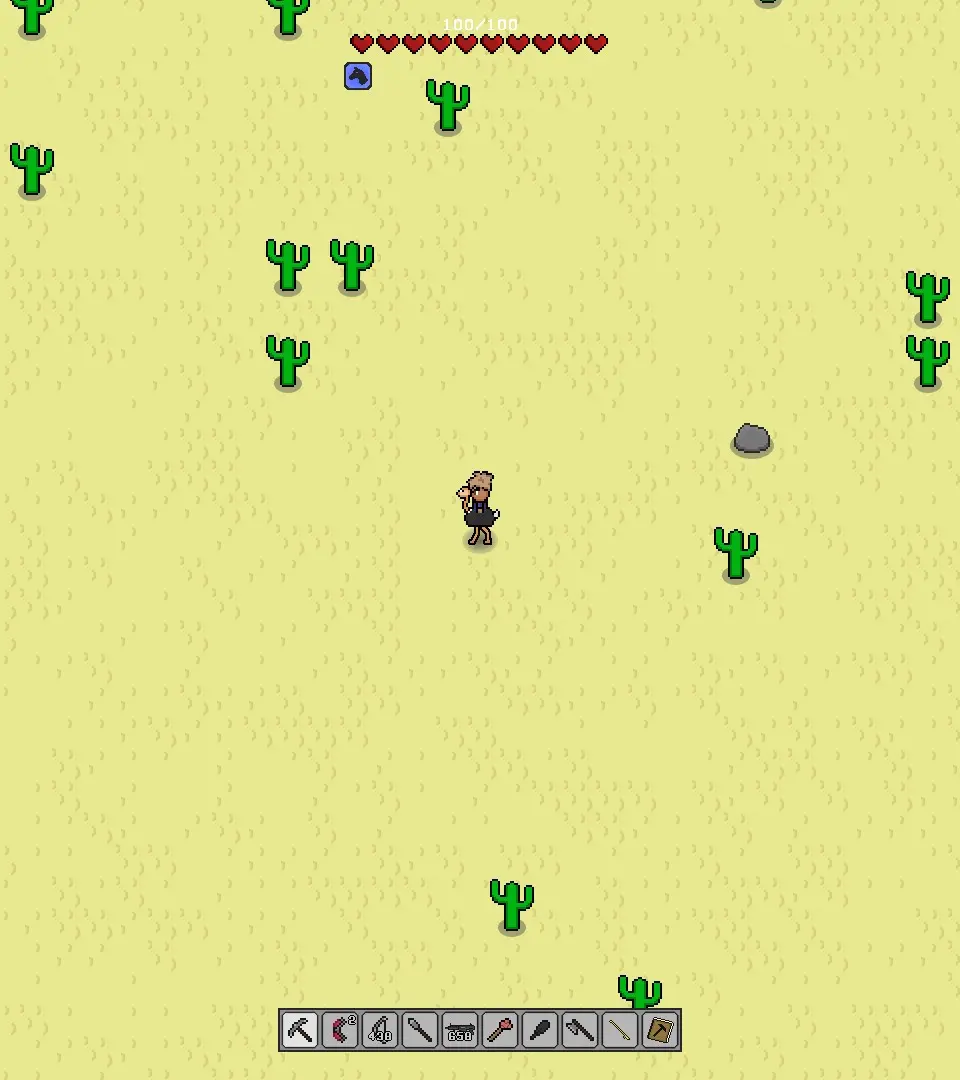
Master the essential controls in Necesse, including movement, combat, inventory, and hotbar management.
Understanding the controls is crucial for effective gameplay. Necesse uses a standard WASD movement scheme and mouse-based interaction.
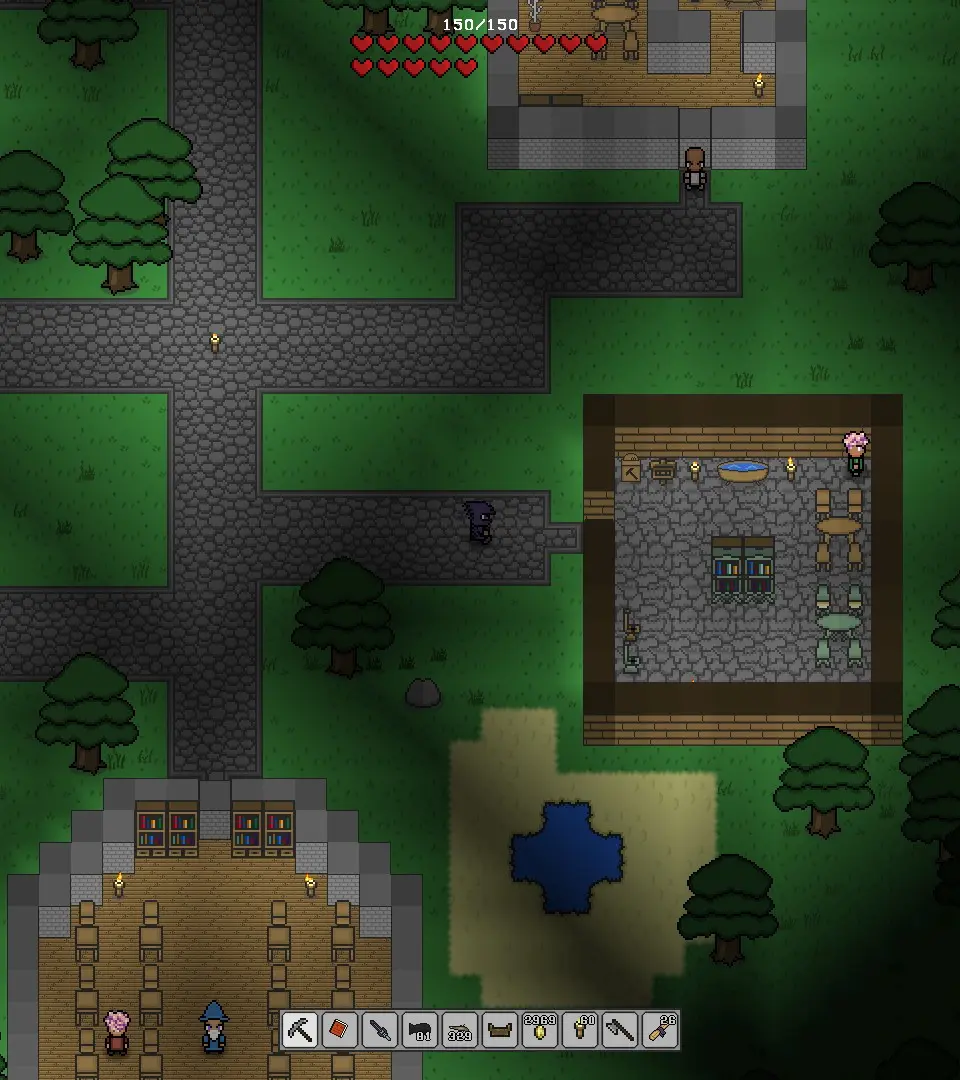
- W, A, S, D: Move character (Up, Left, Down, Right)
- Left Mouse Button: Attack, use item, interact with objects (e.g., open chests, chop trees)
- Right Mouse Button: Place block, use secondary item function (e.g., aim bow)
- E: Open inventory, interact with crafting stations
- Q: Drop item
- Spacebar: Jump (when applicable, e.g., using jump pads)
- Shift: Sprint (consumes stamina)
- Ctrl: Auto-attack (hold to continuously attack)
- 1-9: Select hotbar slot
- Scroll Wheel: Cycle through hotbar slots
- M: Open map
- Tab: Toggle mini-map size
- F: Toggle light source (if equipped)
- Esc: Open game menu (save, exit, options)
You can customize these keybindings in the 'Options' menu at any time.
100% Human-Written. AI Fact-Checked. Community Verified. Learn how AntMag verifies content