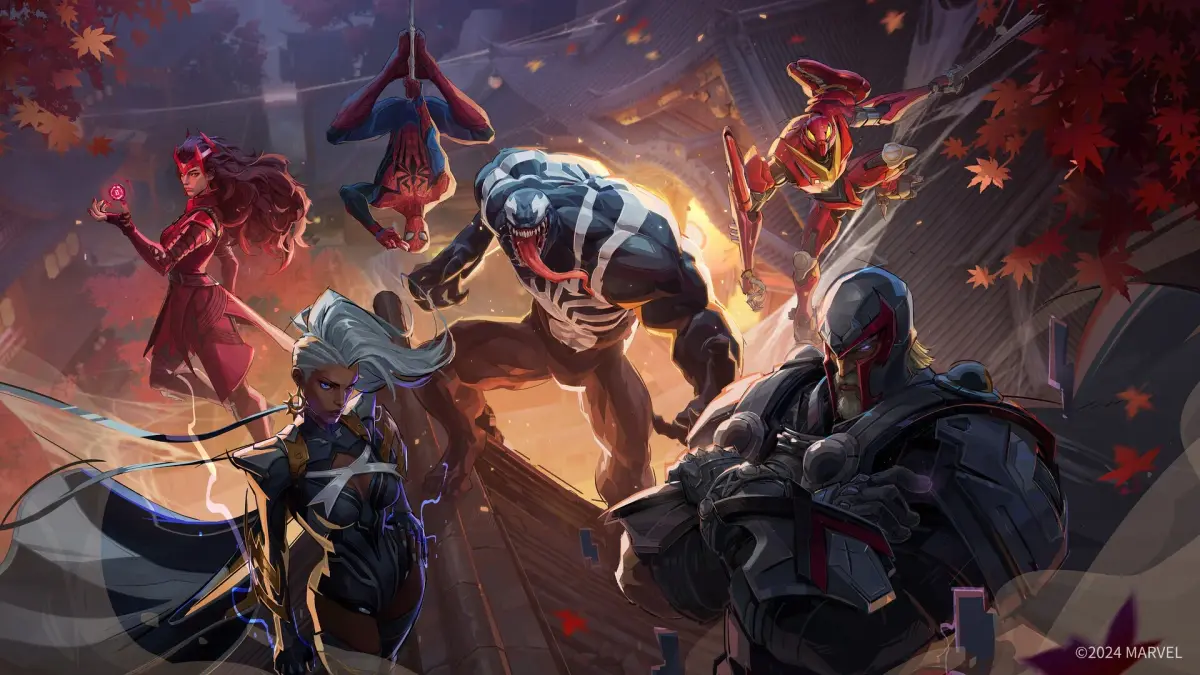
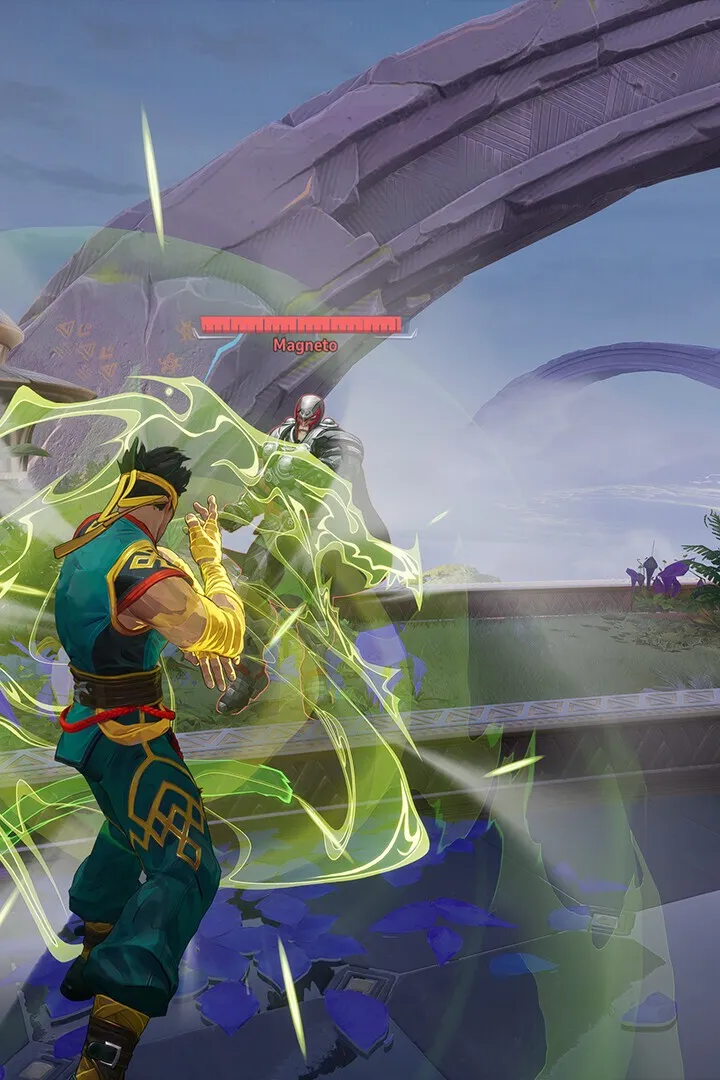
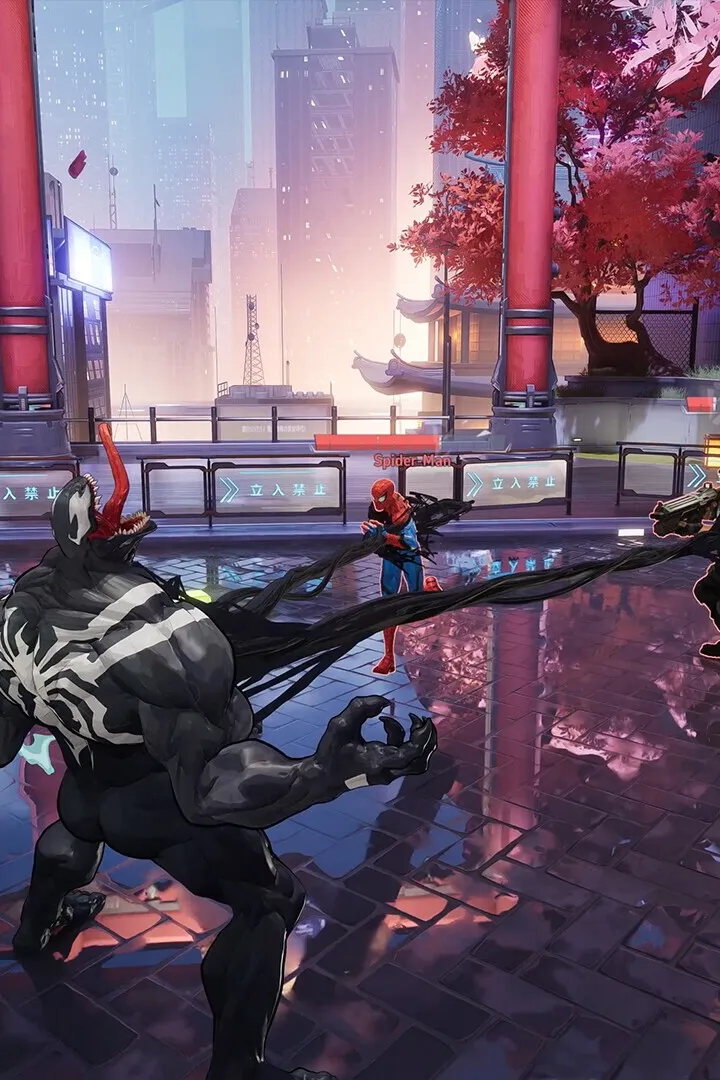
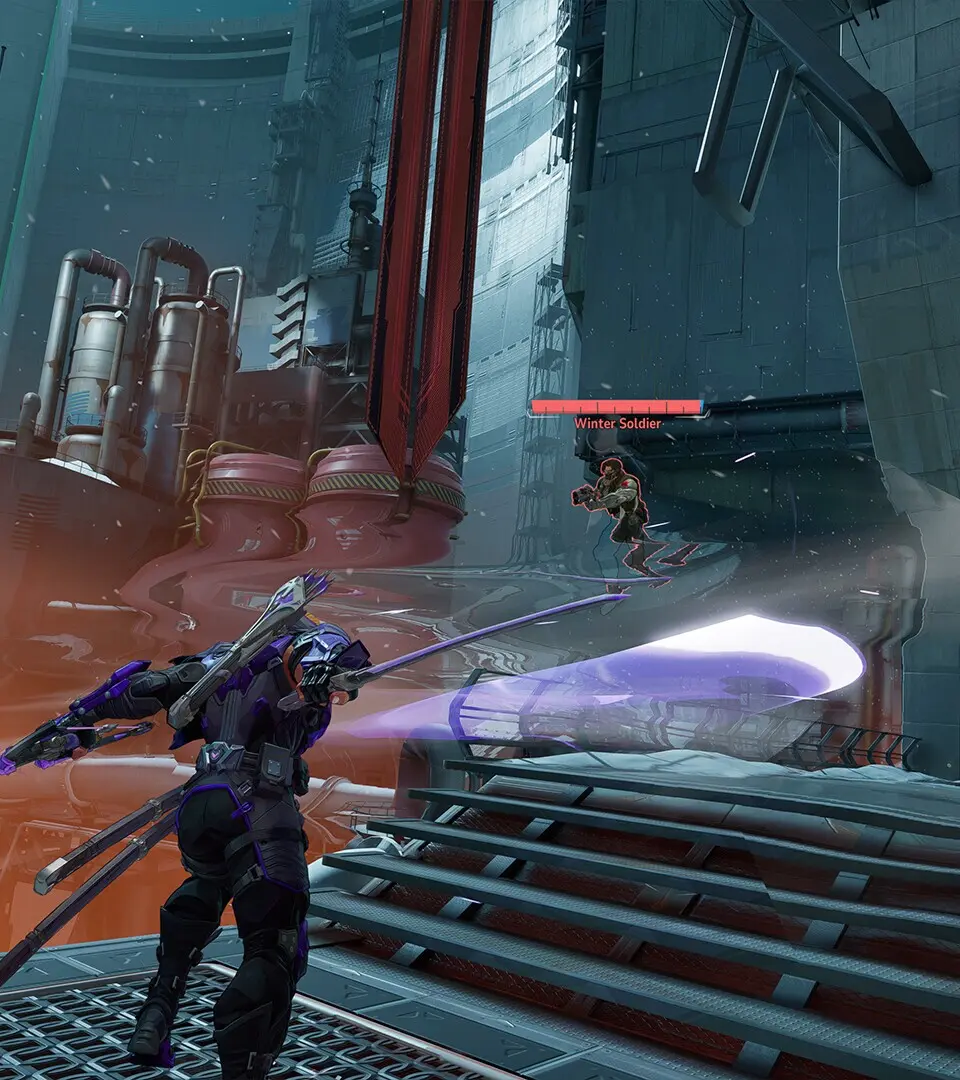
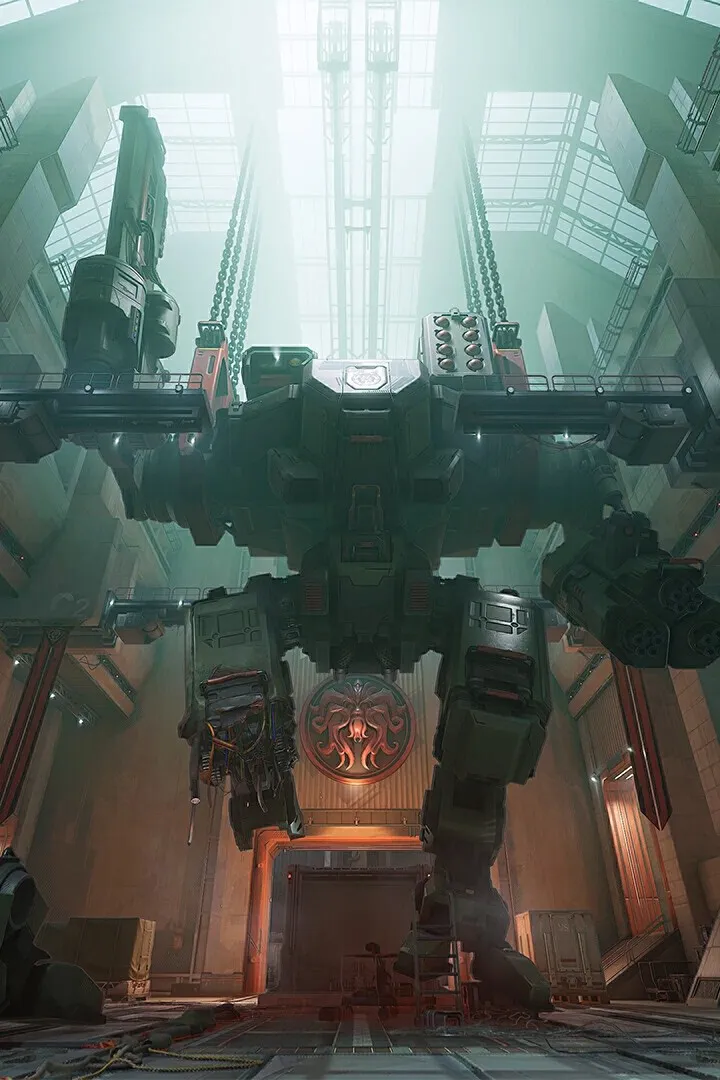
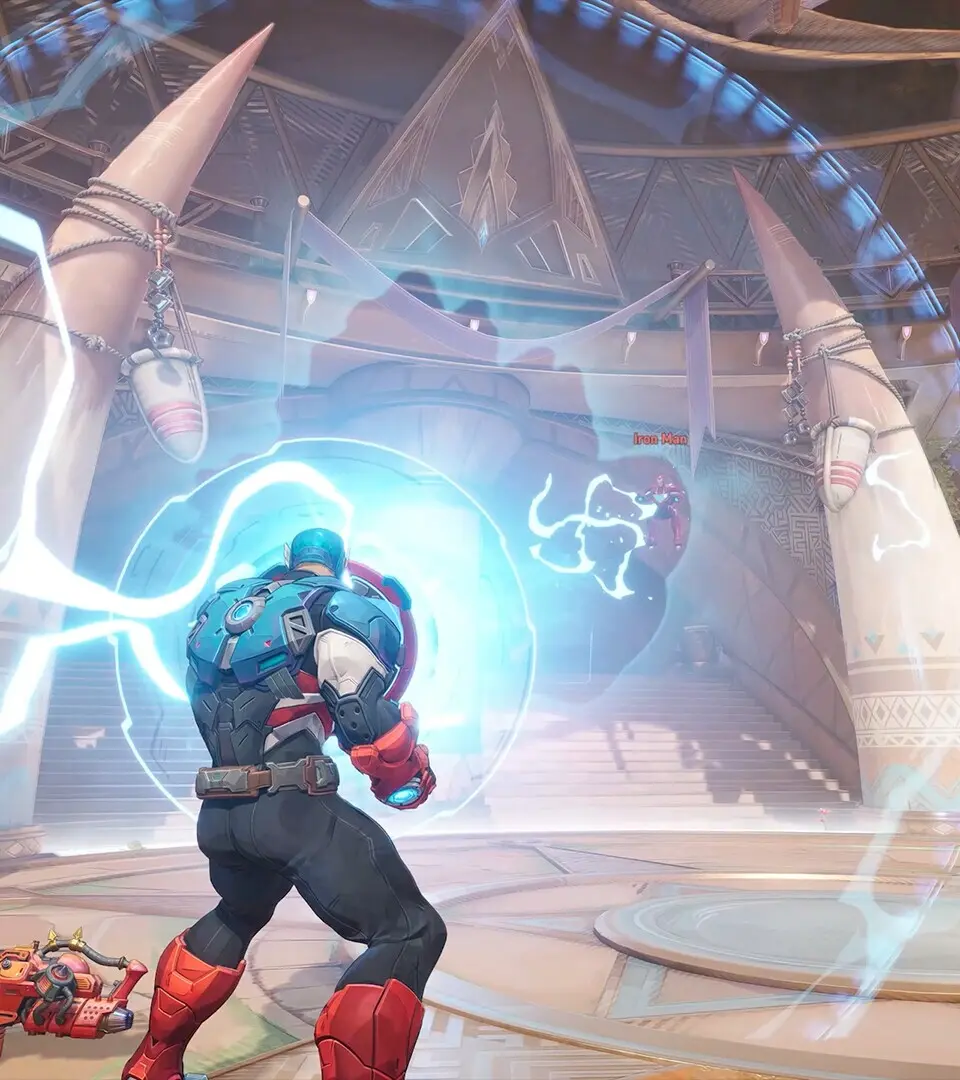
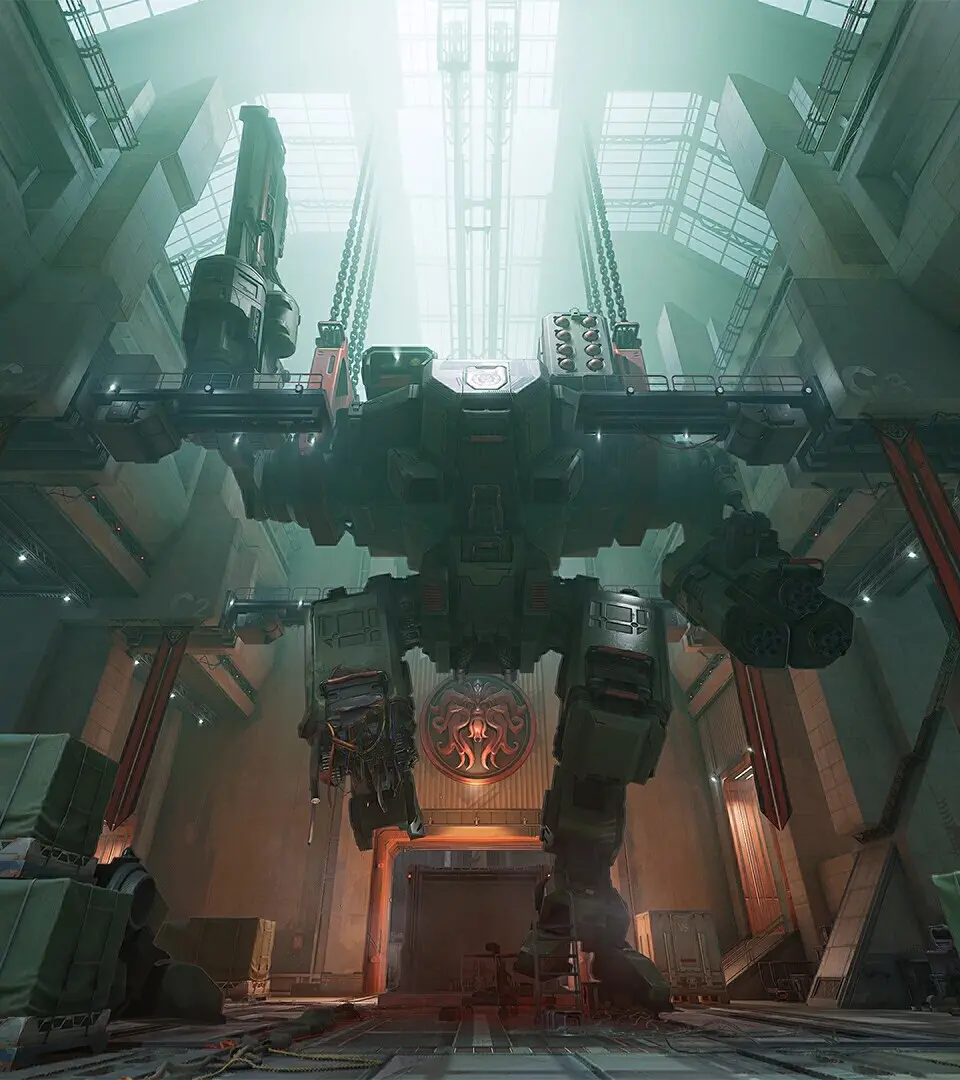
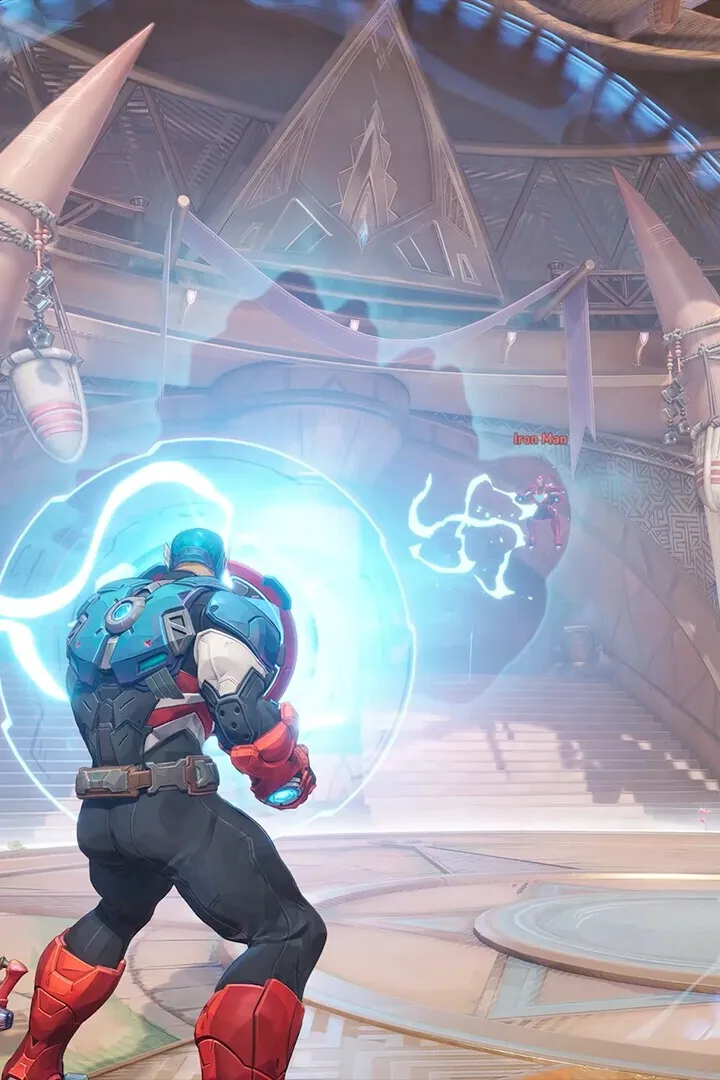
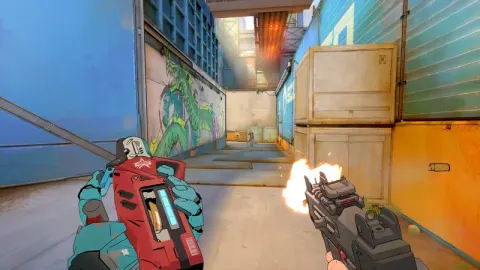
Welcome to Marvel Rivals, the superhero team-based PvP shooter where you team up with iconic Marvel characters to battle it out across dynamic, destructible environments. Whether you're playing as Thor, Magik, or The Punisher, you'll need to master each hero's unique abilities and coordinate with your team to overcome the opposition. This guide is your go-to resource for mastering the game, from understanding hero roles and team strategies to navigating the intricacies of maps like Midtown and tackling special event modes.
We'll cover everything you need to know to dominate, including strategies for the PvE Marvel Zombies event mode where you fight hordes and face off against The Queen of the Dead. Plus, we'll dive into the latest Season 7 content, 'The Hunt Is On,' and help you unlock all the gallery cards from 'Night at the Museum' through Battle Pass progression and Season Events.
About Marvel Rivals
Discover the Marvel Zombies event mode in Marvel Rivals! Learn about playable heroes like Thor and The Punisher, unique abilities, missions, and how to defeat the Queen of the Dead.
The Marvel Zombies event mode was a limited-time PvE experience in Marvel Rivals during Season 4.5. Players teamed up to fight hordes of undead and defeat the Queen of the Dead in Midtown, under the guidance of Khonshu. The mode featured unique versions of heroes like Thor, The Punisher, Magik, Blade, and Jeff the Land Shark, each with modified abilities.
Heroes:
- Blade
- Jeff the Land Shark
- Magik
- The Punisher
- Thor
Map: Marvel Zombies: Midtown
Difficulties: Normal, Hard, Extreme, Nightmare I-IV
Missions: Various missions were available, including daily login rewards for Holy Ankhs, first clear rewards for each difficulty, and challenging solo clear missions for Nightmare III and IV, offering titles and Lanterns.
Controls & UI — Marvel Rivals Guide
Master Marvel Rivals controls! Learn movement, weapons, abilities, and UI navigation for PC, PlayStation, and Xbox. Your friendly guide to dominating the battlefield.
Alright, let's get you up to speed with how to actually play Marvel Rivals. Knowing the controls and how to read the UI is super important, especially when things get hectic. Think of this as your friendly rundown, no lectures here!
## Combat
This is where the action happens. We'll break down how you move, use your weapons, and unleash those awesome abilities.
### Movement
Getting around the map is key. Whether you're on PC, PlayStation, or Xbox, you'll have specific buttons to control your hero.
| | PC | PlayStation | Xbox |
| --- | --- | --- | --- |
| Forward | W | [![PS5 Left Stick Vertical]()](https://static.wikia.nocookie.net/marvel-rivals/images/0/0c/PS5_Left_Stick_Vertical.png/revision/latest?cb=20250915231509) | [![XboxSeriesX Left Stick Vertical]()](https://static.wikia.nocookie.net/marvel-rivals/images/1/1b/XboxSeriesX_Left_Stick_Vertical.png/revision/latest?cb=20250915231959) |
| Back | S | [![PS5 Left Stick Vertical]()](https://static.wikia.nocookie.net/marvel-rivals/images/0/0c/PS5_Left_Stick_Vertical.png/revision/latest?cb=20250915231509) | [![XboxSeriesX Left Stick Vertical]()](https://static.wikia.nocookie.net/marvel-rivals/images/1/1b/XboxSeriesX_Left_Stick_Vertical.png/revision/latest?cb=20250915231959) |
| Left | A | [![PS5 Left Stick Horizontal]()](https://static.wikia.nocookie.net/marvel-rivals/images/9/95/PS5_Left_Stick_Horizontal.png/revision/latest?cb=20250915231658) | [![XboxSeriesX Left Stick Horizontal]()](https://static.wikia.nocookie.net/marvel-rivals/images/6/65/XboxSeriesX_Left_Stick_Horizontal.png/revision/latest?cb=20250915232012) |
| Right | D | [![PS5 Left Stick Horizontal]()](https://static.wikia.nocookie.net/marvel-rivals/images/9/95/PS5_Left_Stick_Horizontal.png/revision/latest?cb=20250915231658) | [![XboxSeriesX Left Stick Horizontal]()](https://static.wikia.nocookie.net/marvel-rivals/images/6/65/XboxSeriesX_Left_Stick_Horizontal.png/revision/latest?cb=20250915232012) |
| Jump | SPACE | [![PS5 Cross]()](https://static.wikia.nocookie.net/marvel-rivals/images/a/a9/PS5_Cross.png/revision/latest?cb=20250915231524) | [![XboxSeriesX A]()](https://static.wikia.nocookie.net/marvel-rivals/images/2/25/XboxSeriesX_A.png/revision/latest?cb=20250915232034) |
| Ascend | SPACE | [![PS5 L2]()](https://static.wikia.nocookie.net/marvel-rivals/images/8/89/PS5_L2.png/revision/latest?cb=20250915231532) | [![XboxSeriesX LT]()](https://static.wikia.nocookie.net/marvel-rivals/images/6/68/XboxSeriesX_LT.png/revision/latest?cb=20250915232044) |
| Descend | LCTRL | [![PS5 L1]()](https://static.wikia.nocookie.net/marvel-rivals/images/f/f6/PS5_L1.png/revision/latest?cb=20250915231539) | [![XboxSeriesX LB]()](https://static.wikia.nocookie.net/marvel-rivals/images/a/a4/XboxSeriesX_LB.png/revision/latest?cb=20250915232052) |
| Melee | V | [![PS5 R3]()](https://static.wikia.nocookie.net/marvel-rivals/images/f/f7/PS5_R3.png/revision/latest?cb=20250915233002) | [![XboxSeriesX R3]()](https://static.wikia.nocookie.net/marvel-rivals/images/3/3b/XboxSeriesX_R3.png/revision/latest?cb=20250915233014) |
| Ultimate | Q | [![PS5 L3+R3]()](https://static.wikia.nocookie.net/marvel-rivals/images/8/89/PS5_L3%2BR3.png/revision/latest?cb=20250916050945) | [![XboxSeriesX L3+R3]()](https://static.wikia.nocookie.net/marvel-rivals/images/3/38/XboxSeriesX_L3%2BR3.png/revision/latest?cb=20250916050955) |
Heads up: Using SPACE for both Jump and Ascend might take a little getting used to, so practice that!
### Weapons
Knowing how to switch and fire your weapons is fundamental. Here's the breakdown for each platform:
| | PC | PlayStation | Xbox |
| --- | --- | --- | --- |
| Primary Weapon | 1 | [![PS5 Triangle]()](https://static.wikia.nocookie.net/marvel-rivals/images/a/a1/PS5_Triangle.png/revision/latest?cb=20250915233728) | [![XboxSeriesX Y]()](https://static.wikia.nocookie.net/marvel-rivals/images/0/01/XboxSeriesX_Y.png/revision/latest?cb=20250915234224) |
| Secondary Weapon | 2 | [![PS5 Triangle]()](https://static.wikia.nocookie.net/marvel-rivals/images/a/a1/PS5_Triangle.png/revision/latest?cb=20250915233728) | [![XboxSeriesX Y]()](https://static.wikia.nocookie.net/marvel-rivals/images/0/01/XboxSeriesX_Y.png/revision/latest?cb=20250915234224) |
| Reload | R | [![PS5 Square]()](https://static.wikia.nocookie.net/marvel-rivals/images/6/6e/PS5_Square.png/revision/latest?cb=20250915233726) | [![XboxSeriesX X]()](https://static.wikia.nocookie.net/marvel-rivals/images/c/cd/XboxSeriesX_X.png/revision/latest?cb=20250915234223) |
| Primary Attack | [![Left mouse button]()](https://static.wikia.nocookie.net/marvel-rivals/images/f/ff/Lmb.png/revision/latest?cb=20241129111859 "Left mouse button") | [![PS5 R2]()](https://static.wikia.nocookie.net/marvel-rivals/images/5/52/PS5_R2.png/revision/latest?cb=20250915233718) | [![XboxSeriesX RT]()](https://static.wikia.nocookie.net/marvel-rivals/images/a/a3/XboxSeriesX_RT.png/revision/latest?cb=20250915234248) |
| Secondary Attack | [![Right mouse button]()](https://static.wikia.nocookie.net/marvel-rivals/images/0/02/Rmb.png/revision/latest?cb=20241129111900 "Right mouse button") | [![PS5 L2]()](https://static.wikia.nocookie.net/marvel-rivals/images/8/89/PS5_L2.png/revision/latest?cb=20250915231532) | [![XboxSeriesX LT]()](https://static.wikia.nocookie.net/marvel-rivals/images/6/68/XboxSeriesX_LT.png/revision/latest?cb=20250915232044) |
| Previous Weapon |
## UI (User Interface)
Understanding the UI helps you keep track of everything important during a match. This section covers how you can customize it, spectate, and communicate.
### UI Edit
You'll be able to customize your UI to fit your preferences. This is great for making sure important information is right where you need it.
### In-Game Spectating
If you're spectating a match, the UI will give you all the info you need on what's happening. Pay attention to player health, abilities, and objectives.
### In-Battle Social Pop-Ups
These pop-ups give you quick info about what's happening with other players or team events. Keep an eye on them, but don't let them distract you too much!
### Interface Hotkeys
Like the combat controls, there are hotkeys for various interface elements. Learning these can speed up your actions significantly.
## Communication
Teamwork makes the dream work, and good communication is vital. Marvel Rivals offers several ways to talk to your team.
### Ping Communication
Pinging is a quick and easy way to draw attention to locations, enemies, or objectives without needing voice chat. You'll see different ping types for different situations.
### Customized Communication
This might allow you to set up pre-defined messages or voice lines. It's a handy way to coordinate complex strategies or just to add some flavor.
## Spectating
When you're not in the fight, spectating can be a great way to learn. You'll have controls to follow players, switch views, and get a good look at the action. Keep an eye on how experienced players handle different situations!
Character Creation
New to Marvel Rivals? This guide breaks down character creation, helping you choose your hero and understand their abilities to dominate the battlefield. Get started today!
Hey there! So you're diving into Marvel Rivals and wondering how to get started with your hero? Well, you've come to the right place. While there isn't a traditional 'character creation' where you build a hero from scratch, the game is all about choosing from a roster of awesome Marvel characters, each with their own unique abilities and playstyles. Think of it like picking your favorite Avenger or X-Man and jumping right into the action!
When you first start, you'll want to check out the 'Heroes' section. This is where you'll see all the characters currently available in the game. Each hero has a distinct role, whether they're a damage dealer, a support, or a tank. Take a moment to read through their descriptions and maybe even watch a quick gameplay clip if you can. It's super important to find a hero that clicks with how you like to play.
Once you've picked a hero, you'll be able to customize their appearance with various skins and cosmetics, but their core abilities and stats are fixed to that character. So, the real 'creation' aspect comes down to mastering the hero you choose and building your team around them. Don't be afraid to experiment with different heroes as you play more; you might discover a new favorite you didn't expect!