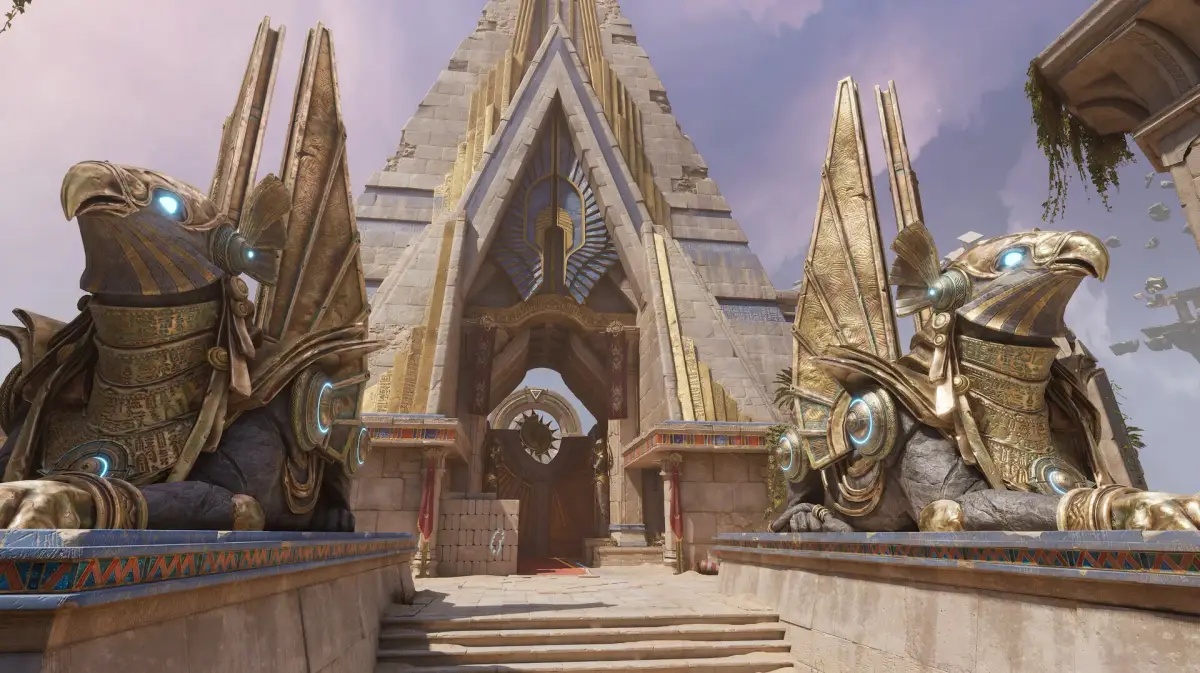
Welcome to FragPunk, Bad Guitar Studio's frenetic sci-fi FPS where you and your squad dive headfirst into high-stakes co-op missions. As elite agents, you'll be battling through intense firefights, conquering data nodes, and taking down formidable elite units. It's a game that demands quick reflexes, smart teamwork, and a keen eye for enemy patterns, perfect for players looking for a challenging online co-op experience on PC or PS5.
This guide is your essential companion to mastering FragPunk. We'll walk you through everything from getting set up and navigating early missions to developing advanced tactics. You'll find detailed breakdowns of agent profiles, strategies for overcoming the toughest elite units, and tips for optimizing your loadout. Plus, we'll help you conquer daily challenges and claim your spot as the ultimate punk.
Getting Started
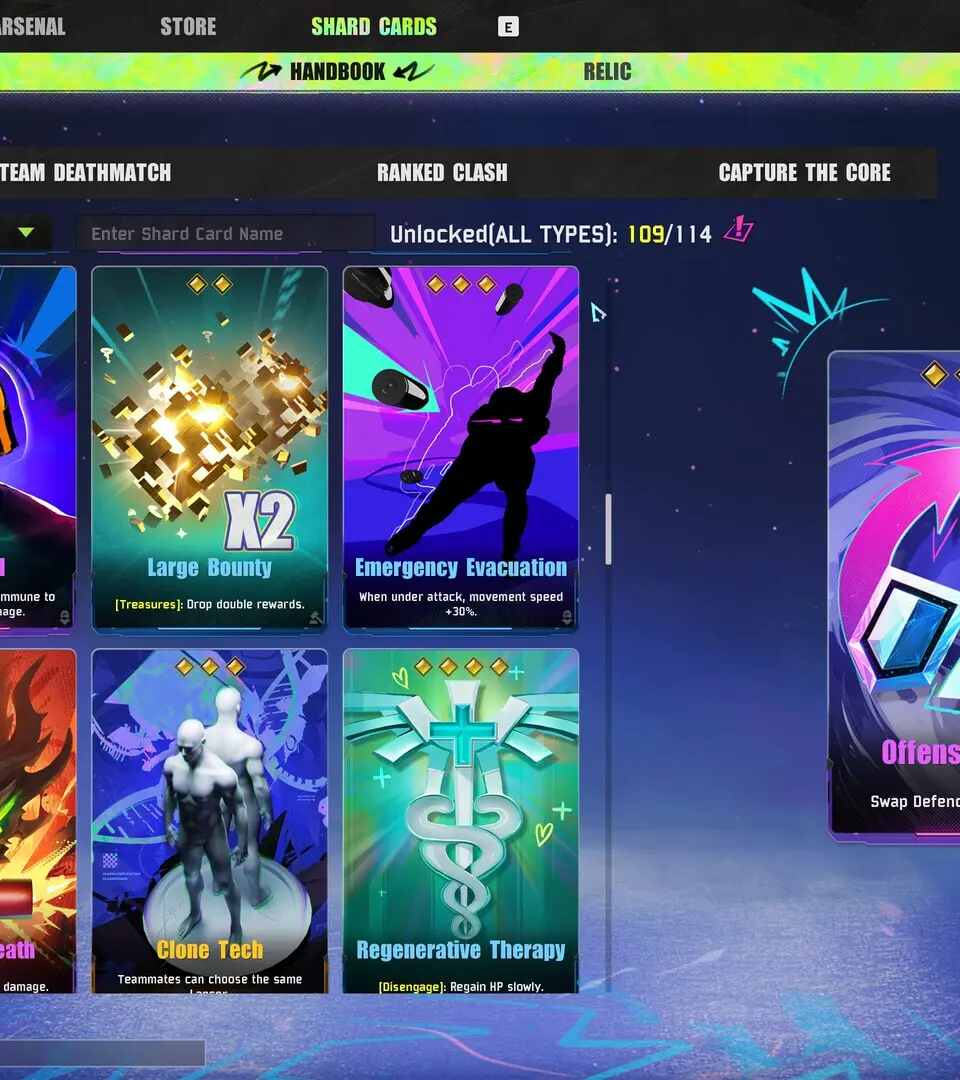
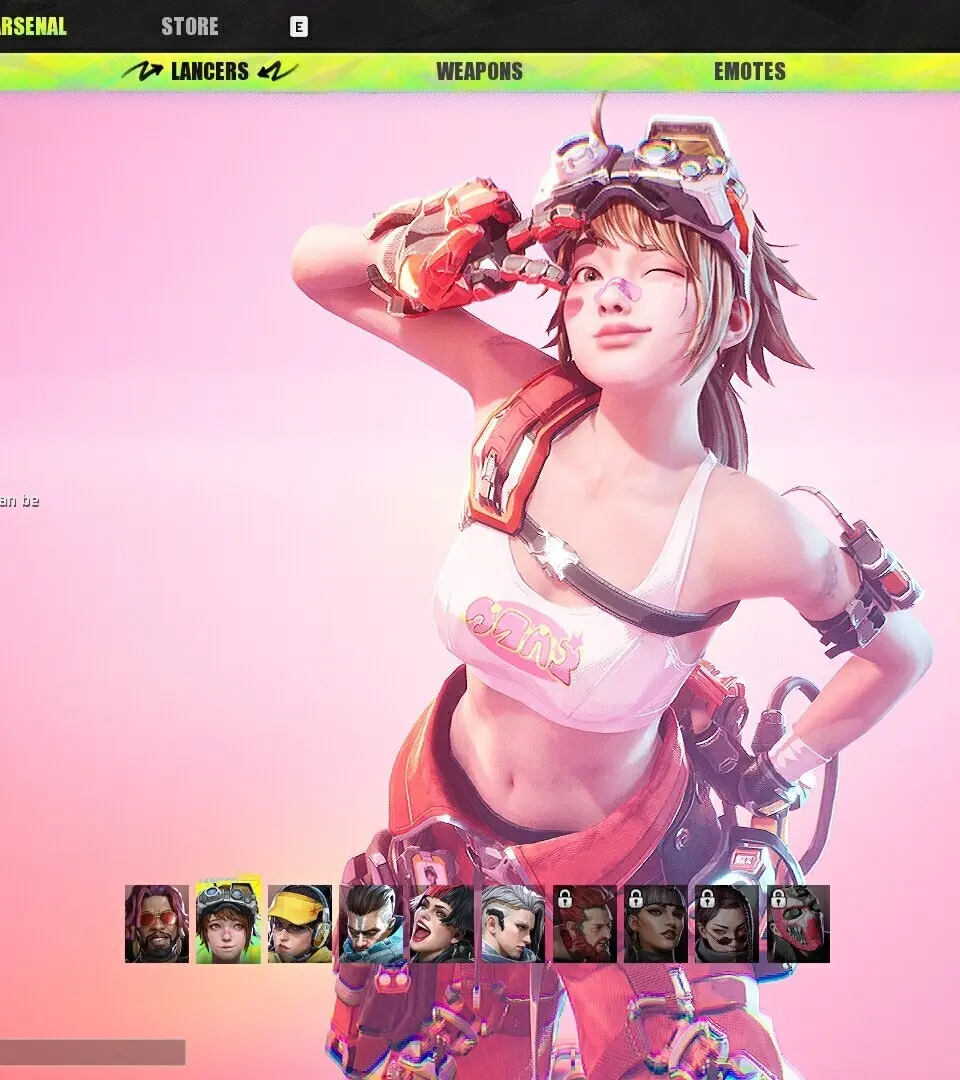
New to FragPunk? This guide breaks down the basics of this 5v5 tactical shooter with card gameplay. Learn about Lancers, shard cards, and how to rewrite the battlefield.
Getting Started
New to FragPunk? This guide breaks down the basics of this 5v5 tactical shooter with card gameplay. Learn about Lancers, shard cards, and how to rewrite the battlefield.
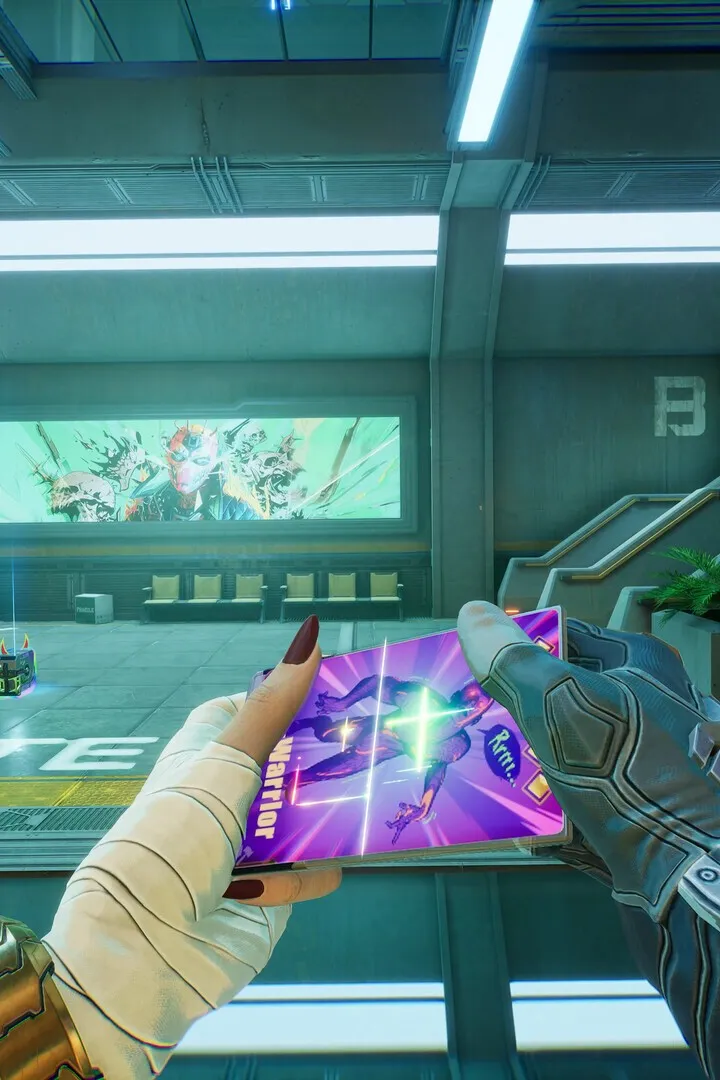
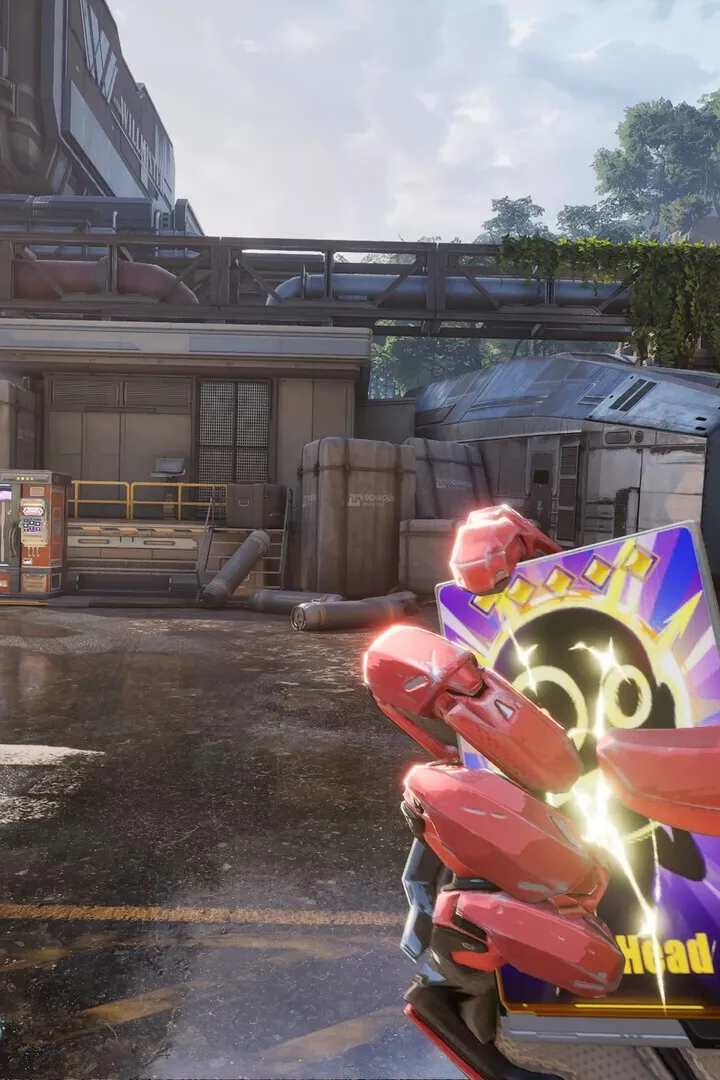
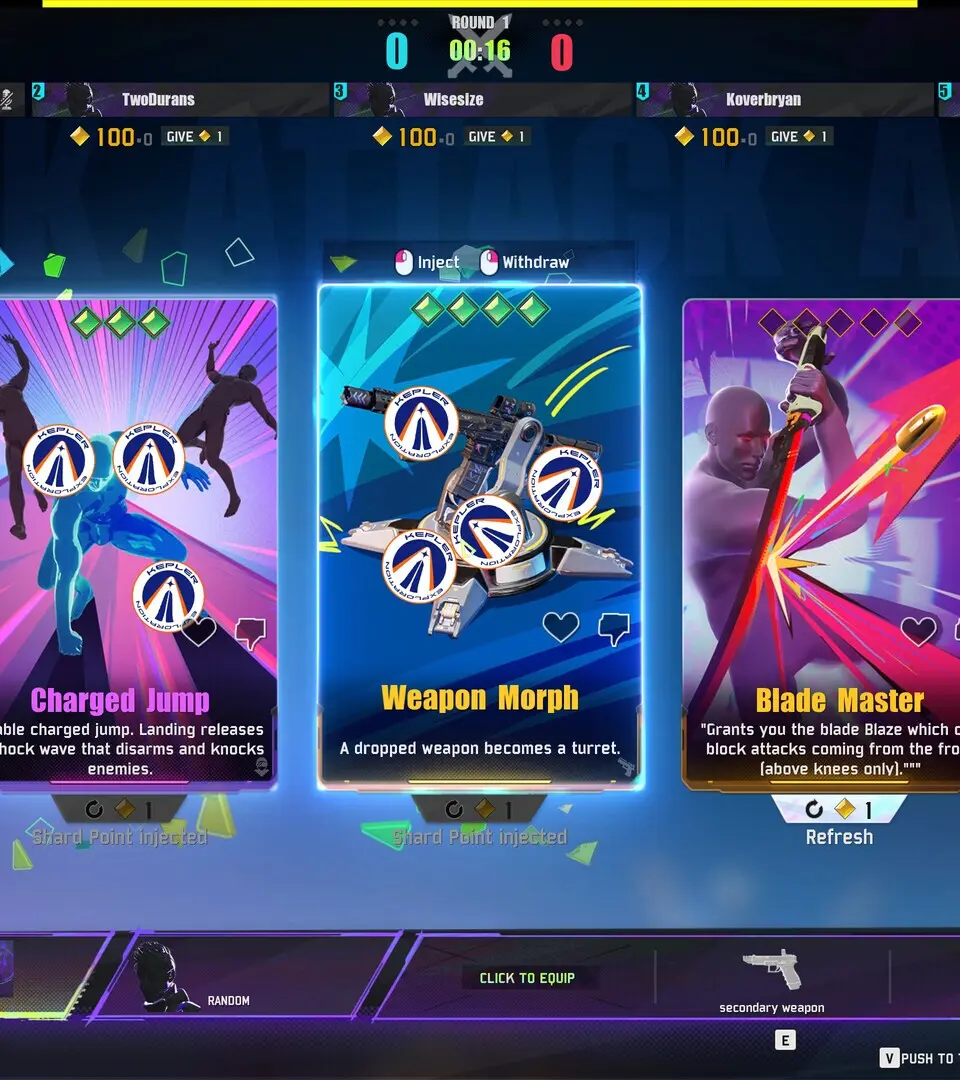
Controls & UI — FragPunk Guide
Master FragPunk's controls and user interface with our comprehensive guide. Learn keybinds, HUD elements, and essential UI navigation for a superior tactical shooter experience.
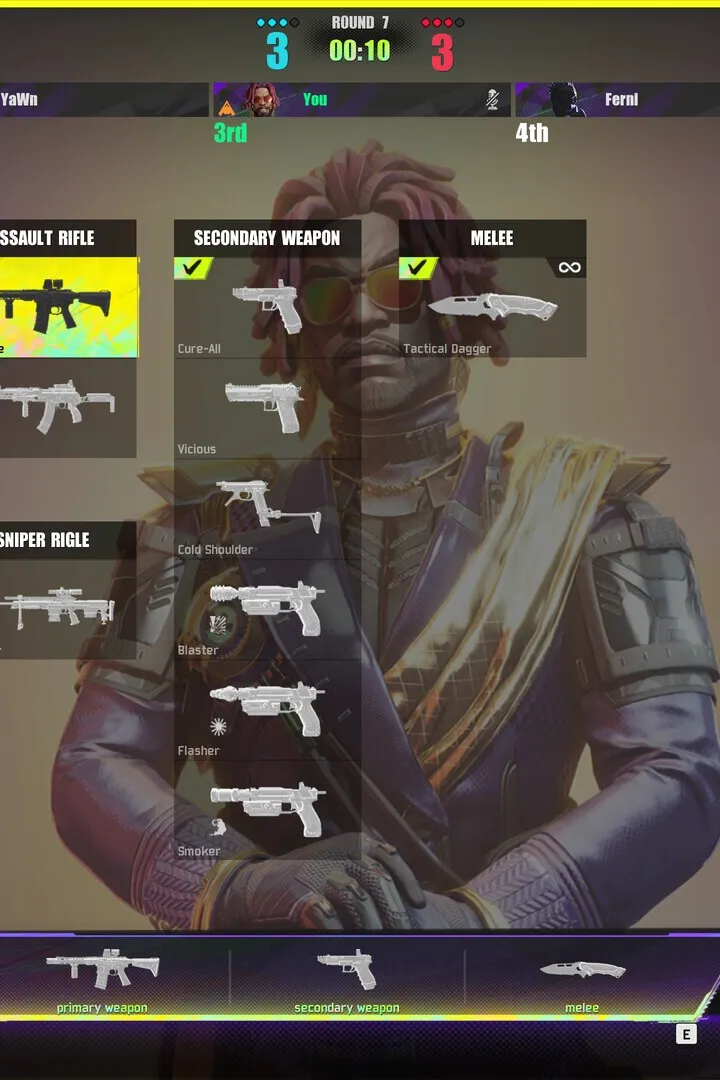
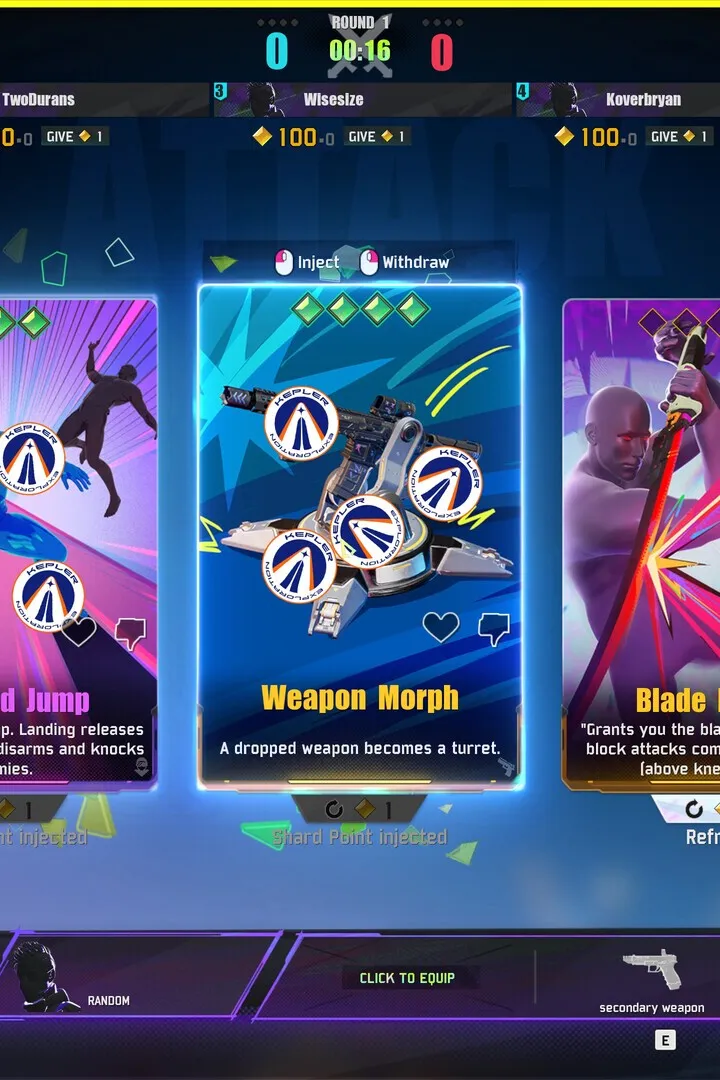
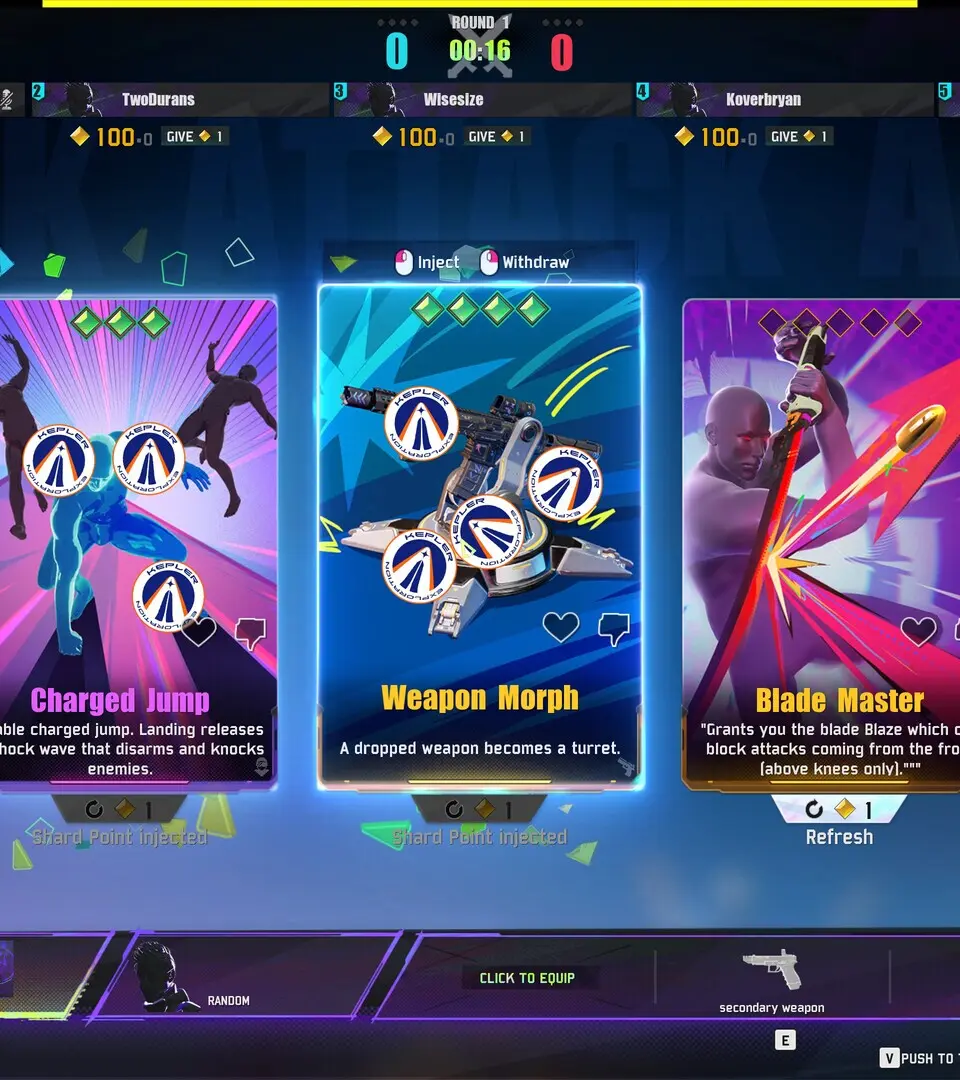
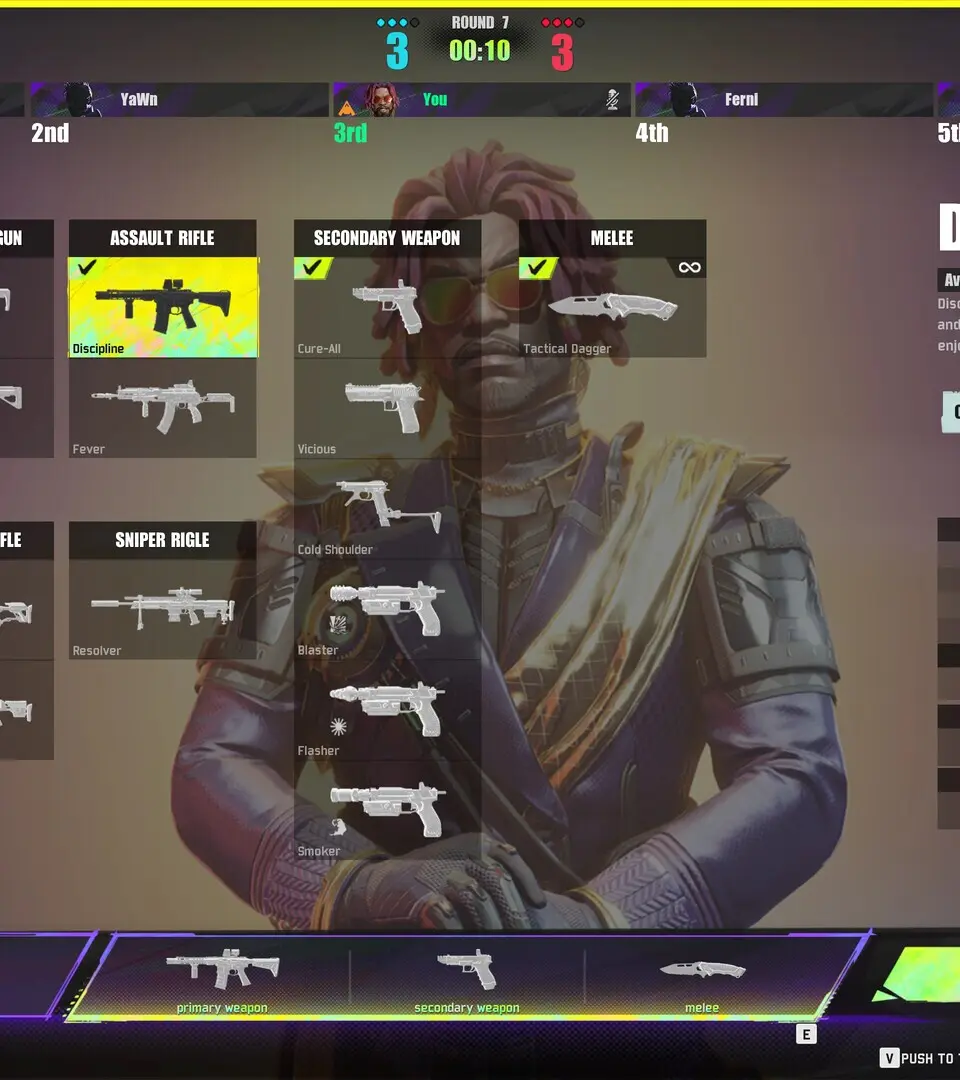
This guide provides an overview of the controls and user interface elements within FragPunk. Understanding these will be crucial for effective gameplay and strategic decision-making on the battlefield.
| Action | Button |
|---|---|
| Movement (Forward/Backward/Left/Right) | W/S/A/D |
| Jump | Spacebar |
| Crouch | Ctrl |
| Prone | C |
| Sprint | Left Shift |
| Fire Weapon | Left Mouse Button |
| Aim Down Sights (ADS) | Right Mouse Button |
| Reload | R |
| Melee Attack | V |
| Use Ability 1 | Q |
| Use Ability 2 | E |
| Use Ultimate Ability | F |
| Weapon Swap (Primary/Secondary) | 1/2 |
| Drop Weapon | G |
| Interact/Pick Up | F |
| Scoreboard | Tab |
| Map | M |
| Communication (Voice Chat) | V (Push-to-Talk) |
| Ping System | Middle Mouse Button |
| Open Menu/Settings | Esc |
The Heads-Up Display (HUD) in FragPunk provides critical information at a glance:
- Health Bar: Displays your current health.
- Armor Bar: Shows your current armor status.
- Ammo Count: Indicates the remaining ammunition for your equipped weapon.
- Ability Icons: Show the status and cooldowns of your character's abilities.
- Minimap: Provides a tactical overview of your surroundings, including teammates and known enemy positions.
- Objective Indicator: Displays the current game mode objective and progress.
- Crosshair: Your primary aiming reticle.
Installation & Account Setup
Learn how to install FragPunk on Steam, Epic Games Store, Xbox, and PlayStation. Set up your free account to start playing this 5v5 tactical shooter with card gameplay.
FragPunk is a 5v5 multiplayer tactical shooter developed by BadGuitar Studio. It is available on multiple platforms including Steam, Epic Games Store, Xbox, and PlayStation. The game is free-to-play and features innovative card gameplay within the FPS genre. Players take on the role of Lancers with distinct abilities and can use shard cards to alter battle rules.
Installation:
FragPunk can be installed on the following platforms:
- Steam
- Epic Games Store
- Xbox
- PlayStation
Account Setup:
FragPunk is a free-to-play game. To start playing, you will need to create a free account. The wiki provides links to sign in or create a new account.
Basic Controls & Movement — FragPunk Guide
Learn the essential controls and movement mechanics in FragPunk. Master your movement and dominate the battlefield with this comprehensive guide.
This guide covers the basic controls and movement mechanics for FragPunk. Understanding these fundamentals is crucial for effective gameplay and outmaneuvering opponents.
| Action | Default Keybind |
|---|---|
| Move Forward | W |
| Move Backward | S |
| Move Left | A |
| Move Right | D |
| Jump | Spacebar |
| Crouch | Ctrl |
| Sprint | Shift |
| Aim Down Sights (ADS) | Right Mouse Button |
| Fire Weapon | Left Mouse Button |
| Reload | R |
| Melee Attack | V |
| Use Ability 1 | Q |
| Use Ability 2 | E |
| Interact/Pick Up | F |
| Weapon Swap (Next/Previous) | Mouse Wheel Up/Down |
| Primary Weapon | 1 |
| Secondary Weapon | 2 |
| Melee Weapon | 3 |
| Grenade | G |
| Map | M |
| Scoreboard | Tab |
| Pause Menu | Esc |
Mastering these controls will allow you to navigate the battlefield efficiently, engage in combat effectively, and utilize your abilities strategically.
Similar guides you might like
100% Human-Written. AI Fact-Checked. Community Verified. Learn how AntMag verifies content