
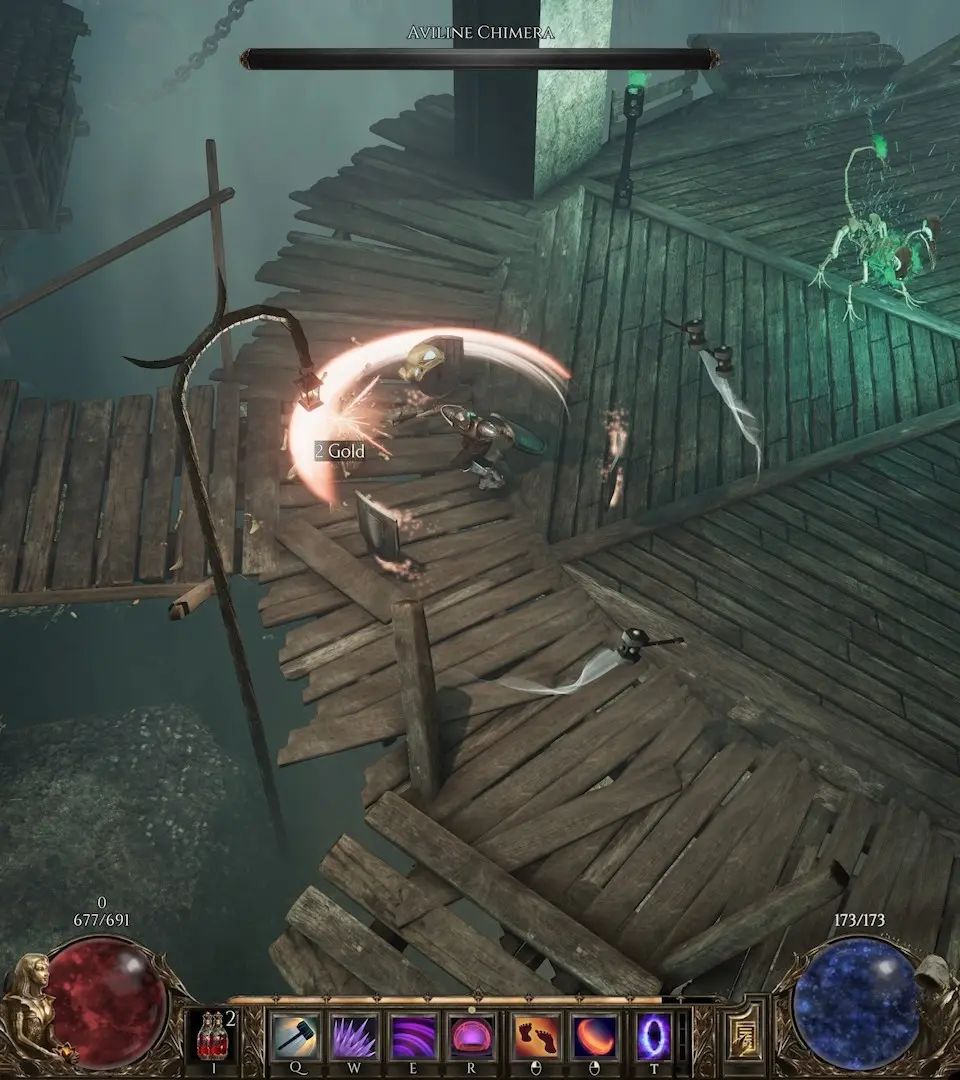
Learn how to optimize your loot filter in Last Epoch. This guide covers essential tips and tricks to help you find the best gear efficiently, saving you time and frustration.
Loot Filter Optimization in Last Epoch
Hey there! So, you've been diving into the world of Last Epoch, and you're probably starting to notice just how much loot drops. It can be a bit overwhelming, right? That's where your loot filter comes in – it's your best friend for cutting through the clutter and snagging the gear that actually matters. Let's talk about how to make it work for you.
Why Bother Optimizing Your Loot Filter?
Think of your loot filter like a bouncer at a club. It decides who gets in (shown on the ground) and who gets kicked out (hidden). If your filter is too strict, you might miss out on some amazing pieces. If it's too lenient, you'll be wading through a sea of vendor trash, wasting precious time picking up items you'll just end up destroying.
Getting Started with Your Filter
When you first open the loot filter screen (you can usually find it in your game menu), it might look a little intimidating. Don't worry! You don't need to be a coding wizard. The game gives you a few pre-made filters to start with, and you can customize them. The key is to understand the basic rules:
- Highlighting: This is what makes an item stand out on the ground. You can set different colors and sounds for different rarities or types of items.
- Showing/Hiding: This is the core function. You tell the filter what to display and what to completely ignore.
Common Pitfalls to Avoid
A lot of new players make a few common mistakes:
- Being too greedy: Trying to show *everything* good. This just leads to screen clutter.
- Being too restrictive: Hiding items that could be valuable for crafting or trading later on.
- Not updating your filter: As you level up and get into different endgame content (like the Monolith of Fate), your needs will change. What was good at level 30 might be useless at level 70.
Tips for a Smarter Filter
Here’s how to fine-tune your filter:
- Start with a good base: Look for community-made filters online that cater to your playstyle (e.g., spell-focused, minion-focused, specific item builds). You can import these!
- Focus on Affixes: The most important part of a good filter is its ability to identify valuable affixes. You'll want to highlight items with combinations of affixes that are crucial for your build. For example, if you need +Fire Spell Damage and +Cast Speed, make sure your filter highlights items with both.
- Use Rarity Wisely: Don't just show all
100% Human-Written. AI Fact-Checked. Community Verified. Learn how AntMag verifies content