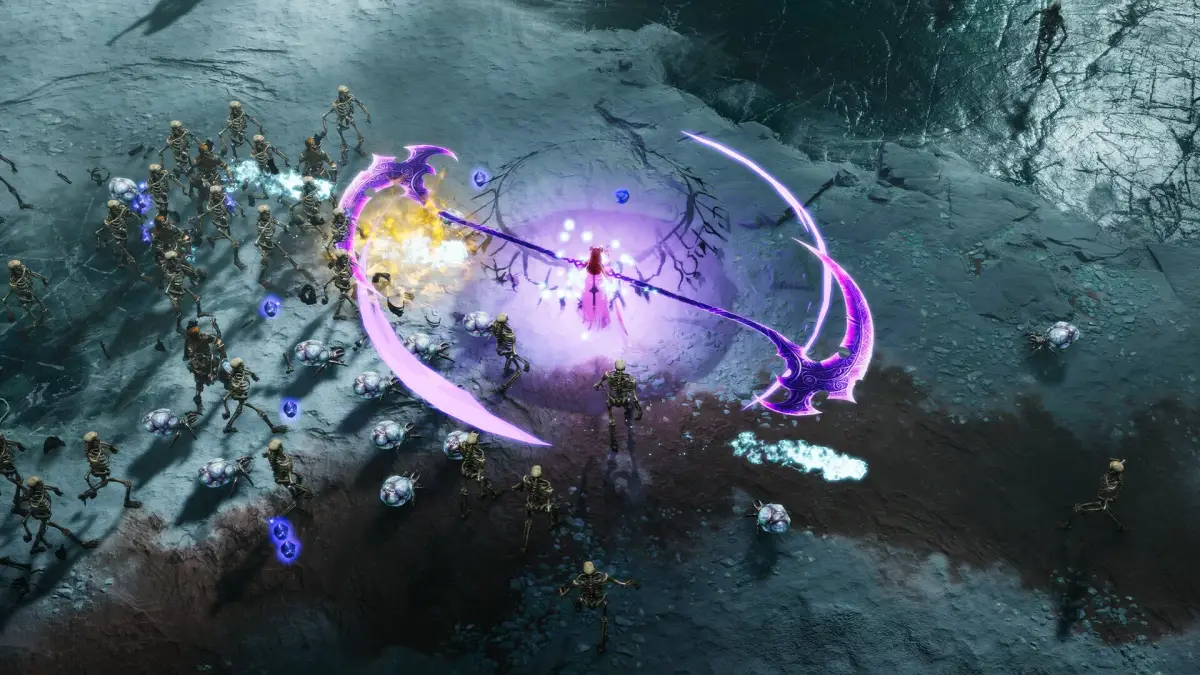
Welcome to Jotunnslayer: Hordes of Hel, an atmospheric third-person action RPG where you conquer the frozen north as a berserker. Developed by Games Farm and ARTillery, this game throws you into brutal combat and deep RPG mechanics, tasking you with navigating quests and building your character from the ground up. It's a challenging journey through a dark world, perfect for players who love deep character progression and intense action.
This guide is your essential companion for mastering Jotunnslayer. We'll walk you through everything from surviving the early game and building an effective berserker to tackling the toughest quests and defeating epic foes. Whether you're aiming to achieve a Gold Medal on every mission or simply want to conquer the Hordes of Hel with confidence, we've got the strategies and insights you need to succeed.
Getting Started
Learn the basics of Jotunnslayer: Hordes of Hel! This guide covers core gameplay, controls, and essential tips to help you survive the hordes and defeat the bosses.
Getting Started
Learn the basics of Jotunnslayer: Hordes of Hel! This guide covers core gameplay, controls, and essential tips to help you survive the hordes and defeat the bosses.
Controls & UI — Jotunnslayer: Hordes of Hel Guide
Master Jotunnslayer: Hordes of Hel controls and UI. Learn keybinds for combat, movement, and interaction for optimal gameplay.
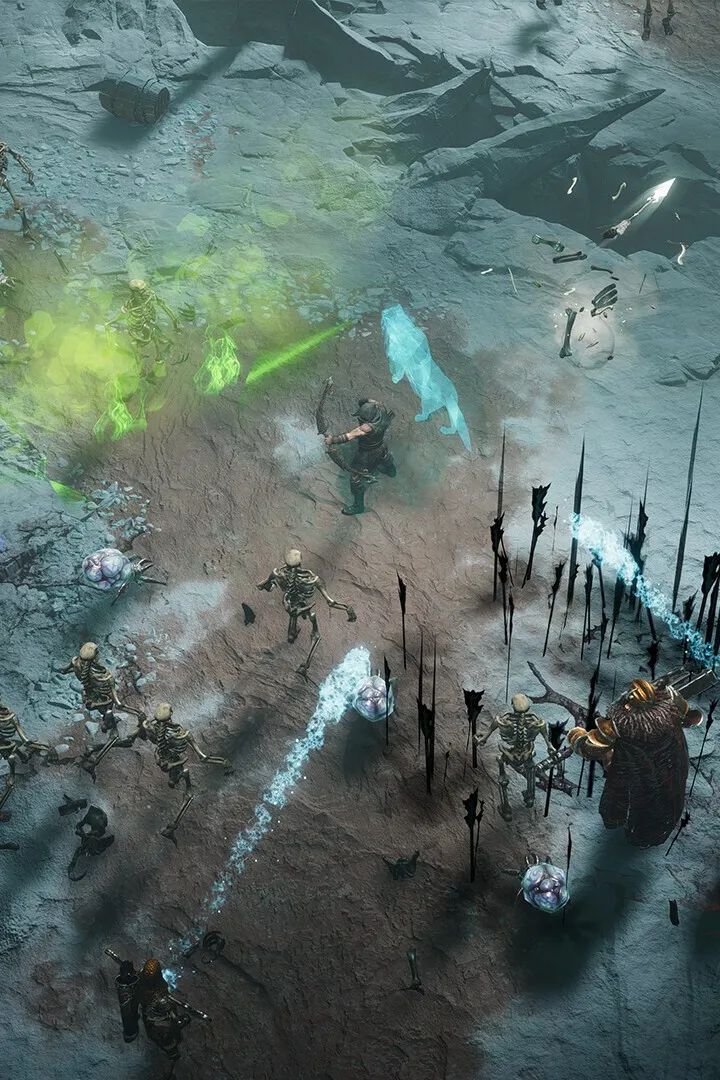
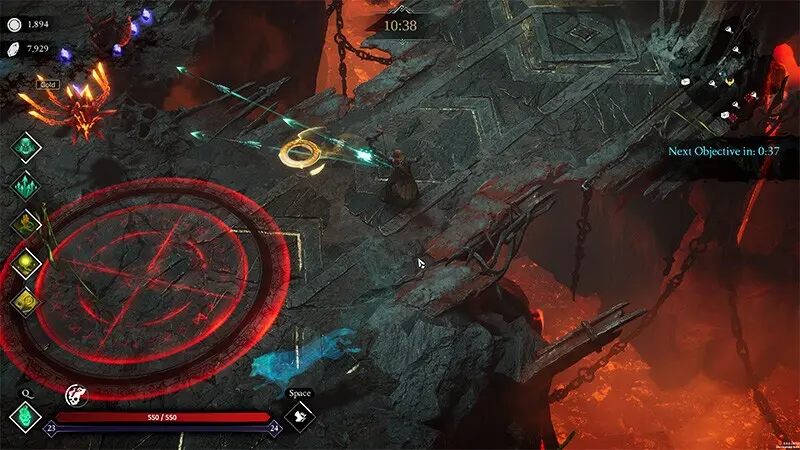
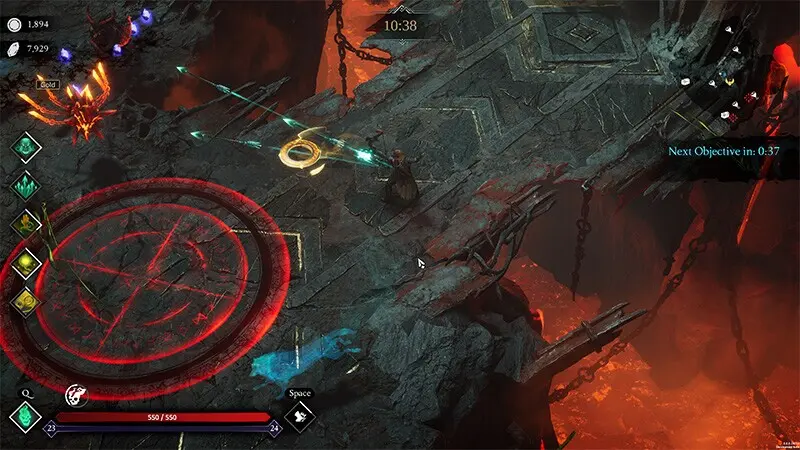
Mastering the controls and understanding the user interface (UI) are fundamental to your success in Jotunnslayer: Hordes of Hel. This guide will break down the essential inputs for combat, movement, and interaction, ensuring you can react swiftly and effectively to the myriad threats you'll face. A clear grasp of the UI elements will keep you informed about your health, stamina, abilities, and objectives.
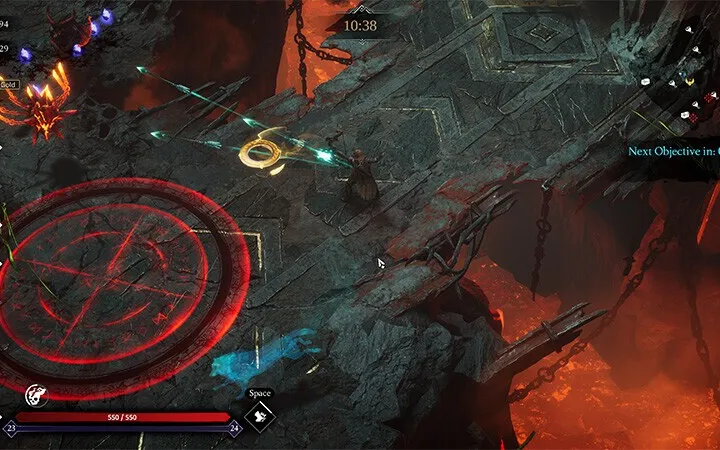
The game features a responsive control scheme designed for both action and strategic depth. Whether you're wielding a mighty axe or unleashing devastating magical abilities, knowing the correct button prompts is paramount. The UI, in turn, provides critical information at a glance. Your health bar, stamina meter, active buffs and debuffs, minimap, and quest log are all vital components that you'll need to monitor constantly to survive the hordes of Helheim.
This section will provide a comprehensive overview of the default control layout for both keyboard/mouse and gamepad. We will also detail the key elements of the in-game UI, explaining what each icon and meter represents. Familiarizing yourself with these aspects early on will significantly reduce the learning curve and allow you to focus on the thrilling combat and exploration that Jotunnslayer: Hordes of Hel has to offer. Let's get you ready to fight!
| Action | Keyboard/Mouse | Gamepad |
|---|---|---|
| Primary Attack | Left Mouse Button | RT / R2 |
| Secondary Attack/Ability | Right Mouse Button | LT / L2 |
| Dodge/Evade | Spacebar | B / Circle |
| Interact | E | A / X |
| Open Inventory | I | Y / Triangle |
| Open Skill Tree | K | X / Square |
Installation & First Launch
Master the basics of Jotunnslayer: Hordes of Hel with our guide covering installation, first launch, controls, and essential tips for surviving the hordes of Hel.
This page serves as a basic how to play guide for _Jotunnslayer: Hordes of Hel_. Feel free to edit this guide with any tips, tricks, and suggestions.
Basic gameplay
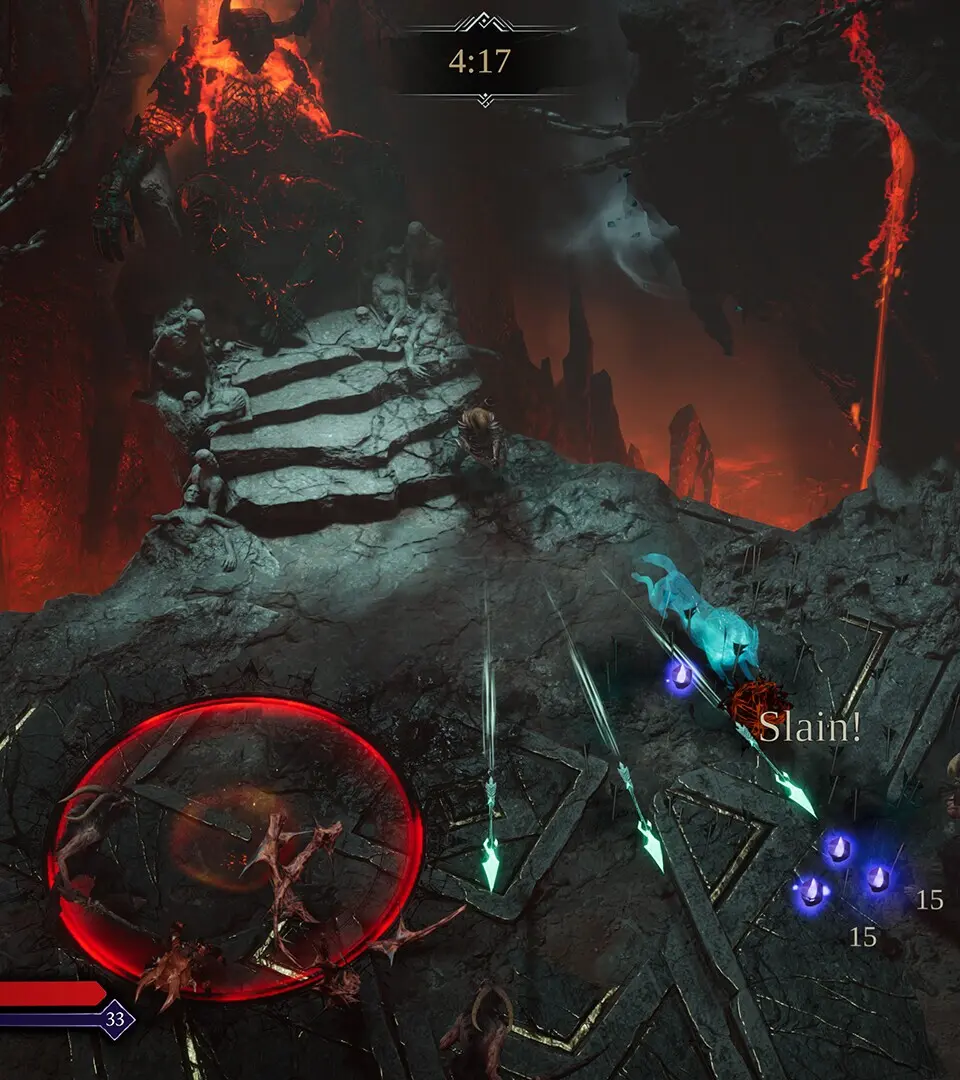
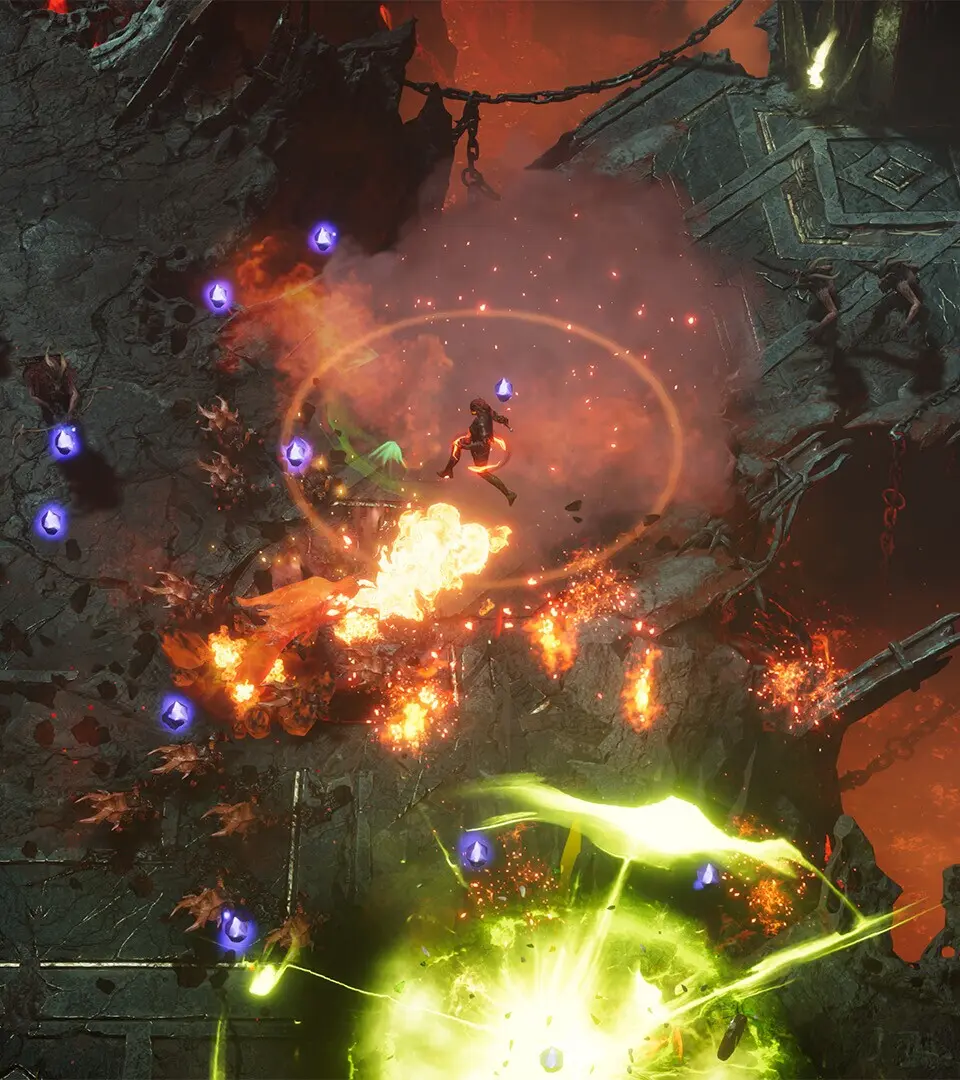
In Jotunnslayer: Hordes of Hel, players take a [hero](https://jotunnslayer-hordes-of-hel.fandom.com/wiki/Hero "Hero") out on a [raid](https://jotunnslayer-hordes-of-hel.fandom.com/wiki/Raid "Raid") where the goal is to complete [objectives](https://jotunnslayer-hordes-of-hel.fandom.com/wiki/Objective "Objective"), such as surviving the curse of winter or defeating lords or champions, within a limited time and then summon and defeat the boss once objectives are completed. The action takes place with an overhead view with enemies constantly approaching to attack the hero.
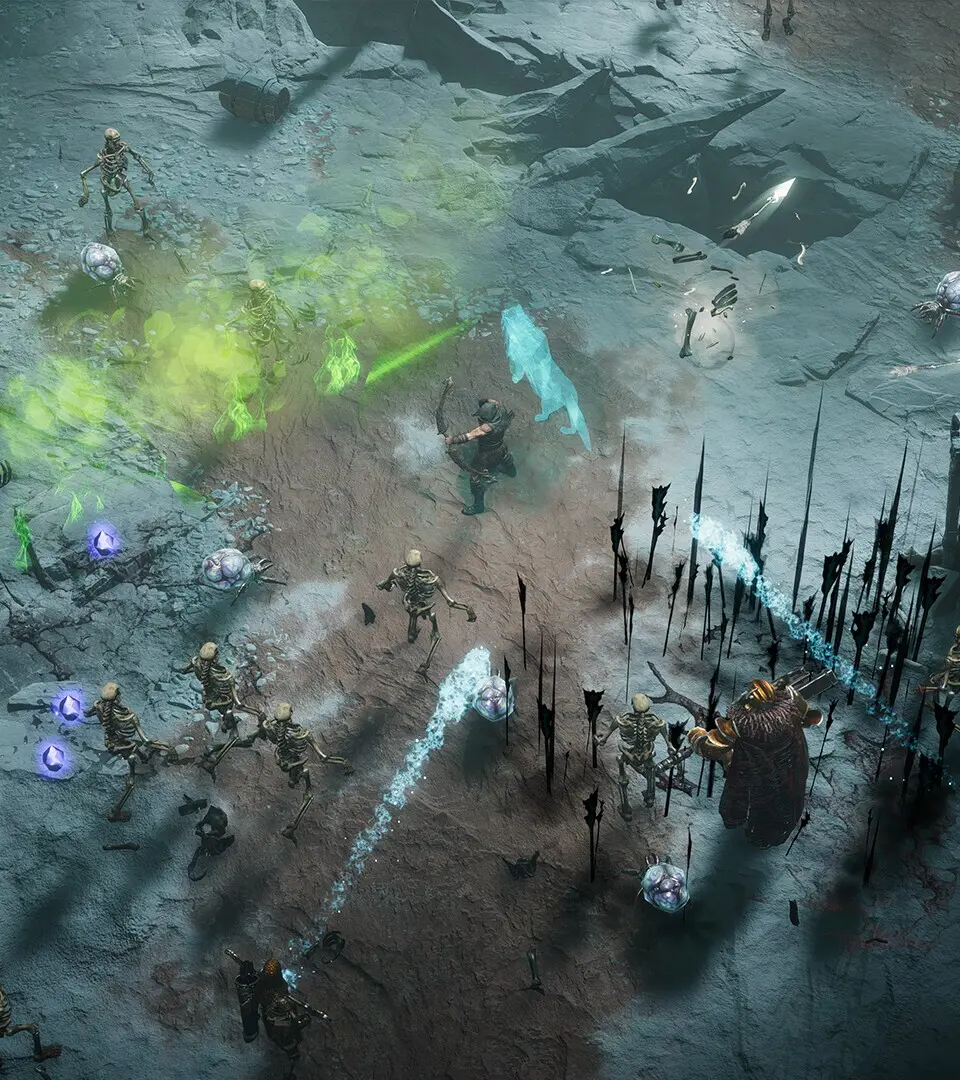
The hero starts out with just a basic attack and a weapon skill, but by collecting XP crystals dropped randomly by enemies when they are defeated, the hero will level up and be offered the choice of a [skill](https://jotunnslayer-hordes-of-hel.fandom.com/wiki/Skill "Skill"), either by a [god](https://jotunnslayer-hordes-of-hel.fandom.com/wiki/God "God") or from the hero's own possible skillset. By default, autocast skills and attacks are used automatically at regular intervals, and the player only controls the hero's movement, weapon skill, and dashes. Passive skills often just provide various bonuses or may have effects that have a chance of occurring on a specific trigger, like the hero taking damage.
Controls
The default controls for the game are:
| Action | Keyboard and mouse | XBox gamepad |
|---|---|---|
| Attack* | Left Mouse | RT |
| Dash | Space | RB |
| Weapon Skill | Q | LB |
| Aiming† | Mouse | RS |
| Move up | W | LS up |
| Move down | S | LS down |
| Move left | A | LS left |
| Move right | D | LS right |
* The attack mode is set to Smart by default. The attack button is only needed when attack mode is set to Manual.
† Aiming is set to automatic by default. Aiming controls are only used in manual aiming mode.
Tips and tricks
- During raids, players can earn gold and soulstones that can be used to purchase new weapons for heroes, or activate virtues from the option on the main menu. Virtues provide various bonuses and beneficial effects.
- Virtues offered by the gods affect all heroes, while virtues for a given hero only benefit that hero.
- At the end of a raid, whether successful or not, an information screen will show the DPS of attacks and autocast skills. It's a good idea to focus on acquiring three of the higher DPS skills.
- [Thunderstorm](https://jotunnslayer-hordes-of-hel.fandom.com/wiki/Thunderstorm "Thunderstorm") and [Sentinel](https://jotunnslayer-hordes-of-hel.fandom.com/wiki/Sentinel "Sentinel"), both offered by [Thor](https://jotunnslayer-hordes-of-hel.fandom.com/wiki/Thor "Thor"), are high DPS due to the fact they auto-target multiple enemies. They do their full possible damage every time they trigger unless there just aren't enough enemies in range.
- Don't focus only on high DPS skills, though. Autocast skills that help clear the area around the hero, or which can prevent enemies from advancing for a moment, are also recommended. [Freya](https://jotunnslayer-hordes-of-hel.fandom.com/wiki/Freya "Freya")'s [Divine Wave](https://jotunnslayer-hordes-of-hel.fandom.com/wiki/Divine_Wave "Divine Wave") is a good example, as the circular waves are emitted from the hero, and the weak knockback effect momentarily stops most enemies.
Controls & Keybindings — Jotunnslayer: Hordes of Hel Guide
Learn and customize Jotunnslayer's controls for PC and console. Master movement, combat, and interaction.
Mastering your controls is paramount for survival in Helheim. Below is a breakdown of the default keybindings for PC (keyboard/mouse) and common controller layouts. We highly recommend customizing these to your comfort in the 'Options' menu under 'Controls'.
PC (Keyboard & Mouse)
- W, A, S, D: Movement
- Left Click: Light Attack
- Right Click: Heavy Attack / Aim (Ranged)
- Spacebar: Dodge / Jump
- Shift: Sprint
- E: Interact / Pick Up
- Q: Use Potion / Ability 1
- R: Use Special Ability / Ability 2
- F: Parry / Block
- Tab: Open Inventory
- M: Open Map
- Esc: Pause Menu
Controller (Xbox/PlayStation)
- Left Stick: Movement
- Right Stick: Camera Control
- X / Square: Light Attack
- Y / Triangle: Heavy Attack / Aim (Ranged)
- A / Cross: Dodge / Jump
- Left Bumper / L1: Sprint
- Right Bumper / R1: Interact / Pick Up
- Left Trigger / L2: Use Potion / Ability 1
- Right Trigger / R2: Use Special Ability / Ability 2
- B / Circle: Parry / Block
- Menu / Options: Pause Menu
- View / Touchpad: Open Map / Inventory
Experiment with these settings in the tutorial area to find what works best for your playstyle. Quick reflexes are often the difference between life and death.
Similar guides you might like

100% Human-Written. AI Fact-Checked. Community Verified. Learn how AntMag verifies content