Learn the essential controls and gameplay mechanics of Jotunnslayer: Hordes of Hel. Master the UI, understand hero abilities, and conquer the hordes with our comprehensive guide.
This guide provides a basic overview of how to play Jotunnslayer: Hordes of Hel, covering fundamental gameplay mechanics and controls. Feel free to contribute your own tips and tricks!
Basic Gameplay
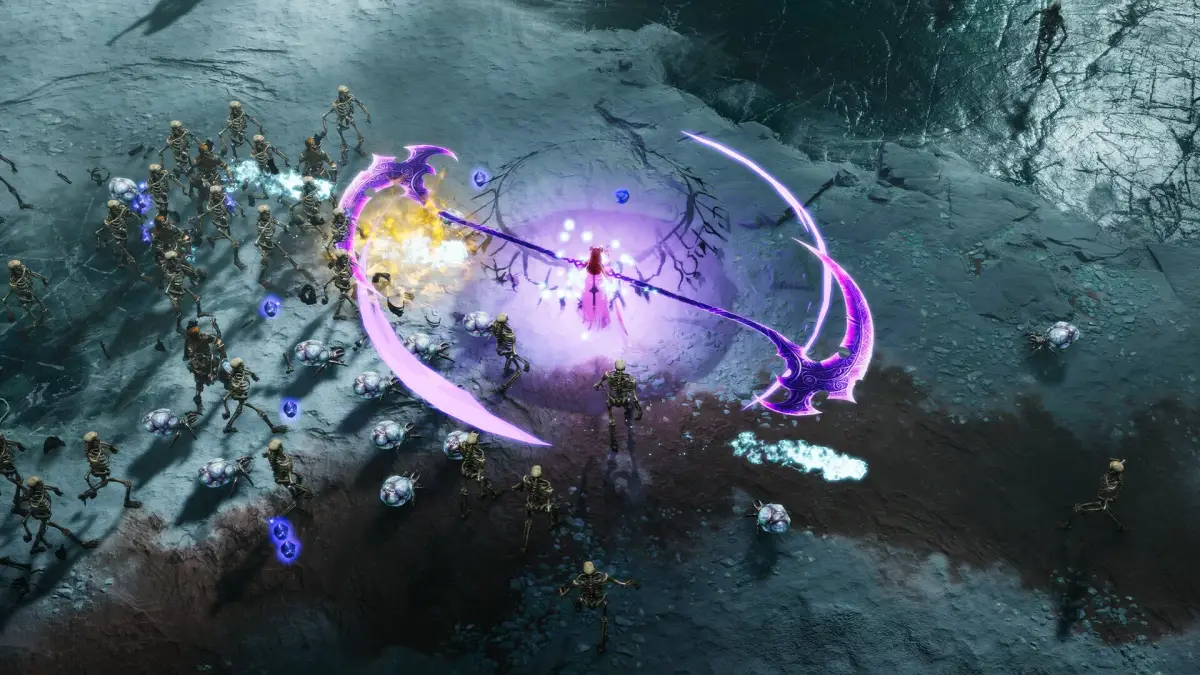
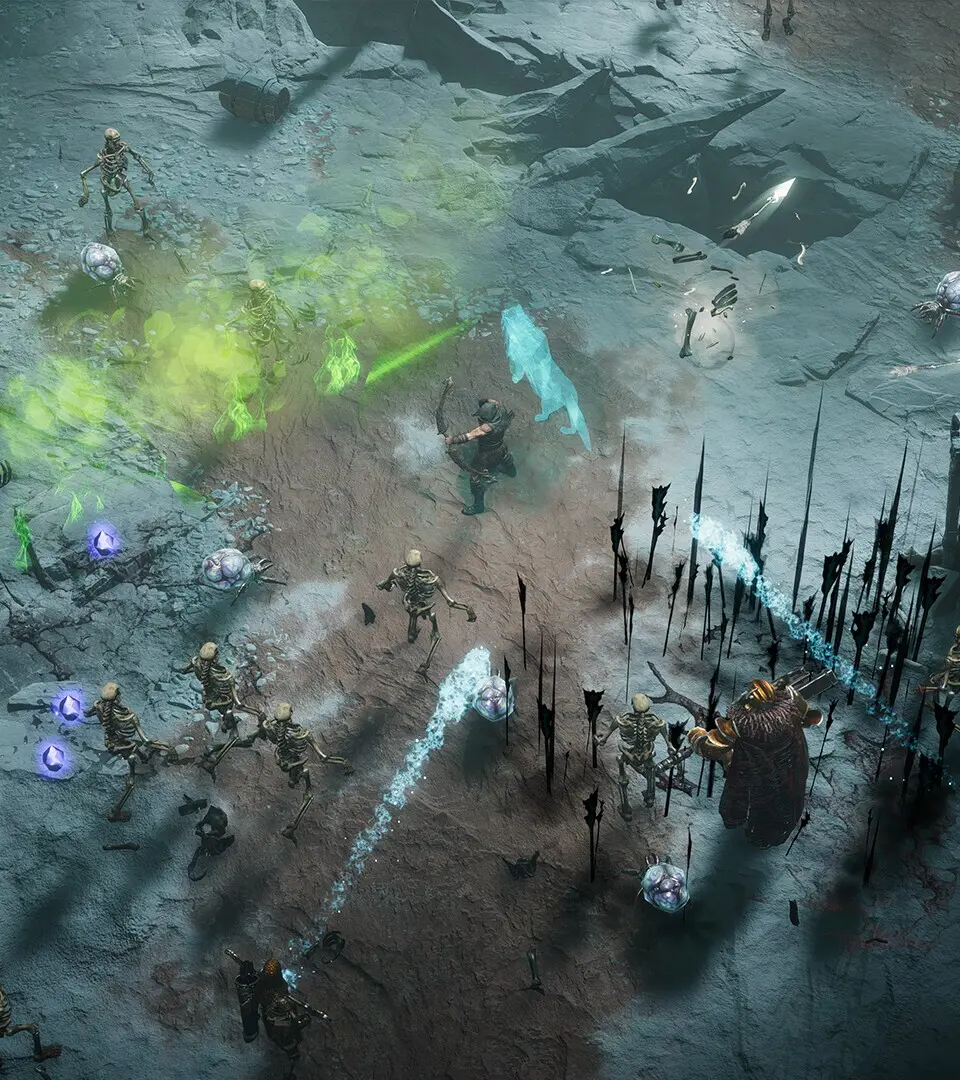
In Jotunnslayer: Hordes of Hel, you control a hero on a raid with the objective of completing tasks like surviving or defeating enemies within a time limit. After completing objectives, you summon and defeat a boss. The game features an overhead view with constant enemy waves. Your hero starts with a basic attack and a weapon skill. Collecting XP crystals from defeated enemies allows your hero to level up, offering choices of new skills from gods or the hero's own potential skillset. Autocast skills and attacks activate automatically, leaving you to manage hero movement, weapon skills, and dashes. Passive skills offer bonuses or trigger effects under certain conditions, such as when the hero takes damage.
Controls
The default controls for Jotunnslayer: Hordes of Hel are as follows:
| Action | Keyboard and mouse | XBox gamepad |
|---|---|---|
| Attack* | Left Mouse | RT |
| Dash | Space | RB |
| Weapon Skill | Q | LB |
| Aiming† | Mouse | RS |
| Move up | W | LS up |
| Move down | S | LS down |
| Move left | A | LS left |
| Move right | D | LS right |
* The attack mode is set to Smart by default. The attack button is only needed when attack mode is set to Manual.
† Aiming is set to automatic by default. Aiming controls are only used in manual aiming mode.
Tips and Tricks
- Earn gold and soulstones during raids to purchase new weapons or activate virtues from the main menu. Virtues offer various bonuses and beneficial effects. Virtues from gods affect all heroes, while hero-specific virtues only benefit that hero.
- At the end of a raid, an information screen displays DPS for attacks and autocast skills. Focus on acquiring three high DPS skills. Skills like Thunderstorm and Sentinel (offered by Thor) are high DPS because they auto-target multiple enemies and deal full damage when enemies are in range.
- Don't solely focus on high DPS skills. Autocast skills that clear the area around the hero or momentarily halt enemy advances are also recommended. Freya's Divine Wave is a good example, with its circular waves and a weak knockback effect that temporarily stops most enemies.
100% Human-Written. AI Fact-Checked. Community Verified. Learn how AntMag verifies content