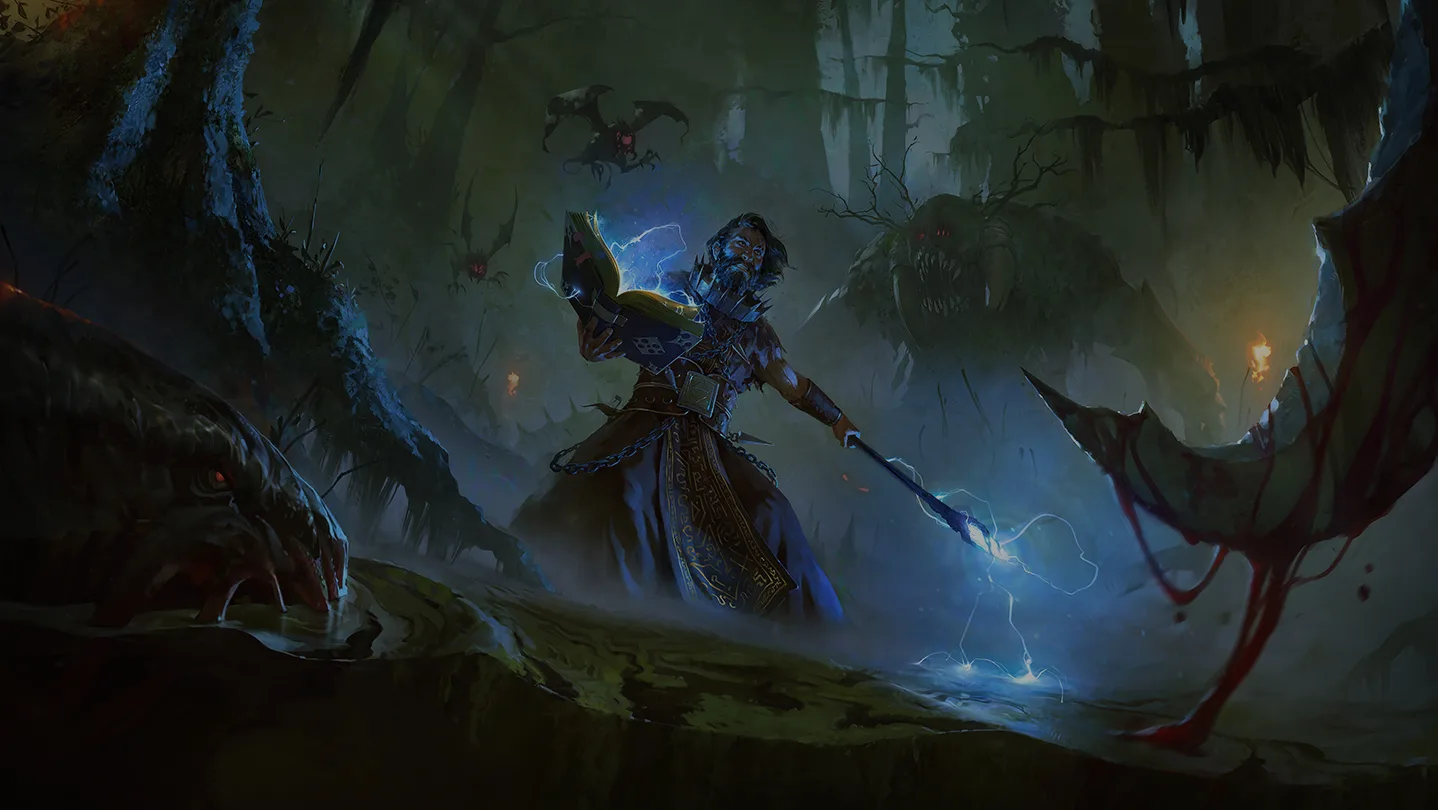
Graven plunges you into a dark fantasy world as a disgraced priest, wielding arcane magic and brutal weaponry to fight back against a corrupting plague. This first-person shooter RPG blends atmospheric exploration with challenging combat, tasking you with navigating treacherous environments and confronting grotesque enemies. Whether you're playing solo or with friends in co-op, you'll be hunting down cultists, uncovering ancient secrets, and battling formidable foes like the spectral guardians and the dreaded Corrupted Warden.
This guide is your essential companion for mastering Graven. We'll walk you through every step, from optimizing your warrior builds and understanding enemy tactics to locating vital quest items and conquering the game's most challenging encounters. Get ready to face the darkness head-on and emerge victorious.
Getting Started
New to Graven? This guide breaks down the essentials to get you started, from basic controls to your first steps in the world. Master the game quickly!
Getting Started
New to Graven? This guide breaks down the essentials to get you started, from basic controls to your first steps in the world. Master the game quickly!
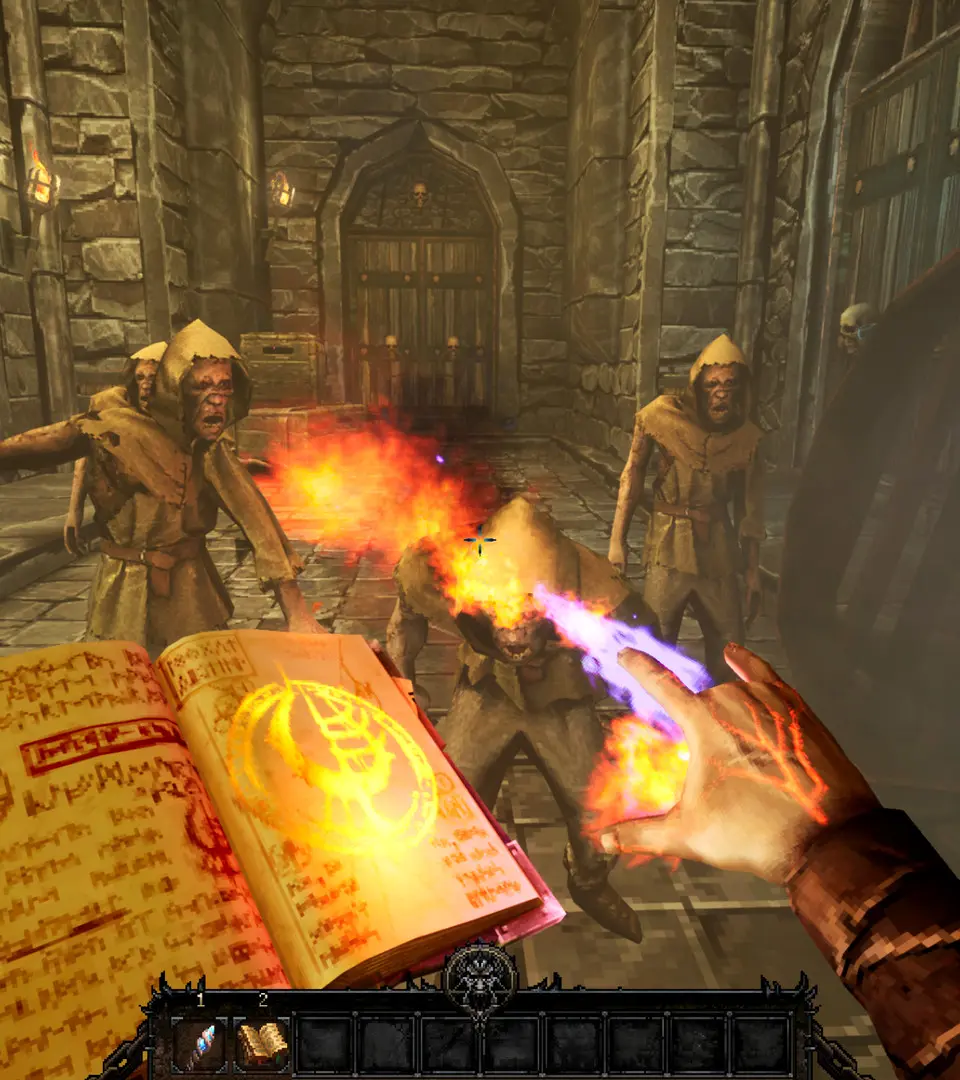
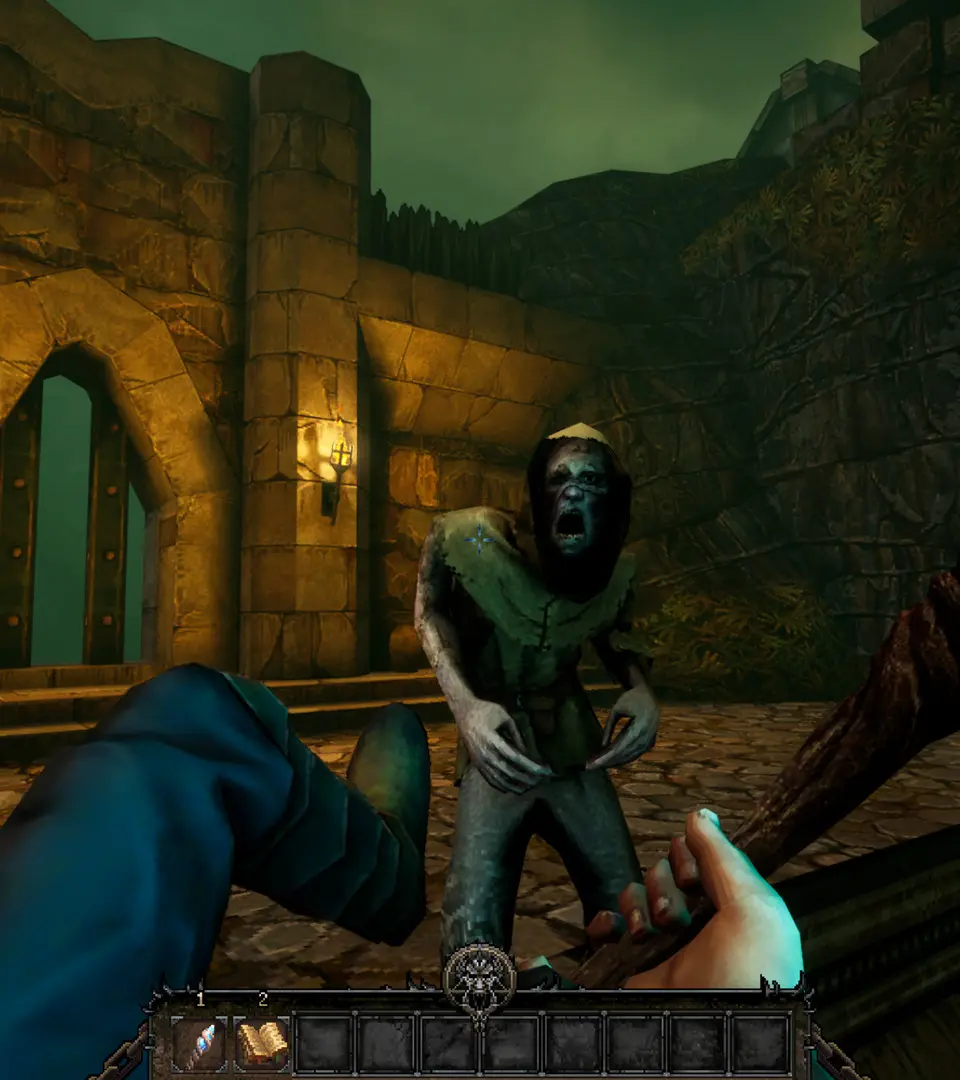
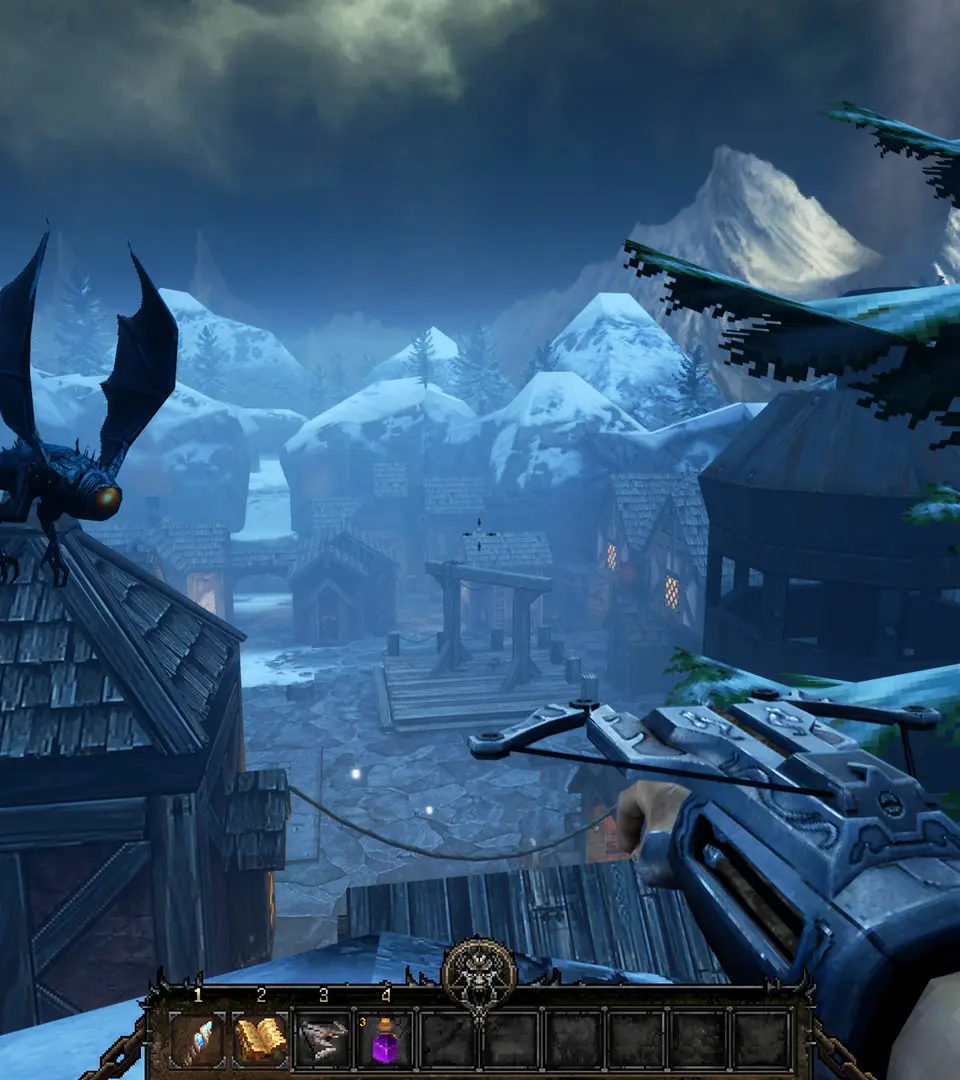
Controls and Basic Movement — Graven Guide
Learn the essential controls and basic movement mechanics in Graven. Master your character's abilities to navigate the world and overcome challenges with this comprehensive guide.
This guide covers the fundamental controls and basic movement options available to players in Graven. Understanding these mechanics is crucial for effective navigation and combat.
| Action | Button |
|---|---|
| Move Forward | W |
| Move Backward | S |
| Move Left | A |
| Move Right | D |
| Jump | Spacebar |
| Crouch | Ctrl |
| Sprint | Shift |
| Interact | E |
| Primary Attack | Left Mouse Button |
| Secondary Attack | Right Mouse Button |
| Use Item | Q |
| Reload | R |
| Weapon Swap | 1, 2, 3, 4 or Mouse Wheel |
| Look Around | Mouse Movement |
| Open Map | M |
| Open Inventory | I |
| Pause Menu | Esc |
Understanding the User Interface
Navigate the world of Graven with ease. This guide breaks down the game's user interface, explaining menus, HUD elements, and controls to enhance your gameplay experience.
This guide provides an overview of the user interface elements within Graven, helping players understand the various menus, heads-up display (HUD) components, and control schemes to navigate the game effectively.
| Action | Button/Key |
|---|---|
| Movement | WASD / Left Analog Stick |
| Jump | Spacebar / A Button |
| Interact | E / X Button |
| Inventory | I / Y Button |
| Map | M / Select Button |
| Journal/Quests | J / Start Button |
| Primary Attack | Left Mouse Button / Right Trigger |
| Secondary Attack | Right Mouse Button / Left Trigger |
| Use Skill 1 | 1 / Bumper Left |
| Use Skill 2 | 2 / Bumper Right |
| Use Item | Q / D-Pad Up |
| Crouch | Ctrl / B Button |
| Sprint | Shift / Left Stick Click |
Understanding these controls and interface elements is crucial for efficient exploration, combat, and progression in Graven.
Resource Management — Graven Guide
Your go-to guide for The Hidden City in Graven! Find all the loot, collectibles, and resources to maximize your haul. Detailed breakdown of items and their locations.
Similar guides you might like



100% Human-Written. AI Fact-Checked. Community Verified. Learn how AntMag verifies content