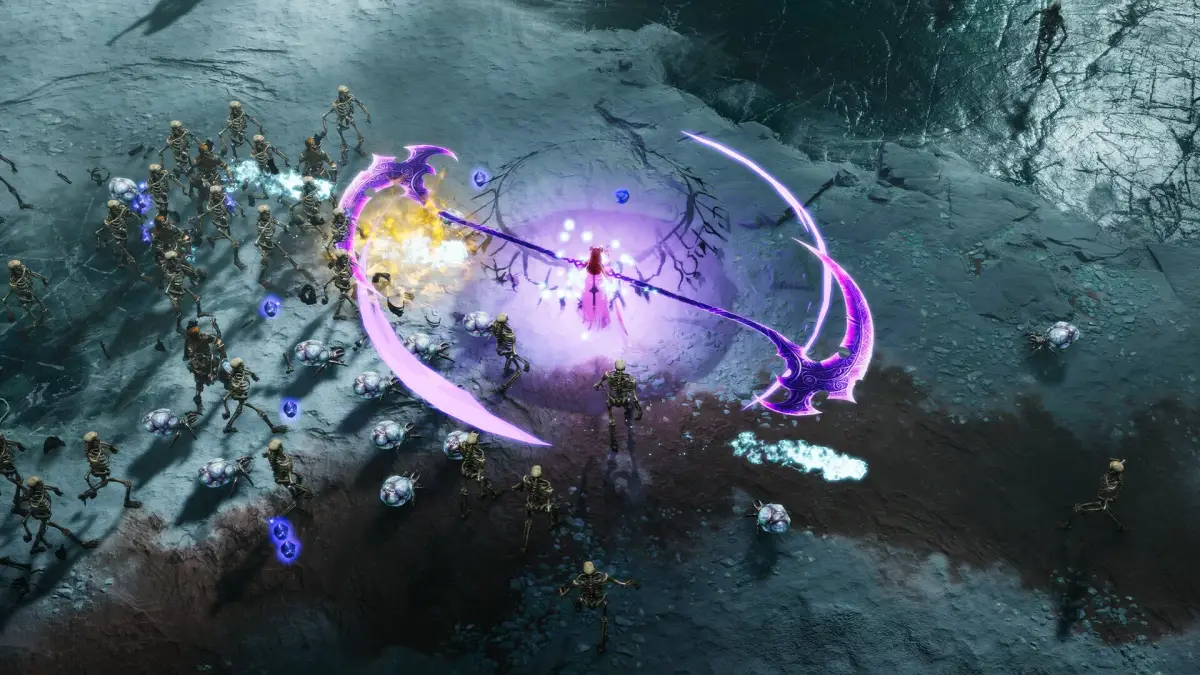
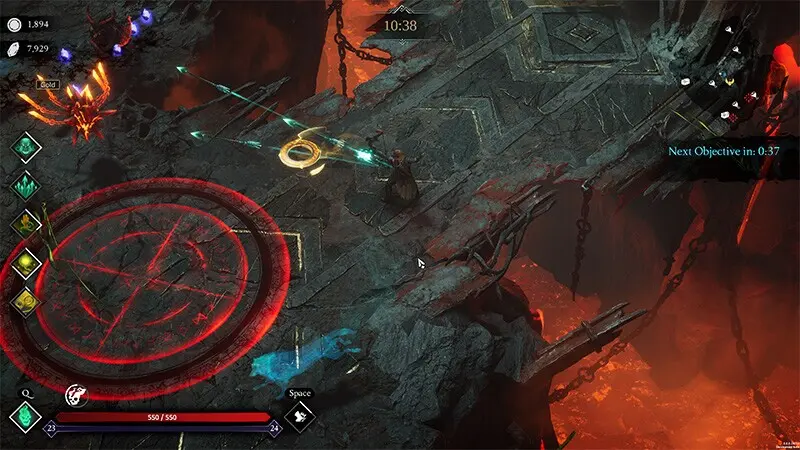
Learn and customize Jotunnslayer's controls for PC and console. Master movement, combat, and interaction.
Mastering your controls is paramount for survival in Helheim. Below is a breakdown of the default keybindings for PC (keyboard/mouse) and common controller layouts. We highly recommend customizing these to your comfort in the 'Options' menu under 'Controls'.
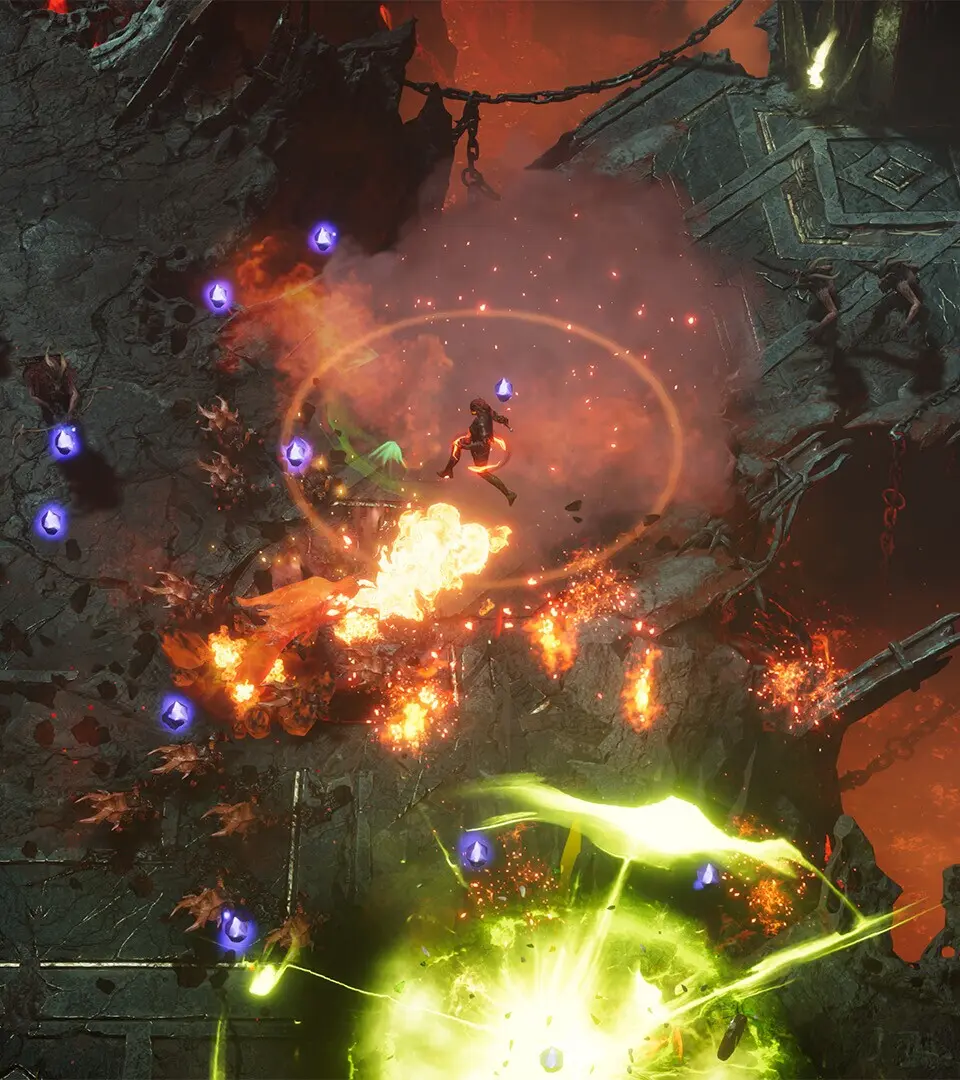
PC (Keyboard & Mouse)
- W, A, S, D: Movement
- Left Click: Light Attack
- Right Click: Heavy Attack / Aim (Ranged)
- Spacebar: Dodge / Jump
- Shift: Sprint
- E: Interact / Pick Up
- Q: Use Potion / Ability 1
- R: Use Special Ability / Ability 2
- F: Parry / Block
- Tab: Open Inventory
- M: Open Map
- Esc: Pause Menu
Controller (Xbox/PlayStation)
- Left Stick: Movement
- Right Stick: Camera Control
- X / Square: Light Attack
- Y / Triangle: Heavy Attack / Aim (Ranged)
- A / Cross: Dodge / Jump
- Left Bumper / L1: Sprint
- Right Bumper / R1: Interact / Pick Up
- Left Trigger / L2: Use Potion / Ability 1
- Right Trigger / R2: Use Special Ability / Ability 2
- B / Circle: Parry / Block
- Menu / Options: Pause Menu
- View / Touchpad: Open Map / Inventory
Experiment with these settings in the tutorial area to find what works best for your playstyle. Quick reflexes are often the difference between life and death.
100% Human-Written. AI Fact-Checked. Community Verified. Learn how AntMag verifies content