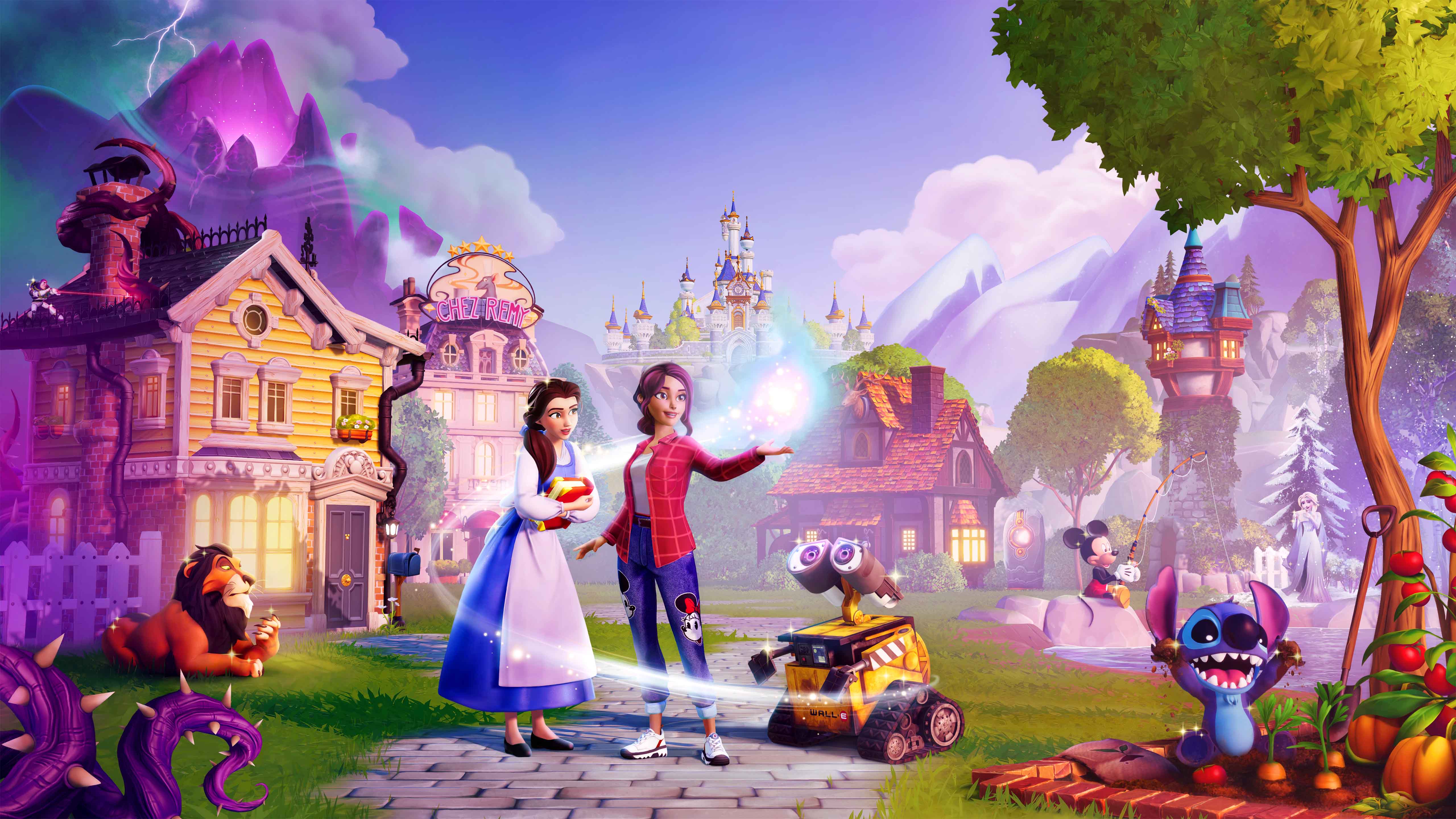
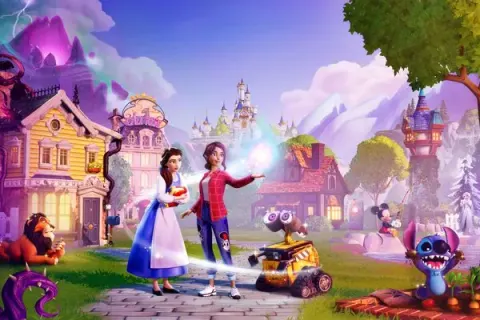
Welcome to Disney Dreamlight Valley, a magical hybrid of life-simulation and adventure! Explore a charming world once filled with harmony, now threatened by the mysterious Forgetting and encroaching Night Thorns. As you delve into this Story Rich, casual adventure, you'll embark on quests, uncover secrets, and reconnect with beloved Disney and Pixar characters, both familiar faces and new friends. It's a cozy, engaging experience perfect for anyone looking to lose themselves in a world of Disney magic.
This guide is your essential companion for navigating the enchanting, and sometimes challenging, journey through Dreamlight Valley. We'll help you master every aspect of the game, from completing intricate quests and finding every hidden collectible to understanding the nuances of character interactions and unlocking all the secrets the valley holds. Get ready to restore the valley to its former glory and create your own Disney-inspired dream life!
Getting Started
Start your journey in Disney Dreamlight Valley: 2026 Expansion. Learn to navigate Wishblossom Ranch, meet Tinker Bell, Tigger, and Snow White, and master early.
Getting Started
Start your journey in Disney Dreamlight Valley: 2026 Expansion. Learn to navigate Wishblossom Ranch, meet Tinker Bell, Tigger, and Snow White, and master early.
Installation & Setup
Get your Disney Dreamlight Valley 2026 Expansion up and running smoothly! This guide walks you through installation and setup, ensuring you're ready for all the magic.
Installation & Setup
Get your Disney Dreamlight Valley 2026 Expansion up and running smoothly! This guide walks you through installation and setup, ensuring you're ready for all the magic.
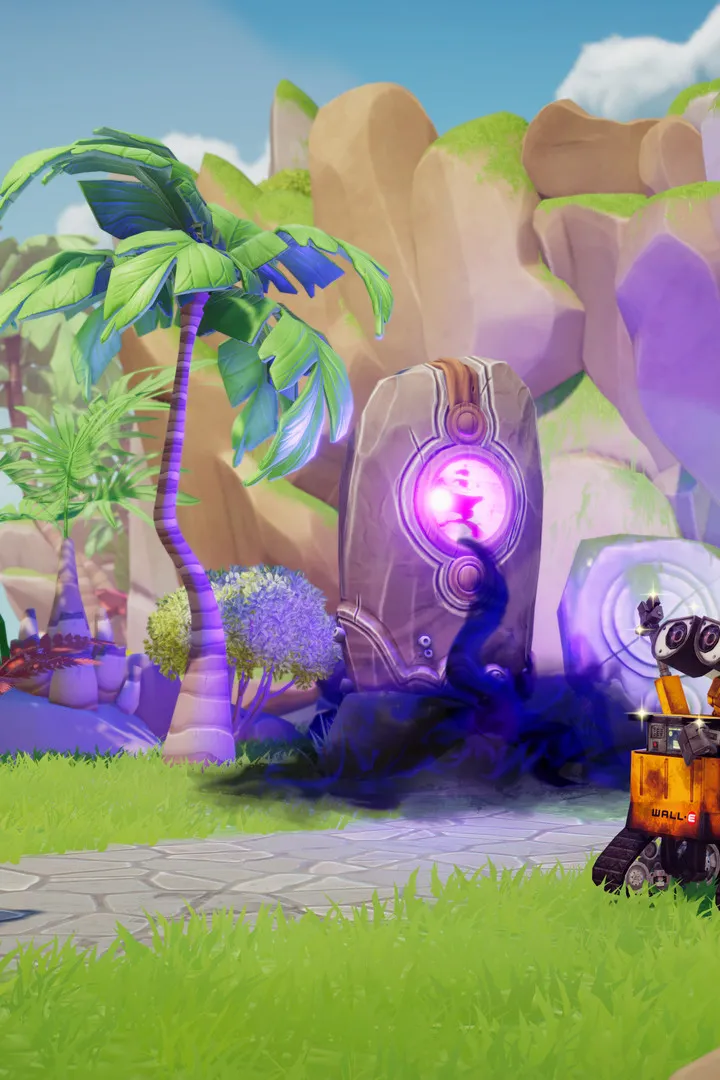
Platform Specific Installation Guides
Find platform-specific installation guides for Disney Dreamlight Valley: 2026 Expansion. Learn how to install on PC, consoles, and mobile devices to start your adventure.
This section provides installation guides for Disney Dreamlight Valley: 2026 Expansion across various platforms. Please select your platform below for detailed instructions.
PC Installation:
- Download the game client from the official Gameloft website or your preferred digital storefront (e.g., Steam, Epic Games Store).
- Run the installer and follow the on-screen prompts.
- Ensure you have the latest graphics drivers and DirectX installed.
Console Installation (PlayStation, Xbox, Nintendo Switch):
- Navigate to your console's digital store (PlayStation Store, Microsoft Store, Nintendo eShop).
- Search for "Disney Dreamlight Valley: 2026 Expansion".
- Select "Download" or "Purchase and Download" and follow the on-screen instructions. The game will install automatically.
Mobile Installation (iOS, Android):
- Open the App Store (iOS) or Google Play Store (Android).
- Search for "Disney Dreamlight Valley: 2026 Expansion".
- Tap "Install" or "Get" and follow the prompts.
Important Notes:
- Ensure you have sufficient storage space on your device before installation.
- A stable internet connection is required for download and initial setup.
- For the best experience, always ensure your game and device software are up to date.
Basic Controls & Interface
Navigate Disney Dreamlight Valley: 2026 Expansion with ease. This guide covers essential controls, interface elements, and gameplay mechanics for a seamless experience.
Basic Controls & Interface
Navigate Disney Dreamlight Valley: 2026 Expansion with ease. This guide covers essential controls, interface elements, and gameplay mechanics for a seamless experience.
Similar guides you might like


100% Human-Written. AI Fact-Checked. Community Verified. Learn how AntMag verifies content