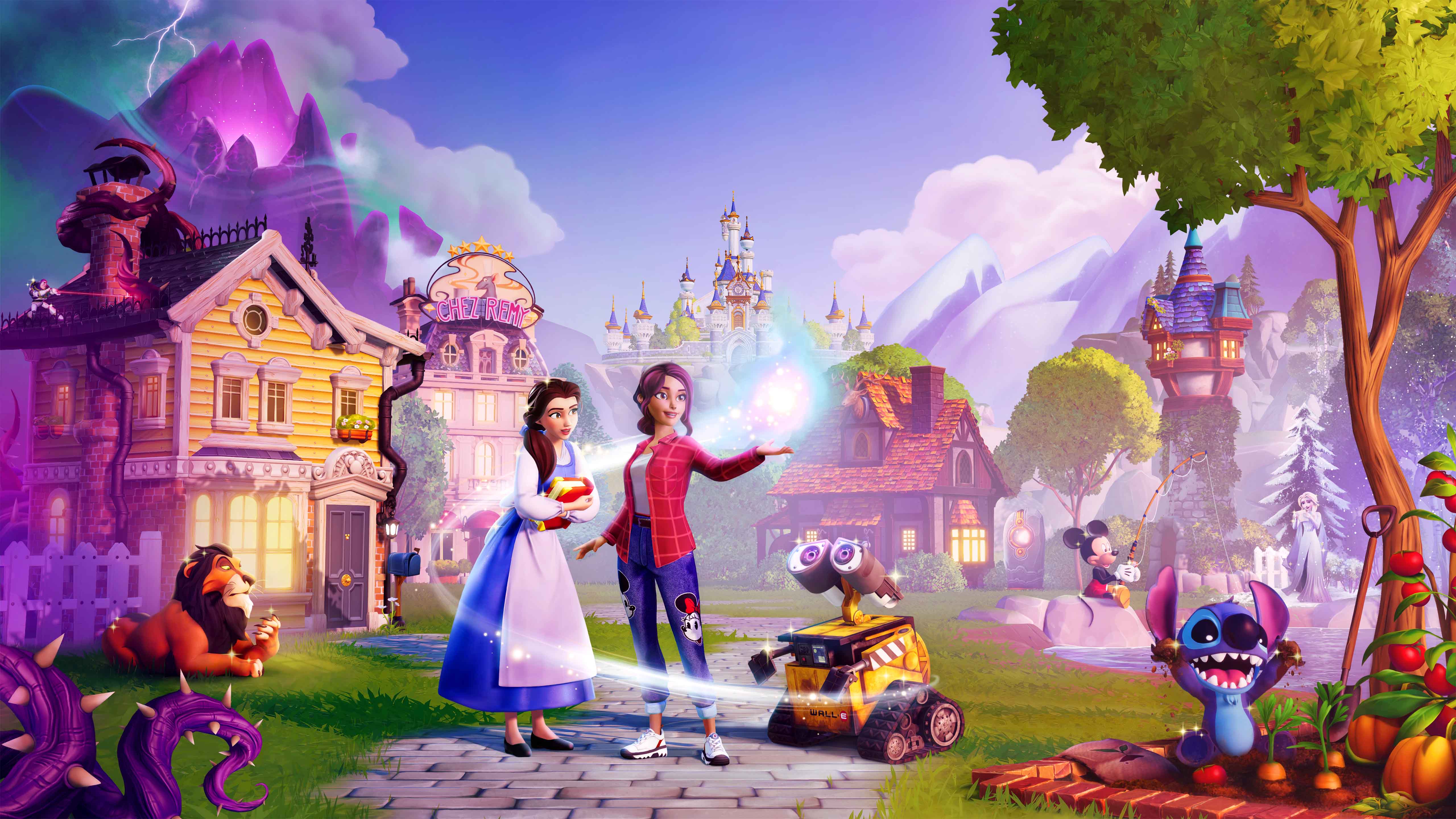
Master every platform's controls for Disney Dreamlight Valley: 2026 Expansion. Find button layouts for PC, PlayStation, Xbox, and Switch to optimize your gameplay.
This guide details the controller layouts for Disney Dreamlight Valley: 2026 Expansion across all supported platforms. Understanding these layouts will help you navigate the game efficiently and master its controls.
| Action | PC (Keyboard & Mouse) | PlayStation 5 | Xbox Series X/S | Nintendo Switch |
|---|---|---|---|---|
| Move | WASD | Left Stick | Left Stick | Left Stick |
| Camera | Mouse | Right Stick | Right Stick | Right Stick |
| Interact / Confirm | Left Click / E | X Button | A Button | B Button |
| Cancel / Back | Right Click / Esc | Circle Button | B Button | A Button |
| Jump | Spacebar | X Button | A Button | B Button |
| Inventory | I | Touchpad Button | View Button | X Button |
| Map | M | R1 + L1 | RB + LB | ZR + ZL |
| Quest Log | J | L1 | LB | L |
| Character Menu | C | R1 | RB | R |
| Action Menu / Wheel | Q | L2 | LT | ZL |
| Tool Wheel | Tab | D-Pad Up | D-Pad Up | D-Pad Up |
| Fishing | Hold Left Click | Hold X | Hold A | Hold B |
| Mining | Hold Left Click | Hold X | Hold A | Hold B |
| Gardening | Left Click | X | A | B |
| Cooking | Left Click | X | A | B |
| Crafting | Left Click | X | A | B |
| Emote Wheel | V | D-Pad Down | D-Pad Down | D-Pad Down |
| Screenshot | F1 | Share Button | Create Button | Capture Button |
| Pause Menu | Esc | Options Button | Menu Button | + Button |
Note: Button prompts may vary slightly depending on in-game context and specific controller configurations.
100% Human-Written. AI Fact-Checked. Community Verified. Learn how AntMag verifies content