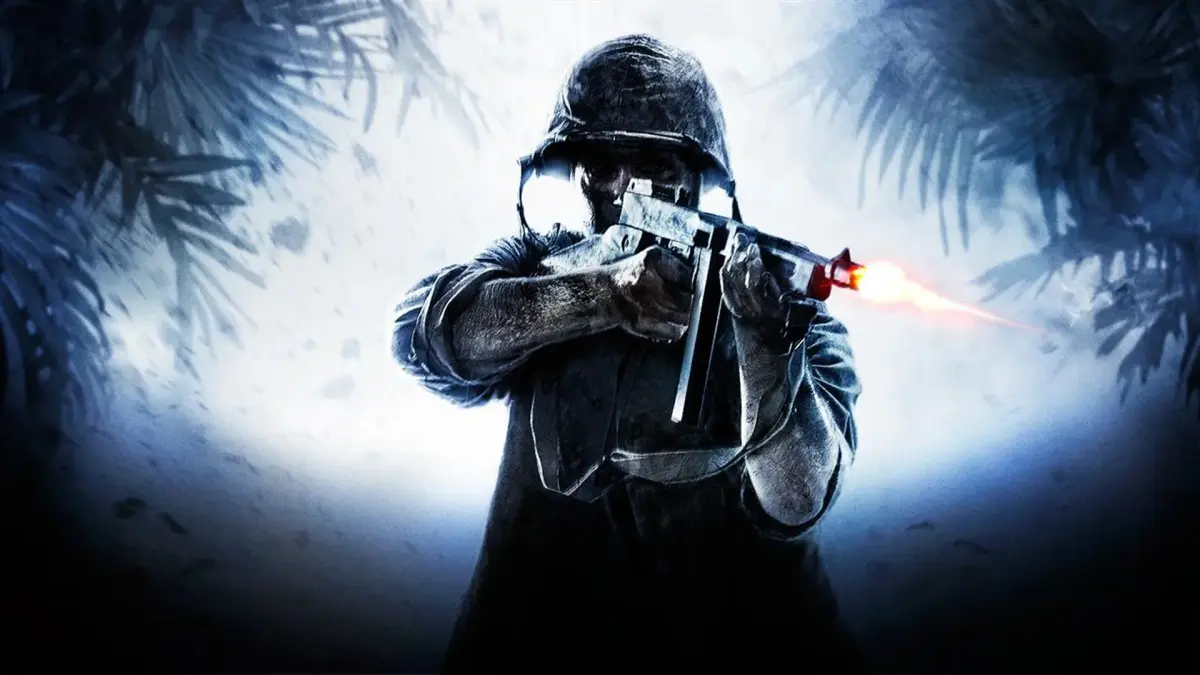
Explore the world of mods for Call of Duty: World at War. Discover how to enhance your gameplay experience with custom content and modifications.
This page is dedicated to mods for Call of Duty: World at War. While the game itself is a classic, the modding community has kept it alive with various enhancements and custom content. This guide will cover how to find, install, and enjoy these modifications.
What are Mods?
Mods, short for modifications, are custom changes to the game made by players. These can range from simple texture packs and weapon skins to entirely new game modes, maps, and even total conversions that transform the game into something new.
Finding Mods:
- Community Forums: Websites like the Call of Duty modding forums are excellent places to find active discussions and links to mods.
- Modding Sites: Dedicated modding websites often host a wide variety of user-created content. Search for "Call of Duty: World at War mods" to find these.
- YouTube/Twitch: Content creators often showcase mods they are using, and may provide download links in their descriptions.
Installing Mods:
The installation process varies depending on the mod. Always follow the specific instructions provided by the mod author. Generally, it involves:
- Downloading the mod files.
- Extracting the files to a specific directory within your Call of Duty: World at War installation folder (often the 'main' or 'mods' folder).
- Configuring game launch options if required, to enable the mod.
Important Considerations:
- Backup your game files: Before installing any mods, it's highly recommended to back up your original game files. This will allow you to revert to the unmodded game if something goes wrong.
- Compatibility: Not all mods are compatible with each other. Check the mod's description for any known compatibility issues.
- Online Play: Modifying your game may lead to issues with online multiplayer, or even result in a ban from servers if the mods are not permitted. It is generally safer to use mods for single-player or private multiplayer matches.
- Security: Only download mods from reputable sources to avoid malware.
Popular Mod Types:
- Graphical Enhancements: Improved textures, lighting, and visual effects.
- New Maps: Custom-designed levels for single-player or multiplayer.
- Weapon Packs: New firearms or rebalanced existing ones.
- Total Conversions: Mods that fundamentally change the game's theme, mechanics, or gameplay (e.g., turning it into a different genre or setting).
- UI/HUD Modifications: Changes to the in-game interface.
By exploring the modding scene, you can discover a wealth of new content and experiences for Call of Duty: World at War.
100% Human-Written. AI Fact-Checked. Community Verified. Learn how AntMag verifies content