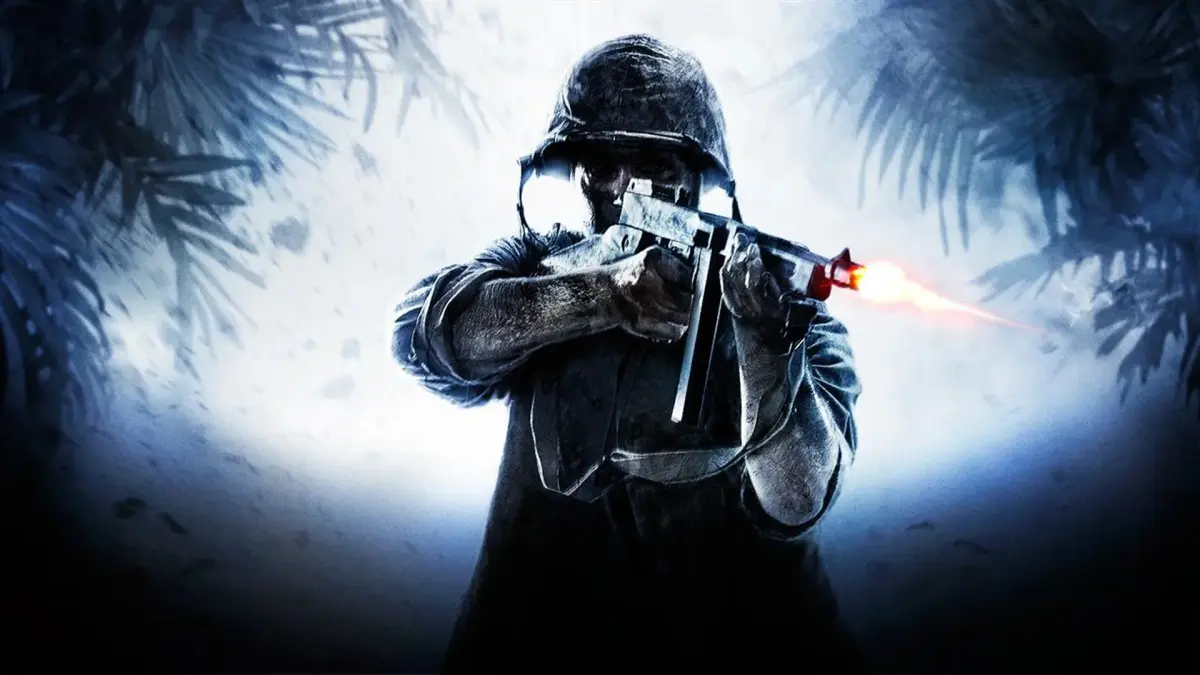
Learn about friendly indicators in Call of Duty: World at War. Understand how to distinguish allies from enemies to survive the battlefield.
Hey there! So, you're diving into Call of Duty: World at War and want to make sure you're not accidentally shooting your own teammates, right? It's super important to know who's who on the battlefield, especially when things get chaotic. This guide will help you get the hang of spotting friendlies so you can focus on taking down the enemy.
What to Look For:
- Player Colors: In multiplayer and co-op modes, your teammates will usually have a colored outline or name tag above their heads. Pay attention to these! The default is often blue for teammates and red for enemies, but this can sometimes be customized.
- Uniforms: While not always a dead giveaway, allied soldiers often have distinct uniforms compared to enemy forces. Keep an eye on the faction you're fighting for and against.
- Callouts: Listen to your squadmates and commanding officers. They'll often give callouts about enemy positions or friendly movements.
- Minimap: Your minimap is your best friend! It usually shows friendly player icons, so glancing at it frequently can save you from friendly fire incidents.
Why It Matters:
Friendly fire is a real thing in World at War, and taking out one of your own guys can lead to penalties, like losing points or even failing objectives in some game modes. Plus, it just makes things harder for your team when you're not sure who to trust. Getting good at recognizing friendlies quickly will make you a much more effective soldier.
100% Human-Written. AI Fact-Checked. Community Verified. Learn how AntMag verifies content