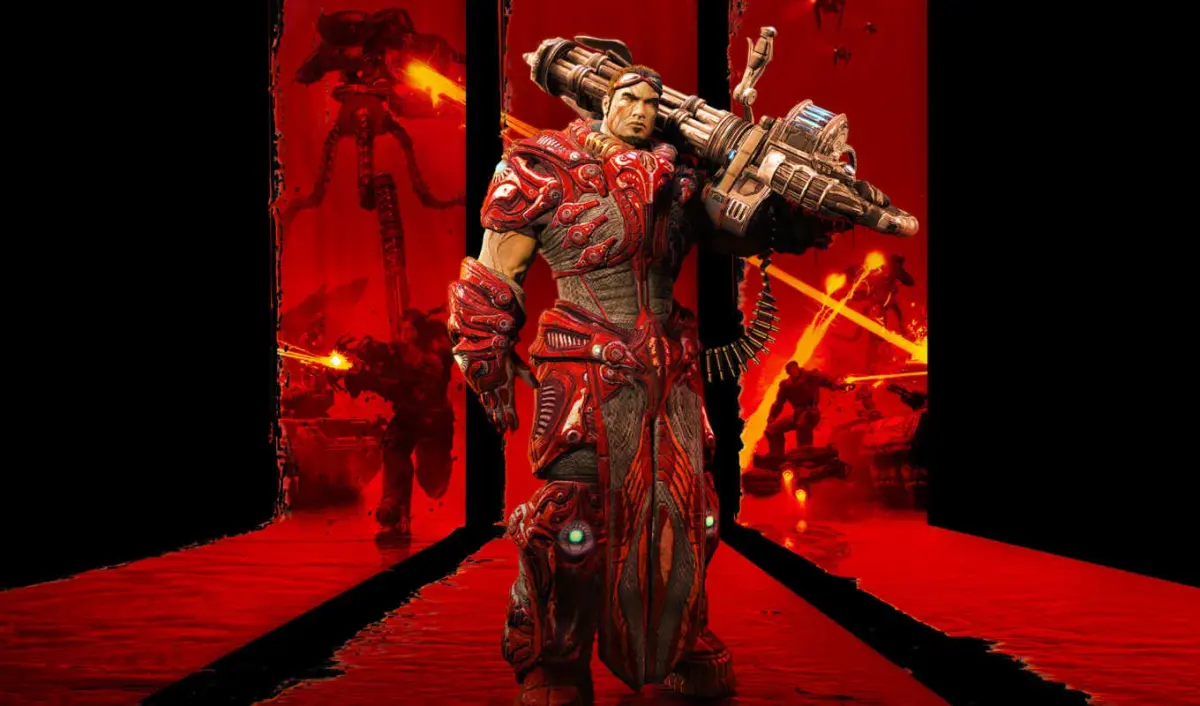
Learn to use the Redeemer's Secondary Fire Mode in Unreal Tournament 3. Control a guided missile with terminal damage vs. people and 1200 damage vs. vehicles.
Walkthrough
- 1Fire the Redeemer missile using Primary Fire Mode.
- 2Immediately switch to a first-person view of the missile.
- 3Use your mouse to steer the missile, similar to spectator mode, but with vertical restrictions and constant forward speed.
- 4Detonate the missile by pressing either Primary or Secondary Fire Mode while piloting it, or let it detonate on impact.
- 5If the missile is shot down by an enemy, a "Denied" announcer message will play, and the missile will be destroyed without dealing damage.
Tips
- Avoid firing a Redeemer missile directly at enemies who are shooting at you, as it has a high chance of being shot down.
- Mouse sensitivity is drastically reduced while piloting the missile, requiring wide sweeps for sharp turns.
- While piloting the missile, you are unaware of your surroundings and your movement controls are disabled, making you vulnerable.
- You cannot regain control of your character until the missile is destroyed or detonated.
- The Redeemer is generally not ideal for Deathmatch (DM) or Team Deathmatch (TDM) due to its rarity and the vulnerability of your character while piloting the missile.
- In Capture the Flag (CTF), Domination (DOM), and Ball Running (BR), the Redeemer is more useful for stopping enemy flag/ball carriers or defending your goal.
- In Onslaught (ONS), the Redeemer can destroy a full-health Power Node and most vehicles in one strike, but guided missiles are vulnerable due to large, open maps. Fly low, avoid populated areas, and launch from close range.
- Use landscape features to evade enemy fire if your missile is targeted.
- The Redeemer missile has a vertical restriction and cannot perform loops.
100% Human-Written. AI Fact-Checked. Community Verified. Learn how AntMag verifies content