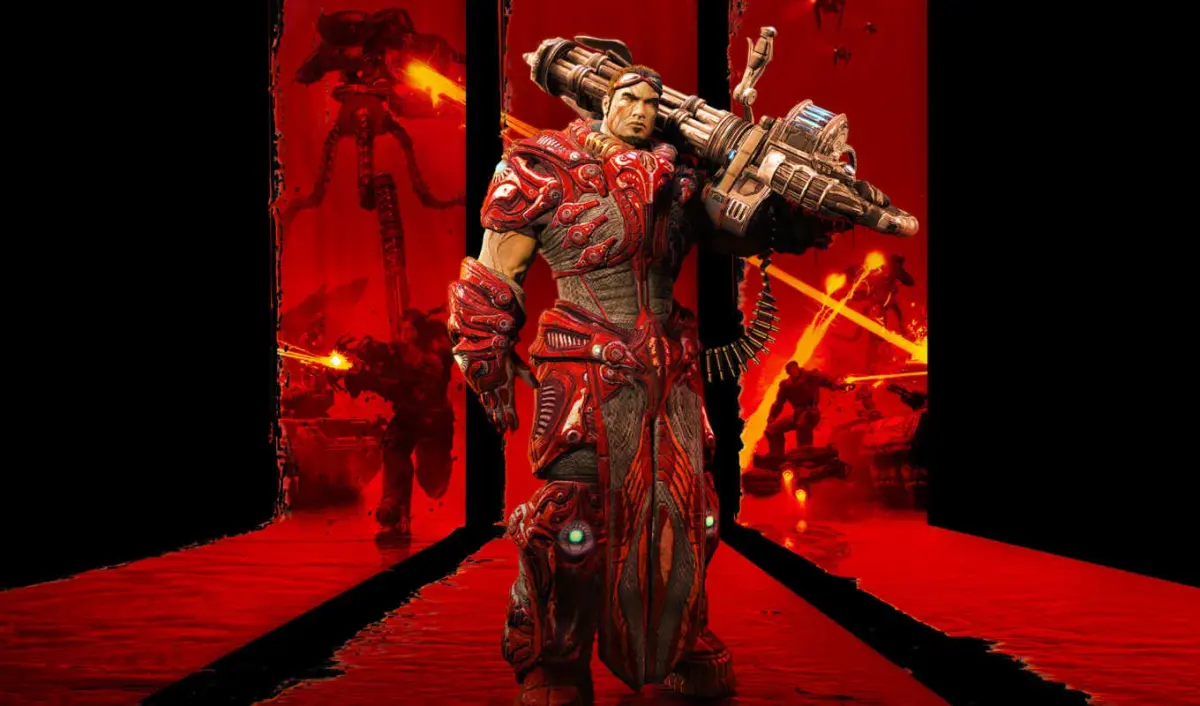
Explore the Grenade Launcher in Unreal Tournament 3. Learn its primary and secondary fire modes, damage stats, ammo usage, and advanced tactics for both infantry and vehicle combat.
Walkthrough
- 1Primary Fire Mode: Sticky Bombs
- Damage vs. People: 100
- 2Damage vs. Vehicles: 100
- 3Rate of Fire: 2/1s
- 4Ammo per Shot: 1
- 5Max. Ammo: 50 | 8 active
- 6Charge Time: N/A
- 7Special Features: projectile; knockback; bounces off walls; sticks to people and vehicles; detonates upon being triggered by operator, weapon loss or operator death; can be shot down; unlimited fuse; affected by gravity; splash damage
- 8Secondary Fire Mode: Detonate Grenades
- Introduction: Triggers placed grenades to explode.
Tips
- The Grenade Launcher is primarily effective against vehicles and structures due to its sticky nature and high damage. Direct hits on infantry are difficult, and its splash damage is limited.
- To effectively use against vehicles, concentrate on larger, slower targets like tanks. Stick multiple bombs onto a vehicle while it's stationary, then detonate for massive damage.
- Nodes can be destroyed by sticking 8 bombs onto them and detonating, repeating the process.
- Bombs can be placed on your own vehicle for defense against potential thieves or to destroy anyone who tries to steal it.
- Questionable Ethics Tactics:
- Suicide Bomber: Stick bombs onto a teammate, who then drives towards an objective (like a Node) to detonate. This deals massive damage but results in the teammate's death (unless Friendly Fire is off).
- Car Bomb: Similar to the suicide bomber, but a vehicle is rigged and then driven to an objective by another player.
- Coordinated Detonation: Multiple players can coordinate to stick bombs on the same target (teammate or vehicle) for maximum explosive impact. Ensure all participants survive until detonation.
100% Human-Written. AI Fact-Checked. Community Verified. Learn how AntMag verifies content