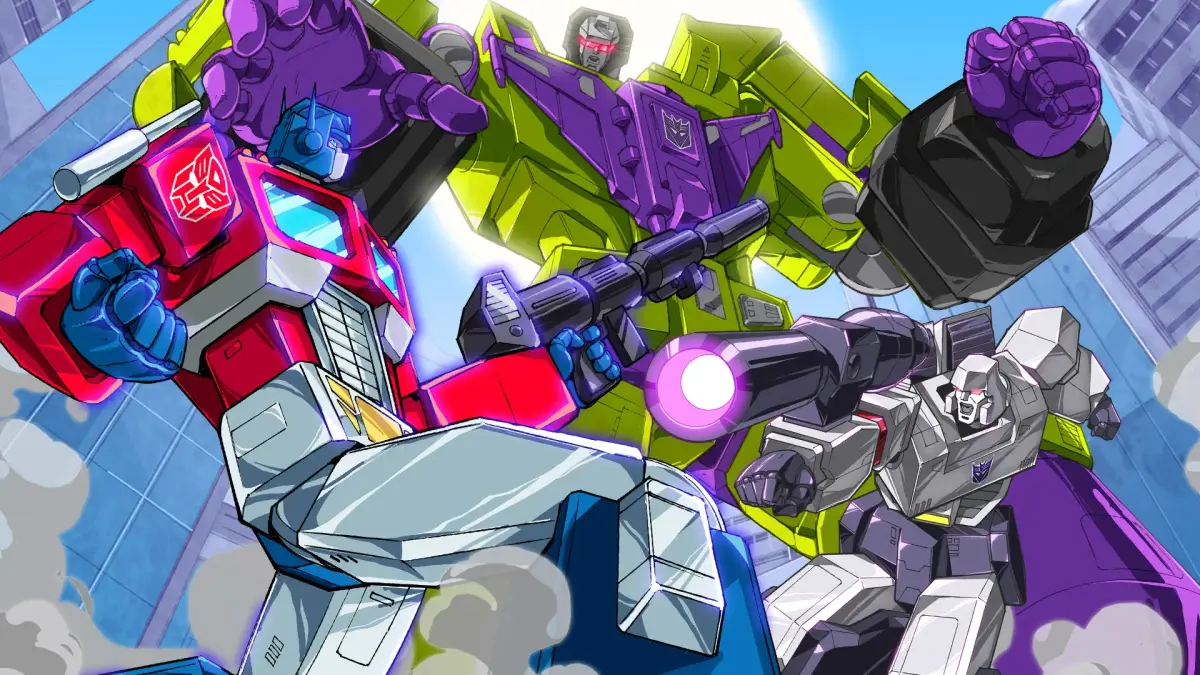
Welcome to the AntMag.NET hub for Transformers: Devastation! Developed by Platinum Games, this 2015 action title throws you into the boots of the Autobots (or Decepticons!) as they battle across a ravaged Earth and beyond. You'll be chaining together devastating combos, transforming on the fly between robot and vehicle modes, and unleashing powerful special attacks. It’s a fast-paced, stylish brawler perfect for anyone who loves the classic Transformers lore and wants to experience it through intense, satisfying combat.
This guide is here to help you master every aspect of Devastation. We’ll walk you through every chapter, offer strategies for taking down challenging bosses like Starscream and Megatron, and detail how to achieve those coveted Gold Medals on every mission. Plus, we’ll cover collectible locations and help you unlock the full potential of your favorite Transformers, ensuring you don’t miss a single piece of the action.
Getting Started
Learn the basics of Transformers: Devastation gameplay, including controls, available characters, and combat mechanics. Get ready to transform and roll out!
Getting Started
Learn the basics of Transformers: Devastation gameplay, including controls, available characters, and combat mechanics. Get ready to transform and roll out!
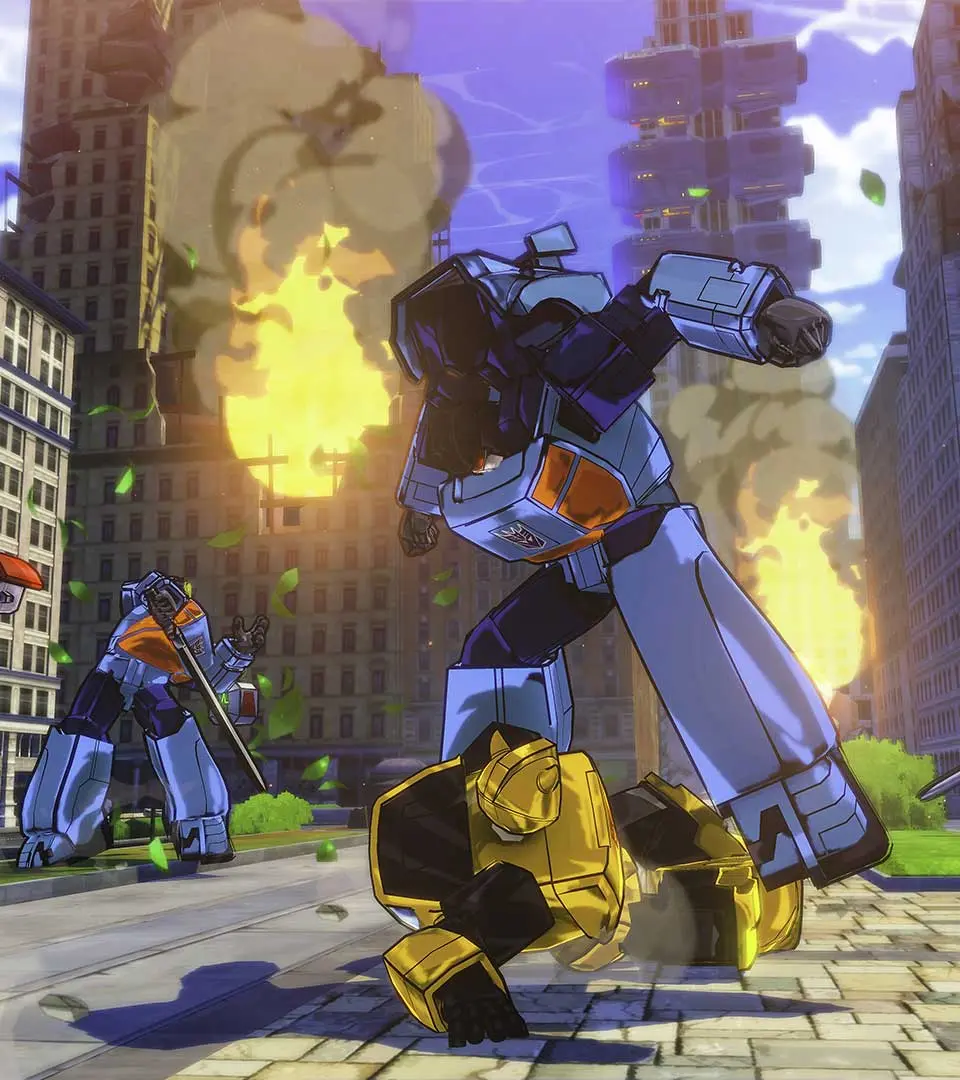
Basic Controls & Movement — Transformers: Devastation Guide
Learn the essential controls and movement mechanics for Transformers: Devastation. Master your Autobot's abilities to dominate the battlefield and defeat the Decepticons.
This guide covers the basic controls and movement options available to players in Transformers: Devastation. Understanding these fundamentals is key to effectively navigating the game world and engaging in combat.
Controls Overview:
| Action | Button/Input |
|---|---|
| Move | Left Analog Stick |
| Camera Control | Right Analog Stick |
| Jump | A Button (Xbox) / X Button (PlayStation) |
| Dodge/Evade | B Button (Xbox) / Circle Button (PlayStation) |
| Light Attack | X Button (Xbox) / Square Button (PlayStation) |
| Heavy Attack | Y Button (Xbox) / Triangle Button (PlayStation) |
| Transform/Vehicle Mode | Left Bumper (Xbox) / L1 Button (PlayStation) |
| Special Attack/Ability | Right Bumper (Xbox) / R1 Button (PlayStation) |
| Interact/Pick Up | X Button (Xbox) / Square Button (PlayStation) (Contextual) |
| Target Lock | Left Trigger (Xbox) / L2 Button (PlayStation) |
| Weapon Switch | D-Pad Up/Down |
| Ultimate Ability | Left Stick Click + Right Stick Click (or specific button combination) |
Movement Mechanics:
- Ground Movement: Utilize the Left Analog Stick to move your Transformer in robot mode.
- Aerial Maneuvers: Jump and dodge to control your movement in the air.
- Vehicle Mode: Transform into your alternate mode using the designated button to traverse larger distances quickly and engage in high-speed combat.
- Dodging: Master the timing of your dodges to evade enemy attacks and create openings for counter-offensives. A well-timed dodge can trigger a slow-motion effect, allowing for devastating combos.
Understanding the User Interface (UI) — Transformers: Devastation Guide
Navigate the user interface of Transformers: Devastation with ease. Learn about HUD elements, menus, and controls to maximize your combat effectiveness and gameplay experience.
Transformers: Devastation features a dynamic user interface designed to keep you informed during fast-paced combat. Understanding its elements is key to mastering the game.
| UI Element | Description |
|---|---|
| Health Bar | Displays the current health of your Transformer. Depletes as you take damage. |
| Energy Gauge | Indicates available energy for special abilities and boosts. |
| Target Lock Indicator | Shows which enemy you are currently targeting. |
| Combo Counter | Tracks your current attack combo for increased damage and score. |
| Minimap | Provides a small overview of your immediate surroundings and objective markers. |
| Weapon Select | Allows you to cycle through your equipped weapons. |
| Ability Icons | Displays available special abilities and their cooldown status. |
| Objective Markers | Highlights current mission objectives on the minimap and in the game world. |
| Damage Numbers | Indicates the amount of damage dealt to enemies. |
| Status Effects | Icons showing any active buffs or debuffs on your Transformer or enemies. |
Mastering the UI will allow you to react quickly to threats, manage your resources effectively, and execute powerful combos. Pay attention to your health and energy, and always be aware of your target and objectives.
Character Selection & Abilities
Explore the character selection and abilities in Transformers: Devastation. Choose from Optimus Prime, Bumblebee, Sideswipe, Wheeljack, and Grimlock, each with unique skills.
In Transformers: Devastation, players can choose from a roster of iconic Autobots to battle the Decepticons. Each character offers a distinct playstyle and set of abilities, allowing for varied combat approaches.
Playable Autobots:
- Optimus Prime
- Bumblebee
- Sideswipe
- Wheeljack
- Grimlock
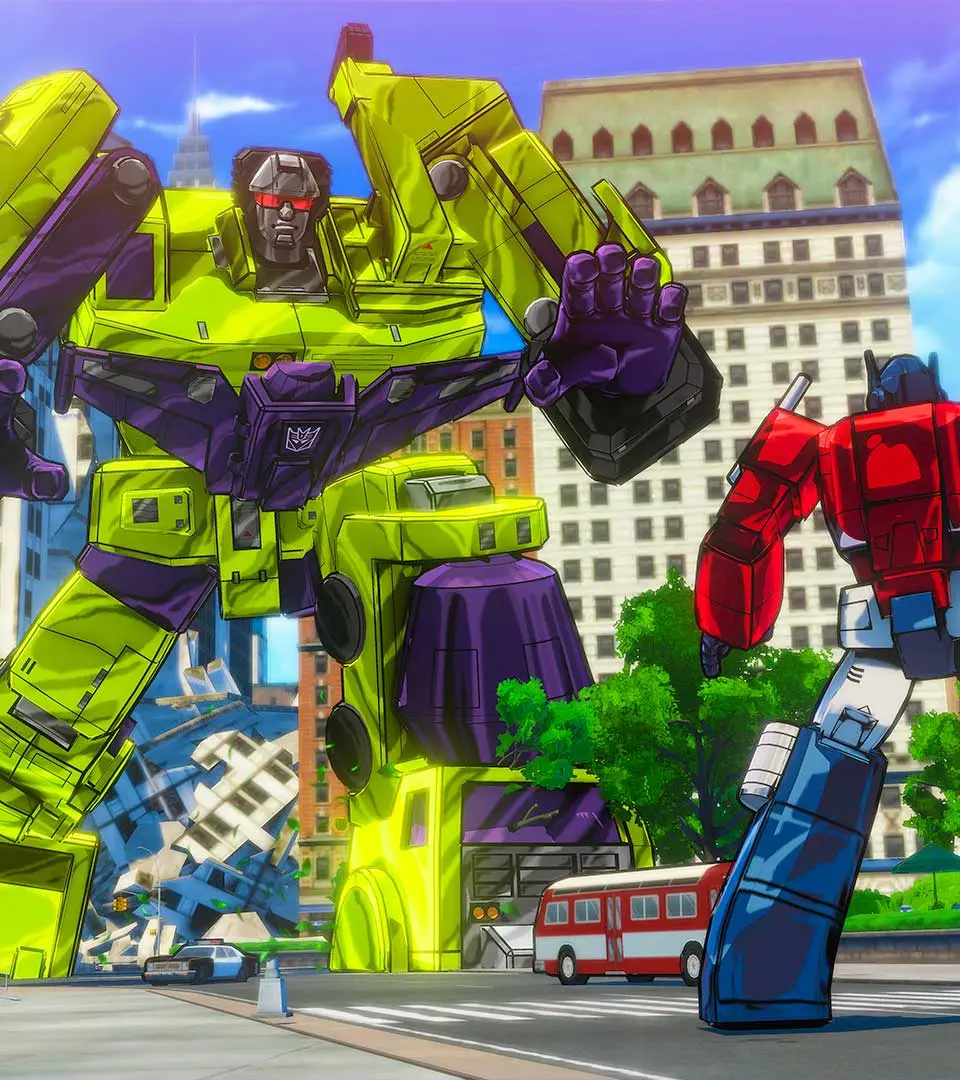
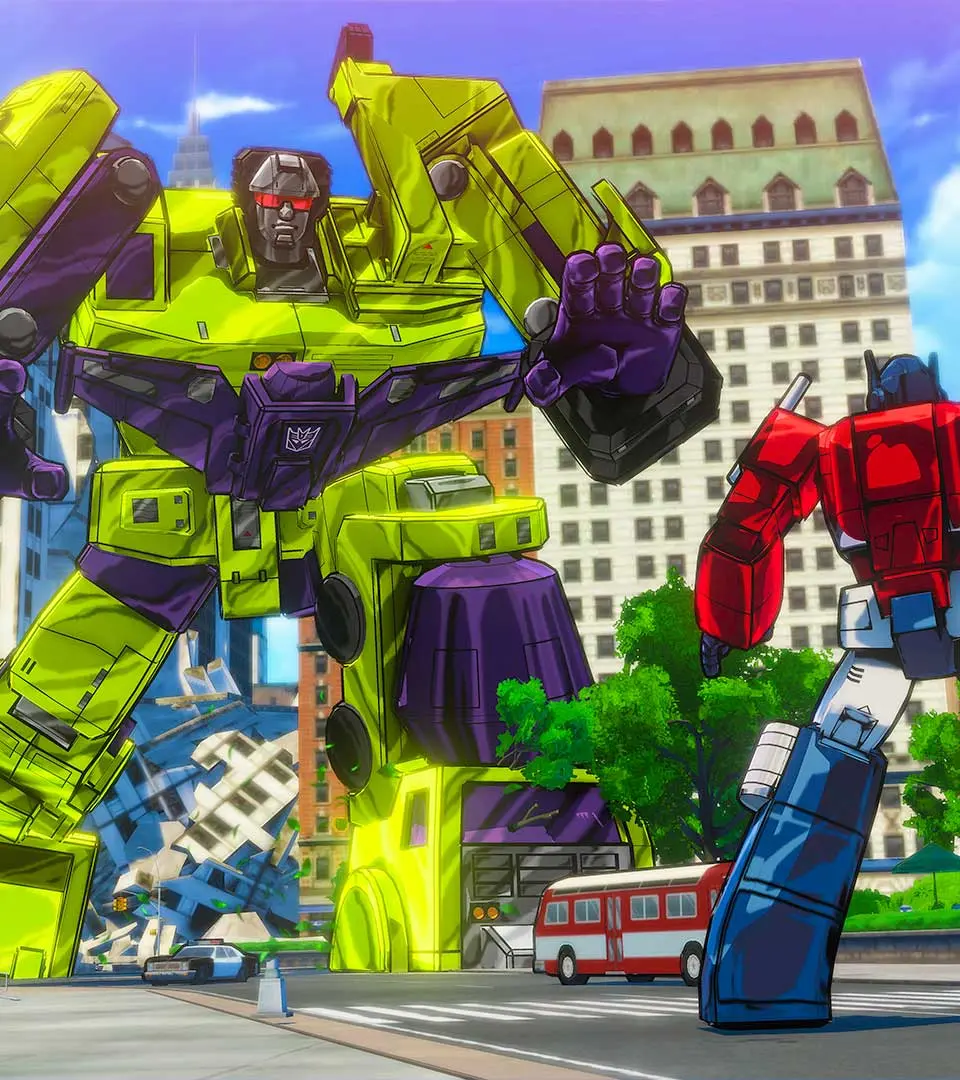
The game also features a wide array of Decepticons and other characters, including Megatron, Starscream, Soundwave, and the combiner Devastator.
Similar guides you might like






100% Human-Written. AI Fact-Checked. Community Verified. Learn how AntMag verifies content