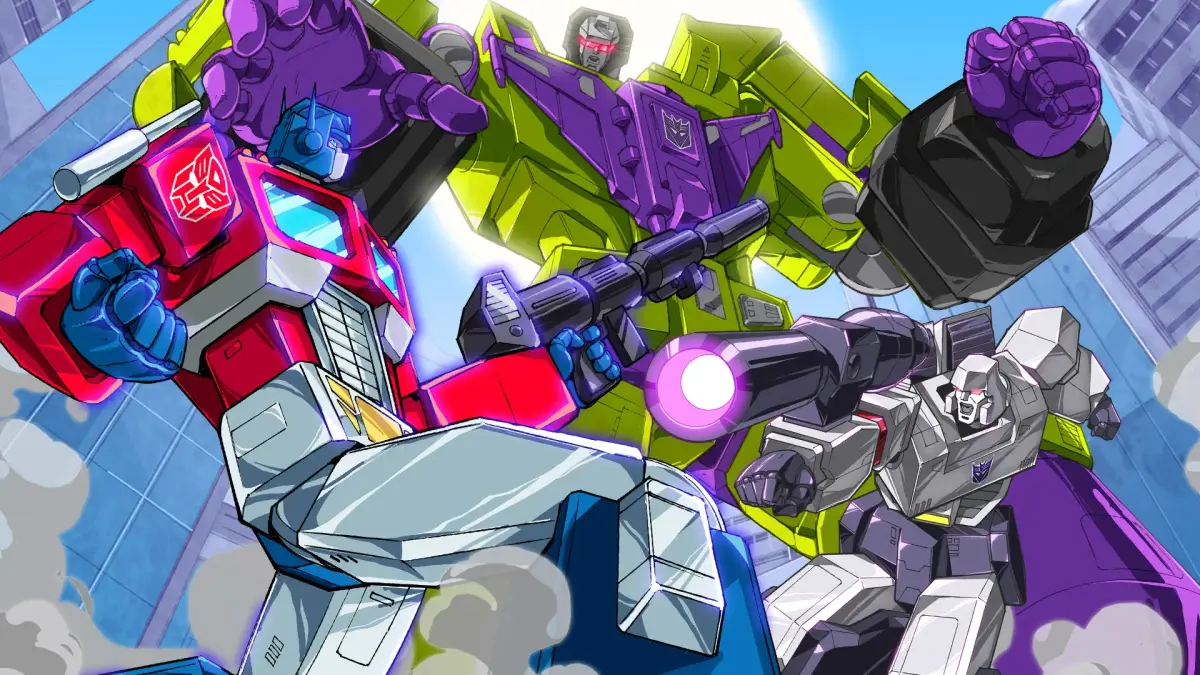
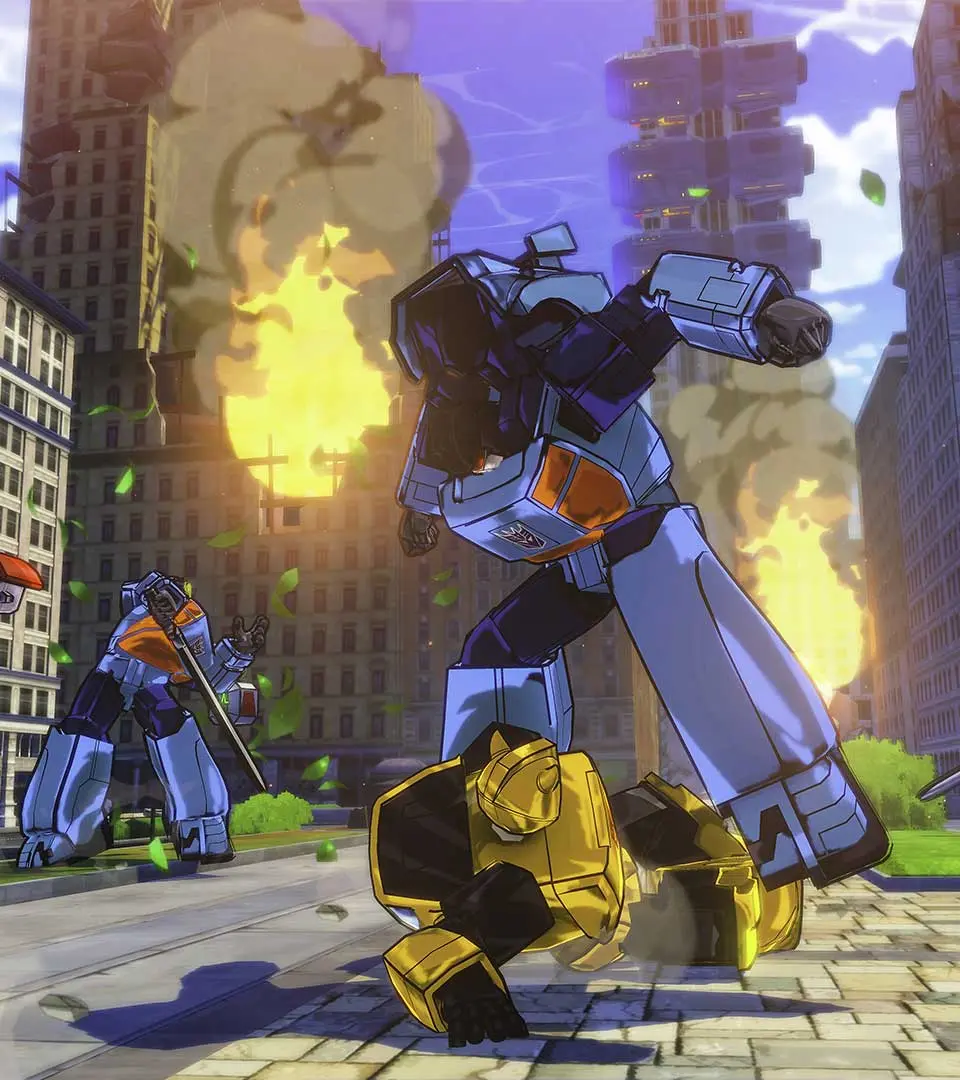
Navigate the user interface of Transformers: Devastation with ease. Learn about HUD elements, menus, and controls to maximize your combat effectiveness and gameplay experience.
Transformers: Devastation features a dynamic user interface designed to keep you informed during fast-paced combat. Understanding its elements is key to mastering the game.
| UI Element | Description |
|---|---|
| Health Bar | Displays the current health of your Transformer. Depletes as you take damage. |
| Energy Gauge | Indicates available energy for special abilities and boosts. |
| Target Lock Indicator | Shows which enemy you are currently targeting. |
| Combo Counter | Tracks your current attack combo for increased damage and score. |
| Minimap | Provides a small overview of your immediate surroundings and objective markers. |
| Weapon Select | Allows you to cycle through your equipped weapons. |
| Ability Icons | Displays available special abilities and their cooldown status. |
| Objective Markers | Highlights current mission objectives on the minimap and in the game world. |
| Damage Numbers | Indicates the amount of damage dealt to enemies. |
| Status Effects | Icons showing any active buffs or debuffs on your Transformer or enemies. |
Mastering the UI will allow you to react quickly to threats, manage your resources effectively, and execute powerful combos. Pay attention to your health and energy, and always be aware of your target and objectives.
100% Human-Written. AI Fact-Checked. Community Verified. Learn how AntMag verifies content