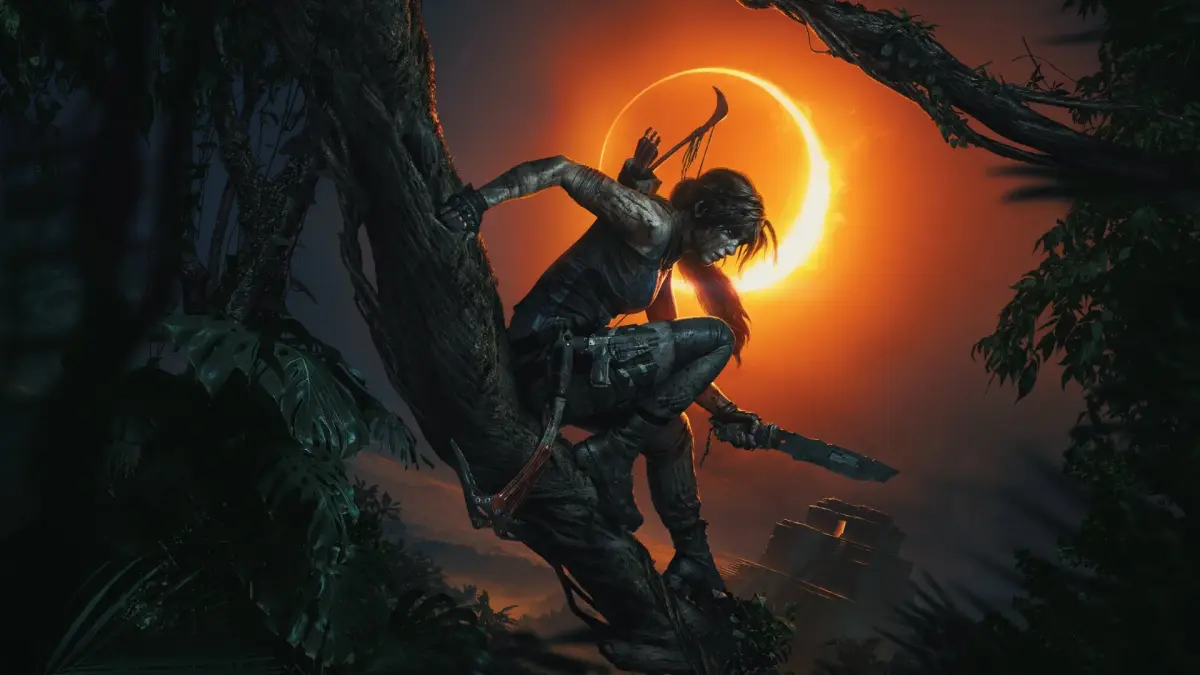
Shadow of the Tomb Raider throws you into Lara Croft's most dangerous chapter yet. As you race against Trinity to stop a Mayan apocalypse, you'll explore lush, treacherous environments, from dense jungles to underwater caves, and master Lara's refined survival and combat skills. This is a story-rich, atmospheric adventure for players who love a good challenge and a deep narrative.
This guide is your essential companion for navigating the perils of Shadow of the Tomb Raider. We'll help you conquer every challenging tomb, overcome difficult boss encounters, and track down all the hidden collectibles scattered throughout the game's expansive world. With our help, you'll be able to fully experience Lara's epic journey and achieve all your in-game goals.
Getting Started
Begin your Shadow of the Tomb Raider journey by mastering controls, the UI, and fundamental gameplay mechanics for surviving treacherous Amazon environments.
Getting Started
Begin your Shadow of the Tomb Raider journey by mastering controls, the UI, and fundamental gameplay mechanics for surviving treacherous Amazon environments.
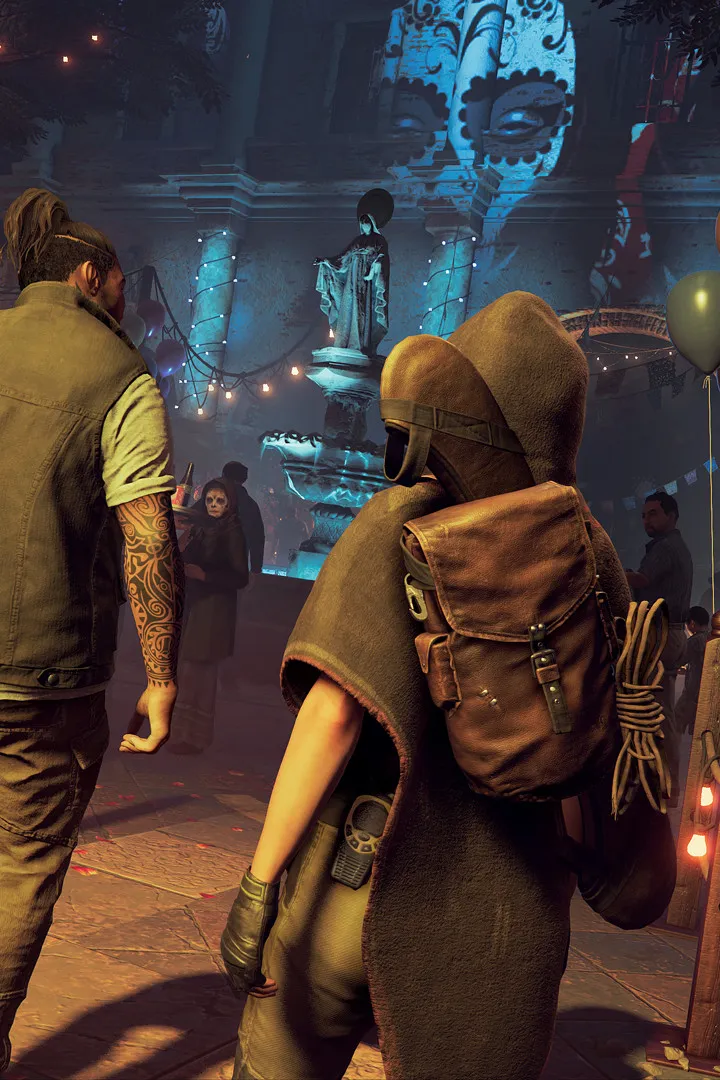
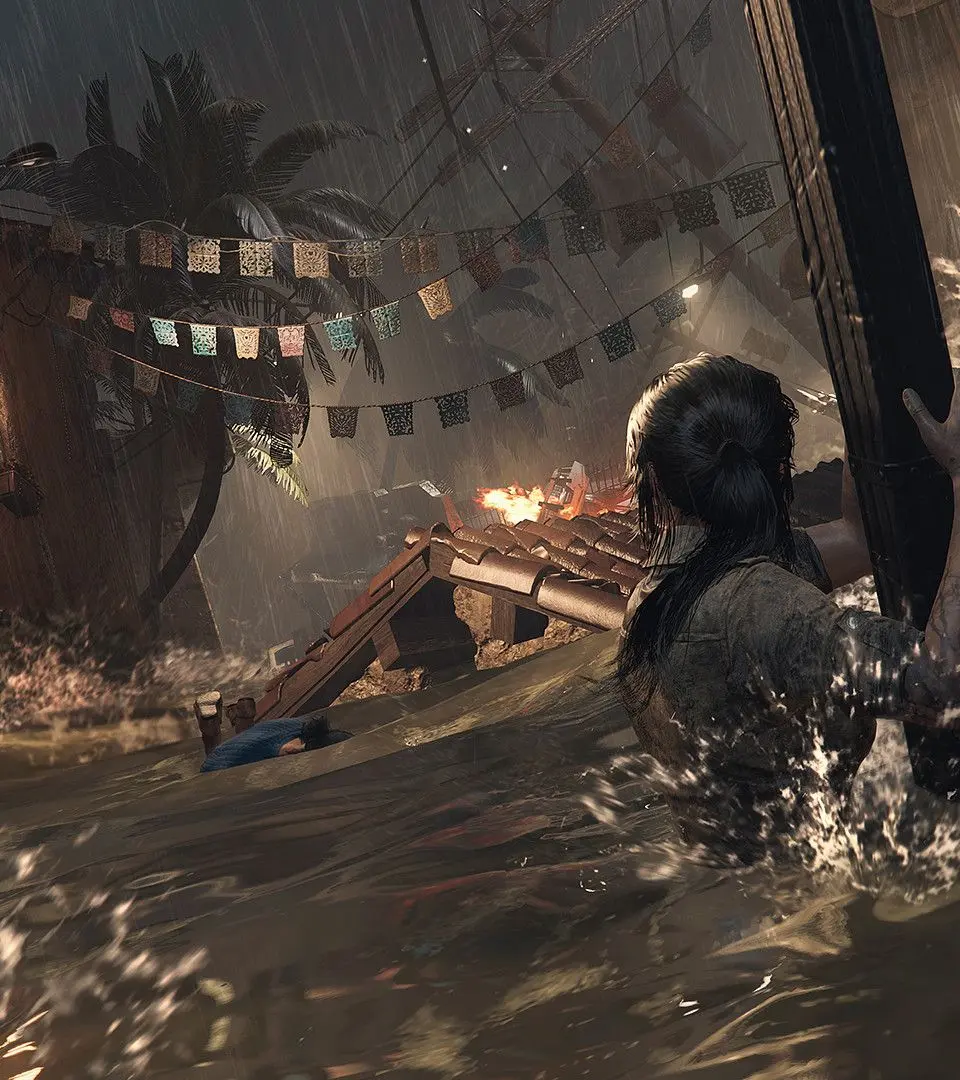


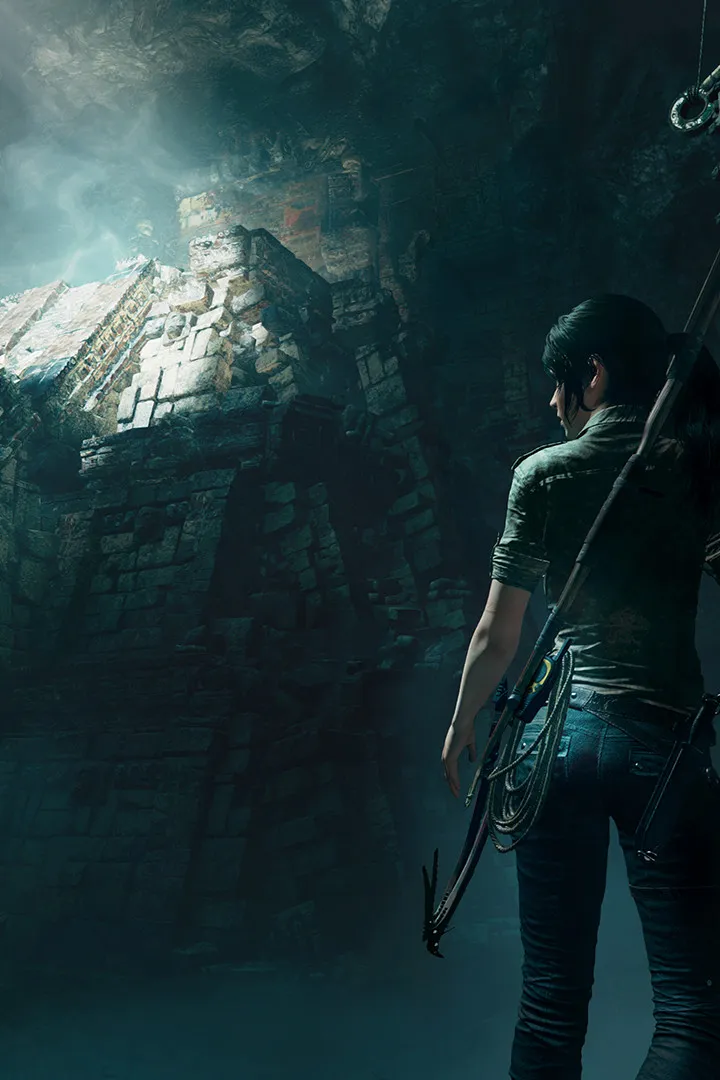
Controls & Movement — Shadow of the Tomb Raider Guide
Master Lara Croft's moves in Shadow of the Tomb Raider! This guide covers all controls, from basic movement to advanced combat and traversal techniques. Get ready to explore!
User Interface (UI) Overview — Shadow of the Tomb Raider Guide
Understand Shadow of the Tomb Raider's UI: objectives, weapons, health, Survival Instincts, and menu navigation.
The UI provides vital information. In the top-left, you'll see your current objective. The bottom-right displays your equipped weapon and ammunition count. When in combat, enemy health bars will appear. The Survival Instincts (L3/LS) highlights interactive objects, collectibles, and enemy positions, making it an invaluable tool for exploration and stealth. Your health bar is subtly integrated into the screen's edges, turning red when Lara is injured. The inventory and map can be accessed via the Pause Menu. Pay attention to on-screen prompts for quick-time events and contextual actions. Understanding these elements will help you make informed decisions and navigate the world efficiently. The crafting menu, accessible through the campfire, will show your available resources and what items you can create or upgrade. Keep an eye on the experience bar, which fills as you complete objectives and find collectibles, leading to skill point acquisition.

Difficulty Settings & Accessibility
Explore the difficulty settings and accessibility options in Shadow of the Tomb Raider. Learn how to customize your gameplay experience for maximum enjoyment and inclusivity.
This guide covers the difficulty settings and accessibility options available in Shadow of the Tomb Raider. Players can adjust various aspects of the game to tailor their experience.
Difficulty Settings:
- Exploration: Affects how easily Lara can navigate the environment and spot interactive elements.
- Combat: Influences enemy aggression, damage output, and reaction times.
- Puzzles: Determines the complexity and hints provided for environmental puzzles.
Accessibility Options:
- Subtitles: Customizable subtitle appearance and size.
- Colorblind Modes: Options to assist players with various forms of color blindness.
- Audio Cues: Visual and auditory indicators for important gameplay events.
- Control Remapping: Allows players to reassign button inputs.
- Aim Assist: Adjustable aim assist strength for combat.
By adjusting these settings, players can create a personalized gameplay experience that suits their individual needs and preferences.
Similar guides you might like






100% Human-Written. AI Fact-Checked. Community Verified. Learn how AntMag verifies content