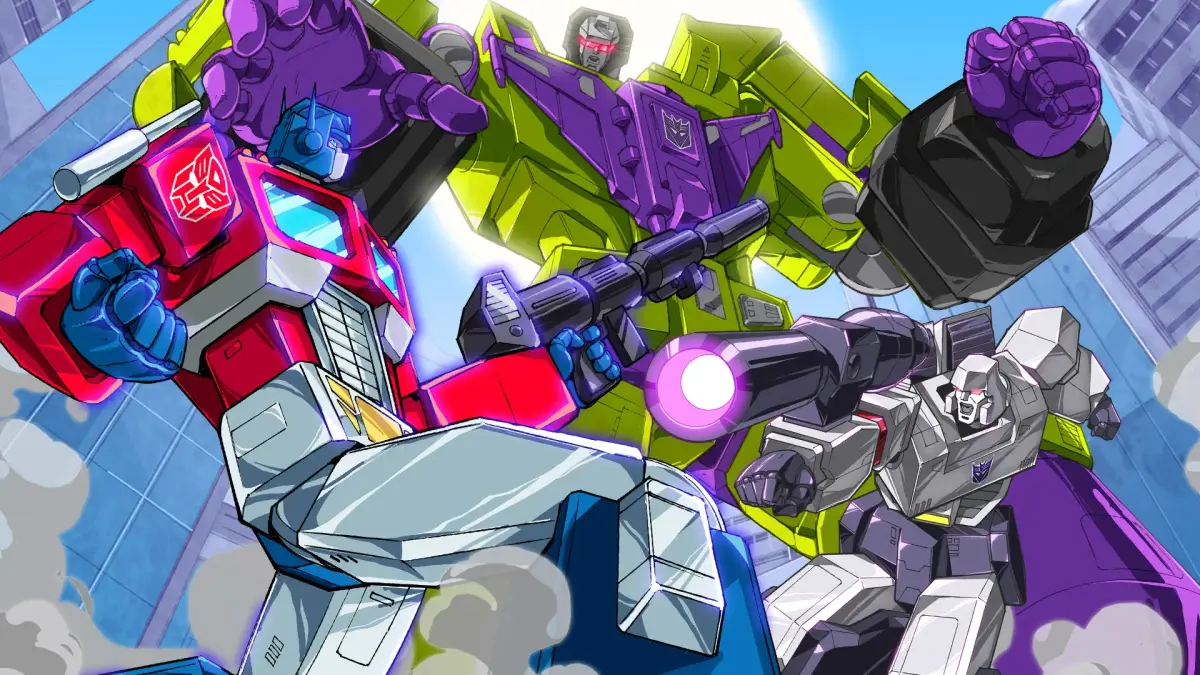
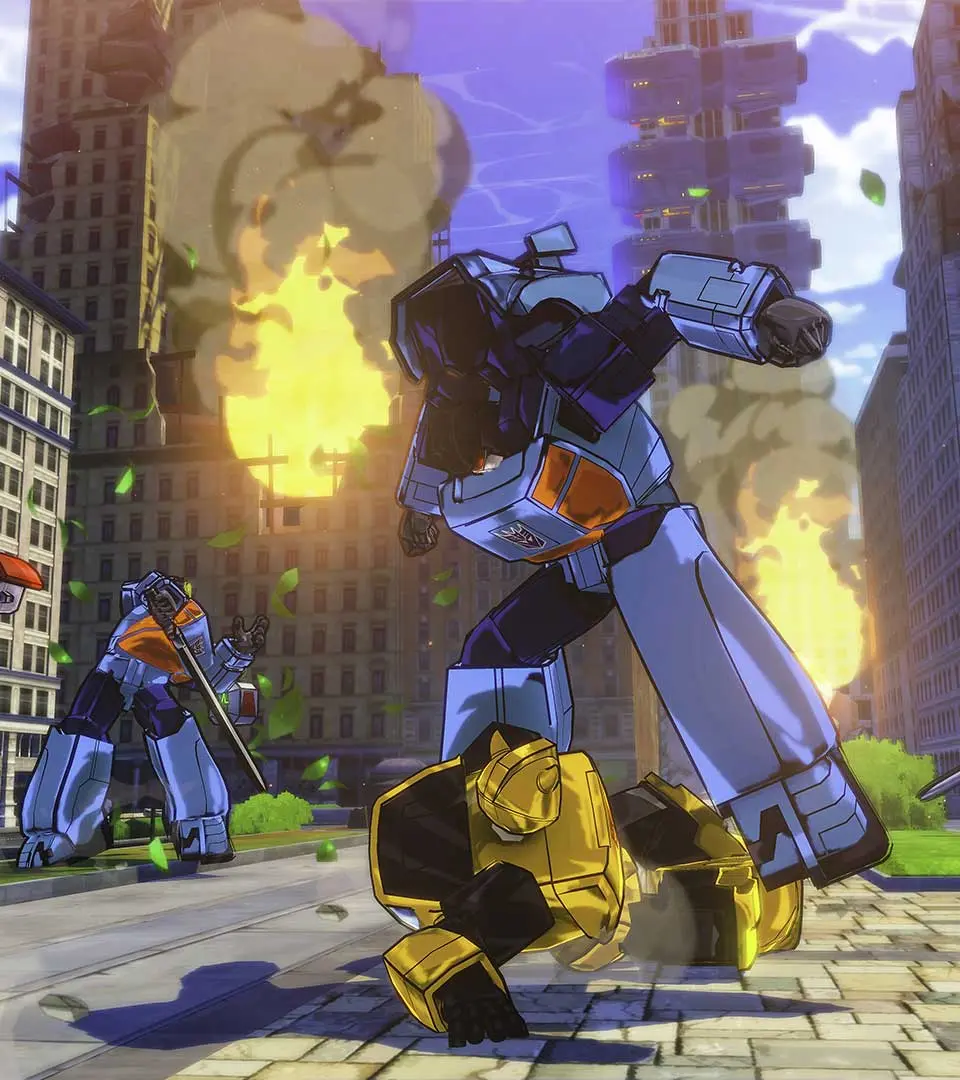
Learn the essential controls and movement mechanics for Transformers: Devastation. Master your Autobot's abilities to dominate the battlefield and defeat the Decepticons.
This guide covers the basic controls and movement options available to players in Transformers: Devastation. Understanding these fundamentals is key to effectively navigating the game world and engaging in combat.
Controls Overview:
| Action | Button/Input |
|---|---|
| Move | Left Analog Stick |
| Camera Control | Right Analog Stick |
| Jump | A Button (Xbox) / X Button (PlayStation) |
| Dodge/Evade | B Button (Xbox) / Circle Button (PlayStation) |
| Light Attack | X Button (Xbox) / Square Button (PlayStation) |
| Heavy Attack | Y Button (Xbox) / Triangle Button (PlayStation) |
| Transform/Vehicle Mode | Left Bumper (Xbox) / L1 Button (PlayStation) |
| Special Attack/Ability | Right Bumper (Xbox) / R1 Button (PlayStation) |
| Interact/Pick Up | X Button (Xbox) / Square Button (PlayStation) (Contextual) |
| Target Lock | Left Trigger (Xbox) / L2 Button (PlayStation) |
| Weapon Switch | D-Pad Up/Down |
| Ultimate Ability | Left Stick Click + Right Stick Click (or specific button combination) |
Movement Mechanics:
- Ground Movement: Utilize the Left Analog Stick to move your Transformer in robot mode.
- Aerial Maneuvers: Jump and dodge to control your movement in the air.
- Vehicle Mode: Transform into your alternate mode using the designated button to traverse larger distances quickly and engage in high-speed combat.
- Dodging: Master the timing of your dodges to evade enemy attacks and create openings for counter-offensives. A well-timed dodge can trigger a slow-motion effect, allowing for devastating combos.
100% Human-Written. AI Fact-Checked. Community Verified. Learn how AntMag verifies content