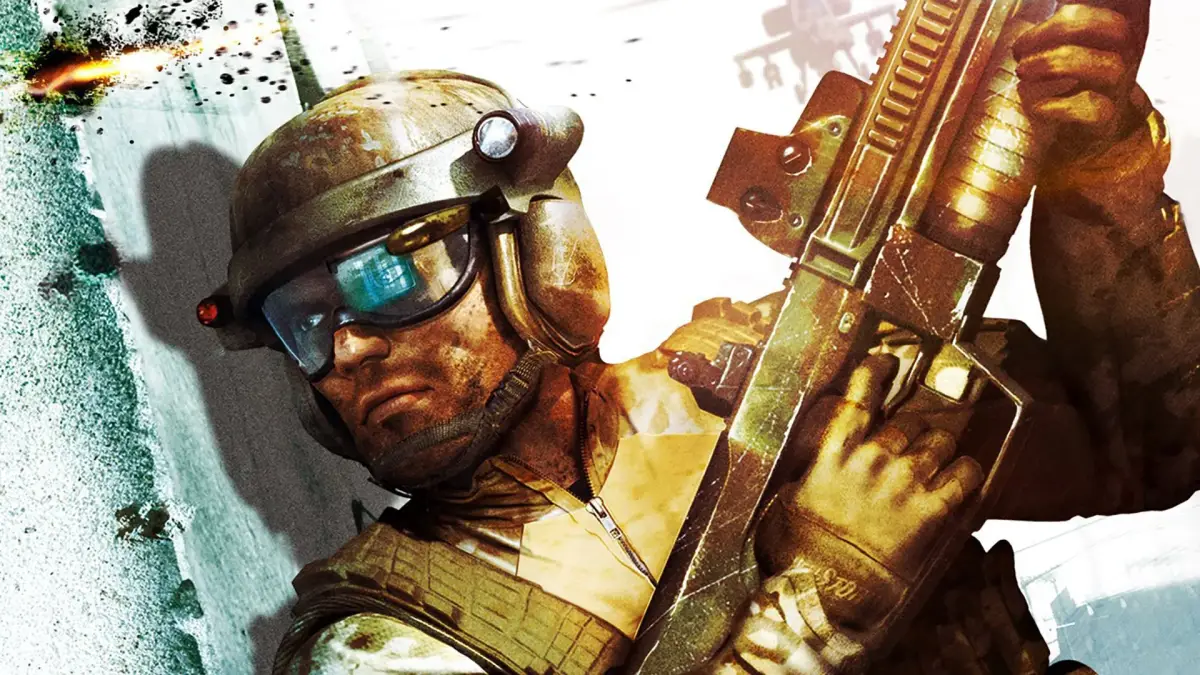
Learn how to control the cannon and open areas on the Sharpshooter map in Tom Clancy's Ghost Recon Advanced Warfighter. Tips for Dry Dock map included.
Walkthrough
- 1Send your teammates to control the cannon area and the open area on the other side.
- 2Be aggressive, moving towards the center plateau and its sides to control the map.
- 3Focus on winning gunfights or trading kills to reduce enemy numbers.
- 4Continue sending teammates to the two sides of the middle area.
Map: Dry Dock
The Dry Dock map is dark and can be frustrating, often leading to long Last Man Standing (LMS) matches. In LMS, it is smarter to camp it out.
Tips
- Adjust your screen brightness to level 7 or use your NVG (Night Vision Goggles) due to the map's darkness.
- The strategy for both spawns in LMS matches is the same.
- For LMS matches on Dry Dock, camping is a viable strategy.
- Be more aggressive on the center plateau and its sides in Sharpshooter, rather than staying in the spawn.
100% Human-Written. AI Fact-Checked. Community Verified. Learn how AntMag verifies content