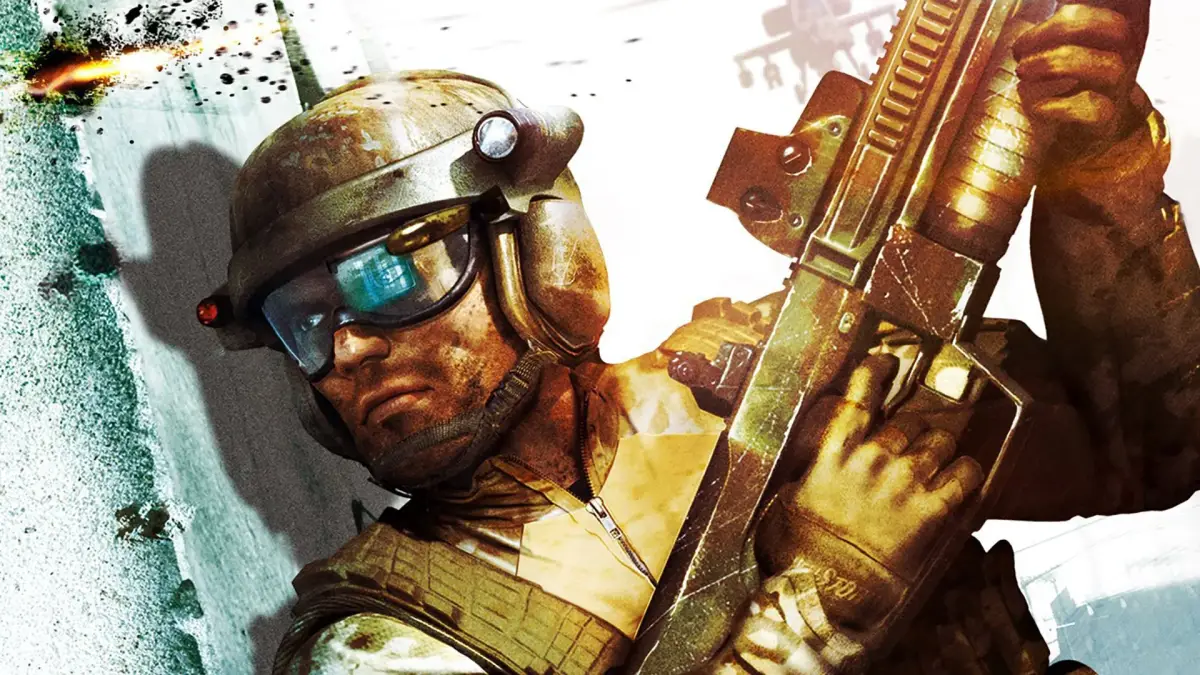
Learn how to adjust brightness in Tom Clancy's Ghost Recon Advanced Warfighter for darker maps like Wharf, Boneyard, and Dry Dock.
You can change the brightness settings in Tom Clancy's Ghost Recon Advanced Warfighter either in the lobby by navigating to player options, or during a match by pressing Start and then going to Options --> Brightness.
Tips
- For darker maps such as Wharf, Boneyard, and Dry Dock, it is recommended to turn up the brightness to level 5-8.
- This is not considered cheating and is a common practice among experienced players.
100% Human-Written. AI Fact-Checked. Community Verified. Learn how AntMag verifies content