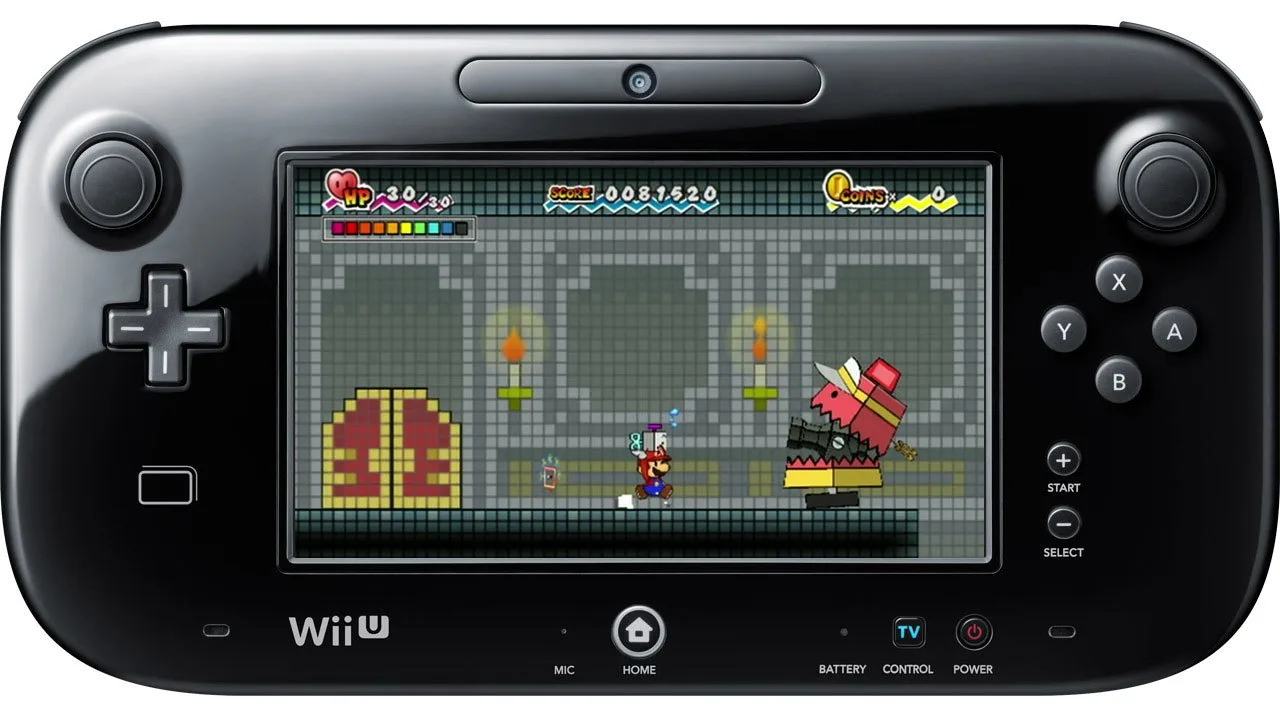
Welcome to Super Paper Mario, a unique RPG adventure on the Wii where you play as Mario, Peach, Bowser, and even Luigi, all thrown into a dimensional crisis. You'll navigate through distinct worlds, flipping between 2D and 3D perspectives to solve puzzles and battle enemies. The story unfolds across seven chapters, each with its own challenges and memorable characters like Tippi and Nastasia.
This guide is your ultimate companion for mastering the game. We'll walk you through every chapter, provide strategies for tough boss fights, help you collect all the elusive Catch Cards, and show you how to achieve the highest scores. Whether you're aiming for a perfect playthrough or just need help with a tricky section, this guide has you covered.
++++++++++++++++++++++++++++++++++++++++++++++++++++++++++++++++++++++
Learn how to start Super Paper Mario with this guide, covering initial steps and early game mechanics.
- 1Begin the game and follow the introductory narrative.
- 2Pay attention to the on-screen prompts and tutorials that explain basic movement and interaction.
- 3Familiarize yourself with the game's HUD (Heads-Up Display), which shows your health, collected items, and other important information.
- 4Understand how to navigate the environment using the controls explained in the early stages.
- Read all dialogue and tutorial messages carefully, as they provide crucial information for progressing.
- Experiment with the basic controls to get a feel for movement and jumping.
- Keep an eye on your health to avoid losing progress.
1.1)- Game mechanics
Learn about Super Paper Mario's HUD, leveling up, the unique 2D/3D flip mechanic, and the battle system to get a solid grasp on gameplay.
Alright, let's dive into the nitty-gritty of how Super Paper Mario actually plays! It's a bit of a wild mix, blending classic platforming with RPG elements. Think of it like a 2D side-scroller, but with cool stuff like leveling up and using special items thrown in.
Your HUD: What You Need to Know
First off, let's talk about your Heads Up Display, or HUD. It's pretty straightforward and shows you the essentials: your current Health Points (HP), your total Score, and how many Coins you've collected. You'll see your HP and total HP on the bottom left, your score on the bottom right (which is how you level up!), and your coins right next to that. There's also a 3-D timer bar that pops up when you're in the third dimension, showing you how long you can stay there.
Leveling Up: Getting Stronger
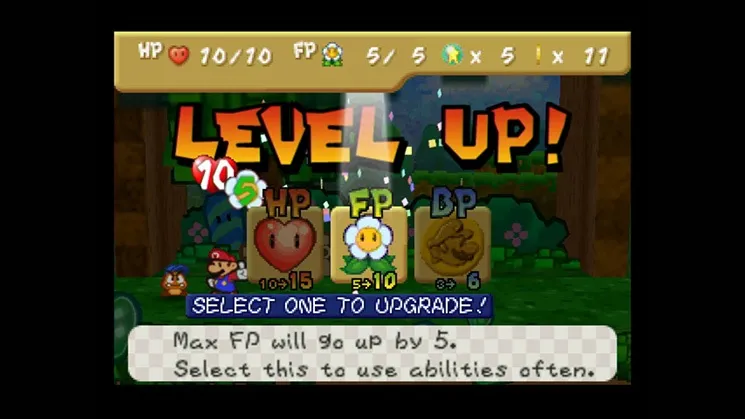
As you rack up points, you'll eventually level up. The game will pause, a
1.2)- Controls
Learn the Super Paper Mario controls, including how to flip dimensions with the A button and use Pixls with the 1 button.
Controls:
- Wii Remote Orientation: Hold the Wii Remote sideways, similar to Excite Truck, with the buttons facing up and the D-pad in your left hand.
- D-Pad:
- Up: Action (enter, open, talk, etc.) / Walk forward (in 3-D)
- Down: Duck/guard/walk backward (in 3-D) / Special attacks
- Left: Walk left
- Right: Walk right
- A Button: Flip dimensions.
- + Button: Pause game / Open menu.
- 1 Button: Use Pixl.
- 2 Button: Jump.
- Pointer: Point the Wii Remote at the screen to use Tippi's find and tattle abilities.
- Shaking the Wii Remote: After jumping and pausing mid-air, shaking the Wii Remote earns stylish points that add to your overall score.
1.3)- Pixls
Learn about Pixls in Super Paper Mario, their unique abilities, and how to use them as secondary party members. You can only have one Pixl active at a time.
Pixls are essentially a secondary party member with no HP or defense, and cannot be attacked by an enemy. Each Pixl has its own unique ability that is activated by pressing 1. You can only have 1 Pixl on the field at any one time (excluding Tippi), but you can change Pixls at any time via the pause menu. As you progress through the game you will find more and more Pixls. Learn to use each Pixl's ability to its fullest, and remember to think outside the box when using them. See section 7) for more specific info on Pixls.
- You can switch between Pixls at any time using the pause menu.
- Experiment with each Pixl's unique ability to find creative solutions.
- Remember that you can only have one Pixl active on the field at a time, in addition to Tippi.
Similar guides you might like

100% Human-Written. AI Fact-Checked. Community Verified. Learn how AntMag verifies content