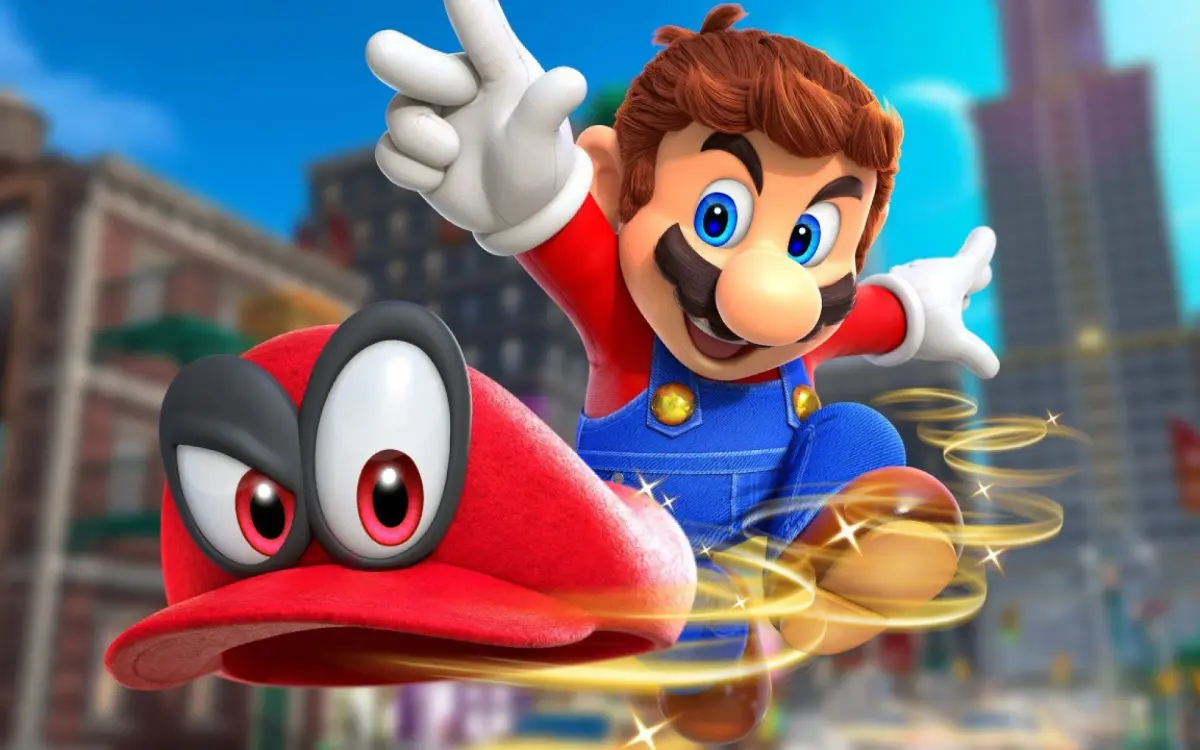
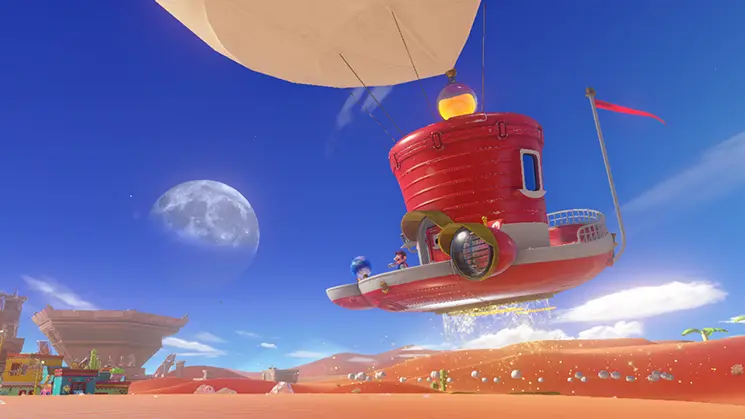
Learn how to use Photo Mode and apply various filters in Super Mario Odyssey to capture stunning in-game screenshots. Discover tips and tricks for the best shots.
Super Mario Odyssey features a robust Photo Mode that allows players to capture memorable moments with a variety of tools and filters. This guide will walk you through how to access and utilize these features to create your own unique screenshots.
How to Access Photo Mode:
Photo Mode can be accessed at almost any time during gameplay by pressing the 'Y' button. This will pause the action and bring up the Photo Mode interface.
Photo Mode Features:
- Camera Controls: Move the camera freely around Mario, zoom in and out, and rotate the view to get the perfect angle.
- Filters: Apply a wide range of filters to alter the mood and style of your screenshots. Options include black and white, sepia, vibrant colors, and more.
- Stickers: Add special stickers to your photos, such as Mario-themed icons or background elements.
- Depth of Field: Adjust the focus to blur the background or foreground, making Mario stand out.
- Aspect Ratio: Change the aspect ratio of your photo to suit different display preferences.
- Character Expressions: Mario and Cappy can display various emotions, adding personality to your shots.
- Grid Lines: Enable grid lines to help with composition and framing.
Tips for Great Photos
- Experiment with different camera angles and distances.
- Try out various filters to see how they change the atmosphere of a scene.
- Use stickers to add a personal touch or highlight specific elements.
- Pay attention to lighting and shadows for dramatic effect.
- Don't be afraid to get creative and capture unique perspectives!
100% Human-Written. AI Fact-Checked. Community Verified. Learn how AntMag verifies content