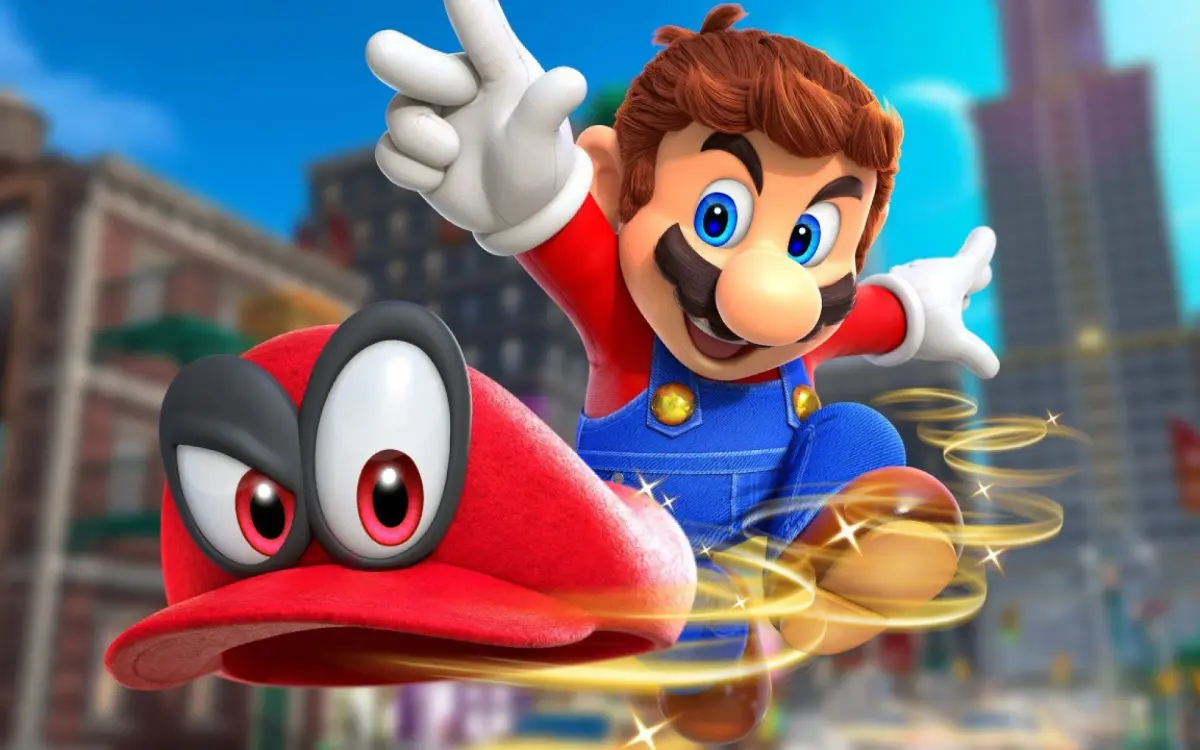
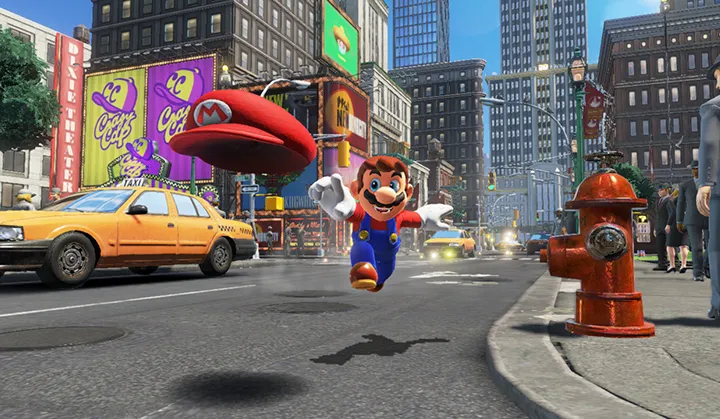
Learn how to install and set up Super Mario Odyssey on your Nintendo Switch with our easy-to-follow guide. Get ready for an epic adventure!
This section provides instructions on how to install and begin playing Super Mario Odyssey. As Super Mario Odyssey is a game for the Nintendo Switch, the installation process involves acquiring the game and setting it up on your console.
Installation:
- Digital Purchase: Purchase Super Mario Odyssey from the Nintendo eShop on your Nintendo Switch. The game will download and install automatically.
- Physical Purchase: Buy the game's cartridge from a retailer. Insert the cartridge into your Nintendo Switch to play.
Initial Setup:
- Once the game is installed or the cartridge is inserted, select the Super Mario Odyssey icon from the Nintendo Switch HOME Menu to launch the game.
- Follow the on-screen prompts to begin your adventure. This may include initial settings or a brief introductory sequence.
Tips
- Ensure your Nintendo Switch has a stable internet connection for digital downloads.
- Make sure you have enough storage space on your console or microSD card for the digital version.
100% Human-Written. AI Fact-Checked. Community Verified. Learn how AntMag verifies content