Navigate the Zone with ease! This guide breaks down the S.T.A.L.K.E.R. 2: Heart of Chornobyl User Interface, covering HUD elements, inventory, menus, and more for a seamless experience.
Welcome to the AntMag guide for S.T.A.L.K.E.R. 2: Heart of Chornobyl. This section will help you understand and navigate the game's User Interface (UI), ensuring you can manage your inventory, track your objectives, and survive the dangers of the Zone.
The UI in S.T.A.L.K.E.R. 2 is designed to provide crucial information without overwhelming the player. Key elements include the Heads-Up Display (HUD), inventory management screens, PDA, and various menus.
HUD Elements:
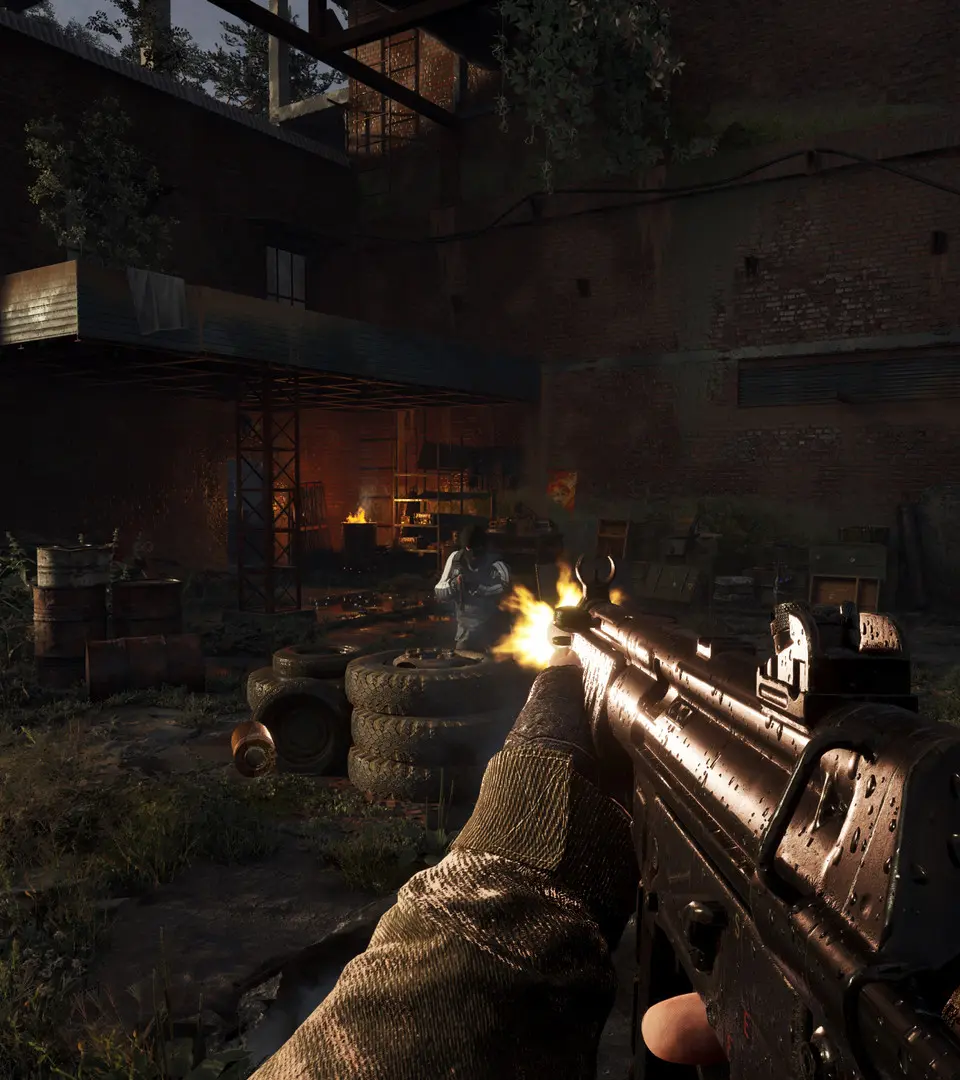
- Health and Stamina Bars: Typically located at the bottom of the screen, these indicate your current health and stamina levels.
- Radiation Meter: Displays your current radiation exposure. High levels can be detrimental to your health.
- Hunger/Thirst Indicators: If implemented, these will show your character's basic needs.
- Weapon and Ammo Display: Shows your currently equipped weapon and the amount of ammunition you have.
- Minimap/Radar: Helps you orient yourself in the game world, showing nearby points of interest, enemies, and allies.
- Objective Tracker: Displays your current main and side mission objectives.
Inventory Management:
- Accessing your inventory allows you to manage weapons, armor, consumables, artifacts, and quest items.
- Organizing your inventory efficiently is key to survival, especially when carrying valuable loot or essential supplies.
PDA (Personal Data Assistant):
- The PDA serves as your central hub for information, including maps, mission logs, character information, and lore entries.
- It's crucial for tracking your progress and understanding the game's narrative.
Menus:
- The main menu, pause menu, and options menu allow you to save/load games, adjust settings, and quit.
- Understanding these menus is essential for game progression and customization.
Mastering the UI is a vital step in your journey through the Zone. Pay attention to these elements to stay alive and informed.
100% Human-Written. AI Fact-Checked. Community Verified. Learn how AntMag verifies content