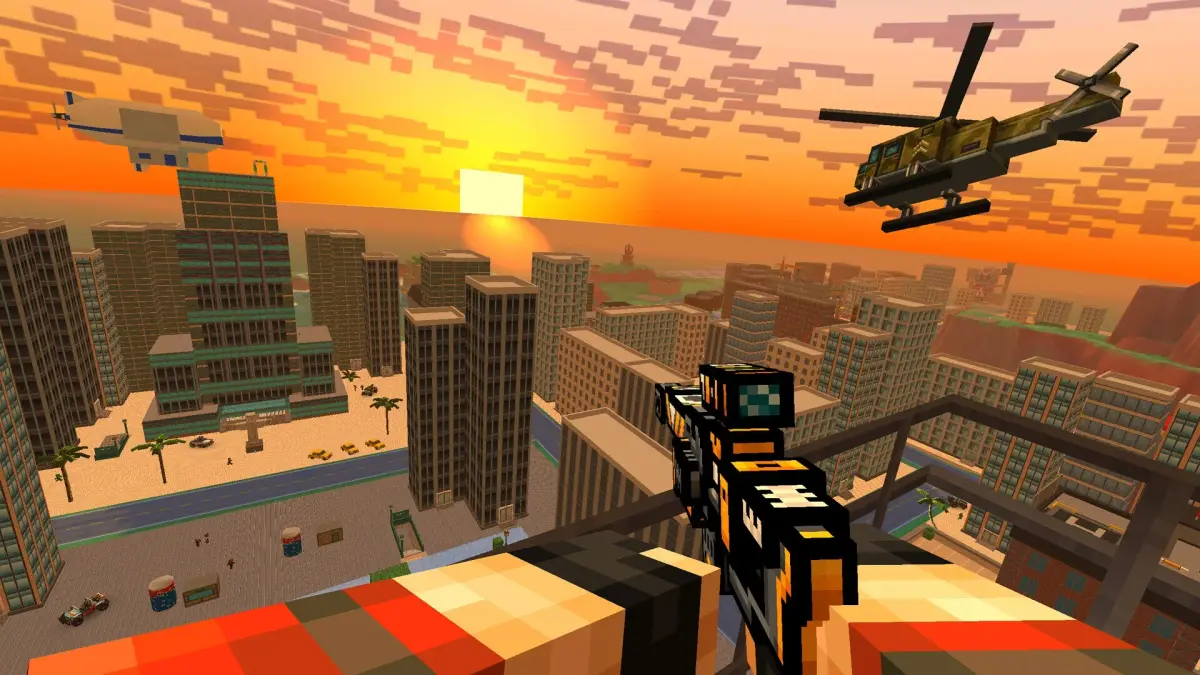
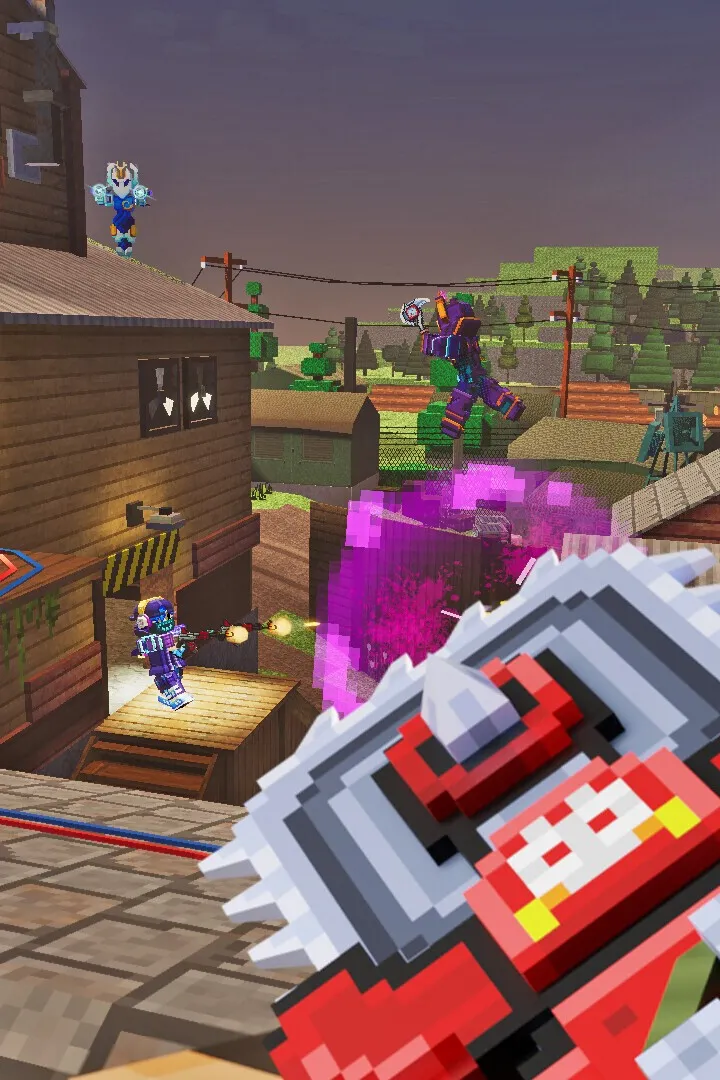
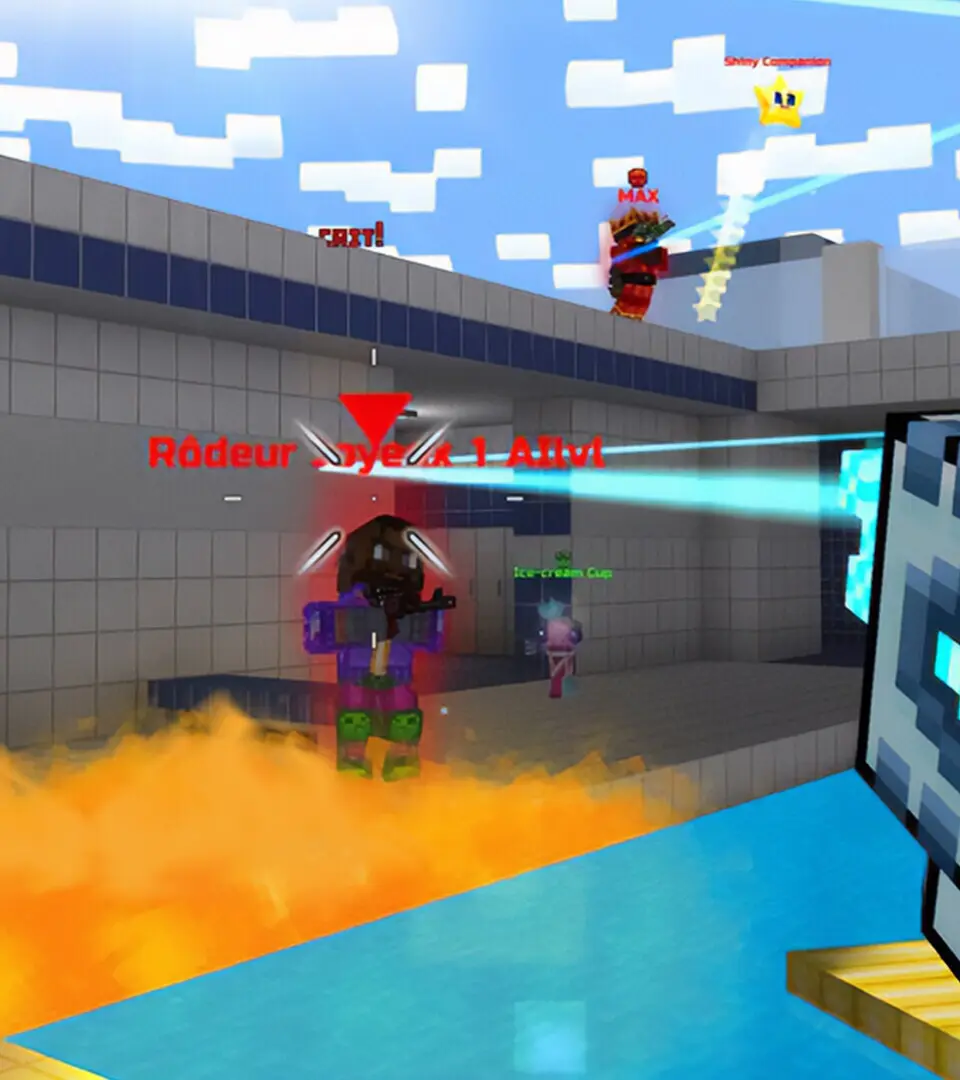
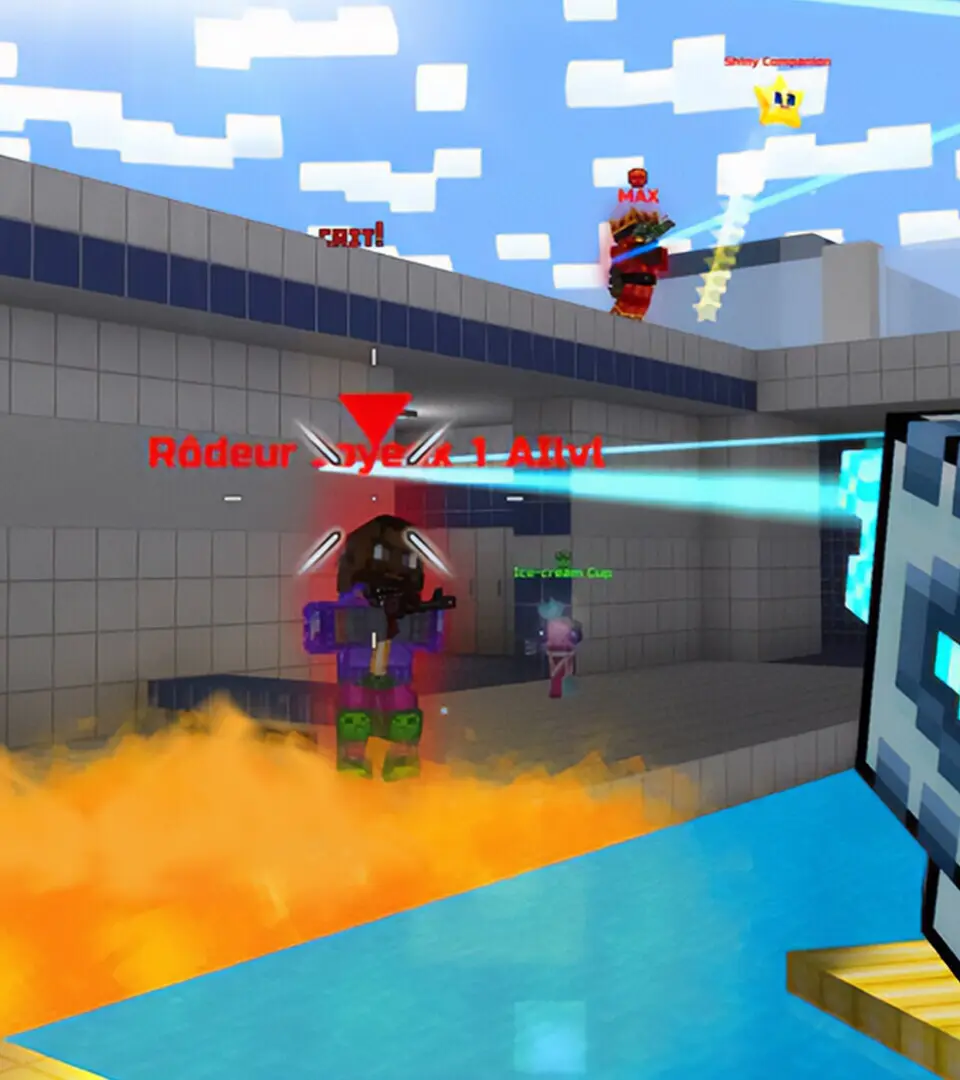
Welcome to Pixel Gun 3D: PC Edition! This free-to-play first-person shooter drops you into blocky, voxel-based battlefields where you'll blast other players and AI enemies with over 1,200 customizable weapons. Whether you're diving into team deathmatch, a battle royale, or a co-op zombie survival campaign, the action is fast-paced and chaotic. With diverse maps from resorts to urban zones and a robust clan system for building forts, there's always something new to conquer.
This guide is your go-to for mastering the PC version of Pixel Gun 3D. We'll cover everything from basic controls and weapon loadouts to advanced strategies for tower defense and tackling unique bosses. Get ready to dominate the pixelated arenas!
Getting Started
Begin your adventure in Pixel Gun 3D: PC Edition! Learn about game modes, weapons, and how to get started in this blocky, action-packed FPS. Master combat and explore diverse maps.
Getting Started
Begin your adventure in Pixel Gun 3D: PC Edition! Learn about game modes, weapons, and how to get started in this blocky, action-packed FPS. Master combat and explore diverse maps.
Controls — Pixel Gun 3D: PC Edition Guide
Learn the essential controls for Pixel Gun 3D: PC Edition. Master movement, aiming, shooting, and weapon switching to dominate every match. Your ultimate guide to PC controls.
This guide details the controls for Pixel Gun 3D: PC Edition. Understanding these controls is crucial for effective gameplay and mastering combat.
| Action | Button |
|---|---|
| Movement (Forward/Backward/Left/Right) | W/S/A/D |
| Jump | Spacebar |
| Crouch | Ctrl |
| Aim | Right Mouse Button |
| Fire | Left Mouse Button |
| Reload | R |
| Switch Primary Weapon | 1 |
| Switch Secondary Weapon | 2 |
| Switch Melee Weapon | 3 |
| Switch Grenade | 4 |
| Use Health Pack | H |
| Throw Grenade | G |
| Interact/Pick Up Item | E |
| Open Map | M |
| Scoreboard | Tab |
| Chat | T |
| Voice Chat | V |
| Pause Menu | Esc |
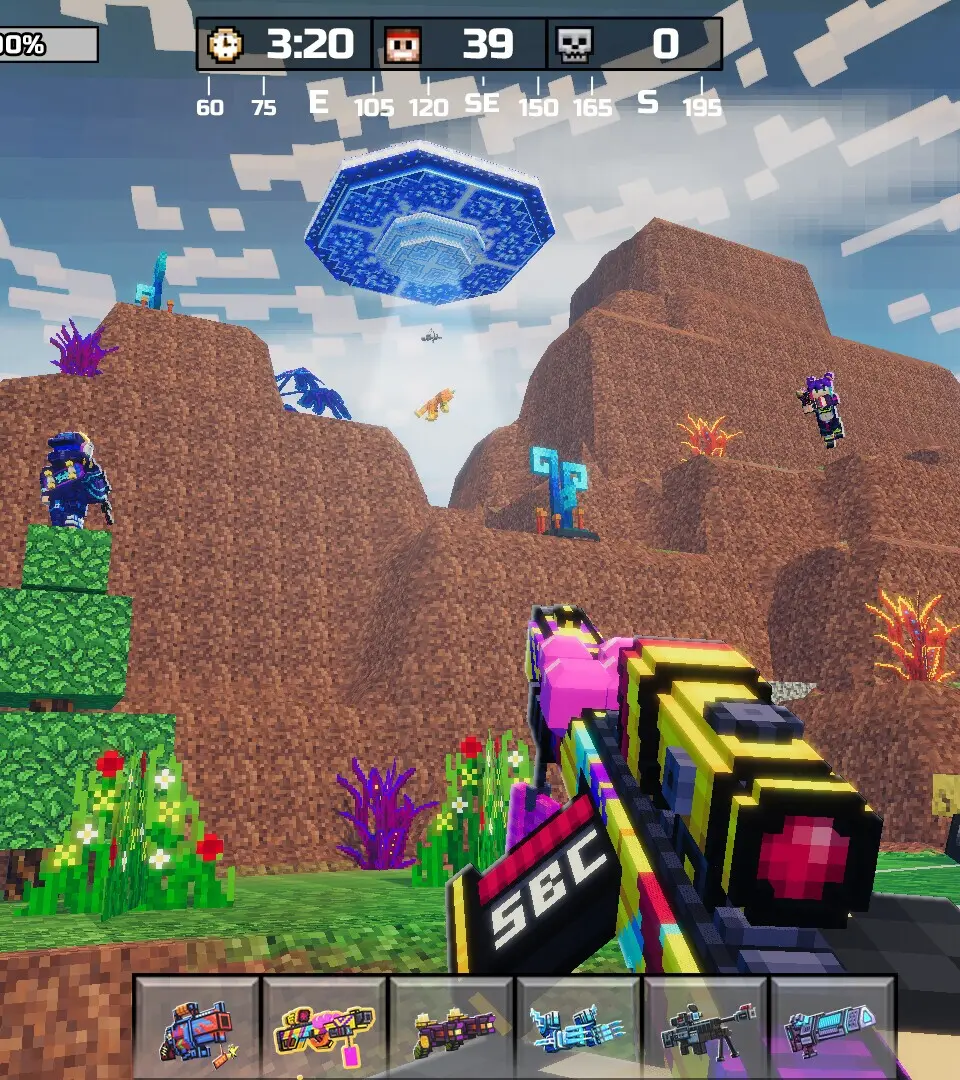
Controls & UI — Pixel Gun 3D: PC Edition Guide
Navigate Pixel Gun 3D: PC Edition with ease. This guide details essential controls, UI elements, and gameplay mechanics to enhance your combat experience and dominate matches.
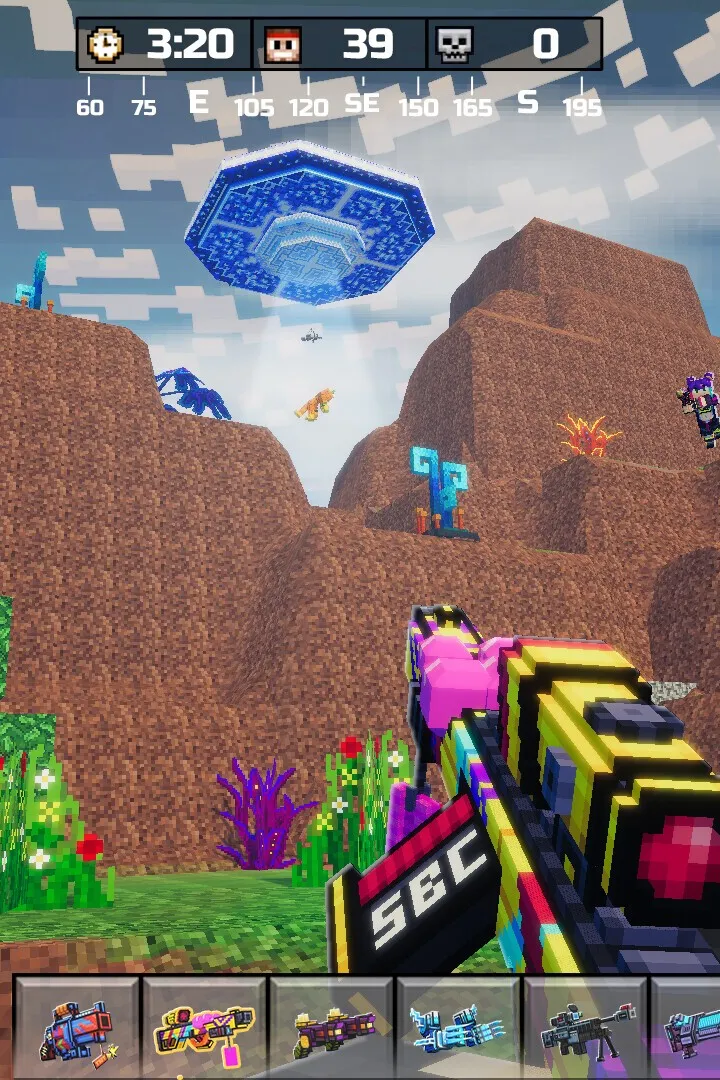
This guide provides an overview of the controls and user interface for Pixel Gun 3D: PC Edition. Understanding these elements is crucial for effective gameplay and dominating matches.
The game emphasizes acquiring powerful weapons and improving player skills. It is a grind-based game requiring significant time investment. Key aspects covered include optimal loadouts, leveling up, weapon upgrades, and effective combat tactics.
A core principle is saving in-game currencies like Gems. The upgrade system requires these valuables, and weapons' damage decreases as you level up, only allowing upgrades to your current level. This creates a cycle until reaching the maximum Level 65. While saving is generally advised, occasional investment, especially in Coins, is beneficial due to their stable obtainability. Some weapons purchased with currency are powerful enough to be recommended. Exceptions like Modules will be discussed. Primarily, Armory weapons will be featured, as limited-time events like the Lottery and Trader's Van offer randomized selections.
Contents
- Progression
- Early-game (COOL et. al.)
- Mid-game (COOL, Bobross et. al.)
- Late-game (Bobross et. al.)
- All ranges
- Metagame
Progression
Currency guide based on levels (simple)
Lv. 10-30: Hoard everything you can and use guns you get from the Lottery/free guns, as they are usually good (Coins, Gems, Pass Tickets, Coupons, and anything you can get from ads is what you should be getting whenever possible)
Lv. 30-50: Keep on only using Lottery weapons/free guns and only spend currency on necessary things like Trader's Van weapons that are very good or set Lottery guns that are good.
Lv. 50-65: From 50 to 64 keep saving and refrain from upgrade anything with gems until level 65; at level 65, spend all your saved-up currency on strong weapons (list can be found below on the page)
Leveling up
The best way to level up depends on what you currently have. If you have XP Boosters (200% is the most intuitive), you can generally play Classic Mode matches and gain the most XP that way, especially since Boosters do not increase XP gained in Minigames. Otherwise, farming said ones that grant XP is your next best option. The following ones give Experience:
- Block Crash
- Coop Survival
- Deadly Games
- Glider Rush
- Monster Hunting
- Parkour Challenge (Requires great practice)
- Racing
- Red Light
- Sniper Tournament
When trying to level up, play on maps that you and your weapons are most suited for to maximize your chances of winning and gaining extra XP. Generally, the best mode to play is Deathmatch, as you do not have to worry about teammates and having Bots, nor rely on matchmaking; even then, defeats, unlike Team Fight and similar modes, can still grant you 15 XP if your placement in a match is 4th or above. You could also join unpopular maps (those with small player numbers) and fight Bots for easy wins, however these may require some time to find, and actual players can still defeat you.
Early-game (COOL et. al.)
Early-game is usually considered the range between Lv. 10 to 30 (from Lv. 1–9, simply save up your Currencies and Keys, these levels also act as a tutorial so you can get a feel for the game while saving Gems, Coupons, etc.). The following list is a summary of what is the most effective way to level up in this stage:
Currency
It is recommended you focus your Coins on Rare and Epic weapons to quickly fill in for the starter weapons, but please note that the Lottery should be your main source of guns at this level. The aforementioned weapons are of lower Grade; they may be less powerful than Legendary guns and above, but are cheaper to buy and upgrade. However, there are a few notable exceptions when leveling up (see below). Note that Coins are the easiest currency to obtain, so its often not a mistake to upgrade your loadout with them, especially since upgrading is cheapest in this Level range.
Generally, however, you do not want to spend any Gems.
Gameplay Basics
Dive into Pixel Gun 3D: PC Edition with our comprehensive guide. Learn about single-player campaigns, survival modes, diverse multiplayer options, and weapon loadouts.
Pixel Gun 3D: PC Edition offers a rich gameplay experience with various modes and extensive customization. This guide covers the core mechanics to help you get started.
- Single-Player Modes: Explore narrative-driven campaigns as 'Newbie' or 'Pixel Man' to uncover the zombie apocalypse's origins, or test your endurance in offline Survival mode against endless zombie waves. Both modes utilize touch controls and reward players with coins and experience points (XP) for progression up to level 65.
- Multiplayer Modes: Engage in real-time competition with modes like Team Fight, Deathmatch, Duel, and Co-op Survival. The Battle Royale mode challenges up to 30 players to be the last survivor on shrinking maps. Clans offer a social hub for cooperative events and competitive wars, with crossplay enabled between mobile and PC versions.
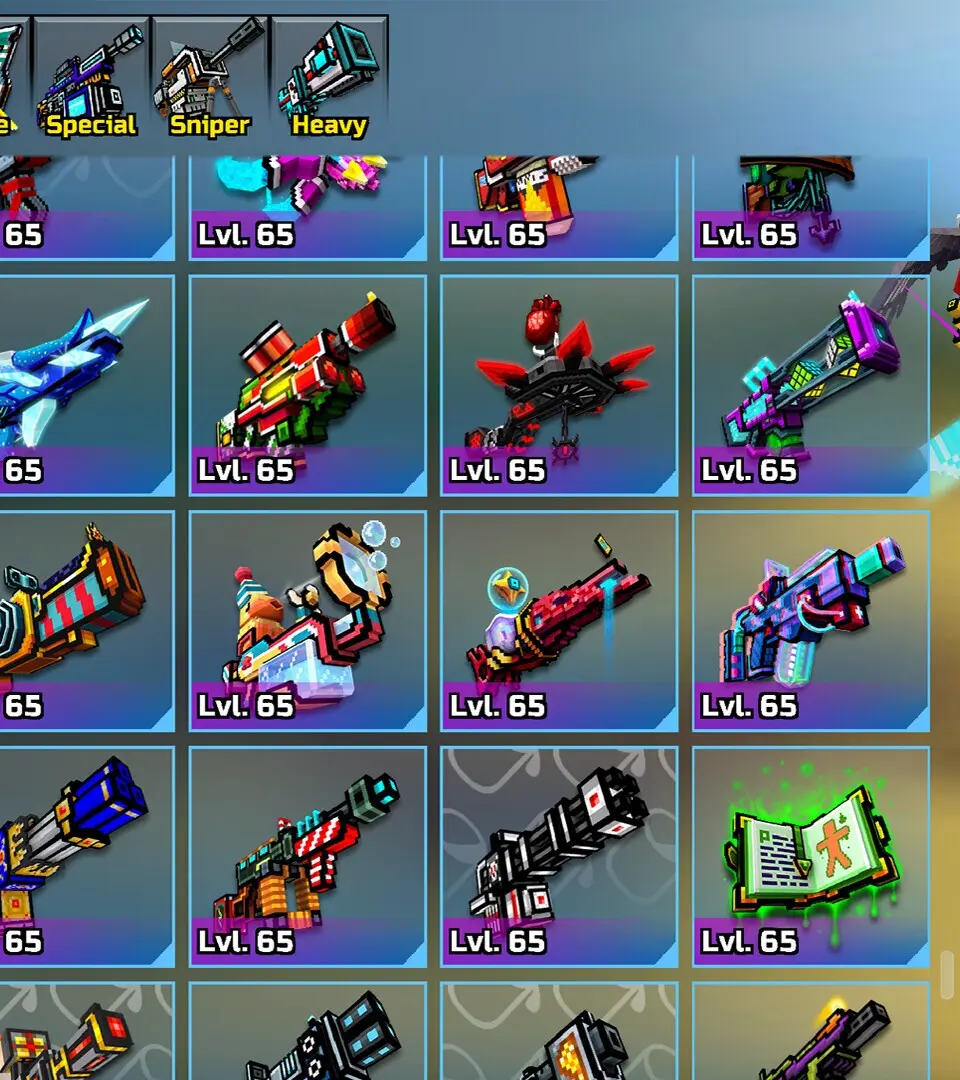
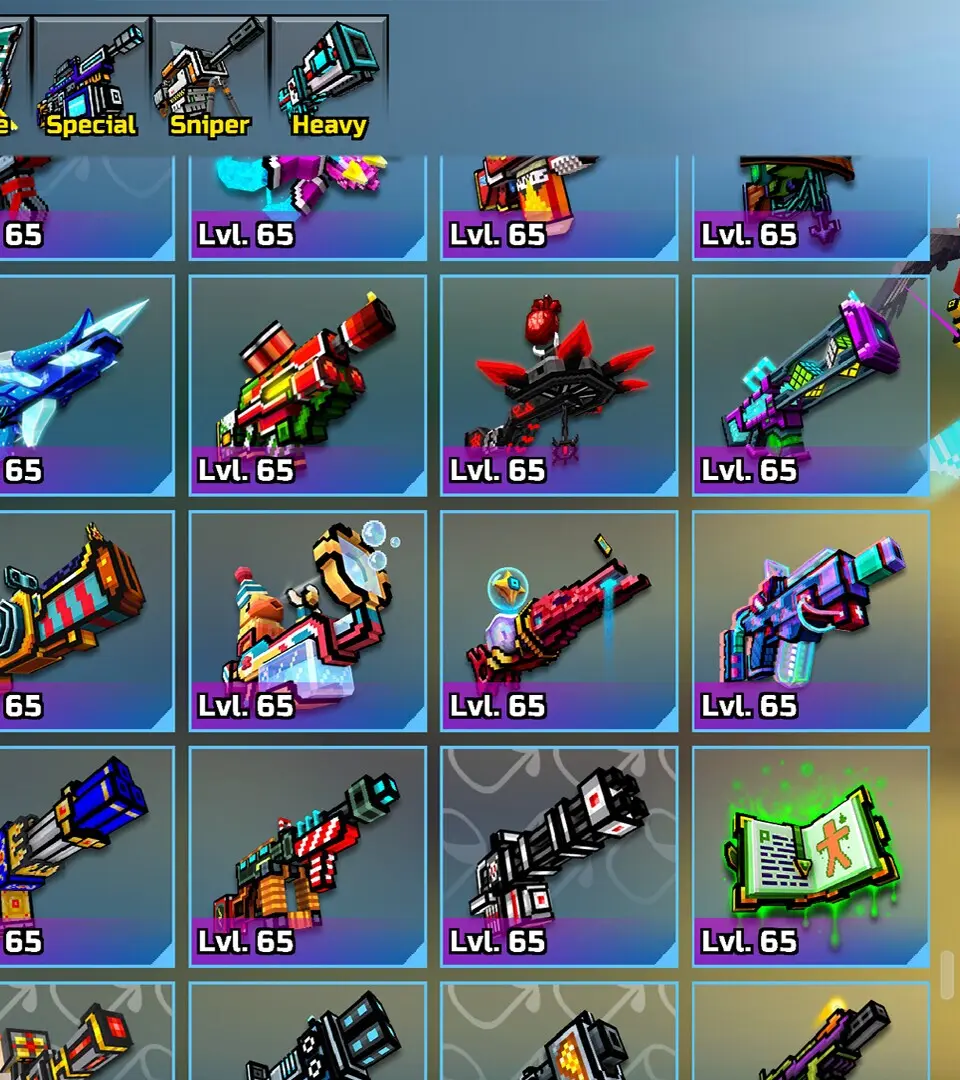
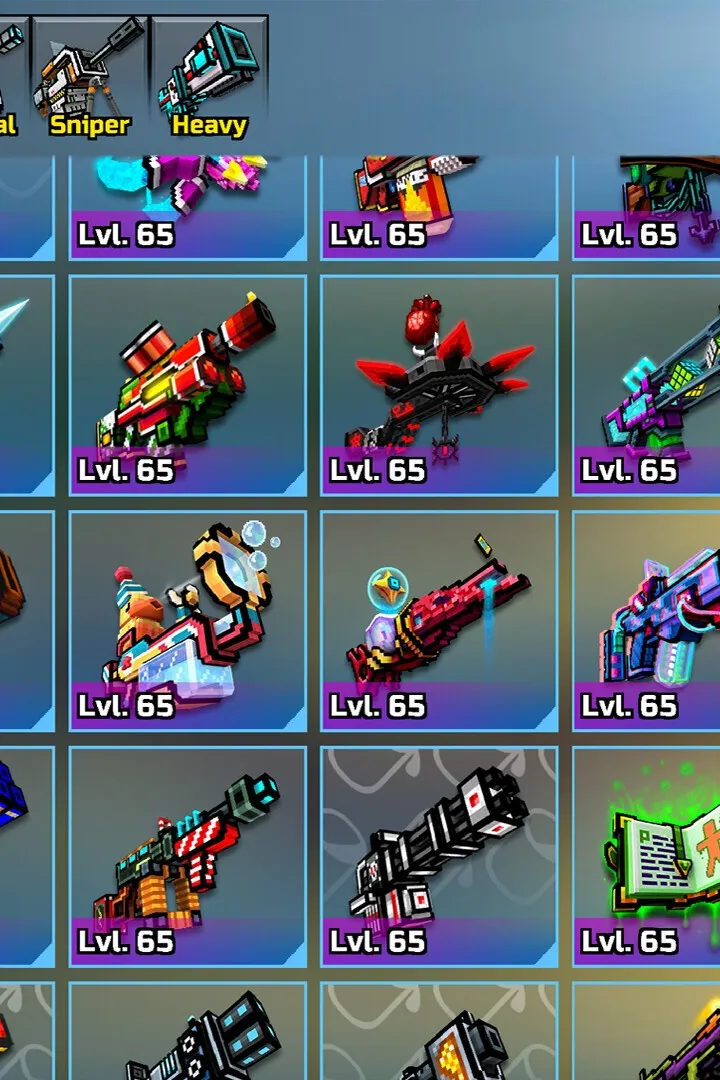
- Weapons and Equipment: Choose from over 1,500 weapons categorized into Primary, Backup, Melee, Special, Sniper, and Heavy. Enhance your combat effectiveness with gadgets like grenades and Jetpacks, and utilize pets for passive buffs. Armor sets provide defensive bonuses, and all items can be customized with skins and upgraded using in-game currency.
Similar guides you might like





100% Human-Written. AI Fact-Checked. Community Verified. Learn how AntMag verifies content